Digital Agency Testing Tools: Run Client Tests in Mida
A client website can lose conversions through one weak headline, one confusing form, or one extra checkout step. Digital agency testing tools help you find those problems with evidence instead of opinion. Mida.so gives agencies a place to c...
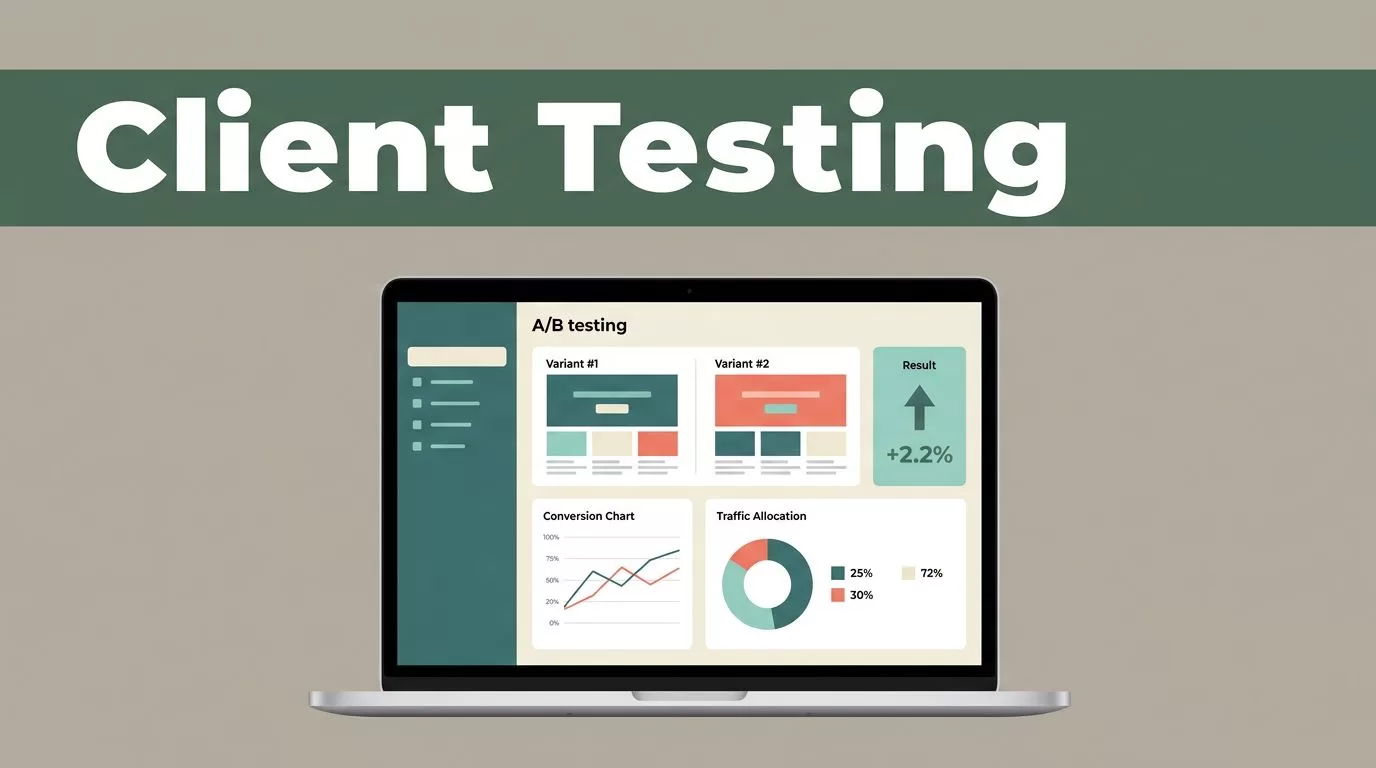
A client website can lose conversions through one weak headline, one confusing form, or one extra checkout step. Digital agency testing tools help you find those problems with evidence instead of opinion.
Mida.so gives agencies a place to create experiments, assign traffic, track goals, and review results across client websites. The platform won’t replace research or strategy. It gives your team a controlled way to test changes and document what happened.
The process starts with a clean account structure and a clear hypothesis. Then you build, check, launch, and analyze each test with the same discipline.
Key Takeaways
- Use Mida.so to manage A/B tests without mixing client data or experiment goals.
- Start with one measurable conversion problem and one primary metric.
- Use a consistent workflow for setup, approvals, quality checks, and reporting.
- Compare Mida results with analytics, CRM, and sales data before making a client recommendation.
- Treat every result as evidence for the next decision, not as a guaranteed outcome.
Why Digital Agencies Need a Dedicated Testing Workflow
Most agencies already use analytics platforms, heatmaps, session recordings, and marketing automation tools. Those tools show what visitors do. They don’t always tell you which version of a page produces a better result under comparable traffic conditions.
That is the role of an A/B testing platform. It divides eligible visitors between a control and one or more variants. You then compare a defined goal, such as a form submission, product purchase, demo request, or checkout completion.
Without a structured testing tool, agencies often make changes in the wrong order. A designer updates the page. A developer publishes it. The client waits for a report. Nobody can separate the effect of that change from seasonality, paid traffic changes, pricing updates, or other site work.
Mida.so creates a testing layer between the idea and the permanent release. You can test a page change before recommending that the client adopt it across the site.
This matters when your team manages several CRO programs at once. Each client needs separate hypotheses, audiences, goals, reports, and approval records. A shared spreadsheet can’t control the live visitor experience. It also doesn’t provide the experiment itself.
Use the tool for changes that can be isolated and measured:
- Headlines, subheadings, and value propositions
- Calls to action, button text, and button placement
- Lead forms and the number of fields
- Pricing page layouts and plan presentation
- Product page content and purchase prompts
- Navigation elements that affect the path to conversion
Don’t use a page experiment to answer a question that requires backend logic, inventory rules, payment processing, or changes to the product itself. Those tests need a different implementation method. Keep Mida focused on changes it can display and measure on the website.
A test is only useful when the agency can connect one change to one measurable decision.
Set Up Mida.so for Multiple Client Websites
Your first task is not creating a variant. It is creating separation.
Keep each client website in its own Mida project or account structure. Use clear names that identify the client, domain, and environment. Avoid labels such as “Test 1” or “New Experiment.” Those names create problems when a client has several tests running.
A practical naming format is:
Client / Website / Page / Hypothesis / Month
For example, use a name such as Northstar / SaaS Site / Demo Page / Shorter Form / July 2026. The name tells your team what the test covers before anyone opens the configuration.
Before launching a test, record five details:
- The page or URL pattern included in the experiment.
- The audience that should see the test.
- The control version and the proposed variant.
- The primary conversion goal.
- The owner, approval status, and planned review date.
Install Mida according to the current setup instructions for the client site. Test the installation on the correct environment before sending live traffic. If the agency manages sites built with different systems, keep a separate implementation record for each one. A Webflow site, Shopify store, and custom application may have different publishing and consent requirements.
Access control matters as much as the technical setup. Client websites often contain customer data, payment flows, and unpublished campaigns. Give team members the access they need for their role. Keep client approval in the same project record as the test details.
Set a pause rule before the test starts. For example, pause the experiment if the variant causes a broken form, a major drop in a guardrail metric, or a visible issue on mobile devices. This prevents your team from waiting for a report while users experience a technical problem.
Build a Clean A/B Test in Mida
A strong test begins with a specific problem. “Improve the homepage” is not a test brief. “More visitors should request a demo” is closer, but it still lacks the change and the reason.
Write the hypothesis in one sentence:
Changing the demo form from six fields to four will increase completed submissions because visitors can finish it with less effort.
The statement has a change, a target action, and a reason. It gives the designer, developer, analyst, and client one shared reference.
Create the control first. The control is the current page that receives the standard experience. Then build one meaningful variant. Testing five unrelated changes at once can produce a winner, but it won’t tell you which change caused the result.
Use Mida’s editor and configuration options to apply the smallest change that answers the question. A headline test should not also change the form, page structure, and offer. Keep the variant easy to review and easy to roll back.
Set the audience before allocating traffic. A test may apply to all visitors, paid campaign visitors, mobile users, returning users, or visitors on a defined page path. Choose the audience based on the hypothesis. Don’t target every visitor because it is the default.
Select one primary goal. It could be:
- Completed lead form
- Demo booking
- Purchase
- Add-to-cart event
- Click on a high-intent call to action
Add secondary metrics only when they help detect a trade-off. A variant might increase button clicks while reducing completed forms. Tracking both events prevents a shallow win from reaching the client report.
Confirm that the goal fires once and fires on the correct action. Test successful submissions, validation errors, refreshes, redirects, and mobile interactions. If the conversion event fires twice, the result is not reliable.
Don’t stop a test because the first few hours look positive. Check traffic quality, allocation, technical errors, and conversion tracking first. Let the test collect enough data to support the decision. A short burst of paid traffic can produce a result that doesn’t hold when the traffic mix changes.
Use a Repeatable Agency Testing Process
An agency gets more value from a consistent process than from a large number of random experiments. Create a standard path that every client test follows.
1. Audit the page
Review analytics, recordings, user feedback, search terms, and sales objections. Identify a conversion problem that appears in the data. Record the baseline period and the page version before making changes.
2. Write the brief
Document the hypothesis, audience, primary goal, variant details, risks, and expected decision. Keep the brief short. A developer should know what to build without asking the strategist to restate the idea.
3. Build in Mida
Create the experiment in the correct client project. Add the control, configure the variant, set traffic rules, and connect the selected goal. Use a descriptive name and add the internal owner.
4. Complete QA
Review the test on common screen sizes and browsers. Check navigation, forms, tracking, consent behavior, page speed, and compatibility with active campaigns. Use a test URL or preview mode when available before exposing the change to normal visitors.
5. Request approval
Send the client a short approval record. Include the page, hypothesis, screenshots, audience, goal, and pause conditions. A client should approve the change before live traffic reaches the experiment.
6. Monitor after launch
Check the first launch window for broken elements, incorrect targeting, unusual traffic allocation, and duplicate conversions. Don’t change the variant during the test unless you document the change and restart the analysis.
7. Close the experiment
Mark the test as won, lost, inconclusive, or technically invalid. Store the result with the hypothesis and recommendation. If the test wins, define the permanent implementation. If it loses, record what the result rules out.
This workflow gives account managers a clear status update. It also stops the agency from presenting a dashboard without a decision attached.
Read Mida Results With Business Context
A report needs more than a winning percentage. Start with the primary metric and compare the control with the variant under the same test conditions.
Check whether the result is consistent across important segments. Mobile visitors, paid traffic, organic visitors, and returning users can respond differently. A variant that wins overall may perform poorly for the audience that matters most to the client’s revenue.
Review the absolute numbers as well as the rate. A small difference based on a small number of conversions should not drive a site-wide recommendation. Look at the number of visitors, conversions, test duration, traffic sources, and any unusual campaign activity.
Use Mida as the experiment record, then compare the result with the client’s existing data. GA4 can help you inspect broader behavior. A CRM can show whether leads become qualified opportunities. An ecommerce system can show revenue, refunds, and average order value.
This cross-check matters because a click is not always a business result. A new button may receive more clicks while attracting lower-quality leads. A shorter form may increase submissions while giving sales less information.
A practical client report should answer four questions:
- What did we change?
- What did the test measure?
- What happened to the primary goal?
- What should the client do next?
Use plain language. Say that the variant produced a higher or lower conversion rate during the test period. Don’t promise the same result after permanent deployment. A test result is evidence from a defined audience and time period. It isn’t a guarantee.
Avoid Common Testing Errors
The most expensive testing mistakes usually happen before analysis.
Running several overlapping experiments on the same page can contaminate the results. If one test changes the headline and another changes the call to action, you may not know which experience each visitor received. Schedule related tests or use a planned multivariate design when the traffic supports it.
Changing the control during an active test creates another problem. A control must remain stable. If the client updates pricing, adds a banner, or changes the form, record the event and decide whether the experiment needs to restart.
Don’t use a weak goal because it is easy to track. Page views and button clicks can help diagnose behavior, but they may not match the client’s commercial objective. Use the closest measurable action to revenue or qualified demand.
Avoid testing without a traffic plan. A high-traffic homepage can support more experiments than a low-volume service page. On low-volume pages, focus on larger usability problems and combine testing with qualitative research.
Finally, don’t archive results without recording the lesson. A losing test still removes one option from the decision set. Future experiments can build on that evidence instead of repeating the same idea six months later.
Conclusion
Mida.so gives digital agencies a practical place to organize client experiments, serve controlled page variants, and connect changes with measurable goals. The platform works best when the agency supplies a clear hypothesis, stable implementation, careful QA, and disciplined reporting.
Set up each client separately. Test one meaningful change at a time. Review the result with analytics and business data before recommending a permanent release.
The right digital agency testing tools don’t make decisions for your team. They give your team a reliable record for making better ones.
