Build an eBay Auction Sniper Bot on Twin.so Safely
Winning a rare listing often depends on timing, but an eBay auction sniper bot can create more problems than it solves if it ignores platform rules. The safer approach is to use Twin.so for auction monitoring, cost checks, and alerts, then...
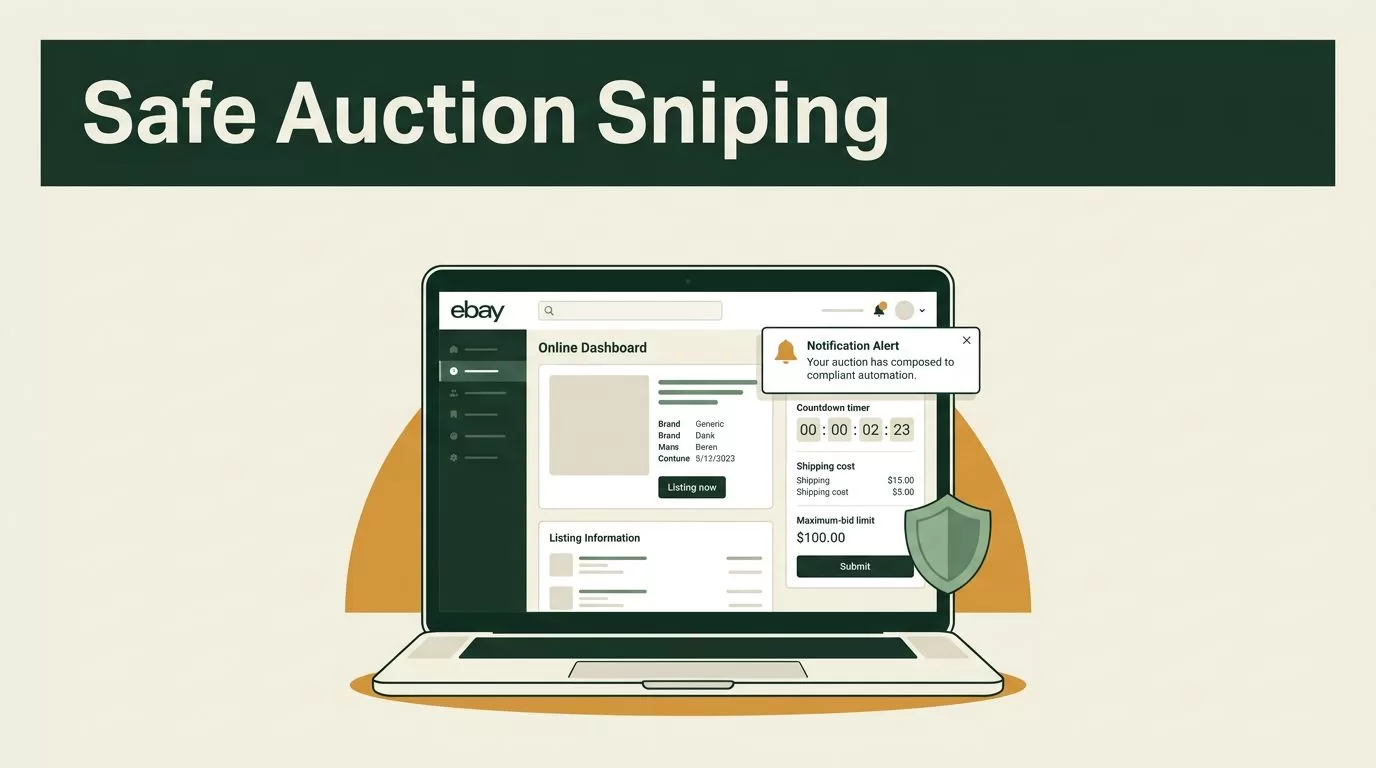
Winning a rare listing often depends on timing, but an eBay auction sniper bot can create more problems than it solves if it ignores platform rules. The safer approach is to use Twin.so for auction monitoring, cost checks, and alerts, then place the bid through an approved eBay workflow.
You need three controls before automation touches an auction: a maximum bid, a total-cost calculation, and a clear compliance check. Without them, a last-minute bid can exceed your budget or violate eBay restrictions.
What an eBay auction sniper bot should do on Twin.so
A practical Twin.so workflow should monitor an auction and prepare you to act. It shouldn’t attempt to bypass CAPTCHA challenges, login protections, anti-bot systems, or rate limits.
The workflow can track the listing ID, current price, auction end time, shipping cost, seller information, and item condition. It can then calculate whether the listing still fits your buying rules.
The final action should normally be a notification. Twin.so can send an alert when the auction enters a chosen time window, such as five minutes or 30 seconds before closing. You open the listing, review the live details, and place your bid manually.
This setup removes repetitive checking without pretending that eBay will accept every automated action. It also handles a common auction mistake: focusing on the current price instead of the amount you can afford.
A last-second bid doesn’t guarantee a win. Proxy bidding, network delay, competing bids, reserve prices, and auction changes still affect the result.
eBay’s official developer documentation explains that API access and methods can be restricted by user, marketplace, or application type. Review the eBay API getting started guide before connecting any account or request.
Define the auction rules before opening Twin.so
Automation works better when the decision rules are written first. Start with one listing type and a small number of conditions.
Record these inputs:
- The eBay item ID or listing URL.
- Your maximum purchase budget.
- The minimum acceptable item condition.
- The maximum shipping amount.
- The preferred marketplace and delivery location.
- The alert window before the auction ends.
Your maximum bid must be an amount you can afford. Don’t set it based on the current price, another buyer’s activity, or the emotional value of the item.
Calculate a total cap before the workflow starts:
Maximum total cost = bid amount + shipping + taxes + applicable fees
The exact tax and fee treatment depends on the marketplace, category, account, and transaction. Use the amount shown by eBay at checkout when available. If the listing has uncertain shipping or import charges, reduce your maximum bid instead of guessing.
You also need rejection rules. Stop the workflow when the listing is ended, the seller no longer ships to you, the price exceeds your cap, or the listing data is incomplete.
This is the difference between a useful monitor and an uncontrolled bidder. The monitor follows fixed rules. It doesn’t change your budget because the auction becomes competitive.
Design the Twin.so workflow
Build the workflow as a sequence of small operations. Each step should have one clear job and one failure condition.

1. Store the listing details
Create a record for each auction you want to monitor. Store the item ID as a separate field instead of relying only on the full URL. eBay’s REST APIs use a unique item identifier, and the ID may come from Browse or Feed API results.
Useful fields include:
| Field | Purpose |
|---|---|
| Item ID | Identifies the auction |
| End time | Controls the alert schedule |
| Current price | Shows the latest known bid |
| Shipping cost | Feeds the total-cost calculation |
| Maximum bid | Limits your exposure |
| Status | Tracks active, ended, won, or rejected |
| Last checked | Shows whether the monitor is running |
Keep one record per listing. This prevents duplicate alerts and gives you an audit trail when a workflow runs more than once.
2. Retrieve permitted listing data
Use an approved eBay data source. Depending on your access, this may be an official API connection, a permitted integration, or a manually supplied listing record.
Don’t build the workflow around aggressive page scraping. Don’t rotate accounts or requests to avoid limits. Don’t automate around a block that eBay intentionally placed on your account.
If your Twin.so plan includes HTTP requests, store credentials in its secure connection settings. Never place an eBay token inside a shared prompt, plain-text note, or public workflow field.
3. Normalize the data
Auction information often arrives in different formats. Convert the end time to one timezone. Convert currency values to numbers. Remove currency symbols before comparing amounts.
Then calculate:
estimated total = current price + shipping + estimated taxes
The estimated total is not your maximum bid. It tells you whether the auction is still worth reviewing. Your bid ceiling needs a separate calculation because a higher bid can change the final purchase cost.
4. Apply decision branches
Create a decision path with simple conditions:
- If the auction has ended, stop monitoring and update the record.
- If the estimated total exceeds your budget, mark the listing as rejected.
- If the item or shipping details changed, send a review alert.
- If the auction is within your alert window, notify you.
- Otherwise, schedule the next permitted check.
Use a cooldown between checks. The workflow doesn’t need to query constantly when the auction closes tomorrow. Increase attention as the end time approaches, but stay within eBay’s documented limits and your approved integration terms.
eBay publishes default API call rates on its API call limits page. Treat those limits as a ceiling, not a target.
Connect bidding only when eBay permits it
The current eBay Offer API supports buyer-specific auction functions, including proxy bids and bidding details. The documented write path is POST /buy/offer/v1_beta/bidding/{item_id}/place_proxy_bid.
That technical capability doesn’t automatically give every buyer permission to automate bids. Access, marketplace support, application approval, authentication, and usage rules all matter.
eBay’s older PlaceOffer documentation explicitly describes automatic or scheduled use as prohibited and cites sniping as an example. New builders should not assume that an API endpoint makes an automated last-second bidder acceptable.

If eBay has approved your application for an automated bidding use case, confirm the current terms in writing before enabling the action. Then configure Twin.so to send only the fields the approved endpoint requires, including the correct item ID, currency, and maximum amount.
The request should use your approved maximum proxy bid. It should never derive a higher value from the current price. Add a final budget check immediately before the request. If any required field is missing, stop the workflow.
For most no-code builders, the compliant default is simpler:
- Twin.so monitors the auction.
- Twin.so checks the budget and listing status.
- Twin.so sends a time-based alert.
- You review the live eBay page.
- You place the bid through eBay using your chosen maximum.
That workflow still gives you a reliable auction monitor without creating an unauthorized bidding system.
Add alerts, logs, and failure handling
A notification should contain enough information to support a quick decision. Include the item title, current price, shipping amount, auction end time, estimated total, and your stored maximum bid.
Don’t include private credentials or raw access tokens in an alert. Use email, a private chat channel, or another notification method that your team already controls.
Log every workflow event. At minimum, record:
- The time of each check.
- The returned auction status.
- The price and shipping values.
- The reason for each alert or rejection.
- Any API error or unavailable field.
Set a fallback alert when the data source fails. A missing response isn’t proof that the auction ended or stayed within budget. It means you need to review the listing manually.
Use a separate status for “data unavailable.” Don’t let the workflow treat an error as a safe result.
If you monitor several auctions, add a deduplication rule. One auction should produce one alert for each alert window. Duplicate messages create notification fatigue and can cause you to miss the listing that matters.
Test the workflow before live bidding
Start with a single auction record and test every branch. Use inactive listings or eBay’s supported Sandbox environment when your API access allows it.
Test these cases:
- The auction has plenty of time remaining.
- The auction enters the alert window.
- Shipping pushes the total above your cap.
- The listing returns incomplete data.
- The auction status changes to ended.
- The same workflow runs twice.
- The API returns an authentication or rate-limit error.
Confirm that a failed request cannot trigger a second action. Confirm that the maximum bid remains unchanged after every data refresh.
For approved API integrations, track usage and errors with the tools available to your eBay developer account. eBay’s Developer Analytics API provides call-limit and utilization information for supported REST APIs and the legacy Trading API.
Run the workflow in observe-only mode first. Let it collect data and send alerts without placing bids. Review the logs after several auctions. This exposes timezone errors, duplicate notifications, incorrect currency parsing, and bad shipping assumptions before money is involved.
Conclusion
Twin.so is a useful control layer for auction monitoring, budget checks, alerts, and workflow logs. The safest eBay auction sniper bot is usually a monitor that prepares a manual bid rather than an unapproved system that submits one.
Set a maximum bid you can afford. Include shipping, taxes, and applicable fees in the decision. Use official eBay access, respect API limits, and verify that any automation complies with eBay rules and applicable laws.
A last-minute auction workflow should reduce missed opportunities without removing your control over the final purchase.
