Most outbound fails for a boring reason: the email never reaches the person who can say yes, which is why you need to find email addresses for the right contact. It bounces, lands in a catch-all inbox, or hits someone who left six months ago.
When I need to find a marketing director email fast, I treat it like tracking a trail in fresh snow. I don’t stomp around randomly. I look for clear prints: the right company domain, the right job title, and a pattern that matches how the team emails. This keeps cold email campaigns GDPR compliant and ethical.
This guide shows how I use the Hunter.io email finder to locate a Marketing Director (or equivalent), verify the address, and reach out without acting like a spam cannon, using domain search and public sources to track down leads.
Start with the right “marketing director” target (titles, domains, and timing)
Hunter can’t fix a messy target list. So I tighten the inputs before I spend credits.
First, I decide what “marketing director” means for that company size. At a 30-person startup, the real decision makers may be “Head of Marketing.” At a 1,000-person org, it might be “Director of Marketing” or “VP Marketing.” In addition, some teams use “Marketing Lead” for the same job.
Here’s how I scope targets to find professional email addresses so Hunter’s results stay useful:
- Pick title variations up front: Director of Marketing, Head of Marketing, VP Marketing, Marketing Lead, Growth Marketing Director, Demand Gen Director.
- Confirm the company domain name: I use the official website domain, not a press domain or a careers subdomain.
- Watch for mergers and rebrands: If the logo changed last quarter, the email domain often changed too.
- Add a second data point: I look for a recent post, webinar, or press quote so I can personalize later; these data points help confirm activity.
If I’m not sure which domain is “real,” I’ll quickly check the company’s contact page and privacy policy footer. Those usually reveal the primary sending domain.
To keep outreach ethical, I also decide my intent early. Am I pitching a partnership, offering a relevant resource, or requesting a quick intro? If my reason to email is weak, even a verified address won’t help.
How I find a Marketing Director’s email in Hunter.io (step-by-step)
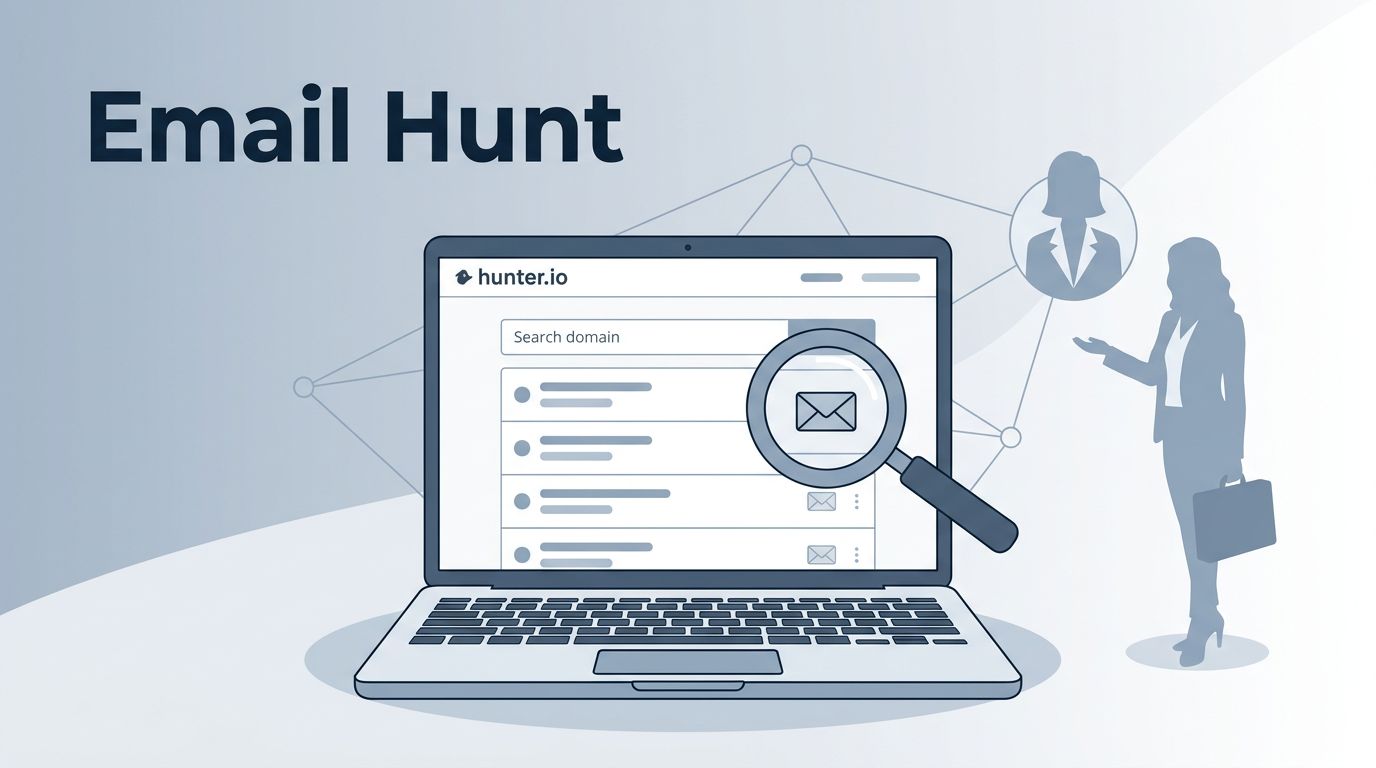
Hunter works best when I combine two tools via the browser extension or web app: Domain Search (to learn the company’s email format) and Email Finder (to locate a person’s likely address). Hunter also includes verification, which is where the real time savings live.

1) Run Domain Search to learn the email format
I start with the company’s domain in Hunter’s Domain Search. My goal is not to grab a random address. It’s to spot the email pattern, like first.last@company.com.
If Hunter returns several emails with high confidence, I scan for consistency. One matching pattern across multiple employees is a strong signal.
2) Check departments and seniority hints
When results include job titles, I apply department filters mentally for marketing leadership. If the domain search shows a “press@” or “info@” only, that’s a sign the domain is guarded or new. In that case, I rely more on Email Finder plus verification.
3) Use Email Finder for the specific person
Next, I open Email Finder to find email addresses and enter the prospect’s full name and company domain. If I don’t have the name yet, I’ll identify it first (LinkedIn, speaker pages, podcast guest bios, and company team pages all work). This fits right into lead generation workflows.
4) Verify before I save it
I don’t treat “found” as “ready.” I verify the email in Hunter (or verify again if it already shows a confidence score). Verified email addresses protect deliverability and stop me from burning my sender domain on avoidable bounces.
Hunter’s own marketing content also pushes this mindset. Their guide on B2B lead generation strategies leans into relevance and quality over volume, which matches how I use the tool.
5) Save to Leads, then export with context
I save leads with verified contacts into Leads with notes like “Head of Marketing, runs webinars” or “Owns demand gen,” plus CRM integrations for seamless handoff. Context matters later when I write the first line.
6) Keep volume low and targeted
Even when I’m building a list, I work in small batches. I’d rather send 20 thoughtful emails than 200 copies that get ignored.
If you want another walk-through from a practitioner angle, this step-by-step guide on how to use Hunter.io for lead generation covers the core flow in plain language.
Email patterns, verification rules, and a respectful outreach template
Once Hunter shows likely addresses, I still think like a cautious mail carrier. Is the mailbox real, and does it belong to the right person?
Common patterns I see (and when they break)
This quick table helps me sanity-check what a bulk email finder like Hunter returns:
| Pattern type | Example format | Where it’s common | Risk level |
|---|---|---|---|
| First name + last name | first.last@domain.com | Mid-size and enterprise | Low |
| First initial + last name | flast@domain.com | Older orgs, IT-led teams | Medium |
| First name only | first@domain.com | Small teams | Medium |
| Last name only | last@domain.com | Rare, legacy setups | High |
| Catch-all routing | anything@domain.com | Some B2B orgs | High |
The “risk level” isn’t about danger, it’s about bounce odds. Personal email addresses like first.last@domain.com carry low risk, while generic email addresses such as first@domain.com or catch-alls come with higher bounce potential. Catch-all domains can accept mail but still hide whether the person exists. That’s why I verify.
My verification checklist (so I don’t email ghosts)
I keep it simple:
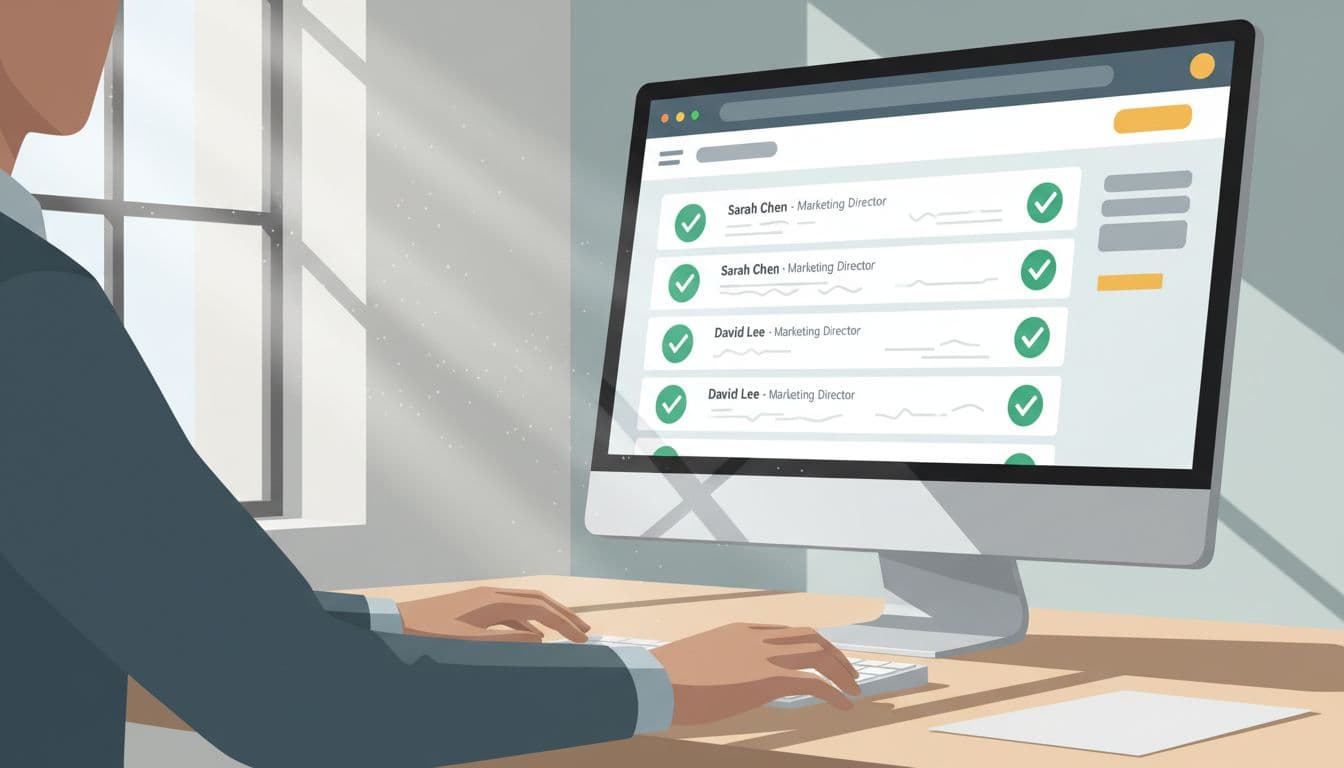
- Verify in Hunter before outreach using its email verifier tool (even if the pattern looks obvious).
- Prefer high confidence score results over guesses.
- Cross-check the domain against the company website.
- Don’t force it if Hunter can’t find or verify. I move on or use another channel.
One reality check: email finding isn’t 100 percent. Third-party write-ups from public sources often show that you’ll only get usable contact information for a share of searches, sometimes closer to one-third in mixed datasets. That’s normal. It’s also why email verification matters as much as discovery, helping ensure verified email addresses and strong deliverability. A broader overview of approaches (including free methods) is in this 2026 guide on how to find someone’s email address.
Hunter plan limits (high-level, March 2026)
As of March 2026, Hunter’s pricing pages list these common tiers:
| Plan | Typical use | Monthly search credits (listed) |
|---|---|---|
| Free | Testing and small lists | 50 |
| Starter | Solo or small team outreach | 2,000 |
| Growth | Higher-volume prospecting | 10,000 |
| Scale | Larger outbound programs | 25,000 |
I treat search credits like fuel. If I waste them on bad domains and unverified guesses, I pay twice.
A short outreach template I actually use
I keep the message lean for cold outreach, with one clear ask and an easy “no.” Also, I avoid blasting unsolicited lists or rigid email sequences. I send targeted emails, and I include a simple opt-out line.
Subject: Quick idea for {{Company}}
Hi {{FirstName}},
I saw you’re leading marketing at {{Company}}. I liked {{specific trigger, webinar, post, campaign}}.I have a 2-sentence idea to improve {{goal, for example demo quality or webinar attendance}} using {{your approach}}. If it’s relevant, I can send it here.
Should I share it, or is someone else the right owner?
Thanks,
{{YourName}}
PS: If you’d rather not get emails like this, tell me and I’ll stop.
For more thoughts on staying human (and avoiding spray-and-pray), I agree with this 2026 outreach perspective on precision over mass emailing.
Conclusion
When I use the Hunter.io email finder well, it feels like turning on the lights in a dark room. Domain Search helps find leads, Email Finder narrows the person to find email addresses, and the Chrome extension gathers contact information quickly while verification keeps my deliverability clean. Then I earn attention with a calm, relevant message, not volume. If you build smaller lists, verify first, and write like a person, you’ll get more replies with less stress.