Stock Photo Scraping With Twin.so: A Safer Workflow
Stock photo scraping can save hours when your team needs images for campaigns, landing pages, reports, or social posts. It can also create a licensing problem if nobody records where each asset came from or how it may be used. Stock photo s...

Stock photo scraping can save hours when your team needs images for campaigns, landing pages, reports, or social posts. It can also create a licensing problem if nobody records where each asset came from or how it may be used.
Stock photo scraping should mean collecting permitted metadata and assets under clear rules. It shouldn’t mean copying every image a browser can reach. Twin.so can coordinate source checks, browser tasks, filtering, and storage, but it can’t grant image rights or replace a human license review.
The safe approach is simple. Define approved sources, collect structured records, apply stop conditions, and download assets only after someone confirms the license.
What a safe stock photo scraping workflow collects
Most teams focus on the image file first. That creates weak records and slow reviews. Start with the source page instead.
A useful asset record should show the exact page, creator, license, and intended use. Store each field separately. Don’t bury important details inside one generated paragraph or a free-form note.
| Field | What it gives your team |
|---|---|
| Source page URL | A traceable record of where the asset appeared |
| Asset or preview URL | The specific image connected to the record |
| Title and description | Search context and campaign relevance |
| Creator name | Attribution and creator verification |
| License URL or terms page | Evidence for the usage decision |
| Usage restrictions | Commercial, editorial, attribution, or modification limits |
| Review status | New, needs review, approved, or rejected |
| Review date | A reminder to check changing source terms |
The safest default is metadata first. Ask Twin.so to collect public page details and send them to a review queue. A team member can then open the source page, confirm the current license, and approve the asset before anyone downloads or publishes it.
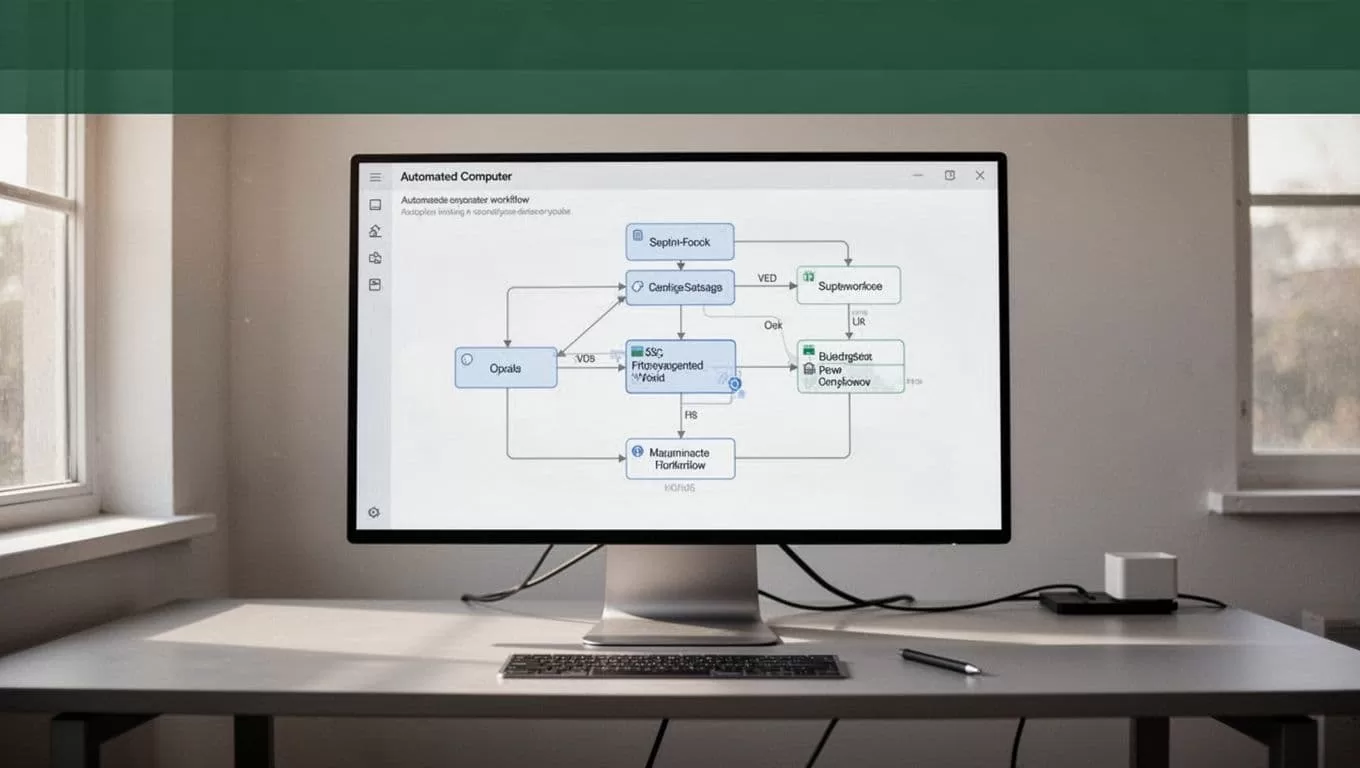
A controlled pipeline should also separate campaigns. Use folders or database views for website images, paid ads, email campaigns, and editorial work. This prevents a photo approved for an internal presentation from being reused in a paid advertisement without another review.
Search engine image results aren’t proof of permission. A thumbnail can point to a protected file, an outdated page, or an image with restrictions that don’t appear in the search result.
Use an approval queue instead of automatic publishing
Set every new record to Needs review. Move it to Approved only when the reviewer confirms the source and planned use.
This status structure gives the team a clear audit trail:
Newmeans Twin.so collected the record but nobody has checked it.Needs reviewmeans the record requires a license or source decision.Approvedmeans the intended use passed review.Rejectedmeans the team must not download, publish, or reuse the asset.
The workflow should never treat a missing license field as approval. Missing information is a reason to stop.
A safe operating model for stock photo scraping with Twin.so
Twin.so is a no-code AI agent and workflow automation platform. Its public product materials describe plain-English workflow creation, browser-based actions, web scrapers, scheduled triggers, and external triggers such as webhooks.
That combination fits asset research. You can describe a narrow collection task, send the output to a spreadsheet or database, and run the process on a schedule. The browser agent may help when a source doesn’t offer an API, but browser access doesn’t change the source’s rules.
Twin.so should handle repeatable collection work. Your team should handle permission decisions.
A useful instruction would look like this:
Visit only the approved source list. Collect publicly visible title, creator, source page URL, license URL, image preview URL, and usage notes. Don’t log in, bypass a paywall, defeat a bot check, access restricted paths, download files, or ignore robots.txt. Send incomplete records to Needs review and stop when the source terms prohibit automated collection.
The prompt is not enough by itself. Test the workflow with a small sample. Review the output manually. Check whether the agent follows redirects, captures the correct license page, and handles pages with missing fields. Then adjust the workflow before scheduling a larger run.
Keep the first run small because Twin.so uses a credit-based execution model. A limited pilot gives you a cheaper way to find bad selectors, duplicate records, unexpected browsing behavior, and weak source filters.
Separate collection from approval
Don’t ask one workflow to discover an image, decide that it’s legal, download it, and publish it. That combines four different decisions into one fragile process.
Use separate stages:
- Twin.so collects approved metadata from permitted sources.
- The workflow checks required fields and duplicate URLs.
- Records with missing or conflicting information move to review.
- A person confirms the license and intended use.
- A second workflow downloads or moves approved files into controlled storage.
This structure keeps automation useful without giving it authority that it doesn’t have. It also makes errors easier to trace. If a file has a problem, you can identify the source record, reviewer, and approval date.
Build the workflow in five controlled steps
1. Create an approved source list
Start with sources that clearly explain their licenses or provide an approved API, feed, or download process. Record the domains in a fixed list. Don’t let the agent expand the source list based on search results without review.
Check whether the source allows commercial use, automated access, and the type of project you have planned. A site can allow personal downloads while restricting advertising, resale, redistribution, or automated collection.
2. Define the output fields
Create the destination table before you build the agent. Include the source URL, asset URL, creator, license details, restrictions, status, reviewer, and date.
Add a campaign field. A license decision depends on context. An image may be acceptable for a blog post but unsuitable for packaging, paid advertising, merchandise, or a political campaign.
3. Add browsing limits
Set a narrow scope. Use the approved domains, specified paths, and a reasonable request rate. Respect robots.txt and any published crawling instructions.
Do not bypass paywalls, authentication, access controls, CAPTCHAs, rate limits, or copyright protections. If a page blocks automation, stop the run and send the URL to a human for review. Don’t build a second process whose only purpose is to defeat the block.
4. Add quality checks
Require the workflow to flag duplicate source URLs, missing creator names, missing license links, broken image URLs, and unclear usage notes.
You can also filter by practical requirements such as orientation, minimum resolution, language, or campaign category. Keep those filters separate from legal approval. A high-resolution image can still be unlicensed for your use.
5. Store approved files safely
Download only after approval. Store the file with the source URL, license record, creator information, and approval date. Keep the original filename if it helps identify the asset, but also assign an internal asset ID.
Avoid hotlinking an image from the source site unless its terms allow it. Uploading a permitted copy to your own storage gives the team a stable working file, but it doesn’t remove attribution or usage restrictions.
Review licenses, robots.txt, and terms of service
A stock platform’s label can be misleading. “Royalty-free” usually describes a payment model. It doesn’t mean the image has no restrictions or can be used for every business purpose.
Review the actual terms for:
- Commercial versus editorial use
- Attribution requirements
- Limits on advertising or resale
- Model and property release requirements
- Restrictions on logos, trademarks, or recognizable brands
- Allowed modifications and derivative designs
- Territory, duration, and seat limitations
- Rules for storing or redistributing downloaded files
Creative Commons licenses also vary. Some require attribution. Others restrict commercial use or modifications. Public-domain status can depend on the jurisdiction and the asset’s history. Record the license that applies to the exact asset, not a general assumption about the entire website.
Robots.txt is a technical instruction that helps site owners communicate which crawlers or paths they want to restrict. It isn’t an image license. Research on the liabilities of robots.txt shows why teams shouldn’t reduce the issue to a simple yes-or-no rule.
Respect robots.txt as part of your operating policy. Also read the website’s terms of service. A site may allow ordinary browsing but prohibit automated collection. An accessible robots.txt legal explanation makes the same practical distinction: a technical file and permission to use content are separate questions.
When terms are unclear, don’t guess. Exclude the source or ask the rights holder. A short review is cheaper than replacing a campaign after a complaint.
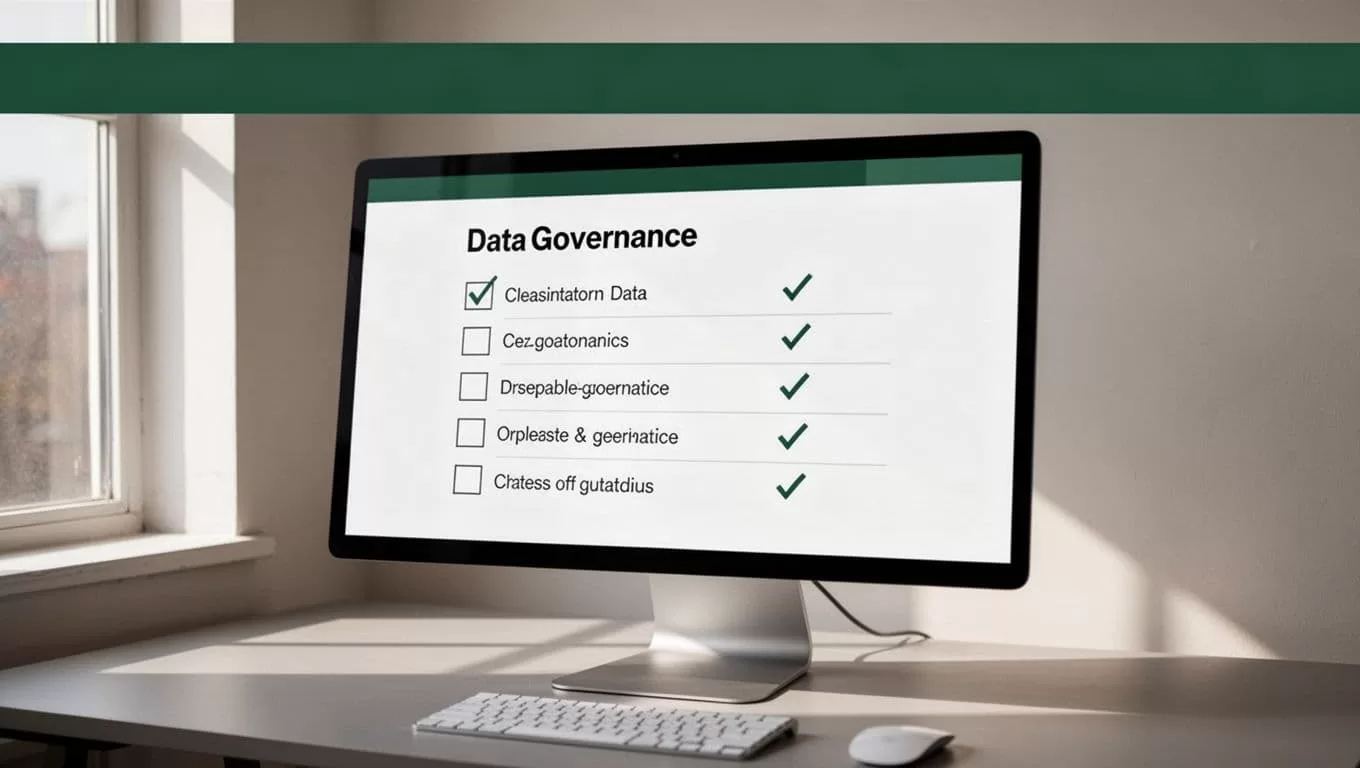
Compliance checklist for production
Before you run stock photo scraping at scale, confirm these controls:
- The source list contains only approved domains.
- The workflow collects public pages without authentication or access-control bypasses.
- Robots.txt, rate limits, and source terms are respected.
- The workflow stores the source page and current license information.
- Every asset starts in a review status, not an approved status.
- A human checks commercial, editorial, attribution, and modification rules.
- Downloads happen only after approval.
- Stored files retain creator, license, source, and review-date records.
- Rejected or unclear assets cannot enter the publishing folder.
- The team rechecks licenses when a campaign changes or a long-term asset is reused.
Review this checklist whenever you add a new source. One compliant website doesn’t make every other source compliant.
Conclusion: Keep automation inside clear rules
Twin.so can reduce the manual work involved in finding and organizing stock-photo candidates. Its browser automation and workflow features are useful for collecting structured records, checking required fields, and routing assets to the right folder or database.
The strongest setup keeps permission outside the automation’s authority. Let Twin.so gather evidence. Let a human confirm the current license and intended use. When every approved asset has a traceable source, clear restrictions, and a review date, stock photo scraping becomes a controlled business process instead of an unmanaged copyright risk.
