Automate Ingredient Cost Tracking With Twin.so
Ingredient prices can change before your next menu review. If your team opens supplier portals, copies case prices, and updates spreadsheets by hand, ingredient cost tracking becomes recurring data entry instead of a control system. Twin.so...
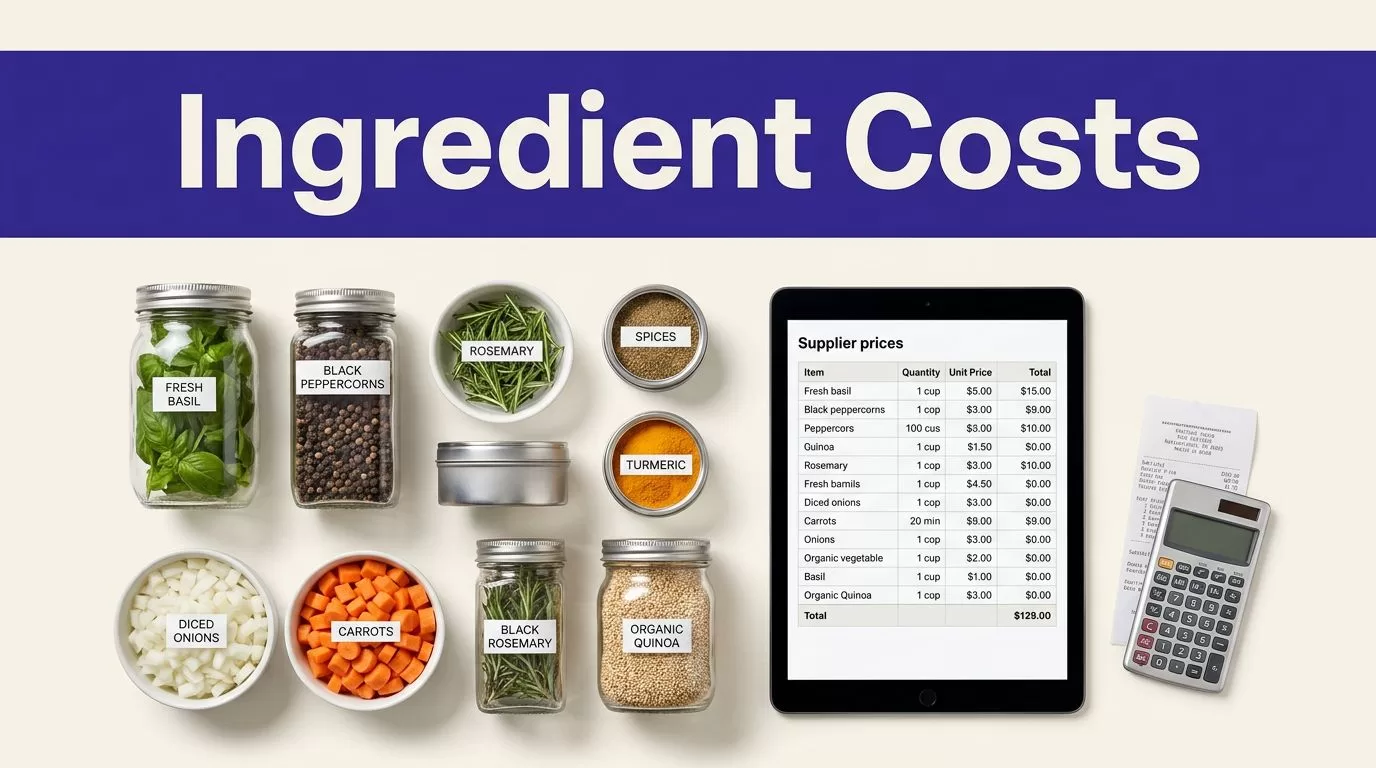
Ingredient prices can change before your next menu review. If your team opens supplier portals, copies case prices, and updates spreadsheets by hand, ingredient cost tracking becomes recurring data entry instead of a control system.
Twin.so can automate browser work on approved supplier sites and return structured records for review. The reliable setup isn’t a broad “scrape everything” prompt. It’s a narrow workflow with fixed fields, validation rules, source evidence, and a human path for exceptions.
Why Ingredient Cost Tracking Needs Automation
Ingredient prices affect purchasing, recipe margins, menu pricing, and variance reports. Supplier pages often show case prices while recipes use ounces or individual units. A wrong conversion creates a wrong dish cost, even when the spreadsheet formula is correct.
Restaurant food cost targets vary by concept. Many operations use the high-20s to mid-30s as a reference range. A practical recipe costing formula and example helps establish the baseline, but current ingredient inputs determine whether the result is useful.
Who benefits from automated collection
Restaurant owners get a faster view of margin pressure. Chefs can see whether a signature dish changed because of ingredient prices or portion changes. Procurement managers can compare suppliers using current pack and unit prices. Finance teams can reconcile recipe costs with invoices and purchasing data.
This fits businesses with several suppliers, frequent menu changes, variable commodity prices, or large catalogs. A small cafe with ten stable ingredients may not need browser automation. A multi-unit restaurant, commissary kitchen, caterer, or food manufacturer often has enough repeated work to justify it.
The Manual Process Twin.so Replaces
Manual collection usually follows the same loop:
- Log in to each supplier portal.
- Search for each SKU or product name.
- Open the item page and copy the pack size and price.
- Convert cases, pounds, ounces, or units in a spreadsheet.
- Check for duplicates, missing items, and substitutions.
- Send the updated file to the chef, buyer, and finance team.
The work repeats every time prices change. It also creates inconsistent timestamps and weak audit trails. One employee may record a promotional case price while another records the regular price. Neither value is useful later unless the source and collection time are preserved.
What Twin.so Can and Cannot Do
Twin.so is an AI-agent platform for web applications that don’t offer a usable API. Its documented browser automation can log in, navigate pages, read tables, fill forms, and download files. Users describe the intended task in plain English, then configure an agent and its destination.
That makes Twin.so a possible collection layer for supplier portals. It doesn’t make every supplier site reliable or every price ready for a recipe calculation. Your workflow still needs clear boundaries and quality checks.
Use one workflow per supplier
Supplier sites differ in login steps, search behavior, SKU formats, pack descriptions, and price displays. Build a workflow around one approved source first. Give it the exact pages and actions it needs.
A workflow might receive a list of item numbers, open the supplier portal, search each item, and return the product name, SKU, pack size, price, currency, availability, source URL, and collection timestamp. Ask it to flag an item when the page is missing, the product is substituted, or the price can’t be read confidently.
Don’t start with “collect all ingredient prices on the internet.” That instruction leaves too many decisions to the agent and too few rules for your team.
Keep permissions and data use controlled
Automated access still requires permission. Use approved accounts and the smallest access level needed. Don’t bypass login protections, CAPTCHAs, rate limits, or other access controls. Don’t export more data than the source permits.
Review supplier terms, storage rules, licensing conditions, and redistribution limits. A price on a public page may still have restrictions on automated collection or downstream use. Keep credentials out of prompts, reports, and logs.
Build the Twin.so Workflow Around a Fixed Schema
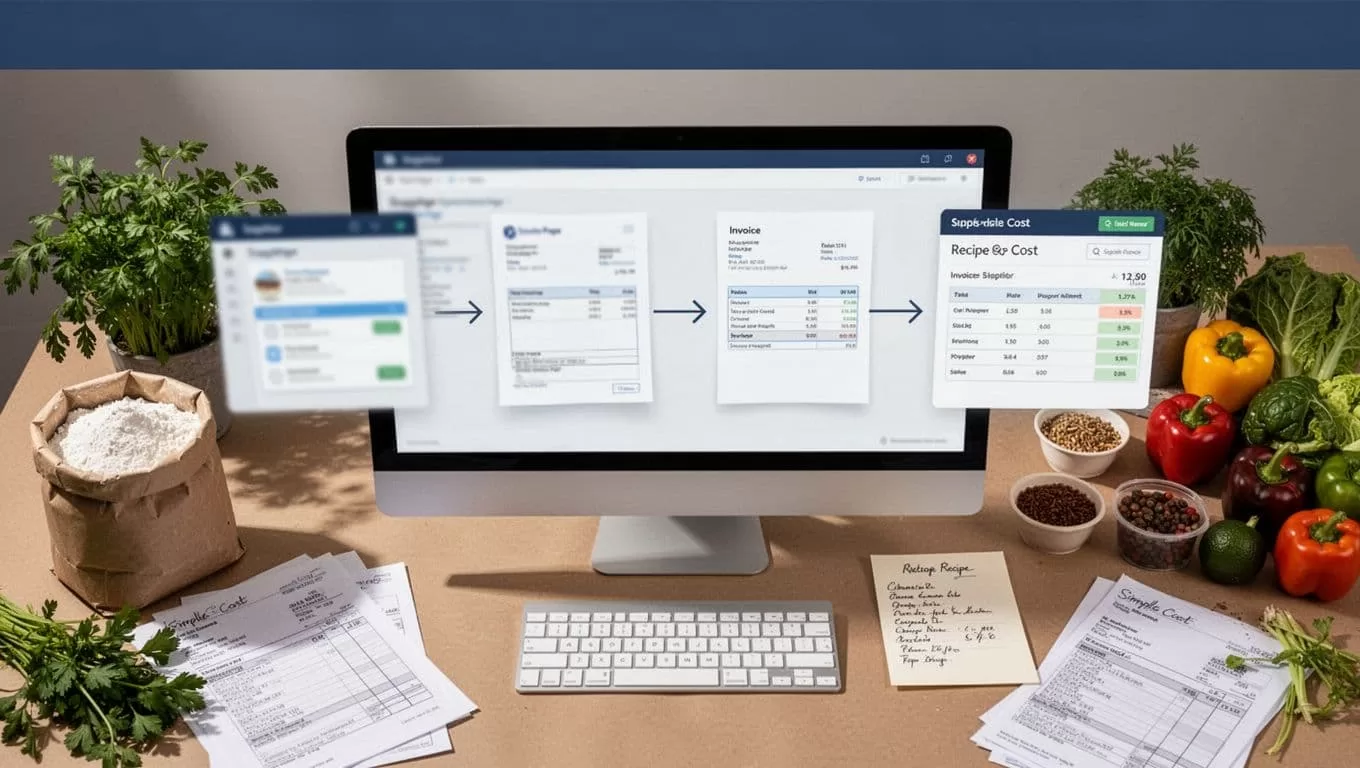
The output format determines whether the data can support a purchasing decision. Define the record before writing the workflow instructions.
Capture raw evidence with every price
Use a consistent schema. Keep the displayed price separate from any calculated unit price.
| Field | What to capture |
|---|---|
| Supplier | Supplier name and source section |
| Product | Product name, brand, SKU, or item number |
| Pack | Net weight, volume, count, and selling unit |
| Raw price | Displayed price and currency |
| Availability | In stock, unavailable, or substituted |
| Source | Product URL and collection timestamp |
| Conditions | Member, promotion, contract, or logged-in price |
The SKU is often the strongest match key. Product names change. Item numbers provide a better way to compare the same product across runs.
Keep the source URL and raw page value so someone can verify a change without relying on the agent’s interpretation. Store whether the price came from a public page, a logged-in account, a promotion, or a contract catalog.
Give the agent narrow, testable instructions
Write the task as an operating procedure. Tell Twin.so which domain to open, how to identify the item, which fields to return, and what to do when a field is absent.
Use rules such as these:
- Search by SKU first, then use the approved product name.
- Capture the item page value, not a search-result snippet.
- Return one record per requested item.
- Leave missing fields blank and add an exception reason.
- Preserve the listed case price and don’t invent a unit conversion.
- Include the source URL and collection time.
If your destination is Google Sheets, send only validated rows to the destination. Keep rejected rows in a staging or exception table. This prevents a failed run from overwriting the last trusted dataset with an empty result.
Normalize Ingredient Prices Before Recipe Costing
A raw supplier price isn’t yet a usable recipe input. Restaurant recipes use different units, while supplier catalogs sell cases, tubs, bags, bottles, and individual items.
Convert packages without losing the original value
Suppose a supplier lists 12 cans of tomatoes, each weighing 28 ounces, for $36. The case price is $36, and the case contains 336 ounces. That produces a raw unit cost of about $0.107 per ounce.
Store both figures. The raw case price supports invoice checks. The normalized cost supports recipe calculations. If a recipe uses six ounces, the ingredient input is about $0.64 before waste, yield, labor, and other costs.
Don’t normalize blindly. Net weight, drained weight, edible yield, and case count can change the calculation. A five-pound case of trimmed produce isn’t equivalent to five pounds of usable product. Add yield or waste fields when your costing method requires them.
A food cost calculation guide from BEP Backoffice can help define the formulas used by your team. The result is only as accurate as the ingredient inputs behind it.
Match products, promotions, and substitutions
A lower price isn’t automatically a lower cost. The product may have a different pack size, brand, grade, origin, or contract condition. A promotional price may apply only to logged-in members or a limited order quantity.
Use SKU, brand, pack details, and source URL to match records. Store a promotion flag and effective date when the page provides them. Keep substituted items separate from the requested product. If the supplier returns a similar item, send it for review instead of silently replacing the original.
For a restaurant buying mozzarella, “case price” isn’t enough. The buyer needs the case weight, number of bags, price per case, price per pound, and whether the price is temporary. Without those fields, the workflow may create a clean-looking number that doesn’t represent the item the kitchen ordered.
Validate the First Run Before Scheduling It
Automation becomes useful only when accepted records are accurate. A completed browser run isn’t proof that every item was collected.
Test a small, known sample
Start with 20 to 50 products from one supplier. Compare each returned row with the live item page or an approved source record. Check the SKU, description, pack size, currency, price, availability, URL, and timestamp.
Look for common failures:
- A page header is captured as a product.
- A price range is reduced to one value.
- A currency symbol disappears.
- A second results page is missed.
- A substitute item is treated as the requested SKU.
- A stale value is recorded as current.
Track missing-field rate, duplicate rate, failed pages, retry counts, and source coverage. Correct the instructions before adding another supplier. A small review costs less than correcting months of bad purchasing data.
Separate collection, validation, and publishing
Use three stages. The collection stage extracts records. The validation stage checks required fields, data types, duplicates, price ranges, and expected row counts. The publishing stage writes only approved records to the recipe-costing spreadsheet or database.
A failed validation should create an exception. It shouldn’t replace the last trusted dataset with blank or partial output. Save the failed batch, record the reason, and route uncertain items to a buyer or finance reviewer.
Add bounded retries for temporary timeouts. Stop retrying when the page layout changes, permission fails, or required data remains missing. Save progress by SKU or page when the source supports it, so one failed item doesn’t restart the full run.
Maintain the Workflow and Measure the Payoff
Supplier portals change. Product pages get redesigned. Promotions expire. Your process needs monitoring after the initial setup.
Schedule around purchasing decisions
Choose a schedule that matches how often your team acts on the data. Daily collection may suit volatile produce or commodity inputs. Weekly collection may be enough for stable dry goods. Run the workflow before a purchasing review, not only after a price problem appears.
Store the collection timestamp and effective date separately. The timestamp tells you when Twin.so found the value. The effective date tells you when the price applies. If the source doesn’t show an effective date, label the field as unknown instead of treating collection time as the price date.
Keep a manual fallback. Document who retrieves the data, where it goes, and which dataset is the last trusted result. Review the workflow when a supplier changes its login process, search fields, pagination, or product naming.
Track accepted records and credit usage
Twin.so uses credits. Public planning ranges describe simple automations at roughly 15 to 30 credits, a 100-item scraping job at about 20 to 70 credits, and a browser session with around 20 steps at about 100 to 200 credits. These are estimates, not a fixed quote for your supplier workflow.
Public pricing materials also list credit packs such as 2,000 credits for $20 and 5,000 for $50. Verify current prices and account terms before budgeting. Benchmark a small run first, then record credits per run, accepted records, duplicates, missing fields, failed runs, retry counts, human review minutes, and correction time.
Calculate cost per accepted record rather than cost per browser action. A workflow that saves ten minutes but creates thirty minutes of correction work isn’t an improvement. Scale only when the data is accurate, traceable, and cheaper than the manual process. If you need help mapping sources, permissions, review gates, and outputs, Book A Call.
Conclusion
Ingredient cost tracking works best when it connects current supplier data to a controlled recipe-costing process. Twin.so can reduce repetitive browser collection, but the result depends on the schema, source permissions, normalization rules, validation checks, and review path you configure.
Start with one supplier and a small approved product set. Preserve raw prices, pack details, source URLs, and timestamps. Publish only accepted records, then expand when the workflow produces data your kitchen and finance team can trust.
