Replace a Fractional Video Editor on Transistor.fm
A fractional video editor can keep your podcast moving, but the role often includes repetitive work that software can handle. Cutting pauses, adding captions, resizing clips, and exporting the same episode for several platforms consumes hou...
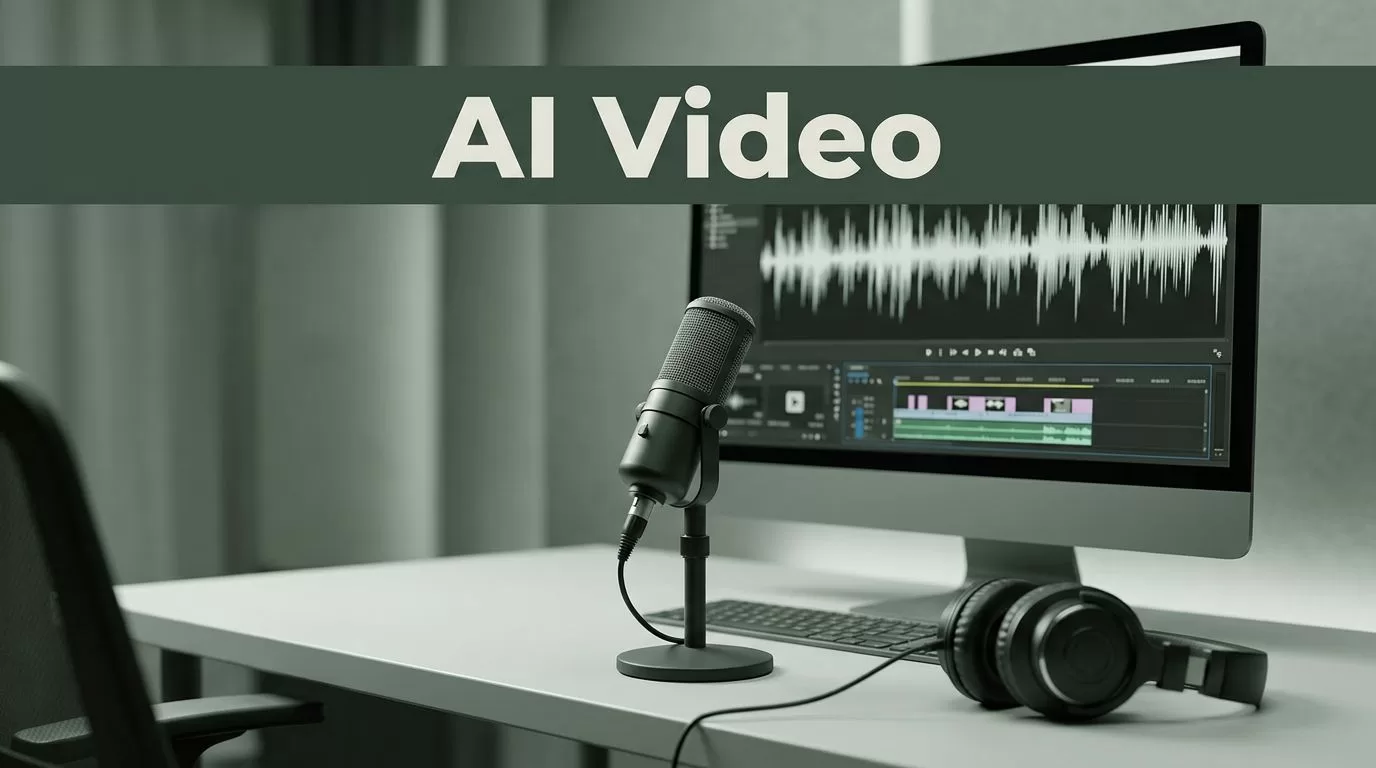
A fractional video editor can keep your podcast moving, but the role often includes repetitive work that software can handle. Cutting pauses, adding captions, resizing clips, and exporting the same episode for several platforms consumes hours every week.
Transistor.fm can remain the publishing source while an AI-assisted workflow turns each finished episode into video-ready promotional content. You won’t remove every human editing task. You can reduce routine production work, lower overhead, and publish more consistent assets.
Key Takeaways
- Transistor.fm manages podcast publishing, episode data, RSS distribution, and analytics. It isn’t a complete video editing application.
- AI tools can handle transcription, clip discovery, captions, resizing, and first-pass edits.
- A repeatable workflow produces short clips, audiograms, quote videos, and full video versions from one episode.
- Professional editors still add value to interviews, branded campaigns, complex footage, and high-stakes content.
- Measure editing hours, usable assets, revision rates, and publishing speed before changing your staffing model.
What Transistor.fm Can Replace, and What It Can’t
Transistor.fm should be the source of truth for your podcast episodes. Store the final audio, title, description, show notes, artwork, and episode details there. Keep the publishing record in one place.
Your video production happens around that system. Transistor provides the finished episode and its metadata. A separate tool handles the transcript, video composition, captions, aspect ratios, and exports.
That distinction matters. You aren’t asking Transistor to act like Adobe Premiere Pro, Final Cut Pro, or Descript. You are using it as the publishing layer in a production workflow that removes repetitive editor tasks.
A fractional video editor often performs five different jobs:
- Downloading or locating the final episode.
- Finding useful moments in a long recording.
- Cutting clips and removing dead space.
- Adding captions, branding, and background visuals.
- Exporting and organizing files for each platform.
The first four tasks can be assisted by AI. The fifth can be managed with a clear file system and publishing process.
You still need a person to decide whether a clip is accurate, useful, and appropriate for your audience. AI can find a sentence that sounds interesting. It can’t reliably judge whether the sentence needs the previous 20 seconds for context.
Transistor.fm can reduce the editing workload. It doesn’t remove the need for editorial judgment.
Your goal is not to replace quality with automation. Your goal is to stop paying an editor for work that follows the same pattern every week.
Build an Episode-to-Video Workflow
Start with the final podcast episode, not with random clips from a raw recording. This keeps every promotional asset aligned with the version your audience hears.
Use one workflow for every episode. A consistent process makes it easier to assign work, review quality, and identify delays.
1. Publish and lock the episode source
Upload the approved audio to Transistor.fm. Complete the title, description, show notes, episode number, and artwork before production begins.
Give the source file a fixed name, such as:
show-name_episode-number_guest-name
Don’t let several versions circulate through email or chat. Use one folder for source audio, one for transcripts, and one for approved exports.
2. Create a searchable transcript
Send the audio to a transcription tool such as Descript, Riverside, Castmagic, or a speech-to-text system based on Whisper. Use the transcript to locate strong moments without replaying the entire episode.
Search for:
- Clear advice
- Strong opinions
- Contrarian statements
- Short stories
- Useful definitions
- Specific numbers or results
- Questions your audience often asks
Mark the beginning and end of each selected moment. A strong clip usually needs enough context to make sense without the full episode.
3. Generate the first video edits
Import the selected sections into your video editor. Descript can create edits through the transcript. OpusClip can identify short clips and reframe them for vertical video. CapCut and Canva can handle templates, captions, and brand styling.
Create a small asset set instead of producing every possible format. A practical package includes:
- Three vertical clips for short-form platforms
- One square or landscape audiogram
- One longer video excerpt for YouTube or LinkedIn
- One caption and thumbnail concept for each primary clip
Use a consistent opening and closing treatment. Keep the logo, colors, typeface, and caption placement stable. Viewers should recognize the show before they read the account name.
4. Review the outputs
Watch every clip with sound and without sound. Check the transcript against the audio. Correct names, product terms, numbers, and industry language.
Remove clips that need too much explanation. A polished video with weak context still performs poorly because the viewer doesn’t know why the moment matters.
5. Store approved assets
Use a folder structure that matches your publishing process:
01_source02_transcript03_review04_approved05_published
Add the episode number to every file. Store the final caption with the video. This prevents your team from searching through old messages when someone asks for the approved version.
Use Transistor.fm as the Publishing Source
The workflow becomes easier when the episode record in Transistor controls the rest of the process. The title and show notes provide the base information for captions, descriptions, and links.
Create a short production brief for every episode. Keep it in the episode folder or your project management system. Include the following:
- Episode title and Transistor URL
- Main topic
- Target audience
- Three points worth promoting
- Words or claims that require review
- Platforms that need assets
- Final publishing date
This brief keeps your video workflow connected to the podcast strategy. Without it, an editor or AI tool may select clips that are entertaining but unrelated to the episode’s main purpose.
Use the Transistor episode URL in every relevant caption and description. Track the link with campaign parameters if you need to measure traffic in analytics. Use one naming convention for every campaign so the results remain usable later.
You can also create a simple trigger-based process. When an episode reaches its approved status, copy the audio file and metadata into the production folder. Then start transcription and assign the review task.
The exact automation depends on your tools and Transistor account setup. Test the trigger with one episode before connecting the entire publishing system. A failed automation that creates duplicate files is harder to fix after a large back catalogue is involved.
Keep episode metadata stable after production begins. If you change the title or topic late in the process, update the video captions and filenames as well. Small inconsistencies make the show look poorly managed.
Decide Which Work Should Stay With a Professional Editor
Replacing a fractional video editor makes sense when most of the workload is repetitive. It makes less sense when the editor is responsible for creative direction, complex footage, or brand-critical work.
Keep professional editing support for content that needs more than a transcript-based cut. This includes multi-camera recordings, product demonstrations, event footage, customer stories, paid advertisements, and executive interviews.
A professional editor is also valuable when:
- The guest has sensitive information
- The episode needs careful fact checking
- Visual pacing affects the brand
- Multiple speakers require complex audio repair
- The content includes screen recordings or demonstrations
- The video will support a major campaign
- Your team lacks time for quality control
AI tools can remove pauses and add captions. They can also select a clip that changes the speaker’s meaning when shortened. A human review prevents this problem.
A useful operating model is to automate the first pass and retain an editor for selected projects. The editor reviews the weekly asset package, fixes high-value clips, and handles larger campaigns. This reduces hours without removing the skill from your team.
Don’t measure the editor’s value only by the number of minutes spent cutting video. Measure the quality of the finished assets, the number of revisions, and the amount of strategic input the editor provides.
Measure the Workflow Before Changing Your Staffing Model
Run the AI-assisted process for four to six episodes. Record the same measurements for each one.
Track:
- Hours spent per episode
- Number of usable clips
- Time from audio approval to published assets
- Caption and transcription corrections
- Number of revision rounds
- Cost of software and contractor time
- Clicks or conversions from promotional links
Compare those results with your current fractional editor arrangement. A lower invoice doesn’t help if your team spends twice as much time checking files or fixing captions.
Calculate production overhead with a simple formula:
Total cost = software subscriptions + internal review time + contractor time + correction time
Use the same asset requirements in both comparisons. If the editor currently produces six clips and the automated workflow produces three, the lower cost may reflect lower output rather than better efficiency.
Set a quality threshold before you start. For example, every approved clip must have accurate captions, clear audio, correct branding, and enough context to stand alone. Reject assets that fail one of those conditions.
Review performance by asset type. You may find that vertical clips work well for discovery while longer excerpts create more qualified traffic. Keep producing the formats that support your goals. Remove formats that create work without measurable results.
Conclusion
Transistor.fm can anchor a practical podcast-to-video workflow, but it won’t replace every function of a fractional video editor. Use it to manage the finished episode and its publishing data. Use AI tools to handle transcription, clip selection, captions, and format changes.
The strongest setup is selective automation. Routine edits move through a repeatable process. A professional editor reviews important content and handles work that needs judgment, visual skill, or careful brand control.
A fractional video editor should not spend hours repeating the same export process. Give that work to the system, then keep human attention where it improves the final result.
