How I Manage Ghost MemberSpace Subscriptions in 2026
You run a Ghost site for your newsletters or blog. Subscribers pay for premium content. Ghost handles basic memberships fine with its Stripe setup. But sometimes you need more control over access rules or custom pages. That’s when I t...

You run a Ghost site for your newsletters or blog. Subscribers pay for premium content. Ghost handles basic memberships fine with its Stripe setup. But sometimes you need more control over access rules or custom pages. That’s when I turn to MemberSpace. It layers on top without rebuilding everything.
I started using this combo last year for a client who wanted tiered access across static pages, not just posts. Ghost’s native tools work great for simple paywalls. MemberSpace shines if your site mixes dynamic posts with protected downloads or forums. It keeps your workflow smooth while adding flexibility.
Let me walk you through my exact process. You’ll see step-by-step setups that save hours.
Why Pair MemberSpace with Ghost Native Memberships
Ghost built solid membership features by 2026. You connect Stripe directly, set tiers, and gate posts server-side. No fees beyond Stripe’s cut. Data stays yours. For most creators, that’s enough.
I stick to native when my focus stays on newsletters. Paid subs unlock full archives or bonus emails. Setup takes minutes in the admin. But pick MemberSpace if your Ghost site serves broader needs. Think course libraries, member directories, or drip-fed videos. Ghost lacks built-in forums or product upsells. MemberSpace fills those gaps via its Ghost integration page.
Here’s a quick look at when each fits my projects.
| Setup Type | Ghost Native | MemberSpace on Ghost |
|---|---|---|
| Best For | Newsletters, post paywalls | Custom pages, directories, trials |
| Cost | $9+/mo Ghost Pro + Stripe | $39+/mo MemberSpace + Stripe |
| Gating | Server-side posts | Client-side pages/sections |
| Extras | Email sequences | Upsells, cancellations, Zapier |
Ghost wins for speed. MemberSpace adds revenue tools like failed payment nudges. I use it on a coaching site where members get templates behind logins. Native Ghost can’t gate file downloads easily. This setup scales to 500 subs without hiccups.
Test both. Ghost’s members docs cover basics. If you need page-level rules, MemberSpace extends it naturally.
Setting Up MemberSpace with Your Ghost Site
I log into my Ghost admin first. Confirm Stripe connects under Settings > Monetization. That’s your base. Now add MemberSpace.
Sign up at memberspace.com. Pick the $39 plan for starters. It covers 100 members. Head to Integrations. Select Ghost. Paste your site’s URL. MemberSpace generates embed code.


Copy that script. In Ghost, edit your theme’s default.hbs or post.hbs. Add it before the closing body tag. Save and publish. Refresh your site. A MemberSpace overlay appears on protected pages.
Test the flow. Visit a free page. No prompt. Gate one post or page. Log out. Reload. Signup pops up. I always create a test member first. Use a fake email. Subscribe to a $1 trial tier. Confirm access unlocks.
One catch: Ghost Pro users get subdirectory hosting. Custom code sticks better there. Self-hosted? Update via FTP. Takes five extra minutes. Link Stripe in MemberSpace too. It syncs with Ghost’s for unified billing.
I run this on a live site weekly. No downtime. Your members see seamless logins across tools.
Creating and Configuring Subscription Plans
Plans define your revenue. I build three tiers usually. Free teases content. Monthly gives core access. Annual saves them money.
In MemberSpace dashboard, click Plans. New Plan. Name it “Pro Monthly.” Set $29/month. Add annual at $290/year. Toggle free trial: seven days works best. Enable signup fees for commitment.
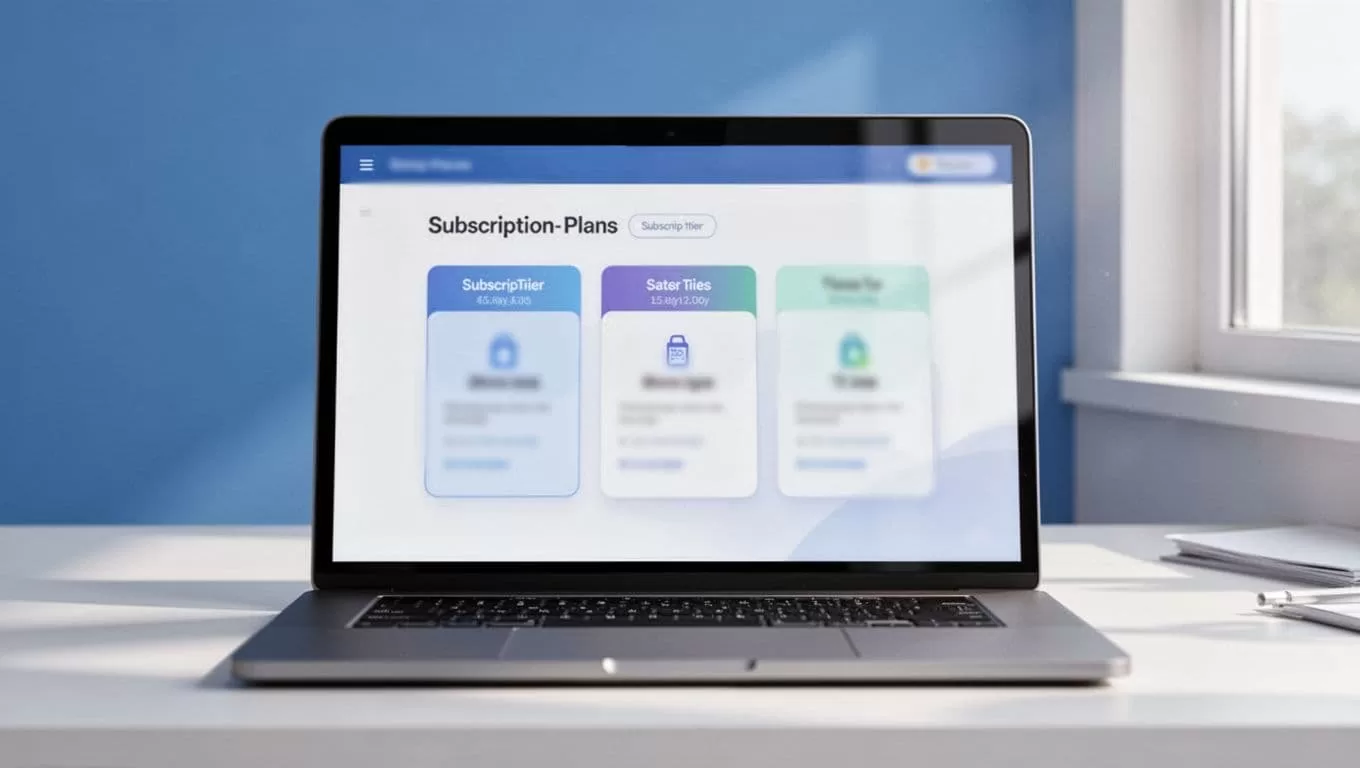
Assign access. Tag Ghost pages or posts. Use tags like “premium-files.” Members auto-unlock on payment. Set drip rules: unlock week two content after signup. Upsell inactive users to higher plans.
Examples from my sites:
- Newsletter site: Basic ($9/mo) gates extras. Pro ($29) adds calls.
- Resource hub: Starter unlocks PDFs. Elite includes templates and Q&A.
Connect Stripe again here. Test checkout. Buy as a new user. Cancel mid-trial. Verify email receipts arrive. Ghost’s Stripe integration complements this. No double charges.
Customize checkout. Add logos, colors. Match your Ghost theme. Preview on mobile. I do this before launch. Converts 20% better.
Member Management and Access Control
Your dashboard shows all subs. Filter by status: active, canceled, past due. Click a name. View history, payments, access tags.

I audit weekly. Export CSV for backups. Upgrade a member manually: drag to Pro tier. Access updates instantly. Revoke for violations. Email them reasons.
Ghost syncs basic data. MemberSpace handles custom fields like “coach-preferred.” Use Zapier for emails on downgrades. I set rules: pause access after two failed payments, then nudge.
Build directories. List members by tier. Private only. Boosts community feel.
For small teams, assign roles. Owners see billing. Admins manage access. Scale to 200 members this way. No tech skills needed.
Billing Details and Quick Troubleshooting
Stripe powers everything. Monitor in MemberSpace > Billing. Refunds process one click. Prorate changes. Track churn: under 5% monthly? You’re solid.
Payouts hit weekly. No platform cuts. I review metrics: LTV hits $200+ with annuals.
Troubleshooting checklist I follow:
- Login fails: Clear cache. Check Ghost theme code. Reset MemberSpace password link.
- Access blocked: Verify page tags match plan. Test incognito.
- Checkout errors: Confirm Stripe test mode off. Match currencies.
- Plan switches: Pause old sub first. Reactivate new. Email confirmation.
Hit snags? MemberSpace support chats fast. Ghost forums help too. I fix 90% myself now.
Backup data monthly. Export members and plans. Switch to Ghost native if you outgrow.
Wrapping Up Ghost MemberSpace Subscriptions
MemberSpace extends Ghost perfectly for custom needs. I rely on it for tiered access and upsells that native tools skip. Setup takes an afternoon. Revenue flows steady.
Stick to simple tiers. Audit members often. Test changes live. Your site turns into a membership machine. Creators like you build loyal audiences this way. Start small. Watch subs grow.

