How I Use Wise For Recurring International Subscriptions
A subscription feels cheap until it renews in another currency and my card fails at midnight. That’s when Wise recurring subscriptions become useful to me, because I can manage the payment path instead of guessing what the merchant wi...


A subscription feels cheap until it renews in another currency and my card fails at midnight. That’s when Wise recurring subscriptions become useful to me, because I can manage the payment path instead of guessing what the merchant will do.
I use Wise in two different ways. For most card-based subscriptions, I pay with the Wise card. When a merchant wants bank details or a scheduled transfer, I switch to account details or a recurring send. That split keeps me from treating every international bill like the same kind of payment.
Why I Pick Wise for Recurring Charges That Cross Borders
The biggest win is control. I can see the currency, the balance, and the fee before I confirm anything. Wise’s own recurring payments guide backs up the basic idea, but I still test each merchant myself.
Here’s how I think about it:
| Payment method | What I use it for | What I watch |
|---|---|---|
| Wise card | Streaming, SaaS, tools, app stores | Merchant card rules and renewal failures |
| Wise account details | Bank-style debits or local payment setups | Whether the merchant accepts those details |
| Scheduled transfer | Monthly invoices or supplier payments | Due dates and balance timing |
The card is best when the service bills a card directly. Account details help when the vendor uses bank rails. If I mix them up, I get avoidable failures.
I never assume a first payment means the renewal will work the same way. The second charge is the real test.
The Way I Set It Up for Subscription Billing
When I start a new subscription, I first check how the merchant bills. If it wants a card, I add my Wise card. If it wants a bank transfer or local debit, I look at account details instead.
For software subscriptions, I usually prefer the card. It’s simple, and most platforms understand card billing. For larger monthly vendor bills, I sometimes use a scheduled transfer from Wise instead. That feels more like paying an invoice than buying an app.

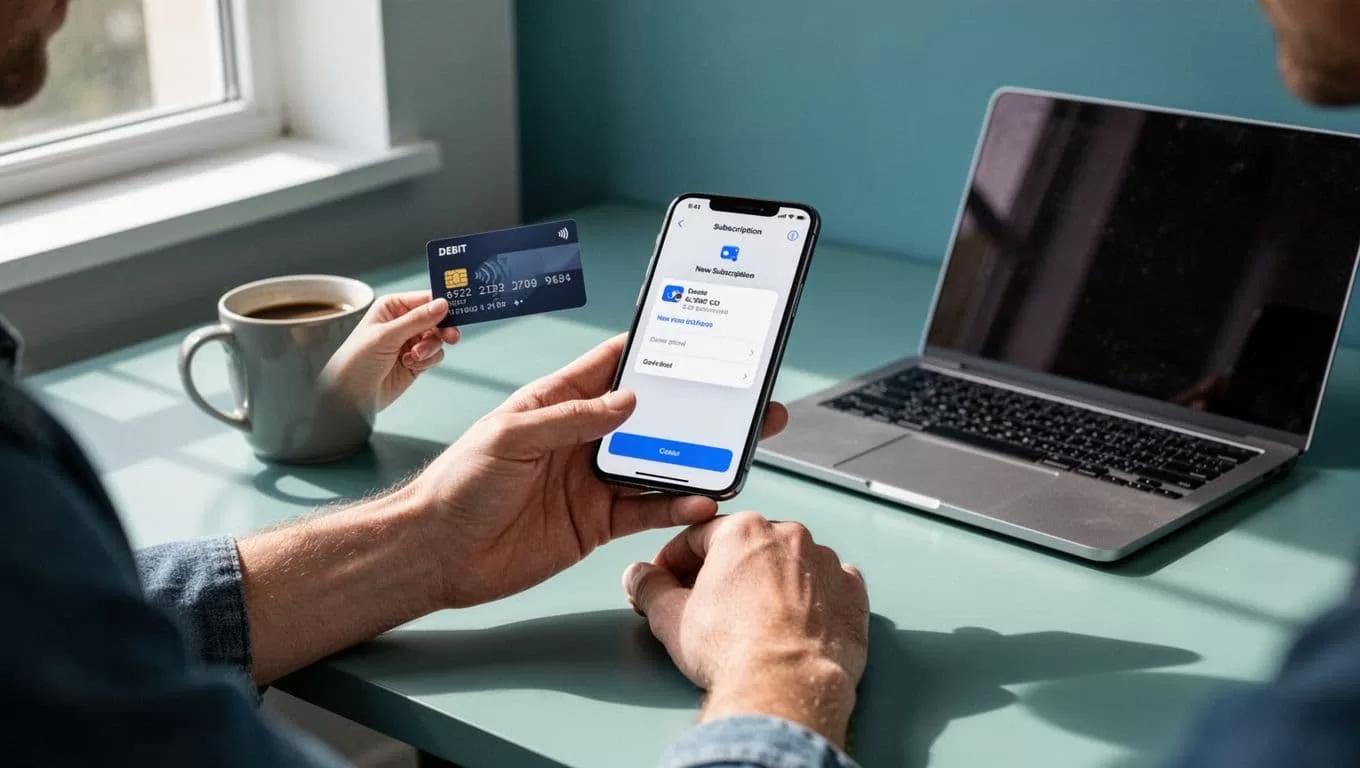
Before I trust a new merchant, I send a small test charge if I can. That tells me more than any marketing page. It also shows whether the checkout treats Wise like a normal card or acts picky about card type.
If I need UK-style receiving details for a subscription or invoice, I keep my Wise GBP account guide for non-UK residents handy. That matters when a vendor wants local bank information instead of a card.
Currency Conversion and Merchant Billing Currency
The merchant billing currency matters more than the sticker price. A $12 monthly bill can become more expensive than expected if my balance sits in euros or pounds. Wise converts at the quoted rate, so I always check the total before renewal day.
I try to keep the balance in the same currency as the charge. That way, I avoid repeated conversions. If I know a subscription bills in USD, I top up USD first. If it bills in GBP, I do the same there.
I also keep an eye on the fee side. My notes on Wise business fees help when I’m dealing with recurring software or cross-border vendor bills. Wise also explains its pricing and card costs on its Wise Business card fees page, which is useful when I want a clean view of spending costs.

The takeaway is simple. I save money when I match the payment currency to the billing currency. When I don’t, the conversion still works, but the total can creep up.
What Goes Wrong, and How I Prevent Failed Renewals
Failed renewals usually come from small things, not big disasters. The most common one is low balance. A merchant tries to renew, the balance is short, and the charge bounces.
Other problems show up too:
- The card expires or gets replaced, so the old details stop working.
- The merchant rejects the card type or treats Wise differently.
- The charge lands in a currency I didn’t fund.
- A security block or verification check pauses the payment.
I avoid most of that by keeping a buffer in the subscription currency. I also set a reminder a few days before the renewal date. That gives me time to top up without panic.
Card replacement needs special care. If I replace my Wise card, I assume every recurring charge will need updating. I don’t expect the new number to carry over everywhere. When the old card is blocked, I update each subscription manually.
The Pros and Cons I Keep in Mind
I like Wise because it gives me clear control over international spending. Still, I don’t treat it like magic.
| What I like | What I watch |
|---|---|
| Clear conversion pricing | Merchant acceptance varies |
| Easy balance management | Renewals fail if funds run low |
| Works well for many global SaaS tools | Some merchants reject Wise cards |
| Good for multi-currency spending | Card replacement means updating subscriptions |


That balance is why I like Wise for recurring subscriptions, but I don’t rely on it blindly. The merchant still controls what it accepts.
When I Trust Wise, and When I Don’t
I trust Wise most for subscriptions I can monitor, like software, streaming, and cloud tools. I also trust it for recurring vendor payments when I control the amount and the timing.
I’m more cautious with essential bills. If a payment is mission-critical, I check the latest supported features and the merchant’s billing rules first. I also keep a backup method ready, because a subscription that powers work should not depend on hope.
When I want the latest feature details, I read Wise’s help pages and test a small amount first. That habit has saved me more than once.
Wise works well for recurring international subscriptions when I treat it like a tool, not a promise. I match the payment method to the merchant, keep the right currency ready, and watch for renewal changes before they become a problem.

