How I Use Hunter.io as an Email Domain Search Tool
Hunter.io Domain Search helps you find work email addresses associated with a company website. Search a domain to review matching contacts, available email patterns, public source pages, and verification details. The results can guide focus...
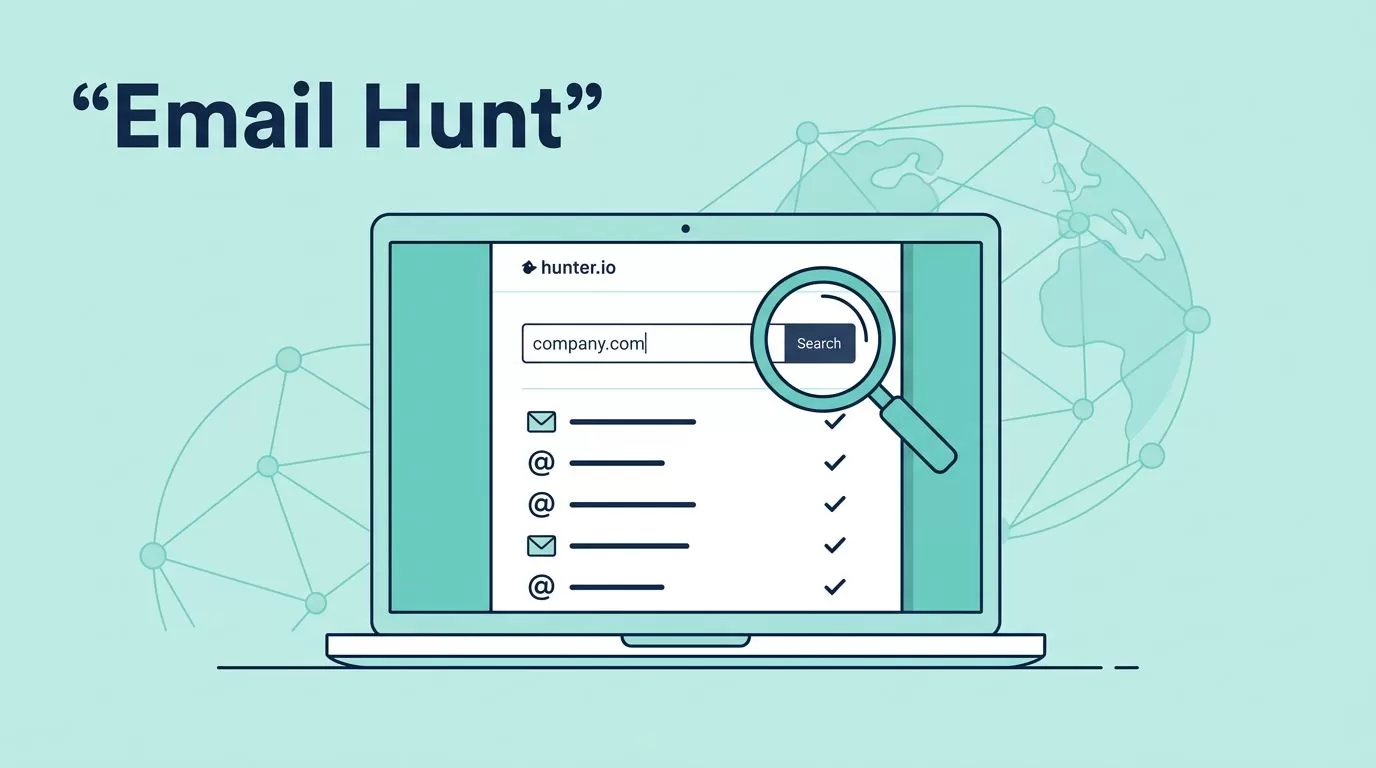
Hunter.io Domain Search helps you find work email addresses associated with a company website. Search a domain to review matching contacts, available email patterns, public source pages, and verification details. The results can guide focused research, but they do not prove that every mailbox is active, that the person still works there, or that a domain is not used privately for email.
This guide explains how to search one company or a list of domains, how to read the results, which Hunter tool fits each task, and how credits are charged. Prices and product details below were checked against Hunter’s official pricing page and Help Center on September 23, 2026.

What a domain email search does
Enter a company domain, such as company.com, and Hunter shows email addresses it has found or inferred for that organization. Depending on the available data, a result may include a person’s name, job title, department, email pattern, verification status, and source details. Hunter says it uses publicly available information and may check related domains if it finds no emails on the main domain.
If you know only the company name, first confirm its official website and domain. Several businesses can share a similar name, and choosing the wrong domain can return unrelated contacts. If you are searching a large list of companies, Bulk Domain Search can accept company names as well as domains.
How to find email addresses for one company
- Confirm the domain. Use the company’s official website. Enter the root domain, not a page address with a long path.
- Open Domain Search. Review the company details and available contacts. Hunter provides filters such as job title, department, location, verification status, and generic or personal email type.
- Choose the right person. Match the role to a real reason for contacting them. A relevant contact is more useful than a long list of names.
- Open the source details. Check whether Hunter says the address was found publicly or inferred, then review the source page and its last-checked date.
- Check the email status. If the result is not already verified, or if it is important to avoid a bounce, use Email Verifier before sending.
- Reveal, save, or export only what you need. Review the credit cost before revealing records or downloading a bulk result.
How to read Hunter’s results
A result is a research lead, not a promise that an email will reach a person. Read the status, score, and source as separate clues.
Verified status is not the same as a confidence score
Status is the verifier’s result for the address. Hunter uses labels such as Valid and Accept-all. A Valid result means Hunter’s checks consider the address deliverable at the time of verification. An Accept-all, or catch-all, server accepts messages for many addresses without confirming whether each individual mailbox exists. Treat that result with more care. An address can also be marked invalid or have an inconclusive status.
Confidence score is a separate estimate of how likely an address is to be valid. Hunter says it updates the score using the quality and amount of public data linked to the address. It can help assess accept-all results, but it is not a verification result and does not guarantee delivery. A high score does not turn a catch-all address into a confirmed mailbox.
Sources and dates help you judge where a result came from. Expand the source details to see the page or pages connected to an address, whether Hunter found it publicly or inferred it, and when the source was last reviewed. A recent review date tells you when Hunter checked that source, not necessarily when the employee last used the mailbox.
Use Email Verifier when an address has no clear verification status, when the source is old, when you have imported an address from another tool, or before a high-volume campaign. Verification can reduce uncertainty, but it does not confirm that you have permission to contact someone or that your message complies with applicable law.
Which Hunter search tool should you use?
| Tool | Use it when | What to expect |
|---|---|---|
| Domain Search | You want to research one company and do not have a specific person’s name. | Search one domain, inspect contacts and sources, and select relevant addresses. |
| Bulk Domain Search | You have a list of companies or domains. | Upload or paste the list, review the results and available status details, then download or import the records you want. |
| Email Finder | You know the person’s name and company domain. | Look up an address for that named person instead of searching every contact at the company. |
| Browser extension | You are already viewing a company’s website. | Find email addresses associated with the current website from your browser. Hunter says the extension uses your plan’s credits. |
| Domain Search API | You have an approved, repeatable workflow that needs programmatic lookups. | Use the API to request domain results from your system. Review the API plan, credit rules, data use, and error handling before building it into a live process. |
A quick rule helps: use Domain Search for a company, Email Finder for a known person, Bulk Domain Search for a spreadsheet of companies, the extension for a website already open, and the API for a controlled software workflow. You can also use Domain Search to narrow a company’s results to a job title or department when you do not know the person’s name yet.
Hunter pricing and credit charges, checked September 23, 2026
Hunter’s all-in-one plans have a shared credit balance for finding and verifying emails. The amount charged depends on the tool and action. The Data Platform plans for API users use separate Search and Verification credits, so do not apply the all-in-one rules to an API plan without checking its terms.
| Plan | Monthly billing | Annual billing, monthly equivalent | Included credits |
|---|---|---|---|
| Free | $0 | $0 | 50 per month |
| Starter | $49 per month | $34 per month, billed yearly at $408 | 2,000 per month, or 24,000 per year |
| Growth | $149 per month | $104 per month, billed yearly at $1,248 | 10,000 per month, or 120,000 per year |
| Scale | $299 per month | $209 per month, billed yearly at $2,508 | 25,000 per month, or 300,000 per year |
| Enterprise | Custom | Custom | Custom |
Hunter lists a 30% discount for yearly billing. Monthly plans provide credits each month. On yearly billing, the plan’s annual credit amount is provided for the year, rather than being a fresh monthly balance. Check the current pricing page before you buy because prices, included features, and credit packs can change.
What action uses a credit?
These are the key all-in-one plan rules in Hunter’s current credit guide:
- Single-domain Domain Search: 1 credit for each email you reveal. Opening a search with no results does not use a reveal credit. Viewing or exporting an address you have already revealed is not a second reveal.
- Bulk Domain Search: 1 credit for each block of 1 to 10 emails returned for a domain. The charge is calculated separately for each domain in the file.
- Email Finder: 1 credit for each email found.
- Email Verifier: 0.5 credit for each email verified.
For a simple example, revealing eight addresses from one company in the regular Domain Search costs eight credits. In Bulk Domain Search, if one domain returns 43 addresses, the finding charge is five credits: four blocks of ten plus one block for the remaining three. If you also verify all 43, verification adds 21.5 credits on an all-in-one plan. The finding and verification charges are separate actions, even though they use the same all-in-one balance.
In Data Platform plans, the Domain Search API uses 1 Search credit for up to 10 emails per domain or company name, while verification uses Verification credits. These API rules differ from revealing emails one by one in the all-in-one web app. Hunter’s credit guide and Data Platform plan details explain the distinction.
For bulk searches, Hunter shows the number of results and the credits needed before you download. If you select verification, check its cost too. Hunter’s current Bulk Domain Search instructions say finding credits are charged when you download the result, and downloading the same completed list again does not charge a second time. Confirm the on-screen total before you start or download a job.
A practical workflow for a list of domains
- Prepare the list. Use official company domains where possible. Remove obvious typos and keep one company per row so you can trace each result to its input.
- Upload or paste the domains. Bulk Domain Search accepts a list of domains or company names. Apply available filters before running the job if you only want certain types of contact.
- Review the result count and credit estimate. Check how many addresses Hunter found, whether you chose optional verification, and what the interface says the job will cost.
- Inspect the output. Review names, roles, status, source details, and source review dates. A returned address is not automatically a suitable contact for your purpose.
- Remove records that do not fit. Keep the contacts that meet your criteria, such as the right department, role, source quality, and verification status.
- Check for repeated addresses before importing. Do not assume that every export has been deduplicated in the exact way your CRM needs. Compare normalized email addresses in your spreadsheet or CRM and keep the appropriate record.
- Export or import the selected records. Save the file or import the leads only after you have reviewed the fields and statuses. Keep the source information where your workflow allows it.
Hunter documents that repeat requests for the same lookup within a billing period do not necessarily consume credits again, and that a downloaded bulk result can be downloaded again without another finding charge. That is a credit rule, not a promise that two different input rows will never produce duplicate contacts. Check duplicates in your own output before sending messages or importing records.
What a domain search cannot prove
Hunter’s results reflect information it can find in public sources and patterns it can infer. A missing result does not prove that a company has no email users, that its domain is not used for business email, or that no private mailboxes exist. A company may use addresses that have never appeared on an indexed public page, a related domain, or a system Hunter can identify.
A result also does not prove domain ownership, the current employment of the named person, or the right to contact that person. Email verification checks whether an address appears deliverable; it does not establish consent, legal basis, or interest in your offer. If you need to confirm that you control a domain, use an ownership verification method such as a registrar account or DNS record, not an email finder.
Use email discovery as one research signal. Confirm the person’s role from a current, reliable source, contact only when you have a lawful reason, and honor opt-outs. Keep your list limited to the people and details you actually need.
How Hunter compares with other email finder tools
There is no single coverage or verification method shared by every provider. One service may return more contacts for a certain industry or country; another may expose clearer source details, handle catch-all results differently, or charge credits on a different action. A larger result count alone does not tell you which tool has the more useful data.
Before switching tools or paying for a higher tier, test a small sample of companies that match your real work. Compare the number of relevant contacts, source transparency, status definitions, treatment of catch-all addresses, and the price per contact you would actually keep. Check whether a provider charges for a search, a reveal, a result download, verification, or a combination. Also compare CSV fields, duplicate handling, and API terms if you plan to automate the process.
Hunter is a good fit when you want domain-level research with public source details, person-level Email Finder searches, and related verification tools in one workflow. If your main need is a broader prospect database, another geography, or a different catch-all policy, run the same small test in the alternatives and choose based on the records that hold up to review.
Frequently asked questions
What is an email finder by domain?
It is a search tool that uses a company’s website domain to find work email addresses associated with that organization. Hunter Domain Search also provides contact details and source information when available.
How do I find company email addresses if I only know the company name?
Confirm the company’s official website and search its domain. For a list, Bulk Domain Search accepts company names or domains. If you know the person’s name and domain, use Email Finder for a person-level lookup.
Does one Domain Search credit cover ten emails?
It depends on the product and plan. On Hunter’s all-in-one plan, revealing emails one at a time in Domain Search costs 1 credit per email. Bulk Domain Search charges 1 credit per 1 to 10 emails returned for each domain. The Data Platform API also uses 1 Search credit for up to 10 emails per domain or company name.
Does viewing a search or exporting a CSV use credits?
Hunter’s all-in-one Domain Search charges when you reveal an email, not simply for entering a domain. For a bulk job, finding credits are charged when you download the results. Exporting or downloading the same already charged result again is not a new finding charge. Check the estimate shown in Hunter before revealing or downloading records.
What is the difference between Domain Search and reverse email lookup?
Domain Search starts with a company domain and looks for associated addresses. A reverse lookup starts with an email address and tries to identify details connected to it. They answer different questions, and neither proves identity or mailbox ownership on its own.
Can a domain search prove that a domain is actively used for email?
No. Public results can show addresses associated with a domain, but no results do not prove that the domain has no active mailboxes. A domain search is not a domain ownership or domain-sale verification tool.
Where do Hunter’s results come from?
Hunter says it uses publicly available information and displays source pages, whether an address was found or inferred, and when those sources were last reviewed. Open the source details on a result to check its context.
Bottom line
Hunter.io can help you find relevant work email addresses from one company domain or process a list of companies. Choose the tool based on what you know, review sources and statuses, and verify uncertain records before outreach. Most importantly, understand the credit rule for the exact action you plan to take. Public search results are useful evidence, but they cannot prove every mailbox is active or that a domain has no private email use.
Official Hunter references
- Hunter plans and pricing
- Domain Search: find emails from companies
- How credits work in Hunter
- Bulk Domain Search
- How Hunter finds and sources Domain Search results
- How to verify email addresses with Hunter
- Data Platform plans for API users
Pricing and product rules checked September 23, 2026. Recheck Hunter’s official pricing and help pages before purchasing, since plan details can change.
