Hunter.io Lead Generation for Clean B2B Prospecting in 2026
Bad lead lists waste time, money, and sender trust. That is why I use Hunter.io lead generation when I want clean B2B email data, not a noisy spreadsheet full of guesses. I care about three things, finding the right contact, checking the ad...

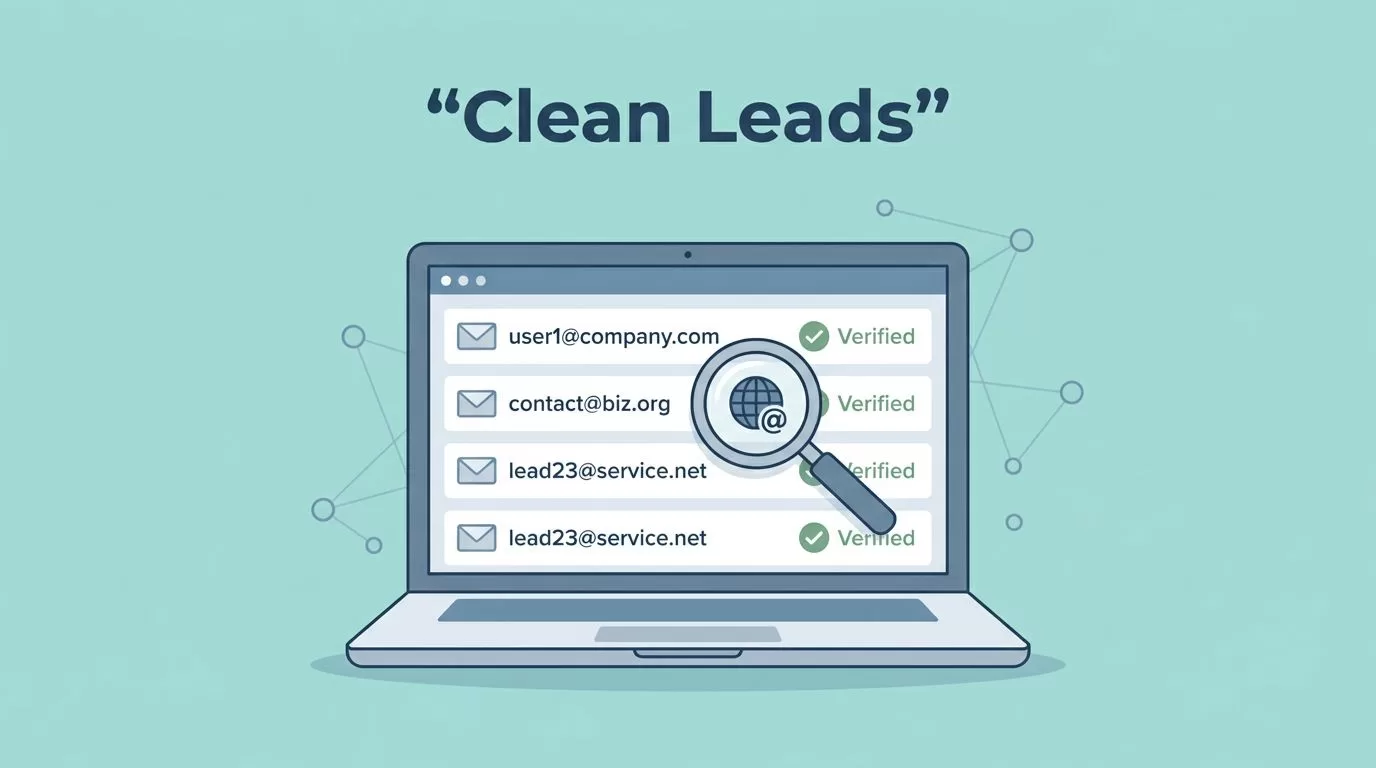
Bad lead lists waste time, money, and sender trust. That is why I use Hunter.io lead generation when I want clean B2B email data, not a noisy spreadsheet full of guesses.
I care about three things, finding the right contact, checking the address, and sending from a list I can defend. Hunter.io handles that core job well, but it does not replace every part of my outbound stack. Here is how I use it in practice.
Where Hunter.io Fits Best in My Prospecting
I reach for Hunter when I already know my target account or niche. It works well for domain search, email finding, and verification. That makes it a strong fit for SDRs, founders, and small marketing teams.
The tool feels focused, and I like that. It does not try to become a giant database first. I get more value from a sharp knife than a full toolbox when my goal is a verified list.
If you want a deeper product take, I wrote a full Hunter.io review for B2B contact discovery. For current product direction, Hunter’s changelog shows useful updates like sequence A/B testing and progressive sending.


I keep coming back to three strengths:
- Fast email discovery from a domain or name search.
- Verification before send, which helps me cut bad bounces.
- Simple list building, so I can move from research to outreach without friction.
Still, Hunter is not a phone-number engine or a giant enrichment platform. I use it for email-first prospecting, then I let the rest of my stack handle the rest.
My Domain-to-List Workflow
My process starts with a narrow ICP. I pick one title band, one industry, and one region. Then I pull a small batch before I scale.
I keep the flow simple because simple flows break less. If I can move from domain to verified inbox in a few minutes, I’m more likely to use the system every week.
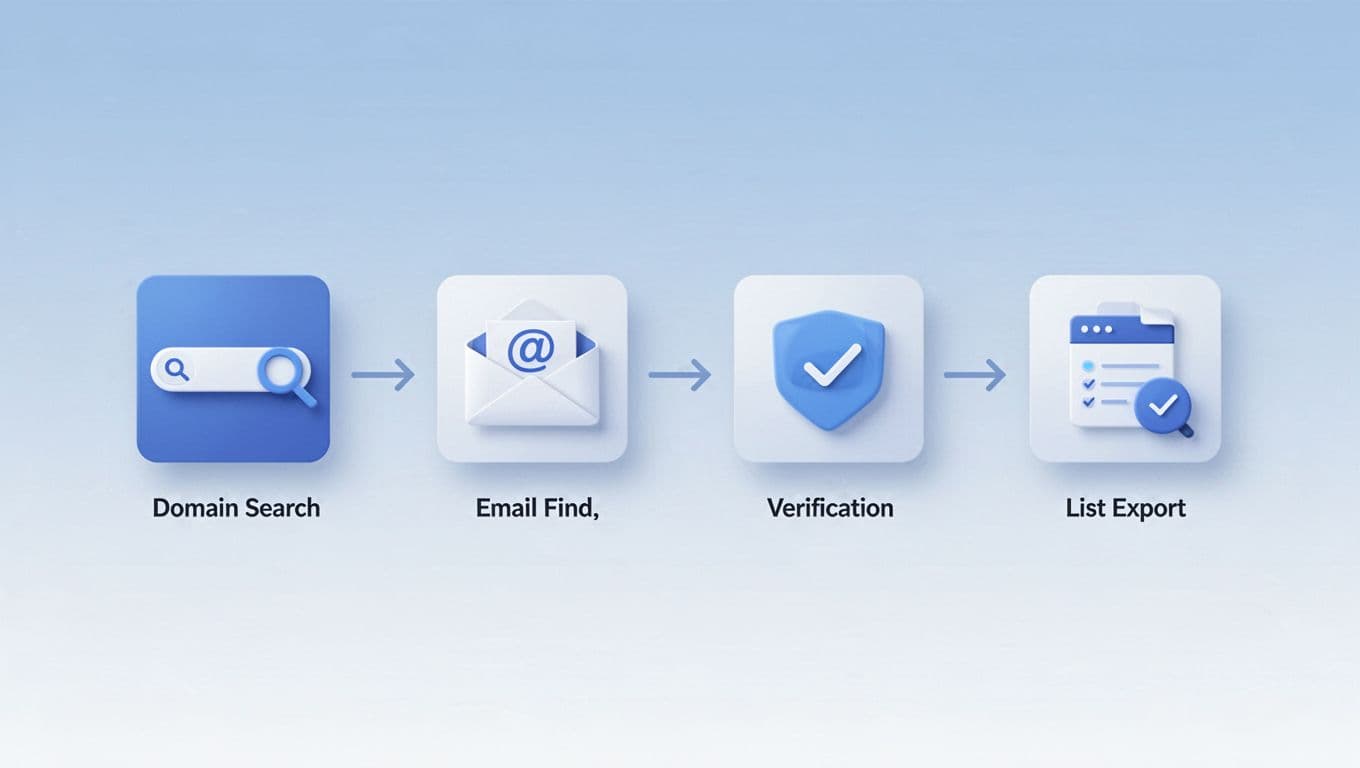
My weekly flow usually looks like this:
- I start with 20 to 50 target domains.
- I run domain search or email finder on each account.
- I verify every address, especially role-based and catch-all domains.
- I add notes for role, company size, and a real personalization angle.
- I export into a sheet or CRM, then suppress duplicates right away.
That rhythm keeps my list tight. It also saves credits because I don’t keep re-checking the same weak leads.
If you want the longer version of this process, my Hunter.io workflow guide walks through the setup. For a wider view of automation-heavy options, I also like this AI lead generation tools roundup.
How I Protect Deliverability and Stay on the Right Side of Compliance
Verification is where Hunter earns its keep. It helps me catch bad syntax, dead mailboxes, and risky accept-all domains before I send. That matters because a bad bounce rate can drag down a whole campaign.
A verified email is not a promise of reply. It is only a cleaner chance to start.
I also watch how I send. New inboxes get low volume first, and I prefer gradual ramps. Hunter’s newer progressive sending feature helps there, and sequence testing is useful when I want to compare subject lines or openers.
| Risk | My move | Why I do it |
|---|---|---|
| Accept-all domain | Test a small batch | Hidden bounces can pile up |
| Invalid address | Suppress it | Protect sender reputation |
| New sending domain | Warm it slowly | Avoid spam spikes |
| Opt-out request | Remove fast | Keep outreach ethical |
I also keep a business reason on file, use public data only, and include an easy opt-out. For tricky accept-all cases, I rely on my catch-all email verification guide.
How Hunter.io Fits in My Wider Outbound Stack
Hunter works best when I use it as the front end of a stack. I pair it with a CRM, a sending tool, and sometimes a research layer like LinkedIn Sales Navigator. That way, Hunter handles the email work while the rest of the stack handles follow-up and reporting.
If I need phone data, heavy enrichment, or multichannel sequencing, I look harder at broader platforms. That is why I keep my Hunter.io vs Apollo.io comparison nearby when I evaluate a bigger rebuild.

I think of the stack like this:
| Layer | I use it for | Hunter’s role |
|---|---|---|
| CRM | Ownership and notes | Pushes clean contacts in |
| Sequencer | Follow-ups | Sends verified leads only |
| Research tool | Context and timing | Gives me the contact to start with |
That mix keeps me from asking one tool to do everything. Hunter brings the lead into focus, then the rest of the stack carries the work forward.
If I want another layer of context, Hunter’s integrations page shows how it plugs into common CRMs and sales tools.
A little restraint helps here. The best outbound stacks are not the busiest ones. They are the ones that stay clean enough to trust.
The Takeaway I Keep Coming Back To
A bad list is loud. A clean list is quiet, and it keeps working.
I use Hunter.io lead generation when I want verified email data, simple list building, and a workflow I can repeat without guesswork. It is not my whole outbound system, but it is a strong first step.
When I pair it with good targeting, careful sending, and a real opt-out process, Hunter becomes more than an email finder. It becomes the part of my stack that keeps the rest of the stack honest.

