Rewardful Affiliate Tracking for Stripe SaaS
An affiliate link that lands on a Stripe checkout doesn’t create a reliable partner record. Rewardful affiliate tracking works only when the referral identifier reaches the correct Stripe Customer before the first paid invoice. A SaaS...
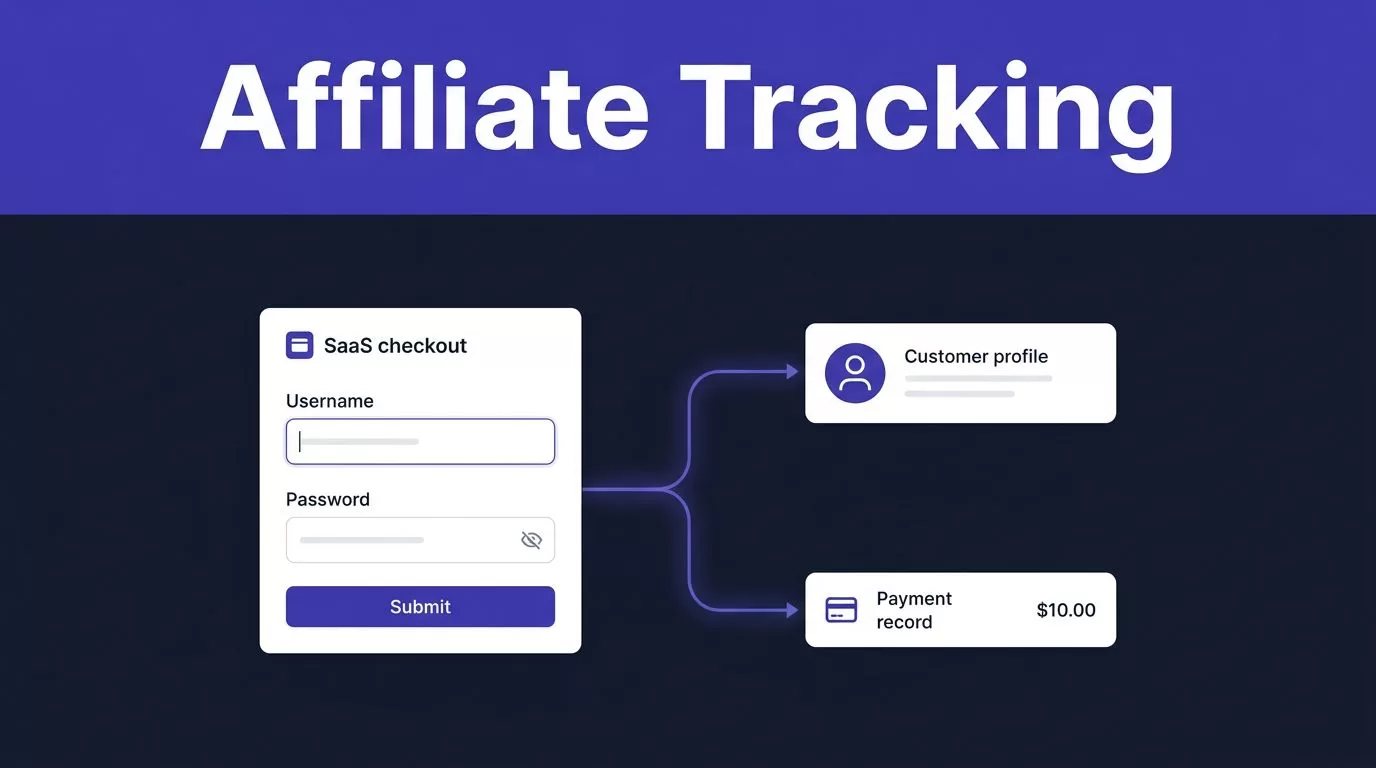
An affiliate link that lands on a Stripe checkout doesn’t create a reliable partner record. Rewardful affiliate tracking works only when the referral identifier reaches the correct Stripe Customer before the first paid invoice.
A SaaS team can set a good commission rate and still miss referrals when a script loads late, a redirect drops the token, or a server route creates a customer without attribution. Build the billing handoff first, then test it with a controlled purchase.
Rewardful affiliate tracking prerequisites for a Stripe SaaS
Start with a billing map. List the pages, systems, and people involved between an affiliate visit and a paid subscription.
Use Rewardful’s Stripe connection instructions only after you know which Stripe account owns the subscription Customers and invoices. Connecting the wrong Stripe account creates a clean-looking setup with no usable commission data.
MAP EVERY PATH TO A PAID CUSTOMER
List every route that can create a Stripe Customer:
- Your website’s standard Stripe Checkout flow.
- A self-serve upgrade inside the app.
- A Stripe Payment Link.
- A pricing table.
- A sales-assisted invoice or API-created subscription.
Each route needs an attribution plan. If the website checkout passes the referral identifier but your sales team creates subscriptions manually, those sales-created customers will not have the same referral record.
Assign clear ownership. Your developer owns the script and Stripe handoff. Your affiliate manager owns campaign rules and payout review. Your finance owner checks that commissions match paid invoices and refunds.
WRITE THE PROGRAM RULES BEFORE INVITING AFFILIATES
Decide what counts as an eligible referral. Define self-referrals, internal purchases, coupon sharing, prohibited traffic sources, and refund treatment before the first affiliate joins.
Keep these rules in your affiliate terms and internal payout process. Don’t rely on a dashboard setting to explain an exception later. A disputed referral needs a written rule, a Stripe record, and a named owner.
CONNECT STRIPE AND BUILD THE CAMPAIGN
Use Rewardful’s Stripe connection flow rather than sharing Stripe secret keys with staff or pasting credentials into a third-party form. Rewardful needs permission to read relevant Stripe objects and update attribution metadata when a referral is present.
Limit Stripe account access to the people who need it. Your team should use individual logins and normal role controls. The affiliate platform connection should not become a reason to give every marketer access to billing records.
CONFIGURE THE COMMISSION POLICY
Create your first campaign using Rewardful’s campaign setup guide. The current interface can differ by account and integration, so follow the live setup path instead of copying old screenshots.
Choose a percentage or fixed commission amount. Set the payout currency. Then decide whether commissions continue for the customer lifetime or stop after a fixed number of payments or months.
Rewardful’s default campaign behavior is recurring commissions until the referred customer cancels. That may work for a low-churn SaaS product. It can also create a long-term payout obligation that your unit economics do not support.
A discount affects commission math. If your rate is 30% and a $100 invoice has a $25 coupon, the customer pays $75. The commission is $22.50, not $30.
REVIEW THE RATE AGAINST A REAL INVOICE
Don’t approve payouts based on the rate you intended to set. Review the commission record against the actual amount paid in Stripe.
This matters when you use trials, coupons, credits, proration, annual plans, refunds, or plan upgrades. Your affiliate policy should state whether these cases receive a commission, then your team should verify that the campaign behavior matches that policy.
INSTALL THE REWARDFUL TRACKING SCRIPT
The tracking script captures the affiliate referral before the customer starts signup or checkout. Add the current Rewardful script to every page where a referred visitor can arrive, including the root domain and relevant subdomains.
A landing page, comparison page, pricing page, signup page, and app subdomain can all sit in the same customer journey. Missing the script on one early page can break attribution before Stripe enters the flow.
KEEP THE REFERRAL TOKEN THROUGH SIGNUP
Test redirects, login walls, localization redirects, and domain changes. These are common places for referral data to disappear.
If your site uses a tag manager, confirm the tag runs before a visitor can start checkout. If you use a content security policy, add only the current domains Rewardful requires. Don’t weaken your site’s security policy to make one script load.
Rewardful setup steps vary by checkout type. Don’t copy a Payment Links instruction into a custom Stripe API route and assume the same attribution method will work.
If your privacy process requires visitor consent before tracking scripts run, document the expected result. A visitor who declines non-essential tracking may not be attributable through the normal browser path. That is a policy outcome, not a dashboard error.
CHECK CROSS-DOMAIN BEHAVIOR
Hosted checkout pages and separate application domains need extra testing. Open the affiliate link on the marketing site, complete signup, and confirm the referral remains available when the visitor reaches checkout.
Use the integration-specific instructions shown in Rewardful. A setting intended for one hosted checkout provider may not apply to Stripe Checkout, Stripe Payment Links, or an API-created Customer.
PASS ATTRIBUTION INTO STRIPE CHECKOUT
Rewardful affiliate tracking is a data handoff, not a link counter. The referral needs to connect to the Stripe object that will receive the subscription invoices.
USE THE RIGHT METHOD FOR CLIENT-SIDE CHECKOUT
For Rewardful’s client-side Stripe Checkout integration, read Rewardful.referral and pass that value to Stripe as clientReferenceId when calling stripe.redirectToCheckout().
Stripe describes client_reference_id as an application-defined field for reconciling a Checkout Session with your systems. Review the Stripe Checkout Session reference before changing your checkout code.
Pass the referral value unchanged. Don’t put an email address, payout amount, affiliate status, or other sensitive customer data into this field. The browser can provide a referral identifier. It should not decide a commission rate or approve an affiliate.
WRITE CUSTOMER METADATA FOR API-BASED FLOWS
If your server creates Stripe Customers through the API, Rewardful’s documented method is different. Store the referral UUID in the Stripe Customer metadata under the key referral.
Follow the Rewardful Stripe API integration instructions for that path. Writing data only to a Checkout Session or your own application database is not a replacement for the required Customer metadata.
Keep Stripe secret keys on the server. Also protect existing attribution. Don’t overwrite the referral value on an established Customer because a later browser visit carries a different token. Send conflicting claims to review with the Stripe Customer ID, affiliate link, timestamp, and account email.
For Stripe Payment Links, turn on “Save Payment Details for Future Use.” Rewardful relies on a Stripe Customer record to associate the referral correctly.
DEFINE HOW RECURRING COMMISSIONS WORK
After a valid referral becomes a Stripe Customer, paid invoices drive the commission record. Rewardful can track recurring payments, upgrades, downgrades, cancellations, and refunds through the connected Stripe account.
Your product-access webhook and affiliate tracking are separate jobs. Keep your own Stripe webhook process for account provisioning, failed payments, and subscription state. Let Rewardful handle its connected commission logic.
TIE PAYOUT REVIEW TO PAID INVOICES
A trial signup is not a paid subscription. A subscription created in Stripe is not always a collected payment. Review commissions against paid invoices, then check later refunds and cancellations before payout.
Use a fixed reconciliation record for every sample:
| Field | Record to retain |
|---|---|
| Referral evidence | Affiliate link, token, and visit date |
| Billing evidence | Stripe Customer ID, invoice ID, and paid amount |
| Commission evidence | Campaign, commission amount, and status |
| Exception evidence | Refund, duplicate claim, or review decision |
This gives finance a usable audit trail. It also stops a payout dispute from turning into a search through browser history and old Slack messages.
USE PROMO CODES AS A SEPARATE ATTRIBUTION PATH
Promo codes can help when a partner promotes on a podcast, webinar, or offline channel. Rewardful can create unique Stripe promotion codes and map them to affiliates through its promotion code tracking flow.
Create and test the code through the documented process. A generic discount code proves that a discount worked. It does not prove that the correct affiliate received attribution.
TEST THE FULL FLOW BEFORE LAUNCH
Run a controlled test with a dedicated internal affiliate and a non-public customer email. Use a private browser window with no ad blocker, open the real affiliate referral link, and let the page load fully.
Then complete a low-value or refundable purchase that follows your normal billing process. Don’t test only the landing page. The important evidence appears after Stripe creates the Customer and records a paid invoice.
RUN THESE TESTS IN ORDER
- Open the affiliate referral link in a clean private browser session.
- Complete signup and checkout without changing devices or browsers.
- Check the Stripe Customer for the expected referral record or Checkout reference.
- Check Rewardful for the affiliate, referral, paid customer, and commission.
- Refund or cancel the controlled subscription if your normal process allows it, then confirm the commission adjustment.
- Repeat with a direct visitor and a different affiliate link to check for missing or duplicate claims.
Keep screenshots, timestamps, Stripe IDs, and the exact referral URL with the test record. Dashboard labels can vary, but the evidence should always connect the partner, Customer, paid invoice, and commission.
MONITOR MISSED REFERRALS AND RECOVER FAST
The operating metric is reconciled paid referrals, not affiliate clicks. A high click count has no value if your team spends hours repairing missing Customer links and duplicate commission claims.
Review a small sample every week. Compare the Rewardful attribution record with Stripe, including the partner, Customer, paid invoice, commission amount, and refund status.
TRACK THE FAILURES THAT COST MONEY
Watch these measures:
- Paid customers with confirmed affiliate attribution.
- Missing or duplicate referral records.
- Internal-purchase and self-referral exceptions.
- Refund-related commission reversals.
- Minutes required to investigate a disputed payout.
Set an alert for sudden drops in attributed Customers after a website deployment. Also check script loading after changes to your pricing page, cookie banner, signup flow, or checkout code.
KEEP A STOP AND RECOVERY PROCEDURE
Save the last trusted commission report before each payout cycle. If a checkout update breaks attribution, pause affected payouts, preserve the Stripe evidence, and assign one owner to correct the route.
Don’t fix a broken record by overwriting the original data without a note. Store the proposed correction, reviewer decision, and payment outcome separately. If your SaaS uses several checkout paths or custom Customer creation, Book A Call before turning on broad affiliate payouts.
Conclusion
Reliable affiliate attribution depends on one clean chain: affiliate visit, referral capture, Stripe Customer, paid invoice, and commission record.
Set the campaign rate, but don’t stop there. Test every billing path, protect the original attribution data, and reconcile paid referrals against Stripe before you pay partners.
A completed checkout is not proof that the referral was tracked. The Stripe record and commission record must match.
