How I Automate Itinerary Planning Tasks on Twin.so
Trip planning gets messy the moment one detail changes. A delayed flight can break hotel check-ins, meeting times, airport transfers, and the version of the itinerary you already sent. I use itinerary planning automation in Twin.so to keep...

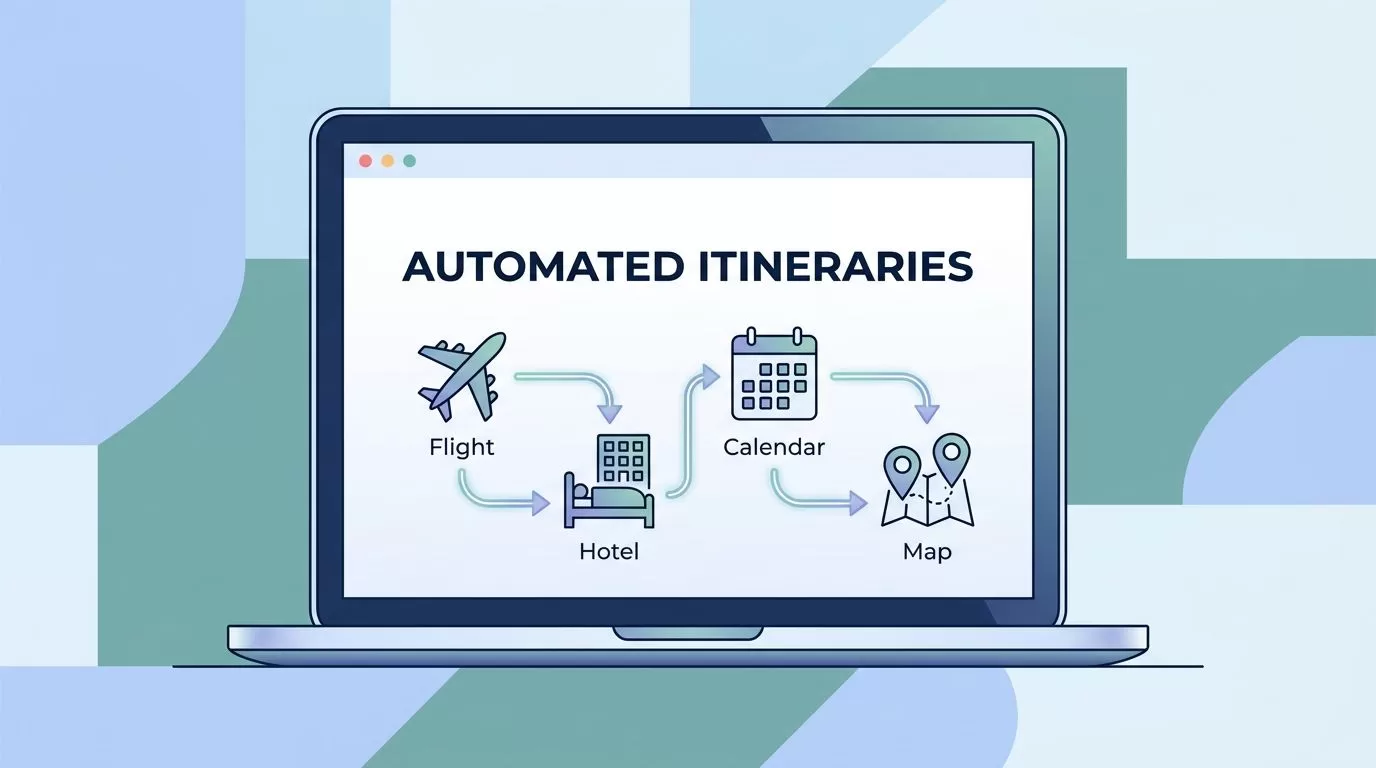
Trip planning gets messy the moment one detail changes. A delayed flight can break hotel check-ins, meeting times, airport transfers, and the version of the itinerary you already sent.
I use itinerary planning automation in Twin.so to keep those moving parts under control. That saves time, cuts copy-and-paste mistakes, and keeps every stakeholder on the same page.
Why manual itinerary planning slows teams down
When I handle itineraries by hand, the same data gets typed three or four times. It usually starts in an email, moves into a spreadsheet, then gets copied into a calendar or shared doc.
That process invites small errors. A wrong date, a missed time zone, or an old hotel address can ripple through the whole trip.
I also lose time to version drift. One person is looking at the latest plan, while someone else is still reading yesterday’s PDF. That gap creates avoidable confusion, especially for client travel, executive support, or event logistics.
That matches Booking.com Business on travel automation, which points to faster bookings and less disruption. I see the same pattern inside planning workflows, because less manual handling usually means fewer mistakes.
The itinerary tasks I automate in Twin.so
I do not try to automate the whole travel process on day one. I start with the steps that repeat often and carry the most friction.
| Task | Manual version | Twin.so automation version |
|---|---|---|
| Collect trip details | Email back and forth, then retype the answers | One intake flow saves the request once |
| Build the itinerary | Assemble the schedule from scratch | Fill a template with mapped trip data |
| Update changes | Edit several copies by hand | Trigger a revision from one change event |
| Share the final plan | Send separate files or messages | Publish one approved version to every channel |
The value is simple. I move from repeated admin work to one clean flow. Once that exists, itinerary planning stops feeling like a scramble and starts feeling like a process.
Collect trip details once
I begin with a short intake form or a structured request. The fields I ask for are plain and specific, like traveler names, dates, city, time zone, meeting locations, hotel preferences, and approval contact.
The rule is to collect once and reuse everywhere. If the input is clean, the rest of the workflow becomes much easier.
I also keep optional fields separate from required ones. That way, I can launch the process fast without forcing people to fill out a long form. For business travel, I often add budget range, mobility needs, client contact details, and any schedule hard stops.


Build itineraries from structured inputs
Once the request is in Twin.so, I map those fields into a standard itinerary template. That template keeps the structure steady, even when the trip details change.
For example, I like to separate the plan into clear blocks, such as arrival, transfer, meetings, meals, hotel check-in, and departure. I also include notes for owner, time, and location. When a new trip comes in, Twin.so can place the data into the right slots without me rebuilding the document.
This is where consistency matters most. A well-built template keeps the output readable for clients, assistants, and ops teams. It also makes future changes easier, because I am editing a known layout instead of a loose document full of custom formatting.
Update the plan when schedules change
Travel changes. Meetings move. Flights slip. Weather shows up with no warning.
I build my automation so a change event updates the master itinerary, then sends the new version to the right people. I do not want three different copies floating around after one flight change.
I only publish the final itinerary after the core fields are complete and the revision is logged.
That small rule prevents a lot of pain. It also keeps the workflow honest, because the automation does not outrun the review step.
If a client changes a meeting time, I update the source record first. Then Twin.so pushes the new time into the itinerary, calendar, and notification message. That keeps the whole chain aligned.
Sync the final version across tools
The best itinerary workflow does more than create a document. It sends the same information to the places people already use.
I usually sync the final itinerary to a shared document, a calendar, and a message thread or email draft. If the team needs a CRM note or an internal handoff record, I add that too. The point is to keep the itinerary from becoming a dead file after it is approved.
I also look for tools that support the same pattern of one source feeding many outputs. That is the same idea behind travel automation software, where the workflow matters more than the file format. If the itinerary is updated once, every downstream copy should reflect it.
How I set up the workflow so it stays reliable
A useful automation is not the one with the most steps. It is the one that behaves the same way every time.
I start by defining the source of truth. For me, that means one record for the trip request, one template for the itinerary, and one place where revisions are approved. Without that, I end up fixing the same data in multiple spots.
Next, I map each field carefully. A traveler name should not land in a notes box, and a meeting time should not end up in the hotel line. Small mapping mistakes cause big problems later.
Then I add a review step. I never let the workflow publish a client-facing itinerary until the key details are checked.
- I collect the trip request in one structured intake.
- I map the request into a fixed itinerary template.
- I create a change trigger for schedule updates, delays, or new approvals.
- I route the final version to the calendar, shared doc, and stakeholder message.
Finally, I test edge cases. Missing hotel data, late flight changes, and odd time zones are the things that break sloppy automations. I would rather catch those early than explain them later.
Where the business value shows up
The first win is time savings. I stop repeating the same entry work, and that gives me back time for planning and review.
The second win is fewer manual errors. When details move through one controlled path, I make fewer typos and miss fewer updates.
Consistency is the third win. Every itinerary follows the same structure, which makes the output easier to read and easier to approve. That matters when I work with clients or internal teams who expect a clean handoff.
There is also a quieter benefit. A good automation gives me a stronger audit trail. I can see when a request came in, what changed, and which version was sent. That makes future planning faster because I am not starting from scratch each time.
Conclusion
Itinerary work gets messy when every update depends on memory and manual copying. Twin.so helps me turn that loose process into a repeatable flow, from intake to final share-out.
The biggest shift is not speed alone. It is control. Once I automate the request, template, update, and delivery steps, I spend less time repairing travel details and more time making the trip itself work.

