How I Sync Inventory Across Channels with Twin.so
Inventory sync breaks the moment stock starts living in more than one place. If I sell on a storefront, list on marketplaces, and keep counts in an ERP or POS, one late update can turn into an oversell, a canceled order, or a support ticket...

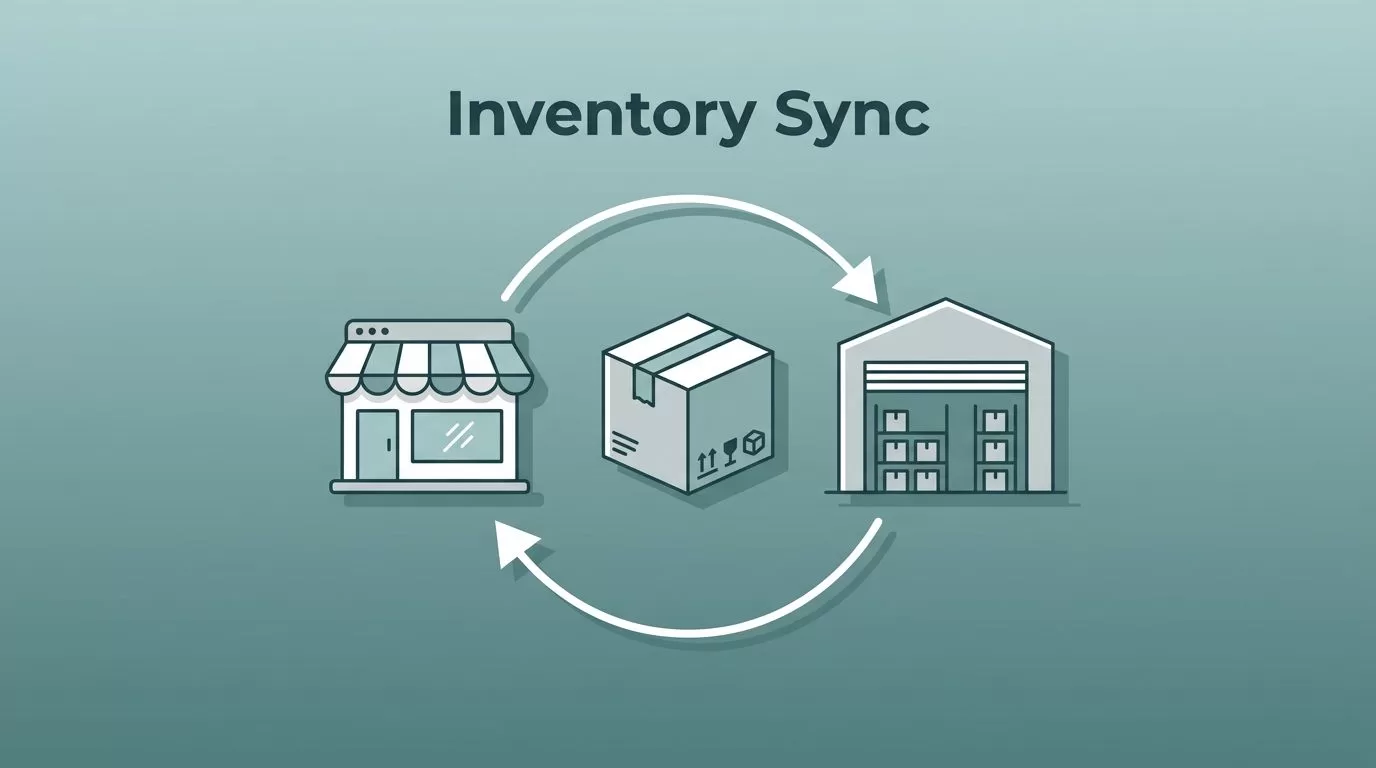
Inventory sync breaks the moment stock starts living in more than one place. If I sell on a storefront, list on marketplaces, and keep counts in an ERP or POS, one late update can turn into an oversell, a canceled order, or a support ticket I didn’t want.
That’s why I treat inventory sync as an operations problem, not a nice-to-have feature. I want one clean view of available stock, fewer manual updates, and a system that keeps up when orders move quickly across channels.
Twin.so gives me a way to build that control layer without writing a full custom integration stack. I use it to move stock changes between systems, keep numbers aligned, and catch the messy parts before customers do.
Why inventory sync breaks so easily
The hardest part is rarely the software itself. It’s the way stock data gets split up.
A Shopify store may show one number, Amazon may reserve another, and the POS may still reflect a sale from earlier in the day. Add returns, purchase orders, and warehouse transfers, and the same SKU can drift across three or four systems before lunch.
That’s why inventory problems keep showing up in multi-channel businesses. OWD’s overview of ecommerce inventory management challenges covers the same pressure points I see in practice, especially when stock has to stay aligned across many channels at once. The issue is timing. A sale happens in one system, but the other systems don’t hear about it soon enough.
One bad stock count can spread fast, and the damage shows up as oversells, refunds, and lost trust.
I start by naming a source of truth. That might be the ERP, the warehouse system, or the ecommerce store, depending on how the business runs. Once I pick that source, every other channel needs to follow its lead.
How I use Twin.so as the sync layer

Twin.so is a no-code AI agent builder, so I can describe a task in plain English and turn it into an automation flow. For inventory work, that matters because the job is usually repetitive and fragile. I don’t want someone copying stock numbers by hand between a store, a marketplace, and an ERP.
I use Twin.so to watch for a change in one system, then push that change into the others. If an API exists, I use it. If a system only gives me a web interface, Twin.so can work through the browser like a person would. That gives me more room to connect older tools without waiting for a custom build.
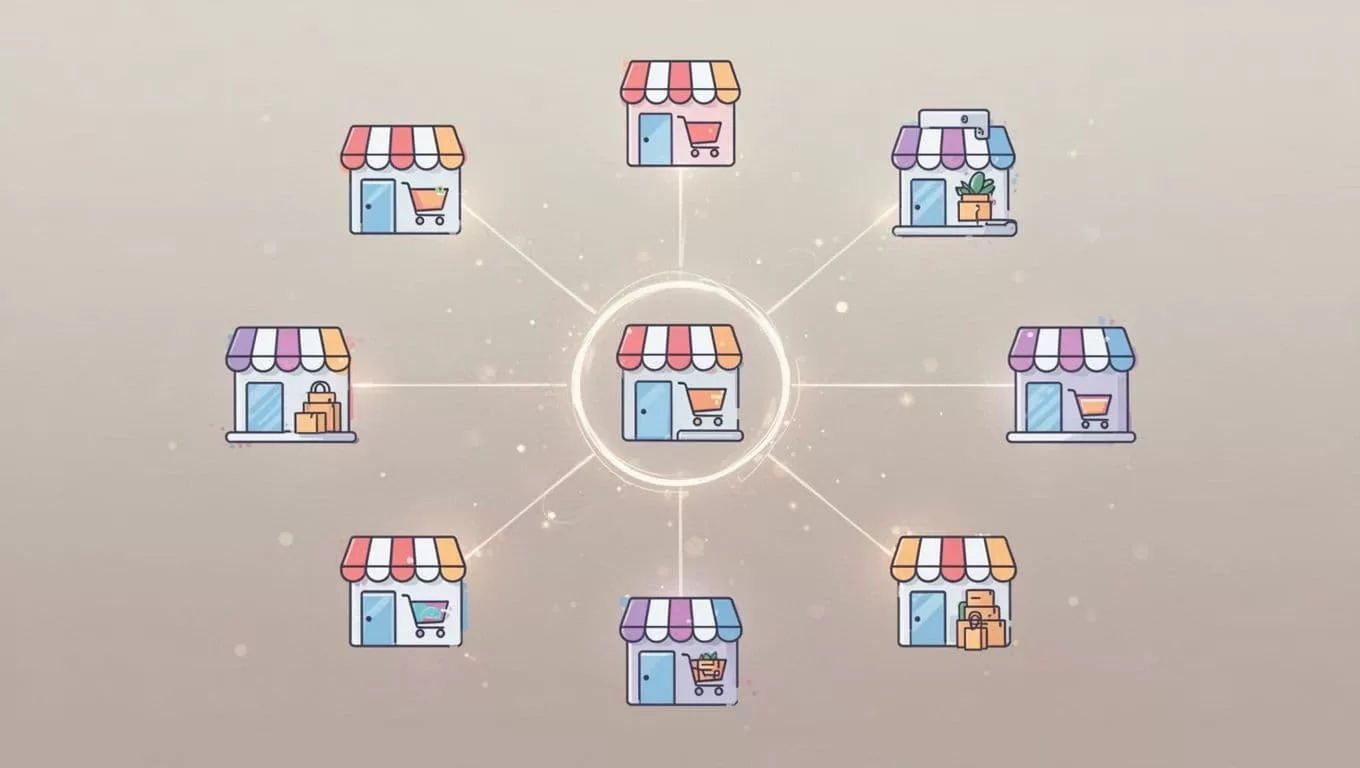
The setup feels like a control tower. One signal comes in, the agent checks the SKU, applies the rule I set, and sends the update where it belongs. I can run it on a schedule, too, which gives me a backstop if an event gets missed.
That same approach lines up with what Cin7 says about multi-channel inventory management, especially the need to keep data consistent across every sales channel. I’m not trying to make every system smarter. I’m trying to make them agree.
A practical setup across store, marketplaces, and ERP or POS
When I build a real workflow, I map each system to a role before I automate anything. That keeps the logic clean and stops me from guessing later.
Here’s the kind of setup I use most often:
| Channel | What I sync | What Twin.so does | Why it matters |
|---|---|---|---|
| Ecommerce store | Orders, refunds, available stock | Reads the stock change and updates downstream systems | Keeps the main storefront accurate |
| Marketplaces | Listing quantity, reserved stock | Pushes updated counts to each marketplace | Reduces overselling and duplicate sales |
| ERP | On-hand counts, inbound receipts | Pulls or posts inventory changes on a schedule or trigger | Keeps planning and purchasing accurate |
| POS | In-store sales, transfers, returns | Updates online stock after a brick-and-mortar transaction | Stops online channels from selling stock that moved offline |
That table looks simple, but the benefit is huge. Instead of one big tangle, I end up with a chain of clear handoffs. Each system does its own job, and Twin.so carries the message between them.
For example, if a shopper buys three units on the storefront, I want the marketplace listings to fall by three too. If the warehouse receives a replenishment, I want the ERP to update first, then the storefront, then the marketplaces. If a cashier sells the last unit in a store, the online channels should know before another buyer checks out.
I also keep the stock math conservative. If a channel needs a buffer for pick, pack, or shipping delay, I build that into the rule. That way, I’m syncing reality, not a wish.
The checks I run before I trust the automation
I never turn on full-catalog sync on day one. I start small, because a single broken SKU map can create a lot of noise.
Before I trust the flow, I check five things:
- I define the source of truth. One system owns the count, and every other system follows it.
- I match SKUs carefully. If product codes don’t line up, the automation can update the wrong item.
- I set safety stock rules. I keep a buffer for packing delays, damaged goods, and channel reserves.
- I test edge cases. Returns, canceled orders, partial fills, and split shipments all need a clear rule.
- I add alerts before launch. If the agent fails, I want to know fast.
I also test with one or two SKUs first. That gives me a clean read on timing, error handling, and how long each update takes. Once that works, I expand to the rest of the catalog.
If the business uses a supplier site or another public page as part of the process, I’ll sometimes pair the sync flow with track ecommerce stock updates so I can spot changes that need a manual check. That helps when I want a second layer of visibility outside the core workflow.
A good setup should feel boring after launch. The numbers move, the alerts stay quiet, and the team spends less time cleaning up after mismatched stock.
What I watch after launch
Even a solid automation needs a watchlist. I keep mine short and practical.
- I watch for failed updates between systems.
- I review SKUs that hit low-stock thresholds.
- I compare the ERP count against storefront availability.
- I check for channels that lag behind the main source of truth.
I also look for patterns, not just errors. If one marketplace lags every afternoon, I want to know why. If returns keep creating manual fixes, I adjust the rule instead of asking the team to patch the same problem forever. That kind of cleanup protects order accuracy and keeps support tickets down.
The strongest benefit shows up in the first busy week after launch. Orders keep coming in, stock changes keep moving, and I’m not trapped in a spreadsheet trying to reconcile three different numbers. That is the difference between reacting late and staying ahead of the mess.
Conclusion
Inventory sync gets hard when every channel tells a slightly different story. I fix that by choosing one source of truth, setting simple stock rules, and using Twin.so to move updates where they need to go.
The biggest win is not speed for its own sake. It’s fewer manual updates, fewer oversells, and a cleaner order flow across the store, marketplaces, ERP, and POS. Once the automation is in place, the whole operation feels lighter because the numbers finally agree.
If stock is the pulse of an ecommerce business, I want every channel reading the same beat.

