How I Scrape Job Boards Fast with Twin.so
Job hunting takes hours of scrolling through endless listings. You click page after page on sites like Indeed or LinkedIn. What if you pulled hundreds of postings into a spreadsheet in minutes instead? I faced this grind building lead lists...


Job hunting takes hours of scrolling through endless listings. You click page after page on sites like Indeed or LinkedIn. What if you pulled hundreds of postings into a spreadsheet in minutes instead?
I faced this grind building lead lists for recruitment workflows. Manual copies led to errors and stale data. Twin.so changed that. It lets me automate job board scraping without code. You build agents that browse, extract, and export data on autopilot.
I’ll walk you through my exact process. From setup to clean exports, plus tips to avoid blocks.
Why Twin.so Fits Job Data Extraction
Twin.so handles browser tasks that APIs miss. Job sites load listings with JavaScript. They hide details behind clicks. Twin.so’s agents mimic human browsing. They scroll, click, and grab structured data.
I start in the dashboard. Workspaces hold your agents. The orchestrator chats to build them. No dev skills needed. Triggers run on schedules or webhooks. For daily job pulls, I set cron jobs.
Costs make sense too. Building agents costs more than running them. Runs stay cheap at scale. OAuth connects accounts fast. This skips login hassles on protected boards.
Check the Twin quickstart guide for basics. It covers scheduled scrapers and browser flows.
My Step-by-Step Setup for Scrapers
Sign up and create a workspace. Name it “Job Leads.” Open the orchestrator chat. Type: “Build a scraper for Indeed jobs in marketing, remote.”
Twin.so prompts for details. Specify URL like “indeed.com/jobs?q=marketing&l=remote.” It generates selectors for title, company, location, salary.
Test in build mode. Watch the agent navigate. Adjust if fields shift. Save and switch to run mode.
I add filters next. Prompt: “Only grab postings under 7 days old.” The agent checks dates and skips old ones.
For multiple boards, duplicate agents. Chain them with webhooks. One finishes Indeed; the next hits LinkedIn.
This setup took me 15 minutes first time. Now I tweak in seconds.
Building Scrapers for Popular Job Sites
Popular boards share patterns. Listings stack in grids. Each card holds title, firm, and link. Twin.so targets these with CSS paths.


On Indeed, I target “.job_seen_beacon.” For LinkedIn, it’s “.jobs-search-results__list-item.” Prompt Twin.so: “Extract from job cards: title, company, location, description snippet, apply URL.”
Glassdoor uses similar cards. I chain clicks for full views. Agent expands postings, pulls skills required.
Run limits help. Set 100 results per go. This keeps costs low.
See Twin’s recruiting use cases for agent examples. They screen resumes too.
I link this to my Recruit CRM workflows. Fresh job data feeds candidate pipelines.
Tackling Dynamic Content and Pagination
Job sites load more on scroll. Pagination hides deeper pages. Twin.so scrolls naturally. Prompt: “Scroll to load all listings, wait for new ones.”
For “next” buttons, it clicks until no more. I add waits: “Pause 2 seconds between pages.” This dodges rate limits.
Dynamic filters? Agent applies them. “Set location to New York, salary over 100k.” It interacts like you would.
Errors happen. Sites update layouts. Twin.so retries failed grabs. Logs show what broke. I fix with new prompts.
At scale, schedule nightly runs. Data stays fresh without babysitting.
Other tools face blocks. Twin.so rotates behaviors. It feels human.
Cleaning and Exporting Scraped Job Data
Raw data needs polish. Titles repeat. Locations vary: “NYC” vs “New York, NY.”
Twin.so outputs JSON. I pipe to sheets or CSV. Columns: job_title, company, location, salary_range, description, url.
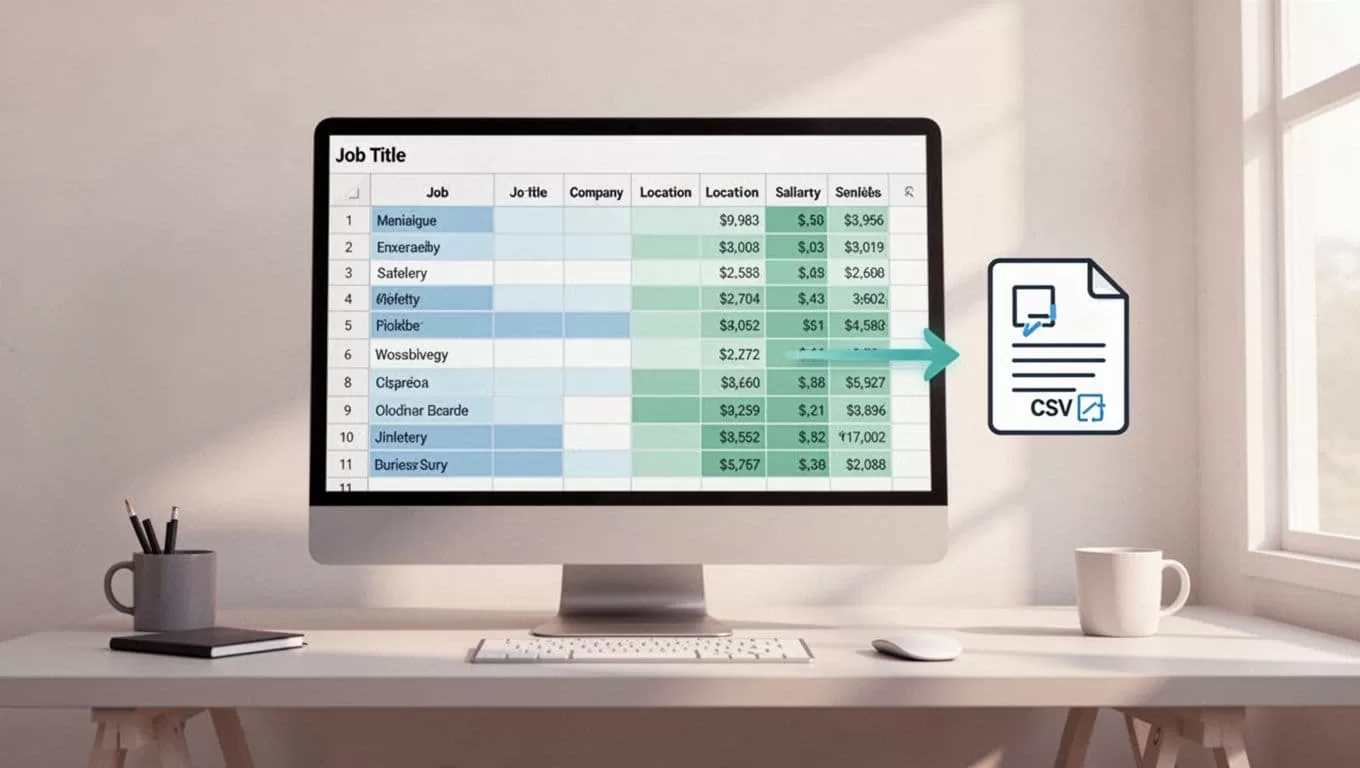
In Google Sheets, formulas standardize. =REGEXREPLACE(location, “NYC”, “New York”). Dedupe by URL.
Export direct: Prompt agent to write CSV. It drops files to your drive.
I enrich next. Add company size via prompts. Merge with AI resume parsing tools.
Stay Legal: Robots.txt, Rates, and Compliance
Scraping demands care. Check robots.txt first. Indeed blocks aggressive bots; respect paths.
Read terms. Public data often fair game for personal use. Commercial? Get permission.
Rate limits prevent bans. Twin.so paces requests. I cap at 1 per second. Rotate user agents.
Privacy matters. Grab public postings only. No personal applicant data.
Use proxies if needed. Twin.so integrates them.
For alternatives, see job scraping guides. They cover Python pitfalls.
Conclusion
Twin.so turns job board scrolling into automated flows. I pull clean data fast, feed it to CRMs, and spot leads others miss.
Key wins: Easy builds, handles dynamics, exports ready. Start small. Test one board. Scale from there.
Your recruitment or analysis speeds up. Try it on your next project.

