Connecting Learning Platforms and Business Tools Using Twin.so
Manual data entry between learning management systems and core business software wastes operational hours. When course rosters, completion statuses, and student grades live in isolation, your administrative team spends valuable time moving...
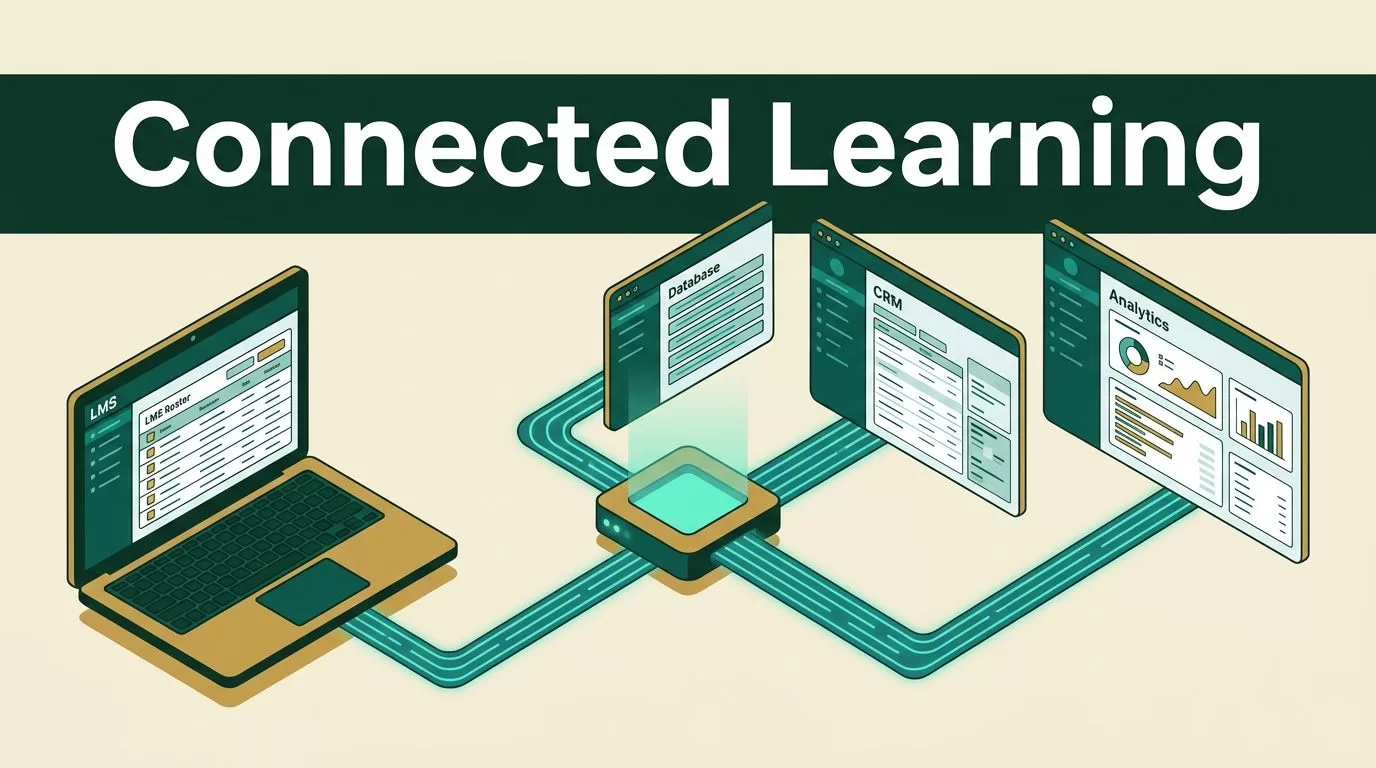
Manual data entry between learning management systems and core business software wastes operational hours. When course rosters, completion statuses, and student grades live in isolation, your administrative team spends valuable time moving CSV files between systems. Automated data synchronization eliminates this friction by connecting your educational platforms directly to databases, customer relationship management tools, and enterprise data warehouses.
Executing an effective LMS data sync requires a clear operational framework rather than quick scripts. Learning platforms generate constant activity that your business stack needs in real time. If your student records or employee training completions take days to update across department tools, reporting breaks down completely. You need a centralized automation layer to keep every system current without manual intervention or human error.
Automating Your Tech Stack
Modern companies run dozens of specialized software packages across different departments. Your learning platform handles course delivery and participant progress, while your customer relationship management software tracks client accounts, and your database stores historical records. Keeping these operational silos updated demands a structured approach to systems architecture and data flow management.
When you look at how different tools communicate, you notice the limitations of traditional file exports. Static CSV downloads create data lag and introduce frequent human error during manual uploads. Automated platforms change this dynamic by establishing continuous background pipelines that run on schedules or instant event triggers. You can explore how Twin.so operations agents handle data reconciliation and automated reporting across diverse software environments.
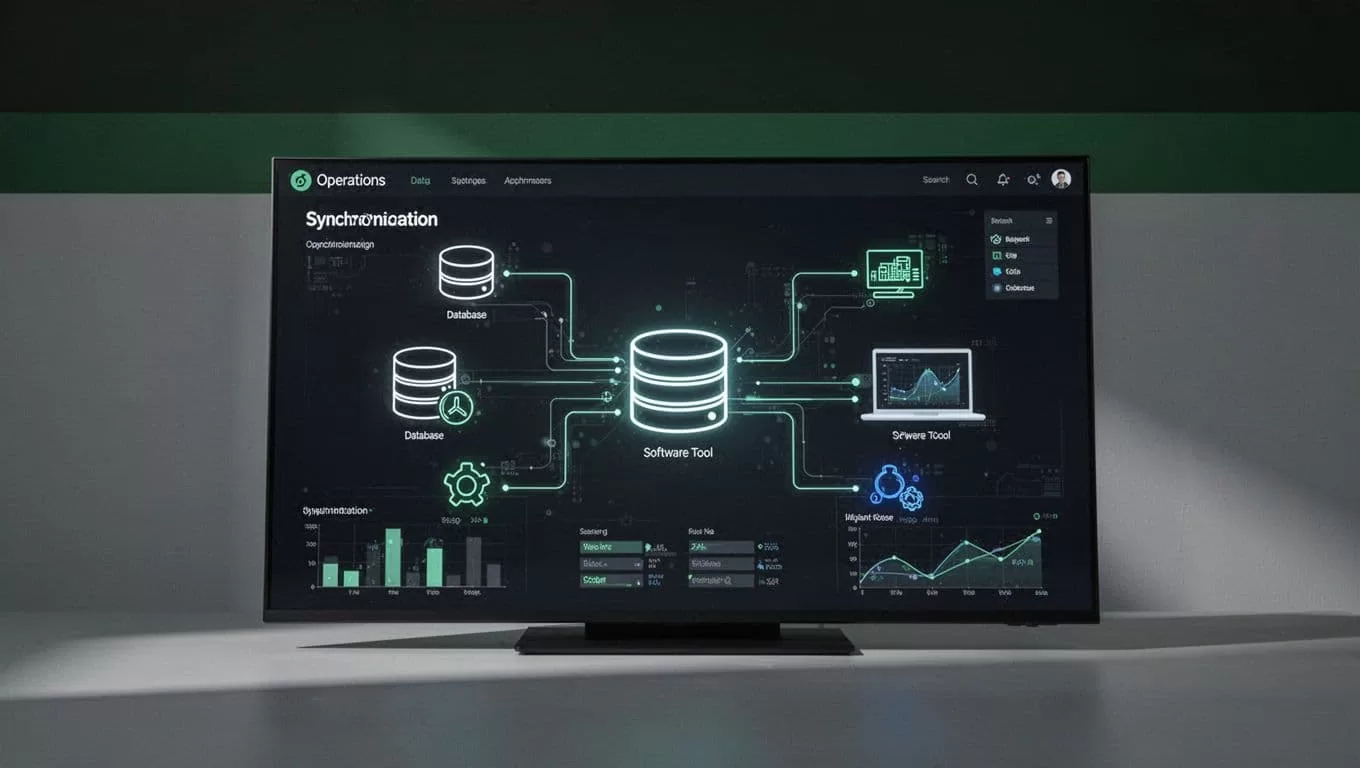
Manual exports also fail when external APIs change or webhook payloads shift unexpectedly. A robust automation layer monitors endpoint stability and catches formatting errors before they corrupt your central database. Building resilient connectors protects your operational data from silent failures and keeps your reports accurate.
Understanding the Mechanics of LMS Data Sync
Successful LMS data sync projects rely on clear object mapping between disparate software platforms. You must define which database fields correspond to specific learner profiles, course completions, and section enrollments. If your database tracks user identification numbers differently than your learning platform, records will fail to match during transfer cycles.
Mapping student records involves identifying primary keys across both platforms. Email addresses or employee identification numbers typically serve as unique identifiers. Once your matching keys are set, you configure ingestion rules to handle ongoing updates. When a user completes a module, the system updates the corresponding database record immediately.
You also need to account for transfer frequency and timing constraints. Real-time event streaming works well for immediate notifications like enrollment triggers. Scheduled batch updates suit heavy data transfers, such as nightly historical logs or bulk roster imports. You can review industry perspectives on LMS integration challenges to understand how different educational platforms handle transaction volumes and API limits.
Different platforms manage data structures with varying levels of complexity. A standard relational database table uses rigid rows and columns, while modern cloud applications often rely on nested JSON payloads. Your automation layer must translate these structures cleanly without losing attribute values or breaking data types.
Building the Integration Pipeline with Twin.so
Setting up an integration pipeline requires defining triggers, actions, and data transformations. You start by connecting your source application to an automation platform. Platforms with massive connectivity catalogues make it easy to link disparate databases and web applications without writing custom scripts from scratch. You can review the extensive app catalog on Twin.so app integrations to see how different business tools connect.
Configuring your first workflow involves mapping input data fields to target variables. You test the connection with a sample record to verify that names, timestamps, and status codes map correctly across systems. Once the test passes successfully, you enable the live trigger so data flows automatically on a schedule or event hook.
Small technical teams often struggle with maintaining custom API integrations as vendor software evolves over time. Automation platforms handle connector upkeep in the background so your engineers don’t waste hours rewriting broken integration code. This infrastructure advantage allows small teams to scale their operations efficiently, as detailed in discussions on cross-tenant AI compounding.
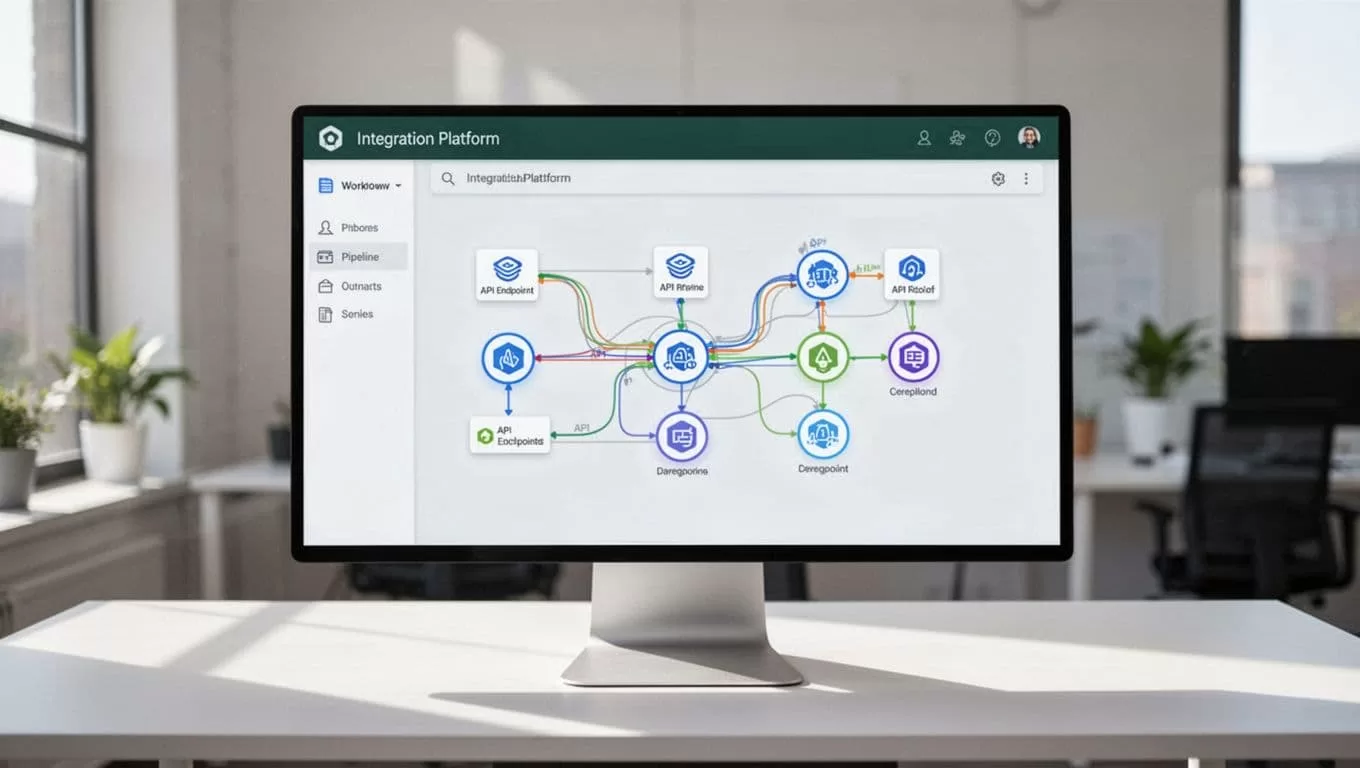
You must also establish error-handling rules within your pipeline. If an API request times out or a record fails validation, the system should log the failure and alert an administrator rather than dropping the data silently. Proper exception handling protects data integrity across your entire tech stack.
Managing Multi-System Reconciliation and Workflows
Data synchronization rarely involves just two systems in isolation. A typical enterprise architecture includes a learning platform, a human resources system, a billing database, and a reporting warehouse. Keeping all four systems aligned requires multi-step workflow orchestration and careful sequencing.
When an employee completes a certification course, that event needs to trigger three distinct actions across your infrastructure. The HR database updates the employee profile, the billing system logs the training credit, and the reporting warehouse records the completion timestamp. Executing these steps sequentially prevents race conditions where downstream systems read incomplete data.
Regular data audits help catch discrepancies before they impact executive reporting. You schedule automated audit scripts to compare record counts and field values across your learning platform and central database. If a discrepancy appears, the system flags the specific record for manual review by an administrator.
You also need to establish clear rules for conflict resolution. If a user record is modified in both the HR system and the learning platform simultaneously, the system needs an authoritative source of truth. Designating a primary system prevents conflicting updates from overwriting valid data. For a broader perspective on architectural standards, consult the Top Class LMS guide to evaluate foundational connection patterns.
Best Practices for Reliable Platform Connections
Deploying automated integrations requires discipline around testing and version control. You never deploy a new data pipeline directly to your production environment without running a sandbox test first. Testing with mock user data prevents accidental corruption of live student records and historical reporting tables.
Monitor API rate limits closely to avoid unexpected service disruptions. Learning platforms often restrict the number of requests an external application can make within a given time window. Configure your synchronization jobs to batch requests or respect rate limit headers during peak usage hours.
Documentation is your final line of defense against operational chaos. Maintain a clear data dictionary that outlines every field mapping, transformation rule, and scheduled trigger across your workflows. When team members change roles, good documentation prevents institutional knowledge loss and speeds up troubleshooting.
Performing regular LMS data sync audits keeps your operational workflows running smoothly. You review error logs weekly and test backup triggers quarterly. Proactive maintenance prevents minor API changes from turning into major operational outages that halt training programs.
Conclusion
Connecting your learning management software to your broader business stack eliminates manual busywork and gives your team reliable data. By establishing clear object mapping, building resilient workflows, and maintaining proactive error logs, you create a stable foundation for growth.
Ready to automate your educational workflows and connect your learning systems without custom code? Explore Twin.so today to build robust integration pipelines for your business.
