Scrape Local Citations Automatically With Twin.so
Local citation automation can remove hours of directory research, but only if the workflow protects data quality. Twin.so can help you search public sources, collect listing details, and organize citation records without checking every dire...
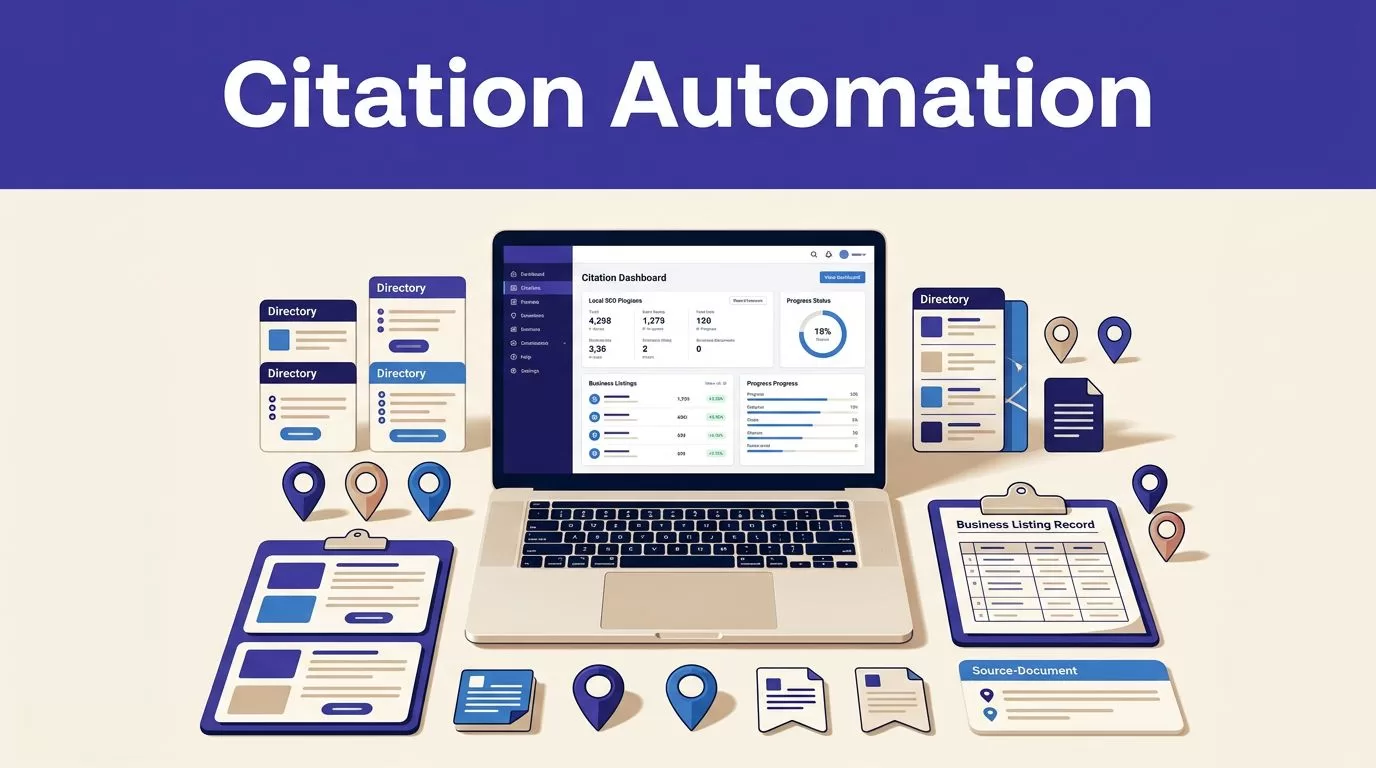
Local citation automation can remove hours of directory research, but only if the workflow protects data quality. Twin.so can help you search public sources, collect listing details, and organize citation records without checking every directory manually.
The target is not the largest scrape. It is a current list of valid, relevant, and reviewable citations. Set the business facts first, give Twin.so a narrow research task, preserve source evidence, and review every proposed correction before making local SEO decisions.
How local citation automation works with Twin.so
A local citation is an online mention of a business’s name, address, and phone number. It may appear on a directory, chamber website, industry portal, review platform, map service, or local publication. Moz’s explanation of local citations provides a useful baseline for identifying these records.
Twin.so is an AI agent platform that can browse, research, scrape, and return workflow output. Its public product information also describes website navigation and business automation use cases. That makes it suitable for repetitive citation discovery, but not for unsupervised publishing or correction decisions.

The workflow has five practical stages:
- Define the correct business information.
- Search approved citation sources.
- Extract one record per listing.
- Validate and organize the results.
- Assign corrections and follow-up actions.
Automation handles repetition. Your team still owns accuracy, source selection, and SEO judgment.
What Twin.so can help with
Use Twin.so for tasks such as finding directory pages, checking whether a business appears on a source, collecting visible listing fields, and returning the source URL with the extracted data.
A narrow task works better than a broad request. “Find every citation on the internet” creates an undefined research problem. “Check these 30 approved directories for this business and return the listing URL, name, address, phone, category, and status” gives the agent a controlled assignment.
Twin.so’s interface, output options, and available integrations may vary by plan or product update. Public information confirms browser and research activity, but it doesn’t establish one universal citation template, search syntax, or export format. Treat those details as workspace-specific.
What automation should not decide
Twin.so should not decide whether two businesses are the same based only on similar names. It should not merge listings because an address looks close. It should not rewrite a business name to make it more keyword-rich.
A citation record is research data. It is not an instruction to change a live profile. Keep proposed values, source URLs, collection dates, and review notes separate from approved changes.
Prepare the citation research before setup
Good output starts with a clear input. Create a source-of-truth record before you build the Twin.so task.
Collect the business facts
Record the exact business name, street address, local phone number, website, primary category, secondary categories, service area, and business hours. Add location or branch IDs when the company operates multiple locations.
Use the version that matches the business in the real world. Google says businesses should be represented consistently across signs, stationery, websites, and other real-world references. Its business representation guidelines also cover address accuracy, service-area businesses, and category selection.
NAP means name, address, and phone number. Keep the approved NAP in one row or record. Don’t let the agent infer missing details from an old directory page.
For service-area businesses, confirm whether the address should be public. A hidden address on Google may be correct even when another directory asks for a street location. The correct output depends on the business model and each platform’s rules.
Define the fields before scraping
Use a fixed schema for every citation. A practical record includes:
- Business name shown on the source
- Address shown on the source
- Phone number shown on the source
- Listing URL
- Source or directory name
- Category
- Website URL
- Claimed or unclaimed status, if visible
- Duplicate or possible duplicate status
- Collection date
- Reviewer decision
- Recommended follow-up
Add a source evidence field when possible. This can be a page URL, captured value, or short note showing where the record came from.
The schema prevents a common failure. An agent may return a clean-looking list that omits missing fields, source dates, or duplicate candidates. A fixed structure makes those gaps visible.
Scrape local citations with a controlled Twin.so task
Start with a small group of approved sources. Use major platforms, local directories, professional associations, chambers, and relevant industry directories. Don’t begin with hundreds of unknown sites.
Use narrow search inputs
Give Twin.so the business name, city, state, country, website, and approved source list. Tell it to search only public pages that the team is authorized to access.
A useful instruction can ask Twin.so to:
- Search each named source for the business.
- Open the likely listing page.
- Extract only the approved fields.
- Return the canonical listing URL.
- Mark fields as missing when they aren’t visible.
- Flag possible duplicates instead of merging them.
- Include the source name and collection date.
- Stop when the page is unavailable or access is restricted.
This structure limits unnecessary browsing. It also reduces the chance that search results, directory advertisements, or unrelated businesses enter the dataset.
Don’t put passwords, private customer information, or access tokens into a prompt. Don’t instruct the agent to bypass a login, CAPTCHA, paywall, IP block, or other access control. Review the source’s terms, privacy requirements, robots.txt guidance, and rate limits before collection.
Capture evidence and progress
Ask for one citation per record. Narrative summaries are harder to validate than rows with fixed fields.
Save progress by listing URL, source identifier, page, cursor, or business location ID when the workflow supports it. This prevents a failed page from forcing a full restart. Keep the last accepted dataset separate from the latest run.
A successful browser session doesn’t prove complete coverage. A directory can load while hiding pagination, returning a partial result, or changing its page structure. Compare the expected source count with the returned count.
Use bounded retries with backoff for temporary network errors. Stop retrying when the failure is a permission problem, a changed schema, or a page layout that no longer matches the extraction rules.
Twin’s public pricing information describes credit-based usage. Twin’s pricing page gives the current plan context, but actual usage depends on searches, browser steps, retries, output length, and page complexity.
Organize and validate the extracted records
Collection is only half the workflow. Put the results into a system your team can audit.
Choose a durable record format
If your Twin.so workspace supports a spreadsheet, database, or structured integration, map the approved fields before the run. If the interface returns text only, move the output into an approved table and normalize it before analysis.
Don’t assume that every plan provides the same CSV, JSON, database, or spreadsheet export. Check the current workspace options. If an export is available, preserve the raw output alongside the normalized table.
Use stable columns and controlled values. For example, set status values to found, missing, duplicate candidate, incorrect, unclaimed, or needs review. Avoid free-text labels that mean different things to different reviewers.
Normalize phone numbers, address abbreviations, capitalization, tracking parameters, and trailing URL characters for comparison. Keep the original source value too. Normalization helps identify differences without erasing evidence.
Compare records without over-merging
Use the listing URL, directory ID, or source-specific business ID as the primary identity key. Then compare the business name, phone, address, website, and location.
Do not automatically merge two records because the name and city match. A shared office address can belong to several legitimate businesses. A franchise may have similar names across nearby locations. Send uncertain matches to an exception queue.
The exception record should show both URLs, the conflicting fields, the reason for the possible match, and the reviewer decision. This gives the team a clear history when a client asks why a listing was changed or left alone.
Verify NAP, duplicates, and source quality
Before you recommend an update, inspect the live page. Automated extraction can identify likely problems, but a person must confirm what the source actually displays.
Check NAP accuracy first
Compare every listing against the approved business record. Check spelling, suite numbers, local phone formatting, website destination, hours, and category.
Treat meaningful differences as separate issues. A missing suite number can send customers to the wrong office. An old phone number can route calls to nobody. A keyword-stuffed business name can violate platform rules and create an inaccurate public record.
Google also compiles business information from public web content, third-party data, users, and its own interactions with a business. Accurate information across important sources gives the ecosystem fewer conflicting signals.
For Google-specific changes, use the official Business Profile editing guidance. Citation cleanup doesn’t replace ownership verification or profile management.
Review duplicates and source quality
A duplicate listing is not automatically removable. Confirm that it represents the same location, same business, or an outdated record before recommending action.
Prioritize sources by relevance and authority. A well-maintained chamber listing, professional directory, or major platform usually deserves more attention than a low-quality directory with no visible editorial control.
Mark weak sources separately. Don’t spend client time correcting every obscure page if the source has little value, poor indexing, or no reliable update process.
A practical review queue can use three priority levels:
- High priority, incorrect Google, major map, phone, or location records.
- Medium priority, relevant industry, chamber, or regional directories.
- Low priority, weak or duplicate sources with limited visibility.
Turn the scrape into a correction plan
The output becomes useful when each record has an owner and a next action. Assign tasks to the client, agency, or platform manager. Record the submission date and status.
For duplicate listings, confirm the correct primary record first. Then follow the source’s claim, edit, merge, or removal process. Local citation cleanup guidance can help frame the manual work, but platform rules still control the final action.
Keep citation changes separate from ranking conclusions. A mismatch is evidence of a data problem. It isn’t proof that the listing caused a ranking decline. Review local pack visibility, organic performance, calls, direction requests, and profile actions before making broader SEO claims.
If your team needs help mapping the research, review, and correction stages, Book A Call to discuss the workflow.
Measure accepted records and cost
Twin.so usage varies by task. Public planning ranges describe a simple API, filter, and notification workflow at about 15 to 30 credits, a scrape of roughly 100 items at about 20 to 70 credits, and a browser session with around 20 steps at about 100 to 200 credits.
Treat those as planning ranges, not fixed quotes. Run 25 to 100 approved records before forecasting monthly usage.
Track:
- Credits used per run
- Accepted, missing, and duplicate records
- Failed runs and retry counts
- Review minutes
- Correction time
- Cost per accepted citation
A workflow that saves ten minutes but creates thirty minutes of correction work has failed. Measure the records your team accepts, not the number of browser actions Twin.so completes.
Conclusion
Twin.so can reduce repetitive citation research when the workflow uses narrow inputs, fixed fields, source evidence, and controlled retries. It can find and collect candidate records, but it shouldn’t make final NAP, duplicate, or SEO decisions without review.
Start with a small approved batch. Preserve the last trusted dataset. Approve only records that your team can verify, then assign each correction a clear owner and follow-up date. Local citation automation works when it produces reliable records, not when it produces the most records.
