How to Scale Local SEO Automation in Twin.so
Local SEO automation fails when it publishes incorrect business data faster than your team can find it. A wrong phone number, duplicate location page, or unsupported service claim can create more work than the manual process. Scaling local...
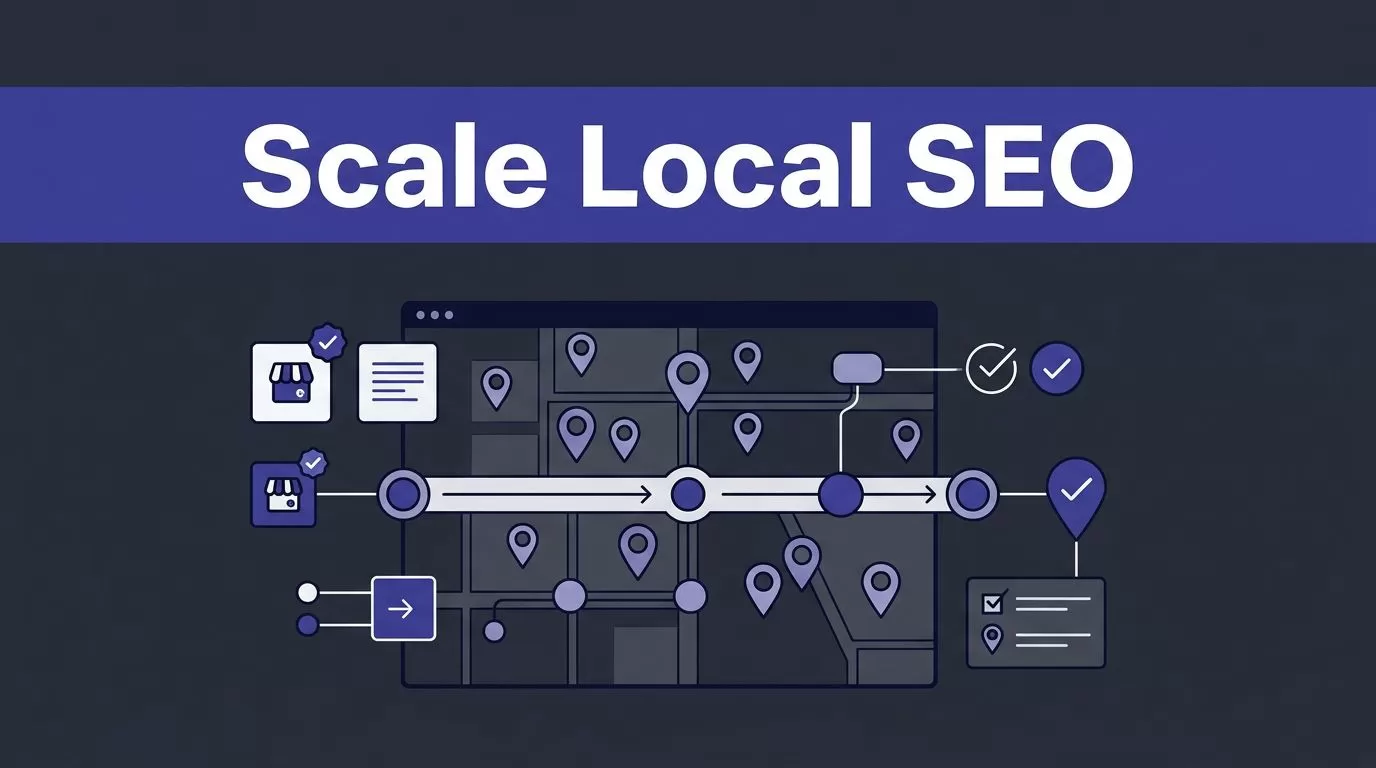
Local SEO automation fails when it publishes incorrect business data faster than your team can find it. A wrong phone number, duplicate location page, or unsupported service claim can create more work than the manual process.
Scaling local SEO automation on Twin.so requires a controlled workflow. You need approved data, clear output fields, human review, duplicate checks, and reporting tied to accepted results. Start with one location group, prove the process, then expand.
SET THE DATA CONTRACT FIRST
Don’t begin with a broad instruction such as “manage local SEO for all locations.” That request leaves too many decisions to the agent. Define the inputs, outputs, sources, and approval rules before you build the workflow.
Twin.so is a cloud platform for building and running AI agents. Its public materials describe scheduled agents, event-driven triggers, OAuth connections, and browser automation. The Twin.so quickstart documentation shows these capabilities in practical workflows.

Define the location record
Create one source-of-truth table before generating content or updating listings. Use a stable location_id that doesn’t change when a business name or URL changes.
Useful fields include:
- Business name, address, phone number, hours, holiday hours, and primary category.
- Services offered at that location, service area, booking URL, and approved local descriptions.
- Existing page URL, target URL, Google Business Profile URL, and source references.
- Last verified date, data owner, review status, and notes about unresolved conflicts.
Keep source values separate from normalized values. If one system lists “Suite 200” and another lists “Ste 200,” preserve both source entries and record the approved format separately.
This structure gives Twin.so a defined record to read and update. It also gives your reviewer enough evidence to reject a bad result.
Separate collection, validation, and publishing
Use three workflow stages:
- Collect approved facts from your database, CRM, documents, or permitted web sources.
- Validate required fields, duplicates, conflicts, and unsupported claims.
- Publish only approved records to the CMS, reporting system, or listing workflow.
Don’t let a failed collection step overwrite the last trusted dataset with blank values. If a source is unavailable or returns fewer locations than expected, create an exception and stop the write step.
BUILD A REPEATABLE LOCAL SEO AUTOMATION WORKFLOW
Twin.so supports natural-language agent creation, scheduled execution, and browser-based work. Those capabilities fit recurring local SEO tasks, but the workflow still needs defined boundaries.
Use the first agent for one job. For example, collect missing holiday hours and route uncertain records to a review table. Don’t combine research, content creation, listing edits, publishing, and reporting into one uncontrolled run.
Use APIs before browser automation
Use a stable API, spreadsheet connection, CRM, or database integration when it provides the required data. Reserve browser automation for approved portals and directories that lack a usable API.
Twin.so’s public materials name common business tools such as Google Sheets, Gmail, Slack, HubSpot, GoHighLevel, Webflow, Notion, Buffer, Asana, Google Analytics, and Meta Ads. The exact connector, permissions, and plan availability depend on the current setup.
Browser automation can help with repetitive portal work, but it usually creates more steps. A page may require searches, pagination, scrolling, login handling, and confirmation screens. Each added step creates another place for the source or workflow to change.
Do not assume Twin.so can edit every listing platform. Verify the current integration, authentication method, permitted actions, and account ownership before planning automated writes.
Make runs resumable
Save progress by location_id, page, cursor, or file name. A failed run should continue from the last trusted item instead of restarting the entire location set.
Use bounded retries with backoff for temporary network errors. Stop retrying when the problem is a permission failure, changed page structure, missing source, or schema conflict. Those conditions require a human decision.
Build a manual fallback before production. Define who retrieves the data, where they record it, and how they identify the last successful run. Record the run ID, timestamp, source, number of records returned, and number of accepted records.
A completed browser run is not proof of complete data. Count expected records, compare returned records, and check required fields before publishing.
PRODUCE LOCATION CONTENT WITHOUT DUPLICATE PAGES
Local landing pages need real location value. A template with a changed city name is not a scalable content strategy. It creates thin pages that can confuse users and search engines.
Build content from verified local facts
Give the content agent a structured brief for each location. Include the services available there, service limitations, staff or department details that are approved for publication, access information, local hours, and the correct contact path.
Set rules for claims. The agent can use facts in the source record. It cannot invent customer results, local partnerships, certifications, review scores, service availability, or proximity claims.
Keep the page focused on a real search need. A location page may explain how to book, which services are available, how to reach the office, and what makes that branch different. It shouldn’t repeat a corporate page with a different suburb inserted into every paragraph.
Create content in staging first. Store the input brief, generated draft, source version, reviewer decision, and final published version. This gives your team a record of what changed and why.
Prevent duplicate and doorway pages
Maintain a URL inventory with one row per location. Before creating a page, check the location ID, canonical URL, existing slug, and current publication status.
Run duplicate checks against titles, headings, metadata, and body content. Similar structures are acceptable when the information is genuinely different. Near-identical pages with only city names changed are not.
Google’s Search spam policies address scaled content abuse and other tactics that can reduce visibility. Automation should help your team maintain useful pages, not create large numbers of pages without unique value.
Use LocalBusiness structured data only when the page represents the actual business and the marked-up facts appear on the page. Follow Google’s LocalBusiness structured data guidance, including its requirements for accurate and eligible information.
HANDLE LOCAL DATA AND ACCESS WITH CARE
Local SEO workflows often touch business listings, employee details, customer reviews, location documents, and account credentials. Treat those inputs as operational data, not disposable prompt content.
Normalize data and preserve evidence
Create validation rules for every important field. Phone numbers should match the approved format. Addresses should use one standard. Hours should include time zone and holiday exceptions where applicable. URLs should resolve to the intended location.
Flag conflicts instead of guessing. If the CRM and location manager provide different hours, route the record to the owner. Don’t ask the agent to choose the most likely answer.
For listing work, follow the Google Business Profile guidelines. Use the business’s real-world name, address, category, and service information. Don’t create profiles or location pages for businesses that don’t meet the platform’s eligibility rules.
Restrict credentials and personal data
Use OAuth connections when available. Twin.so’s quickstart describes OAuth authorization for tools such as Gmail, Google Sheets, and Slack. Don’t paste passwords, private tokens, or customer data into an agent instruction.
Give the workflow read access to source systems and limited write access to a staging destination. Production publishing should use a separate approval path.
Collect only the personal data required for the task. Remove unnecessary customer names, personal phone numbers, and review details from content prompts. Set retention and deletion rules for exports and temporary files. Review the Twin.so privacy policy and your own contractual and regulatory requirements before connecting sensitive systems.
If you collect public information through browser automation, follow the source’s terms, rate limits, and access controls. Don’t bypass CAPTCHAs, IP restrictions, login protections, or other technical barriers.
ADD APPROVALS, PUBLISHING, AND REPORTING
A human approval gate belongs before any change that affects public business information. Automation can prepare the update. A responsible owner should approve it.
Run in report-only mode first
Start with a proposed-change workflow. Twin.so reads the location record, produces a draft or update proposal, and writes it to a review table. The reviewer can approve, reject, or return the item with a correction request.
Require approval when:
- A source is unavailable or returns an unexpected number of locations.
- Two systems contain conflicting information.
- The page contains a new claim, service, address, phone number, or category.
- The workflow detects a possible duplicate.
- The CMS structure or listing interface changes.
After the output passes review, enable publishing for a small batch. Test the same batch twice. The second run shouldn’t create duplicate pages, duplicate alerts, or unnecessary updates.
Measure accepted output and credit use
Track business results, not browser activity. Your dashboard should include accepted records, missing fields, duplicate records, failed runs, retry counts, reviewer minutes, correction time, and cost per accepted location.
Twin.so uses credits for agent work, including building, running, browsing, research, retries, and generated output. Public planning examples place a simple API, filter, and notification workflow around 15 to 30 credits. A scrape of about 100 items may use 20 to 70 credits. A browser session with roughly 20 steps may use 100 to 200 credits.
These are planning ranges, not fixed quotes. Actual usage depends on page complexity, searches, retries, document volume, output size, and provider behavior. The Twin.so pricing page should be checked before you forecast a production budget.
Calculate:
credits used / accepted records
Add human review and correction time. A workflow that saves ten minutes but creates thirty minutes of cleanup has failed, even if every agent run shows as completed.

SCALE IN CONTROLLED BATCHES
Use a staged rollout instead of activating every location at once.
- Spend the first week defining the location schema, approved sources, permissions, duplicate rules, and reviewer ownership.
- Use the second week to build one workflow, such as location-page briefs or holiday-hours validation.
- Run 20 to 50 approved locations and record accepted output, exceptions, credits, and review time.
- Fix the workflow before adding more sources, browser steps, or publishing actions.
- Expand by location group, service line, or workflow type. Keep the same validation and approval controls.
Review the workflow after every source or CMS change. An agent that worked last month may still complete successfully while extracting the wrong field after a page layout update.
If your team needs help mapping sources, permissions, exception paths, and reporting fields before a larger rollout, Book A Call.
CONCLUSION
Local SEO automation on Twin.so works best as a controlled production system. Define the location record, use APIs where possible, reserve browser automation for approved tasks, and separate collection from validation and publishing.
Keep people responsible for public changes. Measure accepted records, correction time, duplicate rates, exceptions, and cost per accepted location. Scale only after a small batch produces accurate pages and reliable data without creating new cleanup work.
