How I Let Members Upgrade Their MemberSpace Plan
A blocked upgrade path can turn a good membership site into a support queue. I want members to move up without emailing me first, and I want the billing and access change to make sense the moment they do it. That means I need two things in...

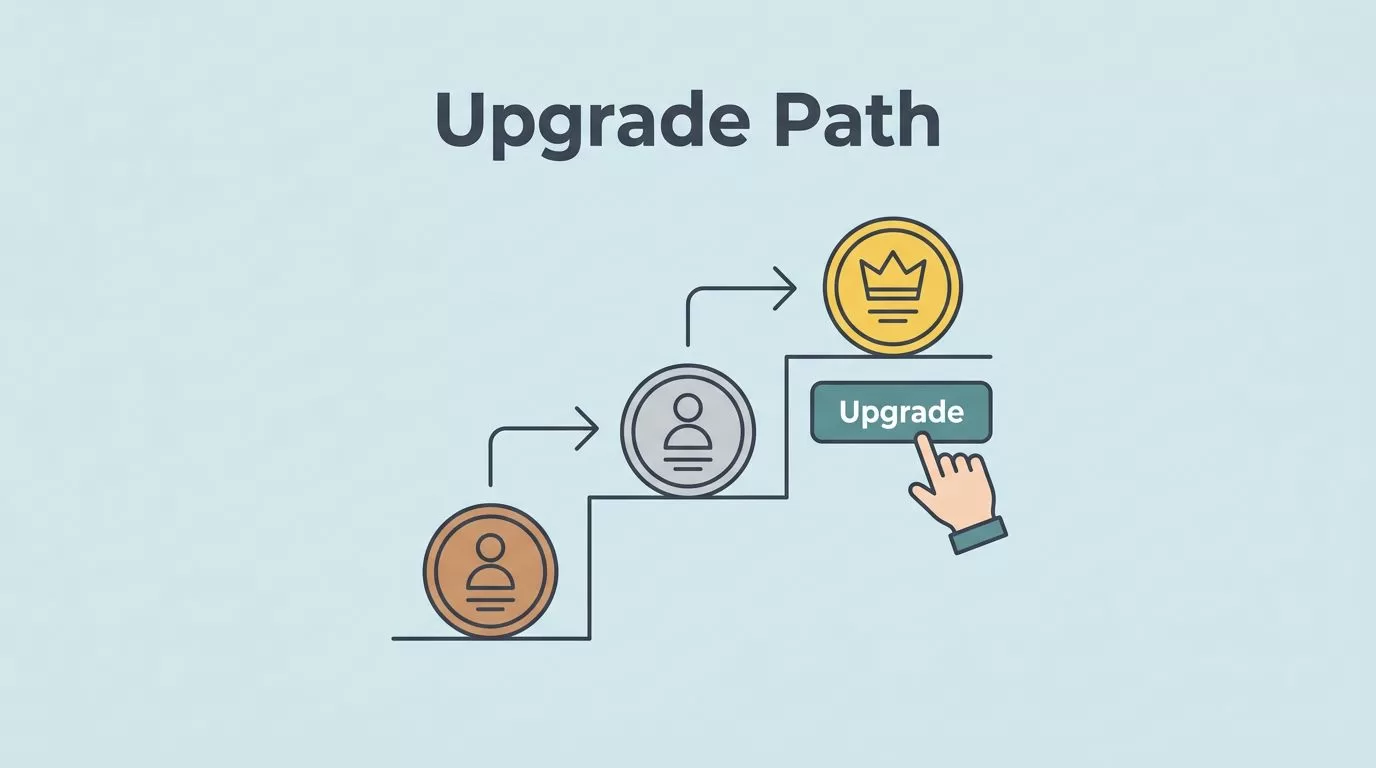
A blocked upgrade path can turn a good membership site into a support queue. I want members to move up without emailing me first, and I want the billing and access change to make sense the moment they do it.
That means I need two things in place, a clear plan structure and a clean upgrade flow. Once those are set, MemberSpace can handle the handoff without much drama.
Build the higher plan before you open the door
I start by creating the next plan in MemberSpace before I invite anyone to use it. If the pricing ladder is messy, the upgrade path feels messy too. My tiered membership levels setup guide helps me place each plan where it belongs, so the jump from one tier to the next feels obvious.
In MemberSpace, I create the plan first, then I decide how visible it should be. If I want the plan to be private, I keep it out of public sign-up and use the account flow or a direct invite path instead. For that, I keep MemberSpace signup-link settings close at hand.
I do not build the upgrade button first. I build the plan first, then I let members find it.
That order matters because the member should always move into a real plan, not a placeholder. The names, price gaps, and access rules need to tell the same story.

Let members switch plans in their account
MemberSpace now lets members upgrade from their own account area. I like that flow because it keeps the change in the member’s hands and cuts down on manual work.
Here is the path I expect to work:
- The member opens their MemberSpace account.
- They go to Plans.
- They choose Join new.
- They pick the higher plan and finish checkout.
If the new plan is paid, MemberSpace may ask for a payment method during checkout. That part is normal. I do not treat it like a failed setup unless the checkout never finishes.
When I test this flow, I use a real member account, not just my admin view. That tells me whether the button shows up, whether the payment screen loads, and whether the new access takes over after payment.
| Upgrade method | Best use | What I watch |
|---|---|---|
| Self-service in the account area | Members who want to move up on their own | Checkout, payment method, and access changes |
| Admin change in the dashboard | Support requests or manual upgrades | Correct plan, billing timing, and access rules |
The self-service path is cleaner for most sites. The admin path is still useful when I need to help a member fast.
Change the plan for a member in the dashboard
When a member asks me to upgrade them directly, I use the MemberSpace dashboard. I open the member record, then I add the new plan from there. I rely on MemberSpace’s member account guide when I want to confirm the latest account actions and permission changes.
My admin flow stays simple:
- I open Members in the dashboard.
- I choose the member I want to update.
- I click Add to a Plan.
- I select the new plan.
- I review the checkout or billing step.
- I save the change and check access.
If the plan is paid, I expect billing to follow the new plan’s rules. If the plan is private, I do not worry about public discovery at all. I just move the member into the right tier and confirm the account reflects it.
For recurring plans, I keep my monthly subscription plan setup guide nearby, because plan switches make the most sense when the billing model is already clean. MemberSpace can prorate recurring upgrades or credits based on timing and price difference, so the member is not charged as if the cycle started from zero.
That proration matters. A mid-cycle upgrade should not feel like a surprise double bill.
Watch billing and access after the switch
The upgrade is not done when the payment goes through. I still check what the member can see.
If the member moved from one recurring plan to another, I confirm the new charge or credit looks right. I also check that the old plan’s content no longer sits open unless I meant to overlap access. When I run a new pricing setup, I test the member area right after the upgrade so I can catch any access gap early.
The cleanest memberships make the next step obvious. The member pays, the account updates, and the new content opens without a support ticket.
When the upgrade flow breaks
A few problems come up again and again, and I fix them the same way every time.
- If the upgrade option does not appear, I check that the plan exists, that it is available in the member flow, and that the member is logged into the right account.
- If access does not update, I refresh the member record and confirm the checkout actually finished.
- If pricing feels confusing, I simplify the tier names and explain whether the new charge is prorated.
When I see a plan missing from the list, I also check visibility. A private plan will not behave like a public one. That is useful when I want control, but it can confuse me if I forget which mode I used.
If the price looks odd, I treat it as a billing timing issue first, not a platform failure.
That simple habit saves time. It keeps me from chasing a bug when the real issue is a mid-cycle change.
Conclusion
I get the best results when I build the upgrade path before I ask members to use it. A clear plan ladder, a working account flow, and a quick billing check solve most of the friction.
MemberSpace gives me two good routes, self-service upgrades and admin changes. Once I test both, the member experience gets a lot smoother.
The strongest rule is also the simplest one. I make the next plan easy to see, easy to buy, and easy to verify.

