Simplify Mobile Menu AB Testing On Mida.so
Most mobile navigation menus leak potential customers before they ever find what they need. You drive traffic through paid ads, social media, and search engines, yet your visitor counts rarely translate into active checkouts or signups. Bum...
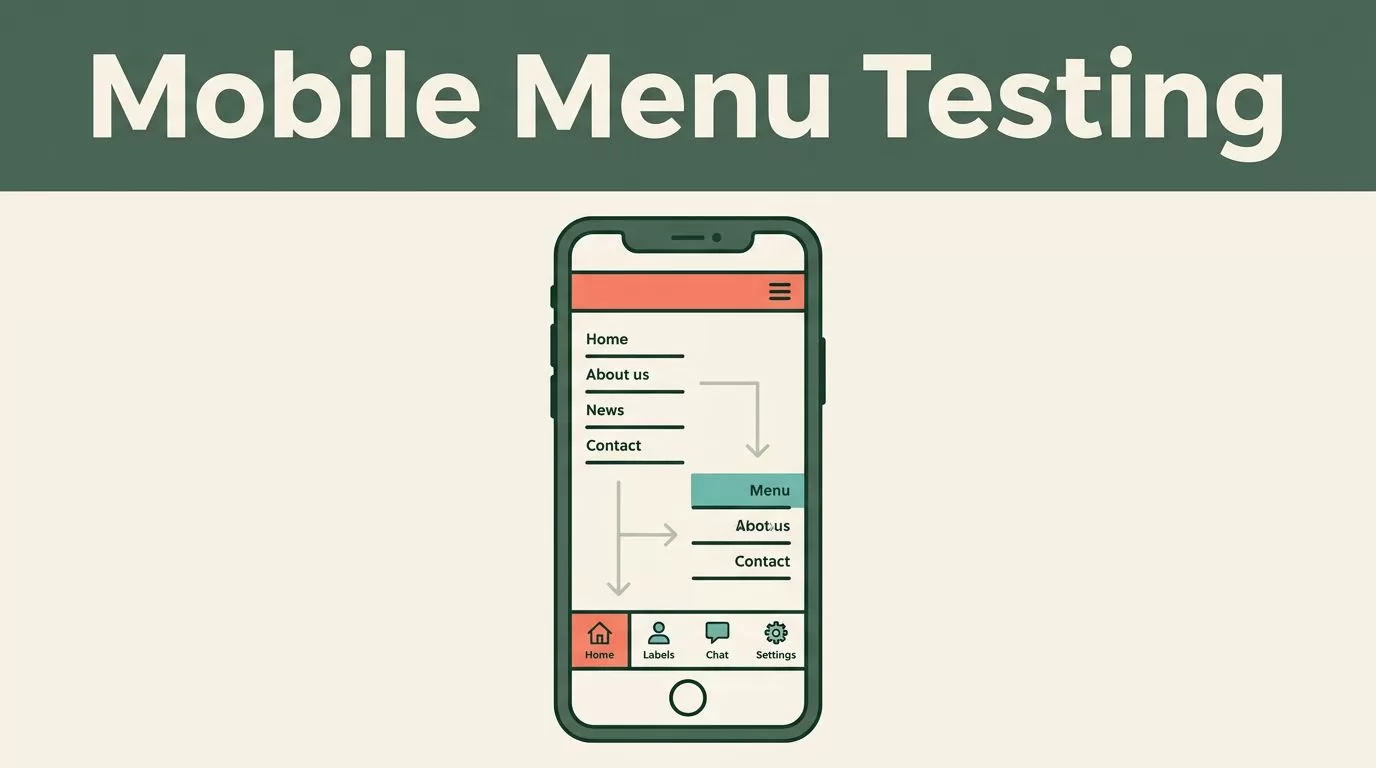
Most mobile navigation menus leak potential customers before they ever find what they need. You drive traffic through paid ads, social media, and search engines, yet your visitor counts rarely translate into active checkouts or signups. Bumping up conversions isn’t about guessing what color link works best today. It requires a systematic approach to user behavior, rigorous testing, and structured experimentation.
Mida.so gives you the testing infrastructure you need, but tools only work when you pair them with a disciplined process. When you run mobile menu A/B testing inside your platform workspace, you gain precise control over user paths without writing custom code or slowing down your page performance.
Key Takeaways
- Establish baseline conversion rates and traffic stability before launching any new experiment on your pages.
- Formulate clear hypotheses based on mobile user friction points rather than random design tweaks.
- Monitor segment performance across mobile devices and paid traffic sources instead of relying solely on aggregate totals.
- Define strict decision rules and statistical confidence thresholds before checking live test results to prevent false positives.
- Document every winning and losing variant in an experiment log to build institutional knowledge for future campaigns.
Establishing Your Baseline and Traffic Splits
You cannot improve what you refuse to measure. Before you touch a single line of code or draft a new navigation layout, pull your current conversion metrics directly from your analytics suite. Mobile visitors rarely convert at the same rate as desktop users, and paid search traffic behaves differently than organic social clicks. Look past your blended store average and inspect specific funnel steps. Calculate your drop-off rates from category views to product selections, and from product selections to cart additions. Record your baseline speed, conversion rate, and traffic profile before you add any experiment script.
Traffic allocation controls how visitors enter your test. A standard setup uses a fifty-fifty split, giving both experiences equal exposure. Keep your targeting rules precise. If your menu update specifically targets mobile visitors or paid search traffic, configure those audience parameters before launching. For an in-depth look at how header items influence user behavior, explore industry insights on navigation menu testing reasons to refine your initial design hypotheses. Keep your traffic distribution steady and avoid changing audience rules while the test is active. Altering the targeting mid-stream creates a new test condition, corrupting your sample purity and forcing you to restart the measurement period.
Formulating Clean Mobile Menu Hypotheses
Too many teams guess why their mobile menus fail. They look at a stagnant dashboard, argue about hamburger icon placement in Slack, and push random updates live without a shred of evidence. That routine burns traffic and wastes development hours. Good hypotheses come from observed friction, not office opinions.
Write your test idea using a simple formula. Changing a specific element will drive a target action because of a distinct user behavior. For example, moving the search bar inside the expanded mobile drawer will increase product searches because users won’t have to scroll back to the top of the page. This statement has a change, a target action, and a reason. It gives the designer, developer, analyst, and client one shared reference.
Keep each variation focused on a single change. If you redesign the drawer layout, swap the link labels, and add promotional banners all at once, you won’t know which element caused the conversion shift. For practical examples on structuring page-level tests, see the guidance on how to split test collection page redesigns.
Protecting Page Speed and Mobile Guardrails
Most experimentation tools rely on heavy client-side scripts that execute synchronously or block the main thread. When a browser downloads a large testing bundle before rendering your layout, your page load speed drops immediately. Mobile visitors on cellular connections feel this delay the most, resulting in higher bounce rates and abandoned shopping carts. Performance overhead ruins the validity of your conversion data. If a variation improves clicks but slows down layout rendering by half a second, the frustration cancels out the design improvement.
Mida.so is engineered for performance, but your implementation strategy still matters. Keep your tracking scope limited to the specific pages and audiences that require testing. Treat Largest Contentful Paint and Cumulative Layout Shift as hard test guardrails. If a high-converting variant introduces an annoying layout shift or delays your main hero image, reject the update. A modest conversion gain is never worth a slower mobile experience that frustrates your best prospects. You can review how modern speed metrics guide optimization efforts by checking resources like Google’s guidance on search intent to establish your technical benchmark before any test goes live.
Reading Mida.so Results Without Chasing Short-Term Noise
A test can collect thousands of visits and still produce the wrong decision if you read the data too early. Real-time monitoring gives you visibility while an experiment runs, but live numbers need statistical discipline. Open your report after launch and inspect the data in a fixed order.
First, check the traffic split. If your plan is a fifty-fifty test, the visitor counts should remain reasonably close over time. Small differences are normal. A large gap can point to targeting rules, device restrictions, traffic exclusions, or an implementation issue. Next, review the primary conversion rate for every variation. Compare the result across important segments. A treatment that wins overall may lose on mobile, for returning customers, or for visitors from high-intent search campaigns.
A variant that wins overall may perform poorly for the audience that matters most to the client’s revenue. Review the absolute numbers alongside the rate to ensure the lift is meaningful.
Next, apply the performance guardrail. Review whether the variant changed LCP, INP, CLS, error rates, or other metrics tied to the page’s purpose. A modest conversion gain may not justify a slower mobile checkout or a higher abandonment rate. Use a simple decision structure:
- Keep the treatment when the primary metric improves and performance remains within the agreed guardrails.
- Revise the treatment when the idea works but the implementation adds avoidable loading or interaction cost.
- Keep the control when the result is weak, unreliable, or paired with a meaningful performance decline.
Documenting Wins and Losses for Long-Term Growth
Store the test result alongside your original hypothesis and recommendation. If the test wins, define the permanent implementation for your development team. If it loses, record what the result rules out. This workflow gives stakeholders a clear status update. It also stops the agency or growth team from presenting a dashboard without a decision attached.
Keep an experiment log outside Mida.so that tracks past hypotheses, dates, traffic allocations, and outcome notes. Store the reason for every decision. This prevents your team from repeating the same test six months later because nobody documented what the first result meant. Review connected permissions and user access when team members change roles or your workflow expands. Remove unused access and keep your test and production environments separate. A disciplined testing program relies on clear documentation just as much as clean traffic splits.
Conclusion
Accurate experiment analysis protects your marketing budget from false positives and unverified assumptions. By grounding every test in a clear user problem, maintaining strict traffic splits, and monitoring mobile performance guardrails, you turn navigation optimization into a predictable engine for revenue growth. Open your Mida.so workspace today to set up your baseline metrics and launch your first targeted mobile experiment.
