Money Transfer to Malaysia: Send Fast With Remitly
Sending money to family shouldn’t turn into a spreadsheet exercise. A money transfer to Malaysia with Remitly can be straightforward when you choose the right payout method and verify the live quote before paying. Remitly currently su...
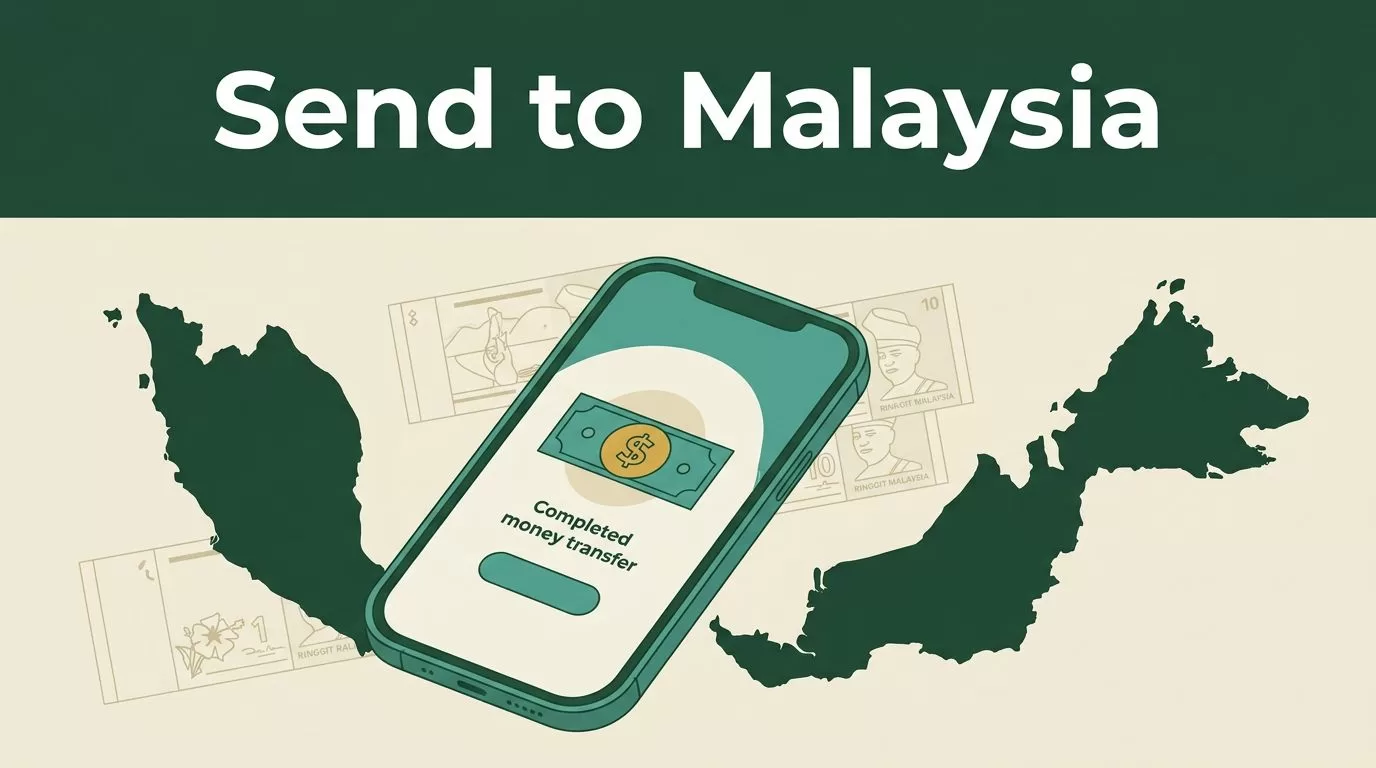
Sending money to family shouldn’t turn into a spreadsheet exercise. A money transfer to Malaysia with Remitly can be straightforward when you choose the right payout method and verify the live quote before paying.
Remitly currently supports transfers from the United States to Malaysia through bank deposit, mobile wallet, cash pickup, and debit card deposit. Fees, exchange rates, limits, and delivery times change by route and transaction details. Use the steps below to complete the transfer without avoidable delays.
How Remitly Handles a Money Transfer to Malaysia
Remitly supports sending funds from the U.S. into Malaysia. The supported route is for inbound transfers to Malaysian recipients. It isn’t the same as funding an outbound transfer with a Malaysian bank account.
The process is quote-based. You enter the amount, choose a delivery method, add the recipient’s details, and review the amount they should receive in Malaysian ringgit. The quote also displays the transfer fee, exchange rate, and estimated delivery time available for that transaction.
Remitly’s international money transfer page provides the general account and transfer flow. The options shown in your account are the ones that matter because availability depends on your sending country, recipient location, payment method, and transfer amount.
Before you start, collect:
- Your legal name and current contact information.
- A government-issued ID if Remitly requests identity verification.
- The recipient’s legal name and contact details.
- Their Malaysian bank, wallet, or cash pickup information.
- A payment method supported in your sending country.
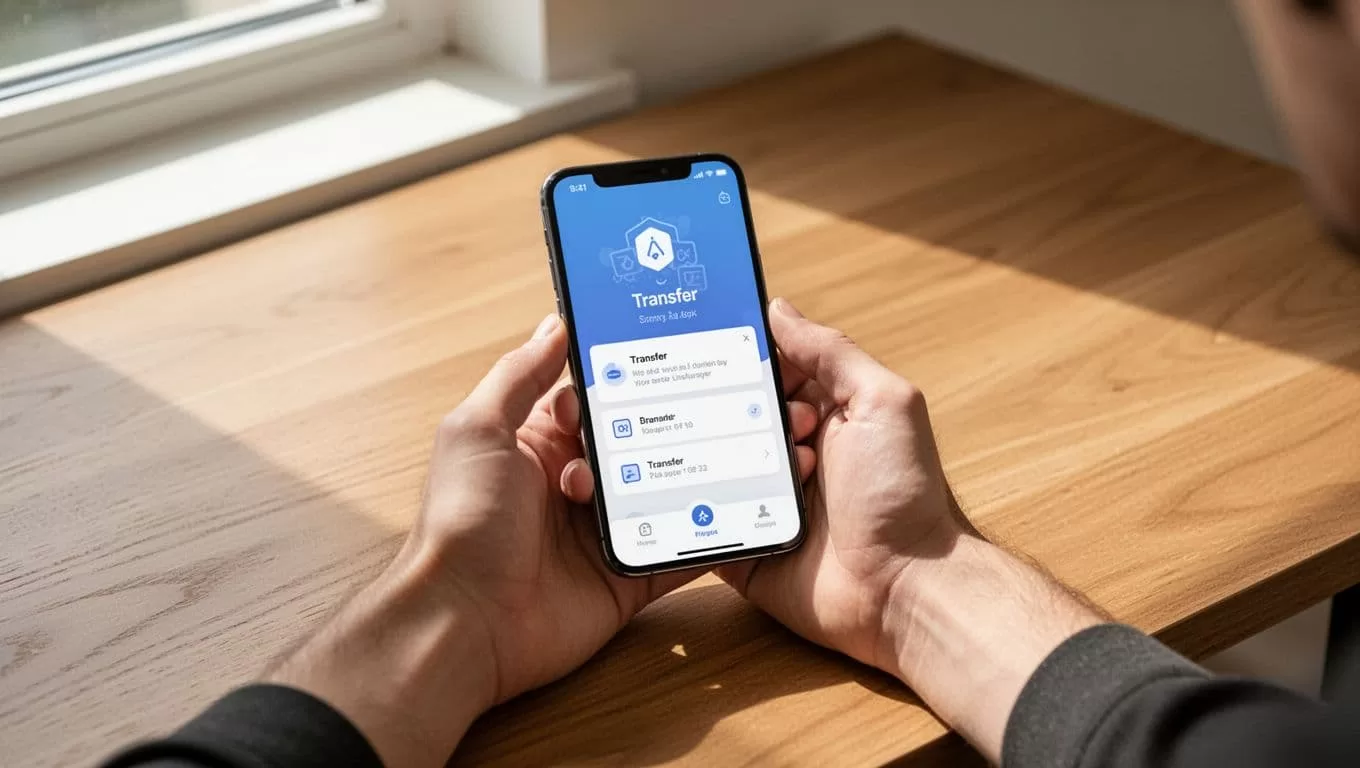
Complete a Money Transfer to Malaysia in Five Steps
The transfer workflow is short, but each field affects delivery. Enter the information carefully instead of rushing through the form.
1. Create your Remitly account
Open Remitly through its website or mobile app. Register with your email address and create a secure password. If Remitly asks for identity verification, submit the requested information before attempting a large transfer.
Verification can affect the time needed to complete the transaction. It can also affect the maximum amount you can send. Keep your name consistent with your identification and payment account.
2. Select Malaysia and enter the amount
Choose Malaysia as the destination country. You can usually enter either the amount you want to send or the amount the recipient should receive.
The quote changes when you switch between those choices. Check the receiving amount in MYR, not only the amount charged to your card or bank account.
The displayed quote should show:
- The transfer amount.
- The exchange rate.
- The Remitly fee.
- Any payment-related cost.
- The expected recipient amount.
- The estimated delivery time.
- Any applicable transfer limit or verification requirement.
3. Select the delivery method
Choose bank deposit, mobile wallet, cash pickup, or debit card deposit when the option is available for the recipient. Don’t select cash pickup if the recipient can’t reach the listed partner location.
A bank deposit usually fits recipients who already use a Malaysian bank account. A mobile wallet can be practical for recipients who manage daily payments through a supported wallet. Cash pickup may work better when the recipient doesn’t have convenient bank access.
4. Add recipient information
Enter the recipient’s name exactly as it appears on their identification or account record. Small differences in spelling can create a review or prevent collection.
For a bank deposit, Remitly may request the bank name, account information, and contact details. Cash pickup generally requires the recipient’s legal name and contact information. Wallet and debit card deposits can require account-specific details.
Ask the recipient to confirm every detail before you submit the transfer. A text message with the bank name and account number is faster than correcting a failed payout later.
5. Pay and confirm
For U.S. senders, Remitly lists bank accounts, Visa, Mastercard, Discover, and prepaid cards among its payment options. The methods displayed at checkout can differ by account and location.
Review the final quote after selecting the payment method. A bank-funded transfer and a card-funded transfer may produce different fees, delivery estimates, or eligibility rules.
Then authorize the payment and save the confirmation number. Remitly provides tracking information so you and the recipient can follow the transfer status. Its first-time international transfer guide also covers common preparation steps for new senders.
Choose the Right Delivery Option for Malaysia
The fastest option isn’t always the best option. The recipient’s access, location, and preferred way to use the funds should control the decision.
| Delivery method | Best fit | Main point to check |
|---|---|---|
| Bank deposit | Recipients with an active Malaysian bank account | Confirm the account and legal name |
| Mobile wallet | Recipients who use a supported wallet | Check wallet eligibility and account details |
| Cash pickup | Recipients who need physical cash | Confirm the pickup location and ID requirements |
| Debit card deposit | Eligible recipients with a supported debit card | Verify card and location availability |
Remitly describes digital delivery to bank accounts or mobile wallets as often completing within hours or by the next business day. That is a general estimate, not a guarantee. Payment approval, verification, weekends, bank processing, and the selected destination can change the result.
Cash pickup can help recipients without bank access. It may take longer and can cost more than digital delivery. The recipient also needs valid identification and access to the selected pickup partner.
A cash pickup can be easier for an unbanked recipient, but it isn’t automatically faster than a bank deposit. Check the actual estimate shown for both options.
Check Fees, Exchange Rates, and Limits Before Sending
The transfer fee is only one part of the cost. Remitly also converts your sending currency into MYR using the exchange rate shown in the quote. That rate can include a margin above the mid-market rate.
Look at the amount the recipient receives after all costs. A transfer with a low visible fee can still deliver less if its exchange rate is weaker. A higher fee can sometimes produce a better final payout, depending on the quote.
Remitly doesn’t use one fixed fee for every money transfer to Malaysia. The price can change based on:
- The sending country and currency.
- The amount being transferred.
- Your payment method.
- The delivery method.
- Promotional pricing or first-transfer offers.
- The recipient’s location and provider.
Rates also change during the day. Don’t rely on an old screenshot, a search result, or a quote from another sender. Open the Remitly app or website, enter your exact transfer details, and review the live amount before confirming.
Limits work the same way. Remitly can apply different sending limits based on your country, verification status, transfer history, amount, and delivery method. The applicable limit may appear during setup or checkout. If the amount exceeds the available limit, complete the requested verification or reduce the transfer only when that fits your purpose.
Compare the total amount paid with the total amount received. Those two figures give you a better cost measure than the advertised fee alone.
Prevent Delays and Failed Payouts
Most problems come from incorrect recipient information, payment issues, or extra verification. Build a quick review into your process before every transfer.
First, confirm the recipient’s legal name. Don’t use a nickname for cash pickup or a shortened name for a bank deposit. Next, verify the bank account, wallet ID, phone number, or pickup location. Ask the recipient to send the details directly if you’re unsure.
Your payment method can also delay the transfer. A bank account may need additional authorization. A card payment can fail because of a billing-address mismatch, spending restriction, or issuer review. Use a payment method registered in your name and keep enough available balance for the full quoted amount.
Large or unusual transfers may receive additional review. Respond only through the official Remitly app, website, or verified support channel. Never share a one-time password or account password with the recipient or another person claiming to represent Remitly.
If the recipient uses cash pickup, send them the transfer reference and the exact collection requirements. They should wait for the transfer to show as available before travelling to the location.
For a visual review of the process, use this Remitly transfer walkthrough, then verify the current requirements inside your own account.
When Remitly Makes Sense for Your Transfer
Remitly is a practical option when the recipient needs several payout choices and you want the delivery estimate shown before payment. It is also useful when the recipient prefers a bank deposit, mobile wallet, or cash pickup instead of an international bank wire.
The right choice depends on the live quote. Compare the recipient’s final MYR amount, not only the advertised fee. For a small urgent transfer, delivery speed and convenience may matter most. For a larger transfer, a small exchange-rate difference can outweigh the visible transaction fee.
If you’re sending outside the United States, select your actual sending country before entering the transfer details. Remitly availability, payment methods, currencies, limits, and delivery choices vary by origin country. Never assume that a feature available to U.S. senders is available in your location.
Conclusion
A fast money transfer to Malaysia starts with accurate recipient information and the correct delivery method. Remitly supports bank deposits, mobile wallets, cash pickup, and debit card deposits on its U.S. to Malaysia route, but the available options depend on the live transaction quote.
Check the final MYR amount, exchange rate, fee, limit, and estimated timing before you pay. That short review prevents most avoidable delays and gives the recipient the best chance of accessing the funds through the method they already use.
