How I Build No-Code Web Crawlers on Twin.so
Ever stared at a website packed with leads or prices you need, but coding a scraper feels out of reach? I faced that exact problem last month. Manual copying wasted hours on competitor checks and price tracking. Twin.so changes that. It let...

Ever stared at a website packed with leads or prices you need, but coding a scraper feels out of reach? I faced that exact problem last month. Manual copying wasted hours on competitor checks and price tracking.
Twin.so changes that. It lets me create no-code web crawlers that pull data automatically. No scripts, no hassle. You describe the task, and its AI agents handle the rest.
In this guide, I share my exact steps. Follow along, and you’ll automate data pulls today.
Why Twin.so Stands Out for Web Crawling
Twin.so builds AI agents from plain English prompts. I use it for tasks code can’t touch easily, like logged-in sites or dynamic pages. Its Web Agent mimics human clicks, scrolls, and extractions.
This beats traditional tools. APIs fail on JavaScript-heavy sites. Browsers like Puppeteer need code. Twin.so picks the best method: APIs first, then scrapers, browser last. Check the Twin.so Web Agent docs for details on how it plans sessions before launch.
I switched from Zapier because Twin integrates 5,000+ apps natively. Schedules run daily. Triggers fire on emails or Slack pings. Costs stay low since it avoids unnecessary browser runs.
For similar no-code options, I sometimes pair it with tools like Browse AI no-code web scraper. Twin excels at complex flows, though.
Setting Up Your First Crawler
Start simple. I log into Twin.so and hit the builder. No downloads, just a chat-like interface.
Describe your goal: “Crawl example.com for product prices and save to Google Sheets.” Twin brainstorms steps. It suggests URLs, selectors, and outputs.

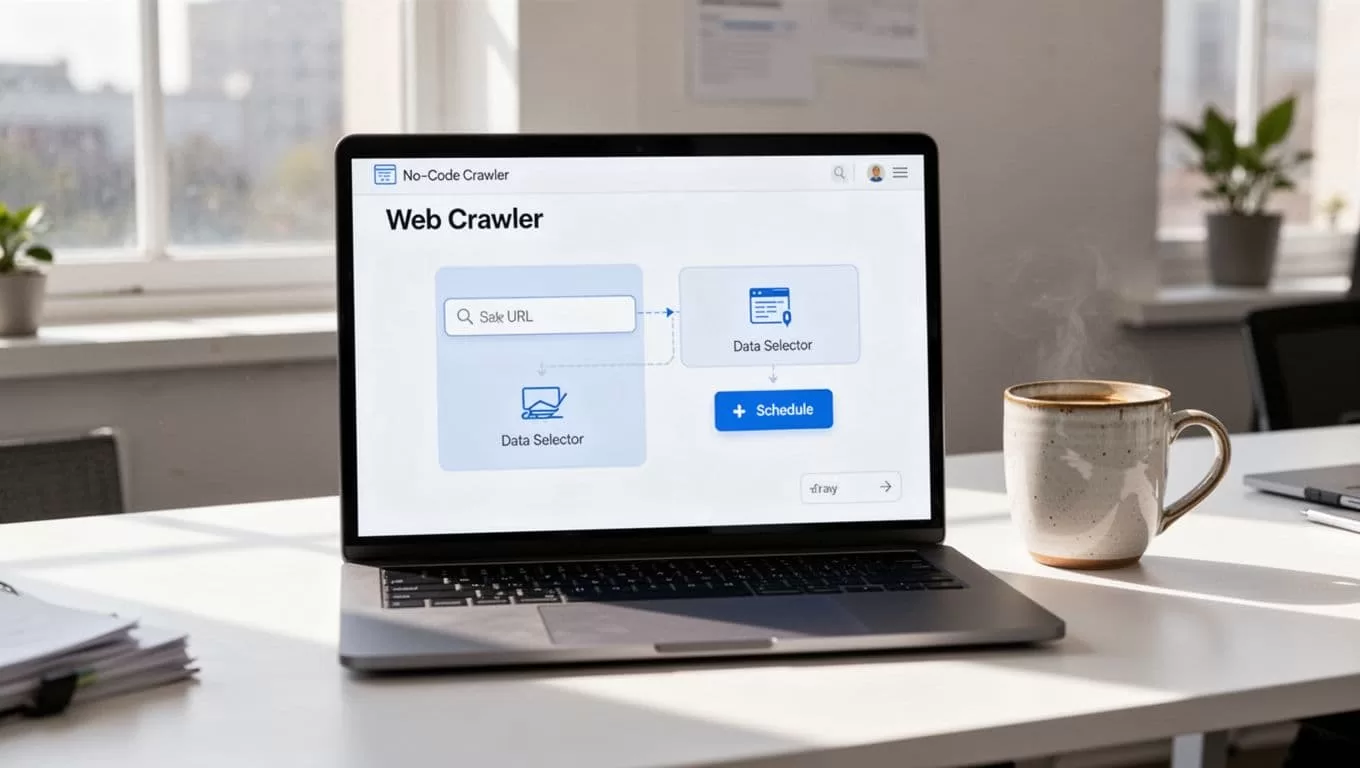
Review the plan. Edit prompts if needed. Test on one page first. Twin shows a preview: fields filled, data grabbed. Deploy, and it runs.
This setup took me five minutes my first time. Beginners love the visual builder. It auto-detects tables or lists.
Step-by-Step: Create a Full Crawler
Follow these steps I use weekly.
- Prompt the agent. Type: “Go to target site, extract emails from contact pages, handle pagination.” Twin maps the flow.
- Add triggers. Set daily runs or webhook starts. I link to Slack for alerts.
- Handle logins. For gated sites, Twin stores credentials securely. It navigates like you would.
- Extract structured data. Point to elements: prices, names, links. Outputs JSON or Sheets.
- Test rigorously. Run samples. Tweak for errors, like CAPTCHAs.
See the Twin.so Quickstart for browser examples. I test on staging sites first.
Common pitfall: vague prompts. Be specific: “Click ‘next’ button at bottom, repeat 10 times.” Results improve.
After deploy, monitor logs. Twin emails failures. Scale to subpages easily.
Real-World Use Cases That Pay Off
I built crawlers for leads, prices, and more. Data flows in without effort.
Lead generation: Crawl directories for emails. Filter by industry. Feed to CRM.
Competitor monitoring: Track pricing on rival sites. Alert on drops.
Ecommerce price tracking: Pull Amazon listings daily. Spot deals.
Content aggregation: Grab headlines from news sites. Build newsletters.

For site changes, I combine with tracking website changes with Visualping. Twin handles data pulls.
These save me 10 hours weekly. Marketers use them for campaigns. Ops teams automate reports.
Best Practices and Common Limits
Respect sites. Check robots.txt. Space requests. Use headers to identify your bot.
Twin avoids blocks with human-like behavior: random delays, mouse moves. Still, heavy sites may throttle.
Limits: Browser mode costs more, runs slower. Complex JS needs iterations. No massive scales without enterprise.
Pricing starts free, scales by credits. I budget $20 monthly for light use.
Follow Twin.so tips: APIs over browsers. Test often.
Conclusion
Twin.so makes no-code web crawlers accessible. I went from manual drudgery to automated insights fast.
Pick one use case. Build today. The time saved compounds.
FAQ
Does Twin.so handle CAPTCHAs?
It tries human emulation. Tough ones may need manual solves.
Free tier enough for starters?
Yes, for 10-20 runs daily. Upgrade for volume.
Export formats?
JSON, CSV, Sheets, Airtable. Integrates everywhere.
(Word count: 982)

