You know that moment when a new lead hits your Salesforce dashboard, but it sits there untouched because manual follow-ups eat your day? I faced that daily until I started using Twin.so for Salesforce automation. It cuts the busywork so teams focus on closes, not data entry.
Twin.so lets me build AI agents that handle CRM tasks without code. I connect once, describe what I need, and it runs 24/7. In this guide, I walk you through my exact steps for setup, workflows, testing, and rollout.
Setting Up Twin.so Integration
I start every project at twin.so. Sign up, create a workspace, and head to the Orchestrator chat. That’s your command center.
Next, connect Salesforce. Click the OAuth button for Salesforce. Log in with your credentials. It takes one click, no API keys or tokens to juggle. Twin handles permissions securely. I always verify the connection pulls sample leads right away.


Permissions matter here. Grant read/write access to leads, opportunities, and accounts. For safety, I limit scopes at first. Check Salesforce’s admin console to confirm. If you’re on Enterprise edition, enable it there too.
Costs stay low. Twin bills per run, not build. I deploy to “Run” mode after tests. It saves 3-10x over constant building. Always peek at Twin’s pricing page for your usage.
This setup takes 10 minutes. Now agents access your CRM data seamlessly.
Building Automation Workflows
With integration live, I describe workflows in plain English. Twin plans the steps, tests them, and deploys. No low-code drag-and-drop nonsense.
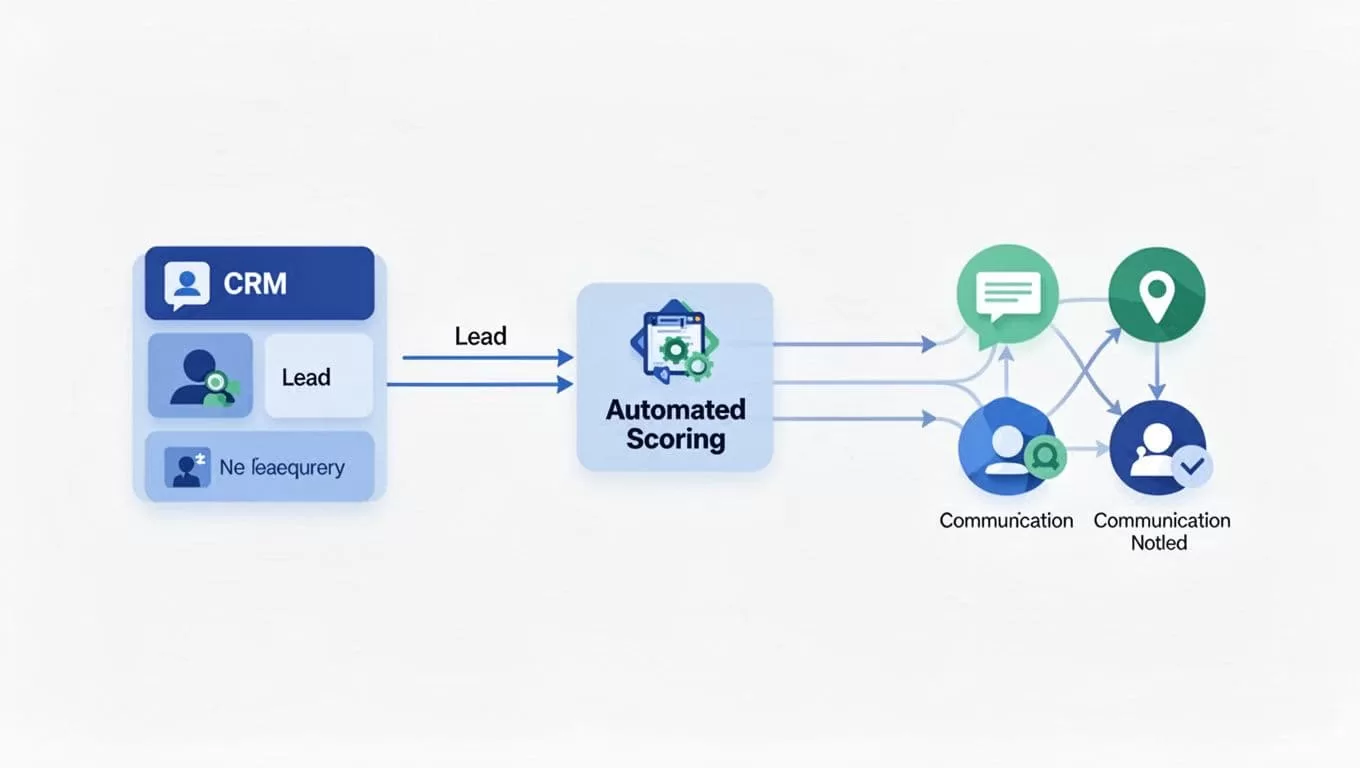
Take lead qualification. I tell it: “Check new Salesforce leads daily. Score by industry fit and email activity. Email top three to sales, update stages, Slack the team.” Twin builds it instantly.
Other flows I run:
- Daily summaries: Pull activities at 9 AM. Categorize wins/losses. Log to Sheets. Notify via Slack.
- Follow-ups: AI emails prospects. Qualifies responses. Syncs notes back to opportunities.
For complex ones, pair with tools like Calendly or HubSpot. Twin adapts to API changes automatically. See their sales outreach examples for more.
I refine prompts for accuracy. “Score leads over 80 points only” sharpens results. Test small batches first. This beats Zapier for me because it’s AI-smart, not rigid if-then rules. Check my Zapier lead capture setup for a lighter alternative.
Agents scale to thousands of tasks. I schedule via triggers or webhooks from Salesforce events.
Testing in Sandbox Environments
Sandboxes save disasters. I clone production data to Salesforce sandbox first. Then connect Twin to it via separate OAuth.
In Orchestrator, run the agent on test leads. Watch logs for errors. Does it update stages right? Emails fire correctly? I tweak prompts until perfect.
Common issue: Field mismatches. Salesforce custom fields trip agents. Map them explicitly: “Use ‘Lead_Score__c’ not generic score.” Twin learns fast.
Also test edge cases. What if a lead lacks email? Agent should skip, log why, and alert me. Run 50 tests over days.
This phase spots 90% of issues. Costs pennies since runs are cheap.
Access Control and Change Management
Control who touches what. In Salesforce, set profiles for Twin OAuth user. Read-only for reports, full for updates. Use permission sets over full profiles.
For teams, share Twin workspaces. Admins approve agents. I log changes: “Updated lead scorer 5/15/26 for better industry match.”
Version agents in Twin. Duplicate before edits. Roll back if needed. Document prompts in comments.
Pitfalls? Over-permissive access leaks data. Audit logs weekly. Twin vaults sensitive logins, but verify.
Change management flows smooth with this. Stakeholders review sandbox runs before prod.
Safe Rollout to Production and Pitfalls
Go live after sandbox approval. Switch OAuth to production org. Trigger first run manually.
Monitor first week closely. Check Salesforce reports for odd updates. Tweak triggers if volume spikes costs.

Top pitfalls I hit:
- API limits. Salesforce throttles calls. Space runs or batch them.
- Prompt drift. AI shifts over time. Review monthly.
- No fallback. Add human alerts for failures.
Verify docs at Twin triggers guide since UIs update. Scale gradually. Start one workflow, add more.
My team cut manual CRM time by half. Leads convert faster.
Key Takeaways from Twin.so Deployments
Twin.so Salesforce automation transforms busy CRMs into smart systems. I connect once, build agents that qualify leads and sync data effortlessly.
Test rigorously in sandboxes. Control access tightly. Roll out measured.
You gain hours weekly. Check Twin docs for latest. Your CRM works harder now.
(Word count: 982)