I care less about the transcript itself and more about what happens after the call. If the notes are messy, the meeting fades fast, and the follow-up gets sloppy.
That is why Otter AI vs Fireflies still matters in 2026. Both tools join meetings, capture notes, and help me search later, but they solve different problems.
I checked current product updates, pricing ranges, and recent comparison sources so I could separate real strengths from marketing talk. The difference shows up fast once I compare live notes, language support, and team workflows.
The real split between live notes and team memory
Otter feels built for the meeting in front of me. Fireflies feels built for everything that comes after it.
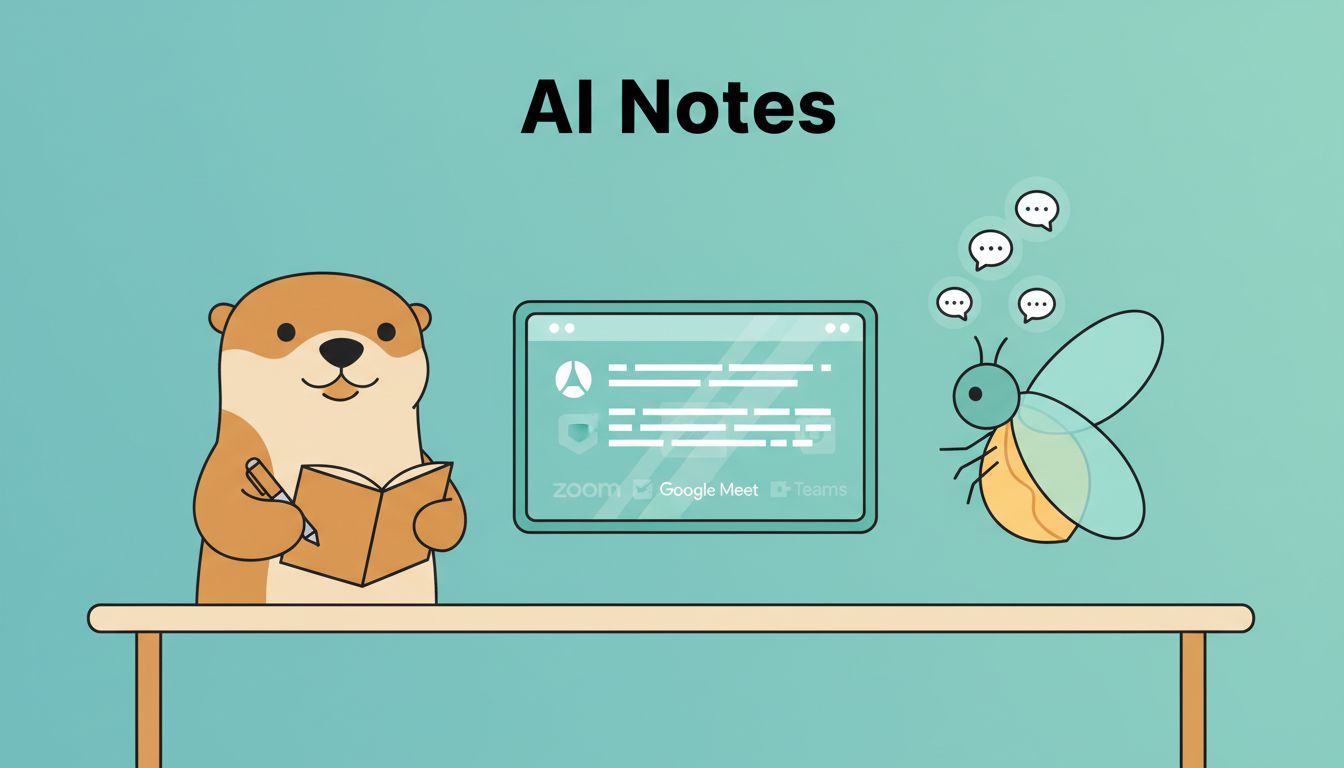
Otter’s newest update set leans into real-time work: auto-join for Zoom, Google Meet, and Microsoft Teams, live summaries, speaker ID, slide capture, and cross-meeting search. Fireflies goes wider, with real-time transcription in 100+ languages, smart search, topic tracking, conversation analytics, and the Ask Fred assistant. One current hands-on comparison I read, Otter vs Fireflies vs Fathom: AI Meeting Review 2026, echoed the same pattern.
This side-by-side view shows where the tools part ways.
| Area | Otter AI | Fireflies AI |
|---|---|---|
| Live notes | Strong real-time notes, summaries, and speaker ID | Real-time transcription with live summaries |
| Search | Cross-Meeting Intelligence for past meetings | Smart Search, Topic Tracker, Ask Fred |
| Language support | Mostly English-first | 100+ languages with auto-detection |
| Analytics | Basic sentiment and action-item help | Conversation analytics, talk time, sentiment, dashboards |
| Meeting visuals | Captures slides and whiteboard sketches | More focused on transcription and analysis |
| Team workflow | Good for shared notes and quick review | Stronger for team memory and automation |
Otter is the cleaner choice for live capture. Fireflies is the broader choice for teams that need memory across many calls.
The table makes the trade-off clear. Otter feels tighter in the moment, while Fireflies spreads wider across team use.


Pricing and plan limits I keep in mind
I do not make this choice on features alone. I also watch the plan limits, because those limits can change the whole experience.
Current 2026 pricing data puts Otter’s free plan at 300 minutes per month, with 30-minute sessions and a daily extension option. Fireflies also has a free tier, but it is more limited in practice and uses storage and AI-credit caps. Paid pricing varies by billing cycle and region, so I treat the numbers as moving targets.
This table is the easiest way for me to think about cost.
| Plan | Otter AI | Fireflies AI |
|---|---|---|
| Free | 300 minutes per month, 30-minute sessions | Limited free use, basic transcription, capped storage and AI credits |
| Pro | About $8.33 to $16.99 per user each month | About $10 to $18 per user each month |
| Business | About $19.99 per user each month | About $19 per user each month |
| Enterprise | Custom pricing | About $39 per user or custom pricing |
A current comparison from Summarize Meeting lines up with what I see, Otter is friendlier for light use, while Fireflies often feels better for teams that want more automation.
If I only need simple meeting notes, Otter’s free tier is easier to live with. If my team wants search, analytics, and workflow depth, Fireflies starts to look like the better spend.

Which tool fits each meeting type
This is where the choice gets practical. The same tool can feel perfect in one meeting and clumsy in another.
I usually break it down like this:
| Meeting type | Better fit | Why I choose it |
|---|---|---|
| Internal team meetings | Otter | I want live notes, quick summaries, and easy review |
| Client calls | Fireflies | I want broader language support and stronger search later |
| Sales conversations | Fireflies | CRM syncing and conversation analytics help follow-up work |
| Recruiting interviews | Otter | Real-time notes help when I compare candidates later |
| Team knowledge management | Fireflies | Search and dashboards make a shared archive easier to use |
For internal meetings, I like Otter when the room is moving fast and I need clean notes right away. When those notes need to feed shared docs and drive team memory, I link the workflow into Google Workspace collaboration for remote teams, because Drive and Docs make the handoff easier.
For recruiting, I lean a bit toward Otter if I’m doing live interviews and want a simple record. If I need every interview note tied to a pipeline, Recruit CRM features for faster hiring becomes the natural place to store that context.
Fireflies gets stronger as the meeting surface grows. Sales teams, account managers, and operations leads usually care more about patterns across calls than a single perfect transcript. That is where Fireflies can earn its keep, especially on paid plans with admin-controlled integrations.
My bottom line after comparing both
I would pick Otter if I wanted the cleanest live notes in English, especially for internal meetings and interview sessions. I would pick Fireflies if I wanted a broader memory system for client work, sales calls, and team search.
Recent 2026 updates make the gap sharper, not smaller. Otter feels more focused. Fireflies feels more connected.
If the meeting itself is the main event, Otter is easier to live with. If the meeting is the start of a bigger workflow, Fireflies has the stronger grip.