Paddle Rewardful Integration: Set Up Affiliate Tracking
Affiliate programs lose money in a dull way. A partner drives a paid customer, but the referral data disappears between checkout and the payment event. A Paddle Rewardful integration connects the click, the Paddle checkout, and the commissi...
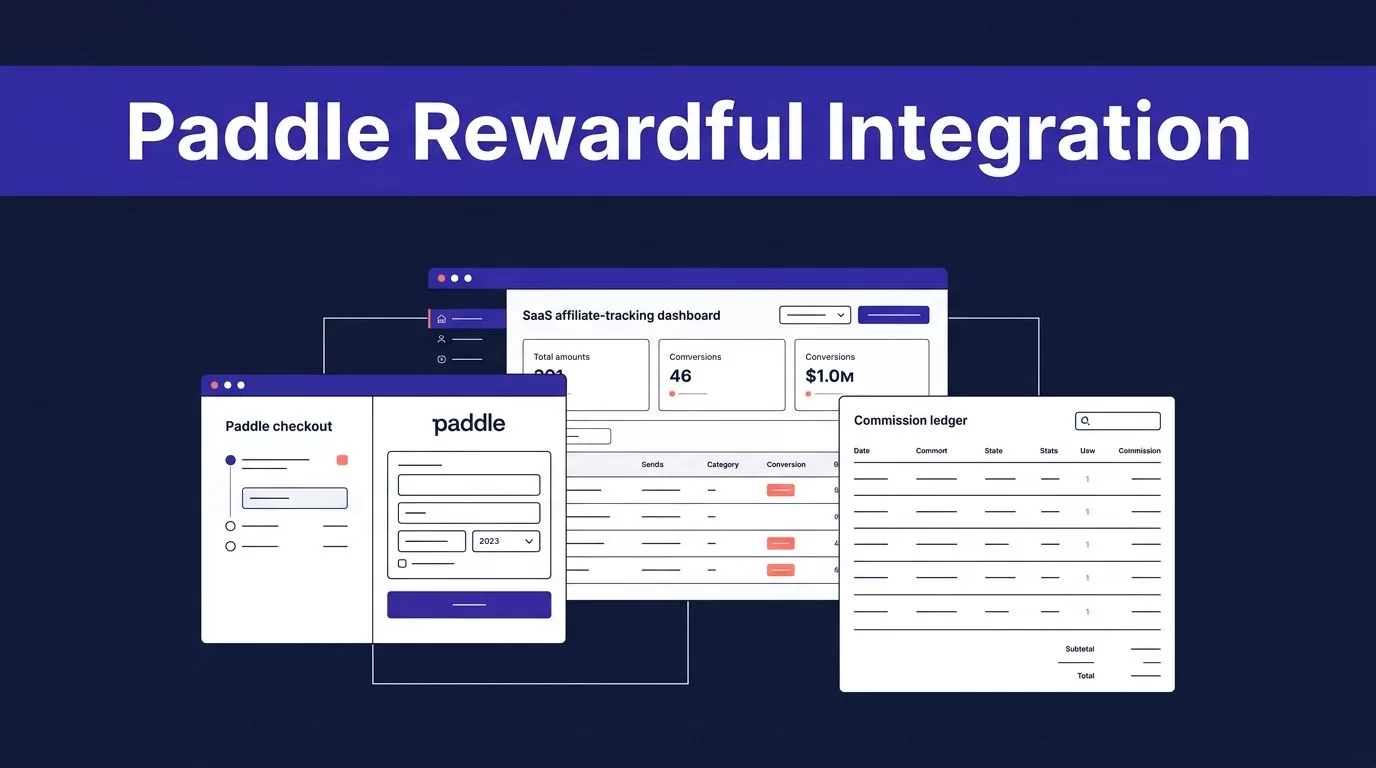
Affiliate programs lose money in a dull way. A partner drives a paid customer, but the referral data disappears between checkout and the payment event.
A Paddle Rewardful integration connects the click, the Paddle checkout, and the commission record. The native connection only supports Paddle Classic, not Paddle Billing, as confirmed on Rewardful’s Paddle integration page.
If you use Paddle Classic, you can deploy a reliable setup with a public key, a webhook URL, and one checkout change. If you use Paddle Billing, read the custom-build section before you install anything.
PADDLE REWARDFUL INTEGRATION: CHECK SUPPORT FIRST
Rewardful’s current Paddle connection is for Paddle Classic. Paddle Billing is not a missing setting or a delayed webhook configuration. It isn’t a supported native integration.
A working Paddle Rewardful integration has four parts: an affiliate referral link, the Rewardful tracking script, referral data in Paddle checkout, and Paddle events sent to Rewardful.
Confirm which Paddle product runs your checkout
Start with the checkout your customers use today. The documented Rewardful flow uses Paddle.Checkout.open() and passes the referral value through the passthrough field.
Open the Paddle dashboard and confirm that the account and checkout use Paddle Classic. Then review Rewardful’s Paddle Classic setup instructions before changing live checkout code.
Don’t assume a legacy checkout widget means every part of your account runs on Classic. Verify it with the Paddle account owner.
Define what each system owns
Paddle is the payment record. Rewardful is the affiliate attribution and commission record. Your finance system remains the source for revenue reporting and payout approval.
Write down when an affiliate earns a commission. Your policy might approve commissions after payment, after a trial period, or after the refund window closes. The campaign terms must match that policy.
Technology can capture attribution. It can’t fix unclear commission rules after an affiliate disputes a payout.
CONNECT THE PADDLE CLASSIC ACCOUNT
Connect the payment account before you recruit affiliates. This gives you time to test the real path with internal users.
Rewardful asks for a Paddle public key during setup. It also generates a webhook endpoint that Paddle uses to report payment activity.
Copy the Paddle public key correctly
In the Paddle Classic dashboard, go to Developer Tools, then Public Key. Copy the complete key and paste it into Rewardful.
Keep the BEGIN and END markers. Don’t trim lines or replace the public key with an API credential.
Use the key from the same Paddle account that owns the checkout. A staging page connected to the wrong account can create confusing attribution records and failed payment checks.
Keep private API keys, webhook secrets, and admin credentials out of frontend code. The Paddle public key is intended for this connection. Private credentials are not.
Create a campaign you can test
Create the first Rewardful campaign before sending any partner links. Use a clear campaign name, commission rule, and landing-page destination.
Give two internal testers separate affiliate links. Record the tester name, affiliate ID, campaign name, checkout product, and test date in a shared sheet.
This makes failure diagnosis simple. You can tell whether a problem started with the affiliate link, browser tracking, checkout code, or post-payment event.
PASS THE REFERRAL ID INTO PADDLE CHECKOUT
Installing the Rewardful script is not enough. The checkout call must include the referral ID that Rewardful captured after an affiliate click.
This is the handoff that joins a visitor session to a Paddle sale.
Load the Rewardful script where referral traffic lands
Copy the current Rewardful tracking snippet from your Rewardful dashboard. Place it in the shared site layout so it loads on affiliate landing pages and pages where visitors can start checkout.
For a server-rendered site, add it to the base template. For a single-page app, load it once after your consent logic runs. Don’t append the script again on every route change.
The script must load before a buyer opens checkout. During an internal test, you can inspect window.Rewardful.referral in the browser console. Treat the value as an identifier, not as a value to expose in analytics logs.
Add referral passthrough to the checkout call
In the function that opens Paddle checkout, read the referral value with window.Rewardful && window.Rewardful.referral.
In the same Paddle.Checkout.open() configuration object, set passthrough to JSON.stringify({ rewardful: { referral: referral } }).
If your checkout already uses passthrough for internal metadata, create one JSON object that contains both your existing fields and the rewardful object. Don’t add two passthrough fields. One will replace the other.
The referral ID must be present when
Paddle.Checkout.open()runs. Tracking a click without sending that value through checkout breaks the attribution chain.
Don’t pass the affiliate’s email address, name, or other personal data as a replacement. Rewardful expects its referral identifier.
CONNECT REWARDFUL TO PADDLE WEBHOOKS
The referral ID links the checkout to an affiliate. Webhooks tell Rewardful what happened after the customer pays, subscribes, or receives a refund.
Rewardful states that its Paddle integration reads webhook data from the Paddle account. Review how Rewardful uses Paddle webhooks before you publish the integration.
Add the Rewardful endpoint in Paddle
Rewardful generates a unique webhook URL during its Paddle setup flow. Copy that endpoint exactly.
In Paddle Classic, go to Developer Tools, then Events. Find URLs for receiving webhooks, paste the Rewardful URL, and save the change.
Use the event selections shown in Rewardful’s current setup screen. Don’t guess which events are optional. Missing an event can leave a sale, subscription change, or refund out of the affiliate record.
Keep the webhook path direct
The Rewardful webhook URL belongs to Rewardful. Don’t route it through a frontend route, analytics proxy, or custom middleware unless Rewardful instructs you to do so.
Restrict access to the Paddle event settings. Store the endpoint location and the person responsible for it in your integration runbook.
Don’t send invented webhook payloads to test the connection. A synthetic event can create a misleading commission record that looks real during a review.
TEST THE PADDLE REWARDFUL INTEGRATION BEFORE RECRUITING AFFILIATES
A checkout that opens is not proof that attribution works. Test the whole payment path before you give an affiliate link to anyone outside your team.
Rewardful’s published Paddle Classic instructions do not provide a separate universal test-mode procedure. Use a controlled transaction path that your current Paddle account and company policy permit.
Run one controlled referral transaction
- Open a tester’s affiliate URL in a clean browser profile with no existing Rewardful cookies.
- Confirm that the Rewardful script loads and that
window.Rewardful.referralhas a value before checkout opens. - Complete the normal purchase path using the tester’s affiliate URL.
- Compare the Paddle payment record with the Rewardful sale and campaign attribution after Paddle delivers the event.
Use a new browser profile for each tester. A prior referral cookie can make a broken campaign look successful.
Verify the record chain, not one screen
Use a short test log for every controlled transaction.
| Check | Evidence to record | Stop and investigate when |
|---|---|---|
| Affiliate visit | Tester link and landing-page URL | The referral value is missing |
| Paddle checkout | Product and transaction reference | passthrough is absent or overwritten |
| Rewardful sale | Correct affiliate and campaign | The sale is missing or assigned incorrectly |
| Refund handling | Refund record and commission review | The commission state does not match policy |
Refund handling matters. Rewardful says Paddle sends it a webhook request when a payment is fully or partly refunded. Where your refund policy permits a controlled test, verify the resulting Rewardful record before you pay live affiliates.
MEASURE APPROVED COMMISSIONS, NOT CHECKOUT CLICKS
A successful JavaScript call proves that checkout opened. It does not prove that the affiliate received correct attribution, that the payment completed, or that a refund was handled correctly.
Review the connection each week during the first month. Track the records your team approves for payout.
- Compare eligible Paddle payments with Rewardful sales for the same period.
- Count unmatched payments, duplicate commissions, and sales with the wrong affiliate.
- Record webhook-related delays and the time needed to correct each exception.
- Review refund-related commission changes before a payout batch is approved.
If the setup removes five minutes of manual work but creates an hour of commission cleanup, the setup is wrong.
Keep a last trusted reconciliation record
Export the approved Paddle and Rewardful reconciliation before every affiliate payout. Keep the transaction reference, referral ID, campaign, commission status, refund status, review date, and reviewer decision together.
Use simple statuses such as Review, Approved, and Rejected. Don’t overwrite a disputed record with a new automation result.
When an event appears missing, compare the known payment record with the Rewardful record first. Reconnecting accounts repeatedly won’t repair a wrong checkout payload.
Set a recovery path before launch
Name the person who checks Paddle events, the person who reviews Rewardful sales, and the location of the last approved export.
Use limited retries only for temporary system failures in your own supporting processes. Don’t keep retrying a permissions error, a changed checkout schema, or an unsupported Paddle product.
Pause affiliate payout approval when records conflict. A delayed payout with a documented exception is better than paying the wrong partner.
PADDLE BILLING REQUIRES A DIFFERENT DESIGN
Rewardful does not natively support Paddle Billing. Copying a Paddle Classic passthrough example into a Billing implementation does not create a supported connection.
A custom integration needs its own affiliate system. That system must store the click and affiliate identifier, connect it to the customer or transaction, verify incoming Paddle Billing webhook signatures, prevent duplicate event processing, account for refunds, and maintain a commission ledger.
Treat middleware as a separate product
Custom middleware is not a setting inside Rewardful. It needs an owner, monitoring, error handling, data retention rules, and a payout review process.
Use a stable event or transaction identifier to make processing idempotent. Keep the original Paddle event data separate from your internal commission decision. This gives your team an audit trail when a customer cancels, upgrades, or disputes a charge.
The tracking identifier may be stored or read in the visitor’s browser. Classify it in your privacy review, update your privacy notice, and load tracking only after consent where local rules require it.
If you need to preserve affiliate attribution during a Paddle Billing migration, Book A Call to map the data contract, event flow, and exception process before development starts.
BUILD THE CONNECTION AROUND THE REFERRAL ID
The clean Paddle Classic path is simple: capture the Rewardful referral ID, pass it to Paddle checkout, send Paddle events to Rewardful, then reconcile commissions against paid transactions.
The Paddle Rewardful integration fails when one link in that chain is missing. Test with real controlled records, retain the last approved reconciliation, and resolve exceptions before payout.
Affiliate tracking is reliable when your team can explain every approved commission from referral link to payment record.
