Podcast Artwork Requirements: My Transistor.fm Setup
I remember my first podcast upload to Transistor.fm. The artwork looked perfect on my screen. Then it showed up blurry on Apple Podcasts. Listeners skipped my show. That frustration pushed me to master the podcast artwork requirements. Now...

I remember my first podcast upload to Transistor.fm. The artwork looked perfect on my screen. Then it showed up blurry on Apple Podcasts. Listeners skipped my show. That frustration pushed me to master the podcast artwork requirements. Now I get it right every time.
Transistor.fm makes hosting simple. It pushes your RSS feed to Spotify and Apple. But artwork sets the tone. Get the specs wrong, and platforms reject it. Or worse, it looks amateur. I follow these rules so my covers grab attention.
You can too. I break it down step by step. From dimensions to fixes for common errors.
Transistor.fm Podcast Artwork Specifications
Transistor.fm sticks to strict specs. They match what Apple and Spotify demand. I always start here.
Aim for 3000 x 3000 pixels. That’s the sweet spot. The minimum is 1400 x 1400 pixels. Go smaller, and it fails. Resolution stays at 72 dpi. Use RGB color space. No CMYK; it causes errors.
File formats limit you to JPEG or PNG. Keep the size under 512KB. That’s the big trap. My early files hit 2MB. Platforms bounced them back.
Here’s a quick spec table I reference:
| Spec | Requirement |
|---|---|
| Dimensions | 3000×3000 (min 1400×1400) |
| Resolution | 72 dpi |
| Color Space | RGB |
| Formats | JPEG or PNG |
| Max File Size | 512KB |
Transistor’s official specs page confirms this. I check it before every upload.
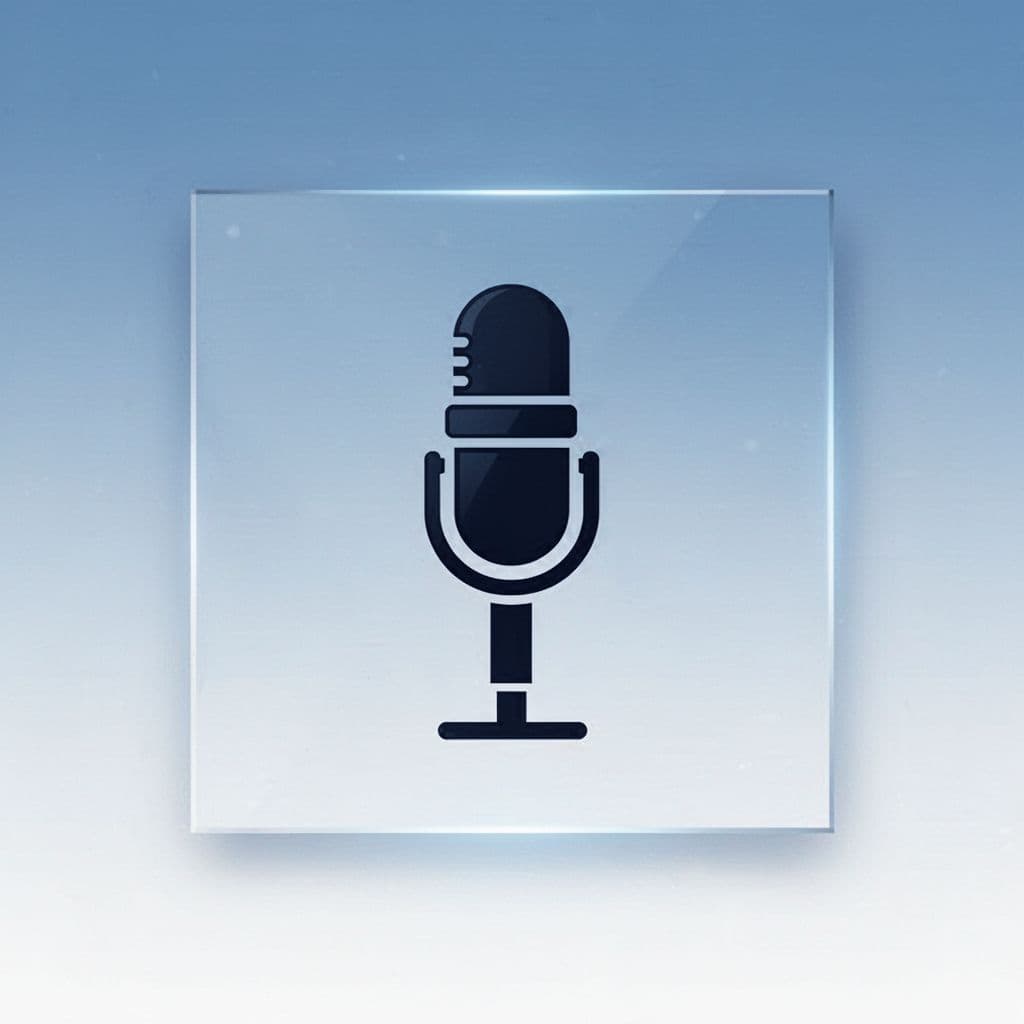
This example shows a compliant design. Bold microphone. Simple background. It scales well.
Compress with TinyPNG if needed. Drop to 1500 x 1500 pixels as a last resort. But stick close to 3000 for sharpness.
Design Rules That Make Your Cover Pop
Good artwork sells your podcast. I keep mine bold and clear. Thumbnails shrink to 55 pixels on phones. Fine details vanish.
Use high-contrast elements. Big icons work best. Limit text to essentials. My cover has one word: the show name in fat font.
Pick colors that fit your niche. Blues for calm topics. Reds for energy. Test on dark and light modes.
Tools speed this up. Canva has templates at exact sizes. Transistor offers a free AI generator. I enter my RSS feed. It spits out options. Download and tweak.
Avoid clutter. Complex photos blur. Simple shapes win. For example, my tech podcast uses a glowing circuit icon. Viewers spot it instantly.
Brand consistency matters. Reuse fonts and palettes across episodes. Listeners recognize you fast.
Uploading Your Artwork in Transistor.fm
Upload takes seconds once prepped. I log into my dashboard. Head to podcast settings. Click the Artwork tab.
Drag and drop your file. Or browse. Transistor previews it right there. Check for issues before saving.
The system pushes changes to your RSS feed. Platforms like Spotify update in hours. Apple might take a day.
Use Transistor’s preview tool first. Paste your feed URL. See how it looks on Apple. I do this every time.
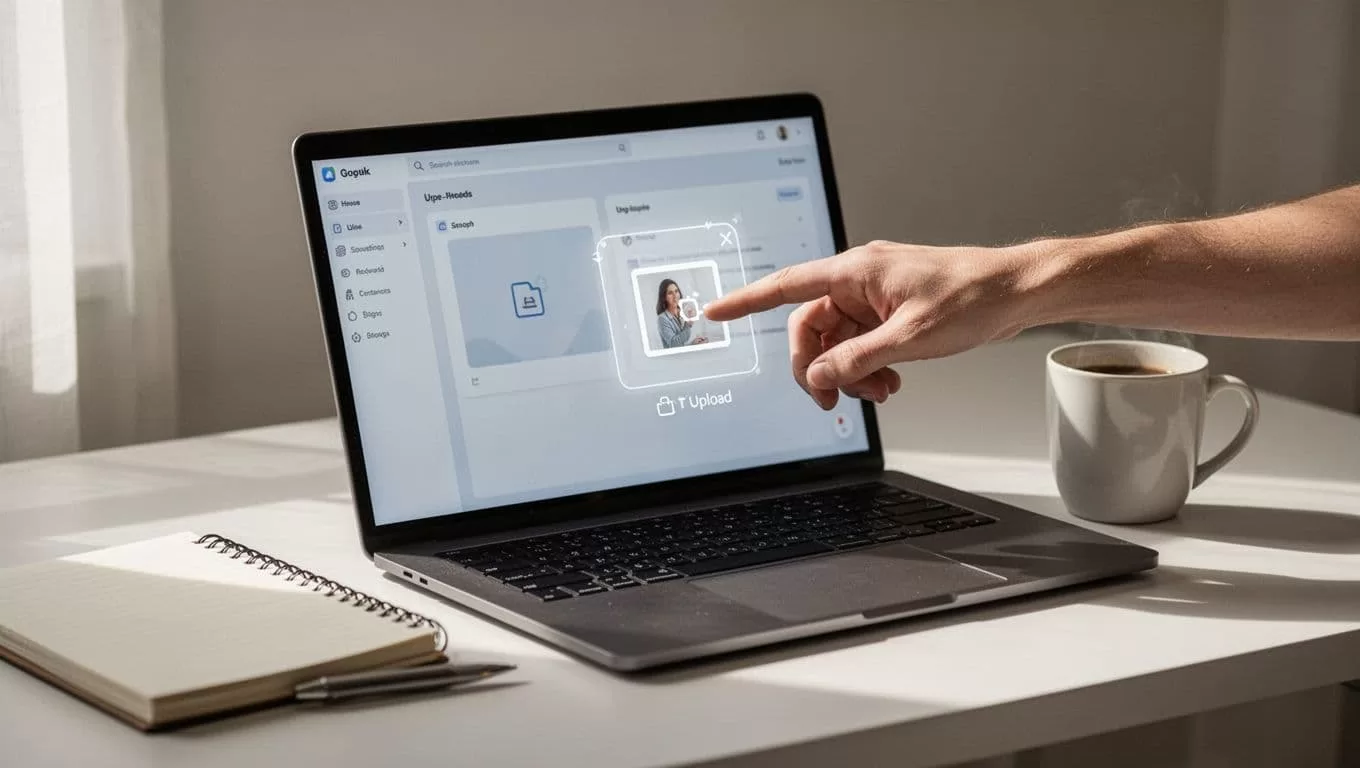
Drag-and-drop feels effortless. Save, and you’re live.
If rejected, note the error. Usually size or format. Fix and retry.
Fix Common Artwork Problems Like Blurriness
Blurriness kills clicks. I fixed mine by simplifying. Small thumbnails crush details.
Test at 55 pixels. Zoom out your design. Does the main element stand out? If not, enlarge it.
File too big? Compress again. TinyPNG strips data without harm. Still over? Resize pixels down.
Rejections hit for wrong color space too. Convert to RGB in Photoshop or free tools like GIMP.
Platforms flag busy designs. Apple wants simple. I strip mine to icon plus title.

Left side fails. Right side succeeds. Bold wins.
After fixes, re-preview. My last cover passed on first try.
For automation fans, pair this with clip tools. Check my Transistor Opus integration setup to auto-generate shorts post-upload.
Apple Podcasts Rules You Can’t Ignore
Transistor handles distribution. But Apple sets the bar. Their specs mirror Transistor’s: 1400×1400 min to 3000×3000 max, under 512KB.
Submit via Transistor’s one-click button. Need artwork ready first. No episode? No approval.
Even after upload, Apple reviews. Blurry art gets denied. I wait 5-10 days. Future episodes auto-appear.
Match categories too. Wrong ones delay. See Apple submission details.
Transistor keeps you compliant. But test everything.
Key Takeaways for Your Podcast Artwork
Podcast artwork requirements feel picky at first. I learned them through trial. Now my covers draw listeners.
Stick to 3000×3000, JPEG/PNG under 512KB. Design bold. Upload via dashboard. Fix blurs with simplicity.
Your show stands out. Platforms approve faster. Listeners click more.
Nail this, and build from there. My podcasts grew once artwork clicked. Yours will too.
