How I Manage Recruit CRM Kanban Board for Faster Hires
Picture this: candidates pile up in emails, stages blur, and your team chases lost notes. I’ve been there. Chaos kills deals in recruitment. Recruit CRM changes that with its Recruit CRM kanban board. I use it daily to visualize pipel...


Picture this: candidates pile up in emails, stages blur, and your team chases lost notes. I’ve been there. Chaos kills deals in recruitment.
Recruit CRM changes that with its Recruit CRM kanban board. I use it daily to visualize pipelines. Candidates move like pieces on a board game. You spot jams instantly.
Let me show you my exact steps. You’ll build and run one in minutes.
Setting Up Your Recruit CRM Kanban Board
I start in the Jobs section. Pick a role, say “Associate Director Customer Success.” Scroll to Hiring Pipeline. Click View All.
Candidates appear. Switch to Kanban View. Boom. Cards fill columns by stage.

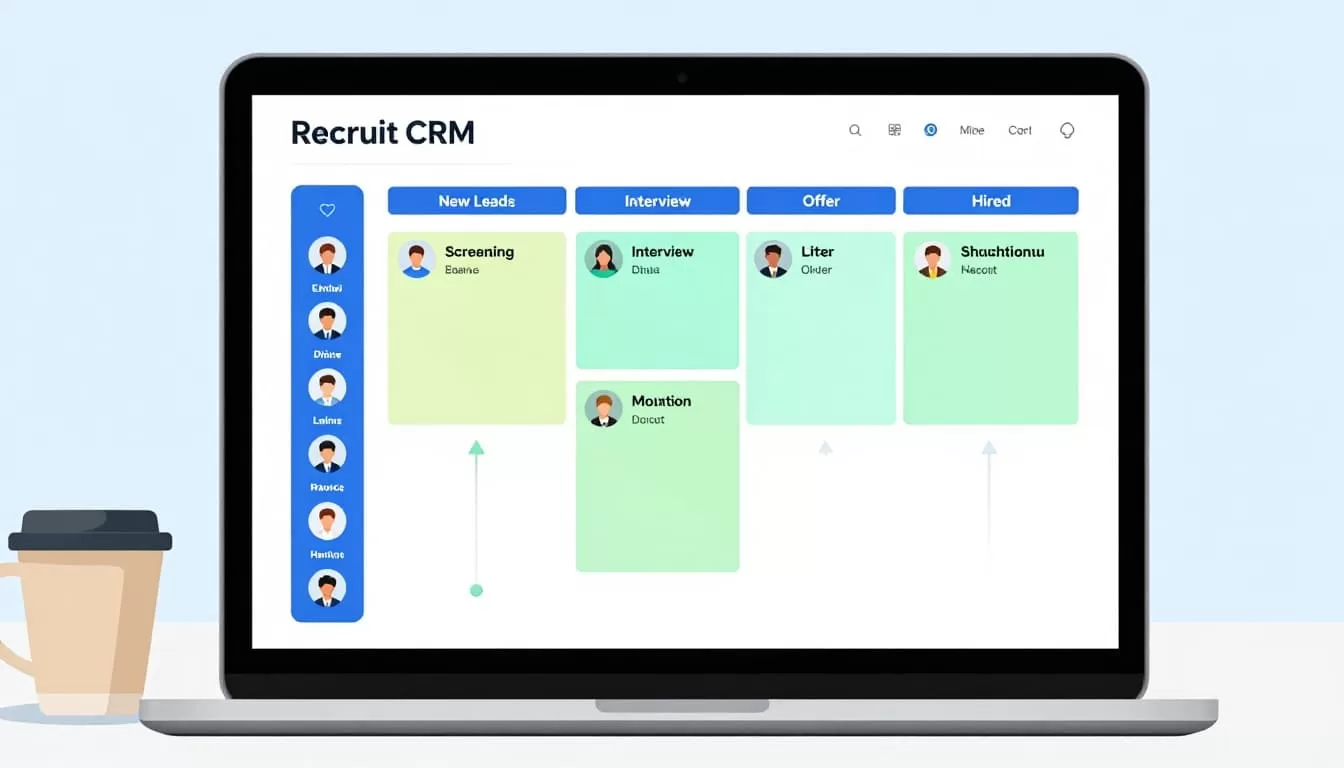
First, create jobs right. Add company name, title, salary, skills. Assign candidates. They pop onto the board.
For agencies, add companies then contacts. Jobs link everything. Clean setup prevents mess later.
I check mobile access too. Web setup works on phones. Team grabs updates anywhere.
In short, this takes five minutes. Your pipeline lives.
Customizing Stages to Fit Your Workflow
Default stages work fine. New Leads. Screening. Interview. Offer. Hired or Rejected.
But I tweak them. Go to Admin Settings. Edit hiring pipeline stages. Add custom fields like salary range or skills match.
For staffing gigs, I include “Client Submitted.” Tracks feedback loops. Contact stages help too. Deal pipelines show revenue.
Customization matches client needs. One agency I know added “Reference Check.” Bottlenecks vanished.
Auto-triggers shine here. Set emails for stage shifts. Candidate gets “Interview scheduled” note. No manual sends.
Result? Smoother flow. Everyone stays looped in.
Moving Candidates Through Your Pipeline
Drag and drop rules this. Grab a card. Pull to Interview column. Add date, feedback, task, or email.
Hover for quick edits. All-in-one cards hold notes. Tasks assign on the spot.
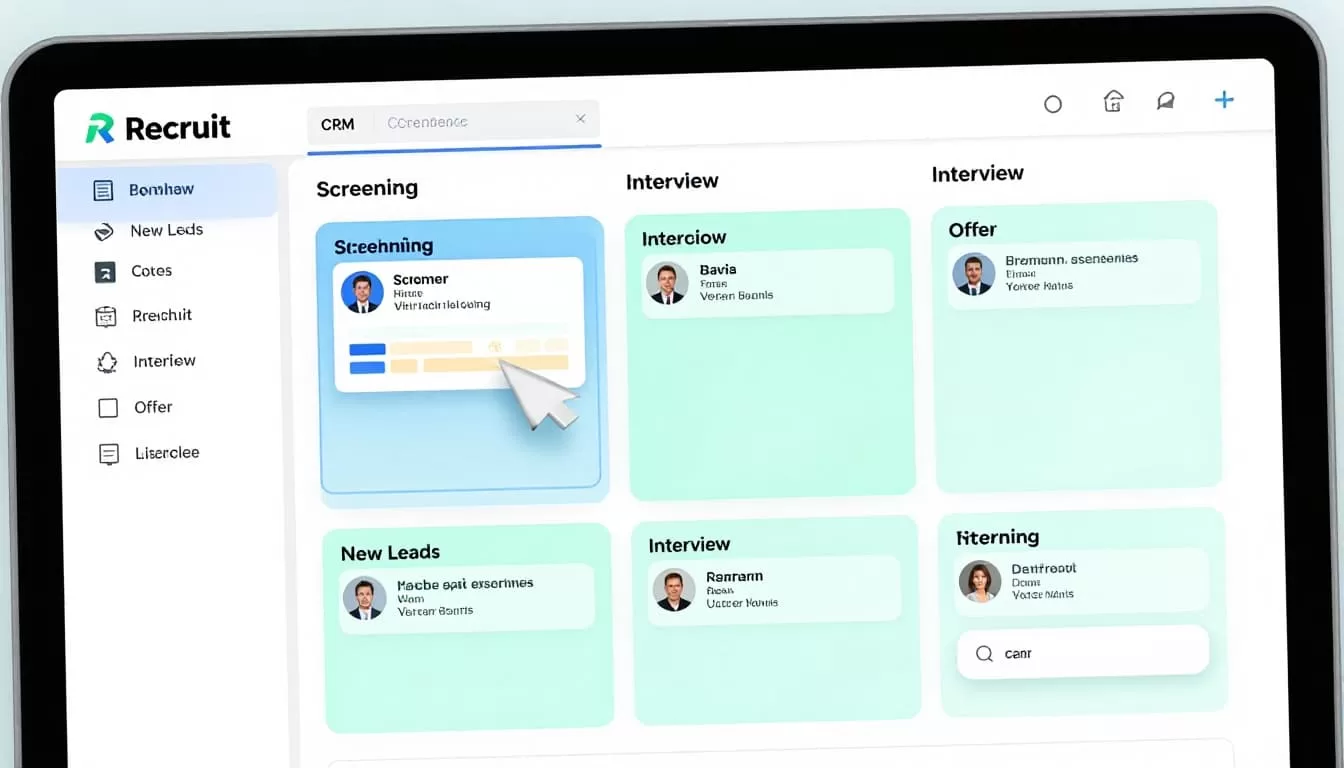
I moved Sarah from Screening last week. Added “Follow-up call Tuesday.” Email fired off. She prepped perfectly.
For teams, real-time updates sync. No double work.
Deal Kanban tracks revenue too. Weight stages by close odds. Predict cash flow.
This visual speed cuts hiring time. I fill roles 25% faster now.
Check my Recruit CRM workflow setup tutorial for more automation tips.
Boosting Team Coordination with Shared Boards
Solo recruiters love Kanban. Teams need more.
Set access levels in settings. Share job boards. Multiple users drag cards.
Task icons show ownership. Metrics sidebar tracks progress.

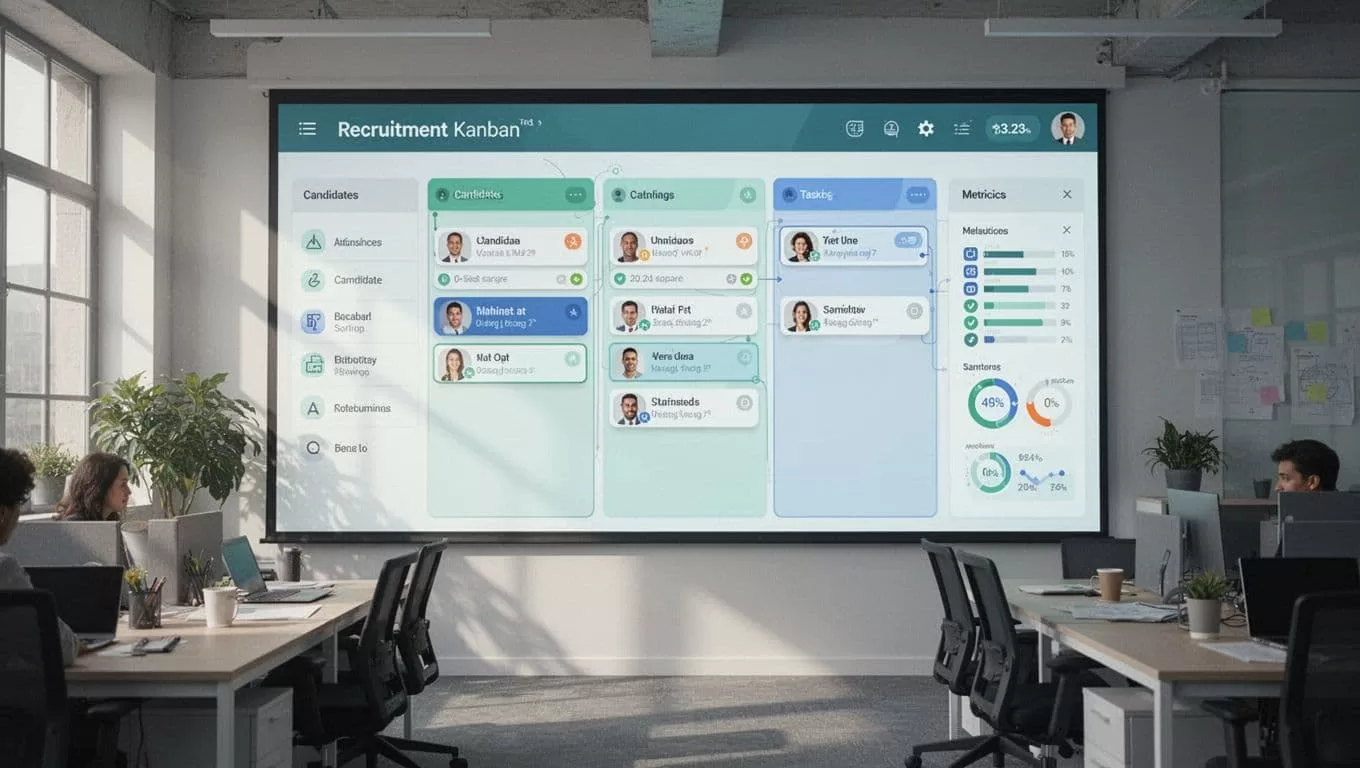
My group uses it for client deals. One spots a stalled Offer. Pings the owner. Hired in days.
Bird’s-eye view kills silos. Everyone sees bottlenecks.
For agencies, this scales. High-volume hiring stays organized.
See Recruit CRM kanban board features in action.
Best Practices to Spot and Fix Bottlenecks
Kanban beats lists. Visuals scream problems. Full Screening column? Dig in.
Always add feedback on moves. Tasks keep momentum.
Email triggers save hours. Candidates feel valued.
Build bottom-up. Companies first, then jobs, candidates last.
Customize per client. Track time in stage. Over 7 days? Nudge.
I review weekly. Empty pipelines fill fast.
Pair with ATS setup. My Recruit CRM ATS setup guide covers basics.
These habits grew my placements 35%.
Hiring pipelines hum when you master the Recruit CRM kanban board. Drag, customize, share. Chaos fades.
I cut no-shows and boosted fills. You can too.
Try it today. Set up one job board now. Watch your first candidate slide through.
What stage jams you most? Test this and tell me results.

