Building a Recruitment Marketing Platform with Recruit CRM
You source candidates daily for demanding roles. Pipelines clog with unresponsive leads. Follow-ups slip through cracks. I faced this chaos in my agency work. Recruit CRM changed everything. It powers my recruitment marketing platform with...
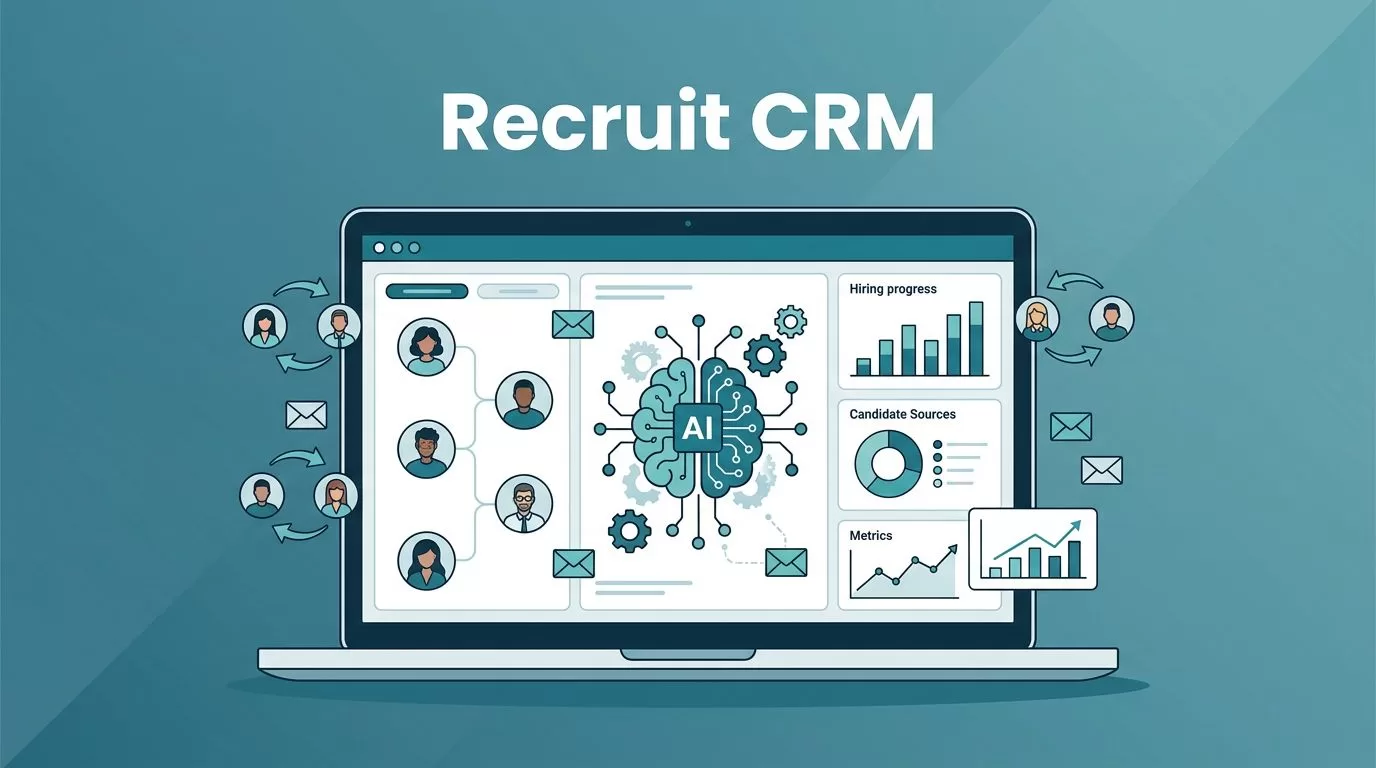
You source candidates daily for demanding roles. Pipelines clog with unresponsive leads. Follow-ups slip through cracks. I faced this chaos in my agency work. Recruit CRM changed everything. It powers my recruitment marketing platform with AI sourcing, automated emails, and clear analytics. You get personalized outreach at scale. Let’s walk through how I set it up.
Why Recruit CRM Powers Recruitment Marketing
Recruit CRM combines ATS and CRM features. This setup suits agencies, staffing firms, and in-house teams. I started because it handles sourcing to placement without extra tools.
Core strengths match 2026 needs. AI finds candidates fast. Automation nurtures them. Analytics track what works. For example, job multiposting reaches thousands of boards instantly. Branded career pages draw applicants. I post one job brief. It spreads everywhere.
In my staffing firm days, scattered data hurt response rates. Now, centralized profiles keep everything in one spot. AI enriches LinkedIn grabs with emails and phones. Response rates jumped 4x after setup.
Staffing teams love client pipelines. Agencies track placements. In-house recruiters build talent pools. Check Recruit CRM features for the full list. It scales with per-user billing and 5000+ integrations.
Setting Up Candidate Sourcing
Sourcing eats hours. I type a job description like “senior Python developer with AWS experience.” AI scans LinkedIn, databases, and referrals. Top matches appear enriched.
Install the Chrome extension first. It pulls full profiles from LinkedIn or ZoomInfo in one click. I source 50 candidates per hour this way. No Boolean strings needed.
For agencies, this means faster executive fills. See my guide on headhunter software for faster role fills. Staffing firms match temps quickly. In-house teams filter internal referrals.
Advanced search uses natural language. Boolean works too. Results feed straight into pipelines. In 2026, personalization rules. AI scores fits against roles. You focus on outreach, not hunting.

This workflow cut my sourcing time by half. Candidates arrive ready with skills data.
Launching Email Campaigns and Nurturing
Emails drive engagement. Recruit CRM’s sequences automate them. I build a series: intro email, value-add tip, follow-up nudge. It runs until replies come.
Bulk emails go to hundreds. Placeholders personalize names and roles. AI drafts content. Response tracking shows opens and clicks. For nurturing, triggers fire on actions like profile views.
One use case: staffing firm sends weekly job alerts to temps. Response rates climb because timing fits candidate schedules. Agencies nurture passive talent with career insights.
Learn sequences at Recruit CRM’s email sequencing guide. I set one for new sources. Day 1: intro. Day 3: skills match. Day 7: call task.
In-house teams use it for referrals. Add SMS or LinkedIn for multichannel. No-shows drop. Candidate experience improves with consistent touchpoints.
My tip: test small batches first. Track metrics. Refine templates. This builds warm pipelines.
Automating Workflows for Efficiency
Manual tasks kill momentum. Recruit CRM’s no-code builder fixes that. Drag stages, set triggers, add actions.
I created a workflow: new source enters pipeline. AI parses resume. Email sequence starts. Interview books if they reply.
Kanban boards visualize it. Drag candidates from “sourced” to “nurtured.” Tasks assign automatically. For agencies, client approvals trigger updates.
See my recruitment workflows in Recruit CRM for setup steps. Staffing firms automate temp matching. In-house handles compliance checks.
2026 demands bias-free automation. AI matching scores without prejudice. Integrations sync calendars. Bulk actions move hundreds at once.
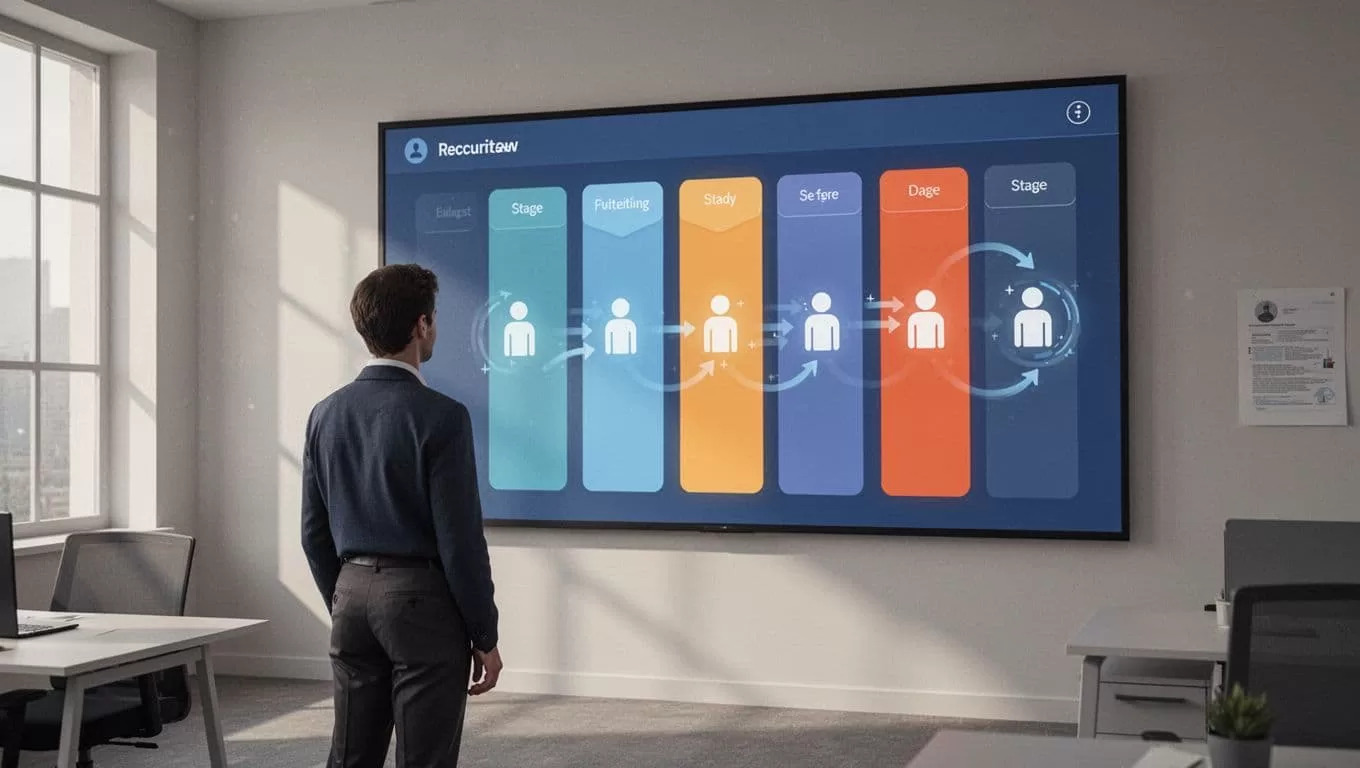
Pipelines stay clean. You spot bottlenecks fast.
Managing Talent Pools Effectively
Talent pools fuel repeat fills. Recruit CRM stores 10,000 per user. Tags segment by skills or location.
I tag passive candidates. Nurture sequences keep them engaged. When roles open, search pulls matches. No cold outreach.
Agencies build executive pools. Staffing tracks verified temps. In-house grows diverse benches. Enrichment verifies contacts.
Combine with candidate engagement in Recruit CRM. Centralized comms log emails and calls. Portals let candidates update statuses.
This setup cut my time-to-fill by 30%. Pools turn into placements.
Tracking Success with Reporting and Analytics
Data guides decisions. Dashboards show pipeline velocity, fill rates, source effectiveness.
I review weekly: which campaigns convert? Recruiter performance? AI forecasts trends.
Custom reports export easily. Activity logs track touches. For agencies, revenue per placement shines.
In-house teams monitor diversity metrics. Staffing sees temp retention.

Real-time insights beat guesses. Adjust campaigns on the fly.
Key Takeaways
Recruit CRM builds a solid recruitment marketing platform. Sourcing speeds up. Emails nurture. Automation flows. Pools grow. Analytics prove results.
I cut chaos and boosted placements. Agencies scale. Staffing matches faster. In-house hires smarter. Start with sourcing and one sequence. Watch pipelines fill.
Your turn to build. Test it for your team.
