How I Organize Recruitment Task Management in Recruit CRM
A recruiting day can fall apart fast when follow-ups live in email, interview notes hide in chats, and deadlines sit in your head. I use Recruit CRM task management to keep candidate calls, interview coordination, client check-ins, submissi...

A recruiting day can fall apart fast when follow-ups live in email, interview notes hide in chats, and deadlines sit in your head. I use Recruit CRM task management to keep candidate calls, interview coordination, client check-ins, submission deadlines, and internal reminders in one place.
That matters because every missed task can slow a placement. It also hurts candidate experience, since silence feels like rejection. I set up my process so the work stays visible, shared, and hard to forget.
Set Up a Task Dashboard That Mirrors the Pipeline
I start by making the task view match the way I recruit. If I can see open work by candidate, job, company, or deal, I spend less time hunting and more time moving people forward.
Recruit CRM’s features page shows the parts I rely on most, including the Kanban board, task assignment, and workflow automation. That setup helps me see where a candidate sits and what needs to happen next.
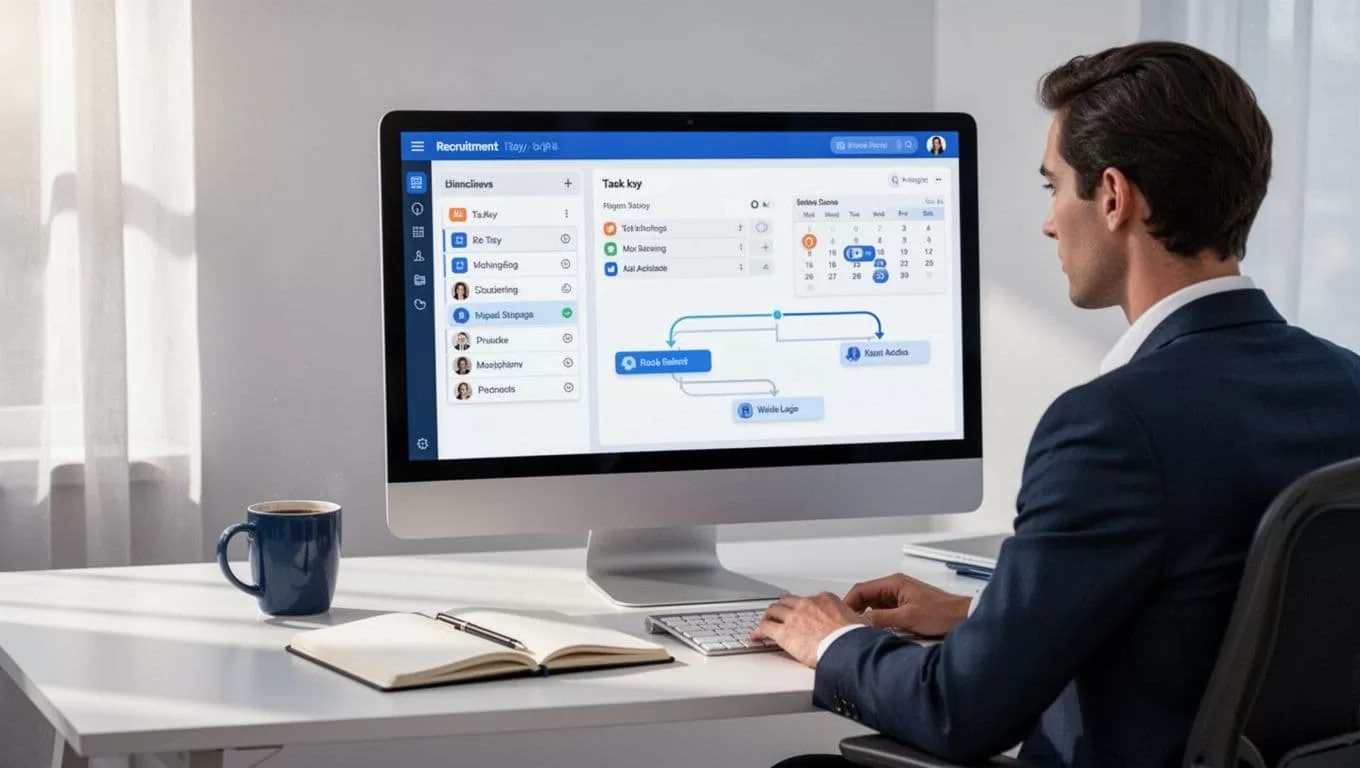
When I first map the system, I follow my Recruit CRM setup guide for agencies so the task rules fit the real workflow. That keeps the board from turning into a messy list of random reminders.
I also sort by due date and status. That way, urgent items rise to the top, and stale tasks don’t hide in plain sight.
Turn Repeat Work Into Task Templates
Recruiting has a lot of repeat work. I keep the common items ready so I’m not typing the same task over and over.
The best place to start is with the tasks I create most often. I keep them tied to the right record, so the context is always there.
| Task type | Where I attach it | Why I use it |
|---|---|---|
| Candidate follow-up | Candidate profile | Keeps promises visible |
| Interview scheduling | Job and candidate | Cuts back-and-forth |
| Client check-in | Company record | Keeps the req warm |
| Submission deadline | Job record | Avoids late submittals |
| Internal team reminder | Team task view | Keeps handoffs clear |
A task only works if I can see what it belongs to. If it floats on its own, it becomes easy to ignore.
I keep the setup close to Recruit CRM’s task creation guide, because it shows how tasks can sit on candidates, contacts, companies, jobs, or deals. That structure helps me assign work faster and keeps the whole team on the same page.
If a task isn’t tied to a record, it gets lost in the noise fast.
Use Sequenced Tasks for Longer Hiring Cycles
Some searches need more than a single reminder. A passive candidate may need three touchpoints. A client may need follow-up after every interview. A recruiter can’t hold all of that in memory.
That’s where task sequencing helps. Recruit CRM lets me build a chain of follow-up steps, so the next action appears at the right time without me rebuilding it each day. I use it for warm leads, long interview loops, and post-submission check-ins.

For a clear overview of how the feature works, I check task sequencing in Recruit CRM. It gives me a cleaner way to handle repeated outreach without building the same plan from scratch.
The real win is consistency. Candidates hear back on time, clients get regular updates, and I don’t lose momentum between stages.
Keep Communication Visible Across the Team
A recruiter rarely works alone. I may own the candidate, while someone else handles the client side. Without shared visibility, two people can chase the same person, or nobody chases them at all.
I keep tasks attached to the right profile and use team collaboration where it matters. When one person books the interview and another sends the prep notes, both can see what happened last. That avoids duplicate calls and awkward gaps.
This is also where candidate experience gets better. If I want that side of the process handled with more care, I pair task management with Recruit CRM candidate engagement strategies. That keeps my follow-ups steady and my tone consistent.
The habit is simple. I leave enough context in the task so the next person knows what to do, why it matters, and when it needs to happen. That saves time and reduces mistakes.
Make It Work Outside the Office
My desk is not the only place recruiting happens. I check tasks after calls, between interviews, and sometimes on the move. If I wait until I’m back at my desk, I lose the moment.
The mobile side matters because reminders don’t care where I am. Recruit CRM supports that kind of day, so I can confirm a follow-up, update a status, or review a deadline before the next conversation starts.

I also keep my task names short and clear. “Call candidate after screening” works better than a vague note I’ll have to decode later. Clear names make the queue easier to scan, especially when the day gets crowded.
Automation helps here too. If a task can be created or moved without manual work, I keep my attention on the conversation instead of the admin.
Conclusion
When I organize recruitment tasks inside Recruit CRM, I’m not just cleaning up a list. I’m building a system that protects follow-ups, keeps the team aligned, and speeds up placements.
The best setup is the one I can trust on a busy day. Once tasks are tied to the right records, sequenced when needed, and visible across devices, the process feels lighter and the candidate experience gets better.
