Independent Recruiter Tips I Use in Recruit CRM
As a solo recruiter, I don’t have room for messy notes or forgotten follow-ups. I need one place where candidates, clients, and next steps stay easy to find. Recruit CRM works best for me when I treat it like a daily operating system,...


As a solo recruiter, I don’t have room for messy notes or forgotten follow-ups. I need one place where candidates, clients, and next steps stay easy to find. Recruit CRM works best for me when I treat it like a daily operating system, not a storage bin.
For a wider look at what solo operators want from their software, I found this CRM guide for independent recruiters. The tips below show how I apply those habits inside Recruit CRM, without adding extra admin.
Build pipelines that match how I recruit
I start by naming stages after the way I actually work. “New lead”, “qualified”, “screened”, “submitted”, “interview”, “offer”, and “placed” tell me more than vague sales labels.
If a stage does not change a decision, I cut it. A compact pipeline keeps the Kanban board readable, and it stops searches from feeling like a pile of sticky notes. Recruit CRM’s setup makes that easy, especially once I define the stages in the same order I move candidates through a real job.
For the setup side, I used this Recruit CRM setup guide.


I also separate active roles from nurture lists. That way, old profiles do not crowd live searches. The board feels calmer, and I can spot stalled jobs faster.
Keep candidate and client records clean
I try to make every profile answer the same questions. Where did I find this person? What role fits them? What salary did they mention? When did I last touch base?
A clean record saves me from hunting through email threads later. It also makes client notes easier to trust, because I know the context is current. Recruit CRM’s AI resume parsing helps me pull core details into the right fields faster, and the Chrome extension saves LinkedIn profiles with far less copy-paste work.
These are the fields I keep consistent:
- Source
- Core skills
- Salary range
- Availability
- Last contact
- Hiring manager feedback
Recruit CRM helps here because candidate history, notes, and messages sit close together. I don’t need three tabs open to piece the story together. When I want to sharpen my follow-up habits, I revisit setting up candidate engagement in Recruit CRM.
For a broader look at sourcing and profile capture, I also keep Recruit CRM’s candidate sourcing guide handy.
Automate the follow-up I usually forget
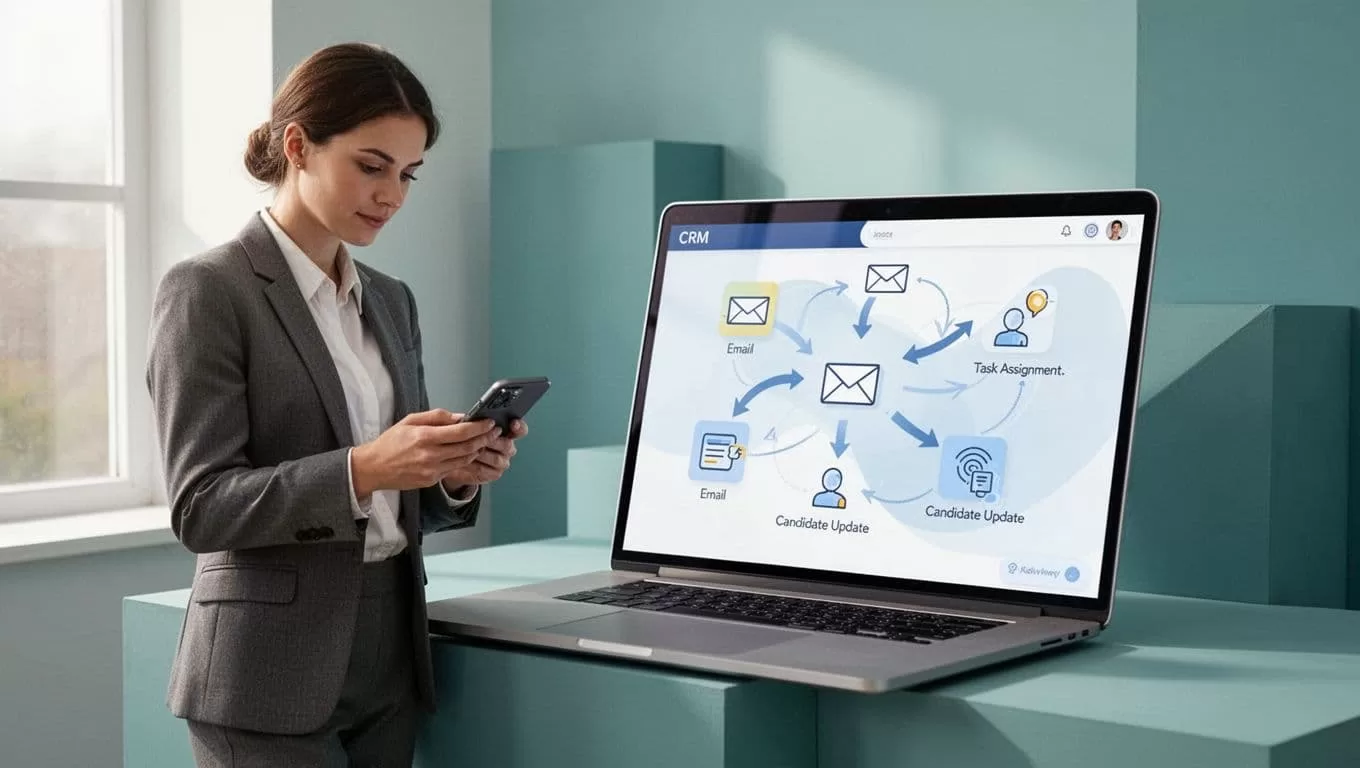
Recruit CRM’s automation tools handle the small tasks that steal attention. I use sequences for candidates who need a check-in, and I set tasks for anything that still needs a human reply.
Here is a simple workflow I use:
- Send a thank-you email after screening.
- Create a task if no reply arrives in 48 hours.
- Move the candidate stage when I get a positive response.
- Add the person to a nurture sequence if the role closes.
This keeps me consistent without sounding robotic. I still read every message before it goes out, but I don’t rely on memory to keep the search moving.
My rule is simple, if a reminder can be automated without hurting tone, I automate it.
Recruit CRM’s AI drafting help gives me a first pass on outreach, then I edit it so it sounds like me. Email templates, bulk sends, LinkedIn messaging, and automated sequencing all help here. The point is not to blast people. The point is to keep the conversation warm. I also like that the platform connects with other tools through integrations. For a practical look at how these features fit together, I use Recruit CRM for recruitment.
Track performance without turning into a spreadsheet manager
If I don’t review numbers, I start guessing. Recruit CRM’s analytics give me a clean view of what is working and what is slowing me down.
I check a small set of metrics each week:
- Source quality
- Stage aging
- Reply rate
- Placements by client
- Time between first contact and submission
Those numbers show me where to tighten my process. If submissions stall after screening, I know the problem is usually my outreach or qualification notes. If one source keeps producing weak profiles, I stop wasting time there.
Recruit CRM’s custom reports matter because I can shape the dashboard around my own searches. I do not need a big ops team to make the data useful. I just need a habit. A quick Friday review is enough to spot problems before they grow.

That habit also helps with client updates. When I know my numbers, I can answer questions faster and with more confidence.
The best system is the one I keep updated
The most useful independent recruiter tips are the simple ones. Keep the pipeline clear. Keep the records clean. Let automation handle reminders. Then use reporting to see where your time goes.
When I use Recruit CRM this way, it feels less like software and more like a control room. That is what I want as a solo recruiter, because every hour I save on admin is another hour I can spend with candidates and clients.

