How I Send Refunds to Overseas Customers With Wise
When a customer abroad needs their money back, I want the refund to feel calm, not clumsy. Wise helps me do that because I can see the fee, the exchange rate, and the destination before I send anything. The tricky part isn’t the butto...


When a customer abroad needs their money back, I want the refund to feel calm, not clumsy. Wise helps me do that because I can see the fee, the exchange rate, and the destination before I send anything.
The tricky part isn’t the button click. It’s getting the right currency, the right recipient details, and the right timing when borders get involved. So I keep a simple process and double-check the payment route before I move any money.
Why I Use Wise for Overseas Refunds
Wise works well for me because the pricing is clear and the exchange rate is easy to see. That matters when I’m trying to refund overseas customers, since even a small mistake can turn into an awkward support thread.


I also like that I can check Wise’s current guidance before I move funds. Their refund fee policy and refund timing guide are useful when I need a quick answer. Still, I never assume the rules stay the same. Fees, supported countries, and transfer options can change.
I treat every overseas refund like a small payment audit. If I get the currency or route wrong, the refund slows down fast.
What I Collect Before I Send the Money
Before I start, I collect the basics. I don’t want to ask the customer twice, and I don’t want to send money into the wrong account.
I usually gather:
- The customer’s full name exactly as it appears on the bank account
- The receiving country and currency
- Bank details, such as an account number, IBAN, or SWIFT/BIC if needed
- The original invoice, order number, or payment reference
- The refund amount and the reason for the refund
I also check whether the customer paid by card, bank transfer, or another method. That changes how I handle the refund. If I can reverse the original payment, I usually prefer that. It’s cleaner, and it keeps the records aligned.
How I Calculate the Refund Amount When Currencies Differ
This is where I slow down. If the customer paid in one currency and I keep my books in another, I don’t guess.
| Situation | What I do |
|---|---|
| Customer paid in the same currency I’m refunding | I return the original amount, unless a payment route changes the total |
| Customer paid in a different currency | I use Wise’s live quote on the day I send the refund |
| I’m covering fees myself | I add the fee to my cost, not the customer’s refund amount |
| The original payment already converted currency | I match the customer’s paid currency first, then compare the business impact |
For example, if a customer paid €100, I try to refund €100. If my business account is in USD, I check Wise’s rate and see what that refund costs me in dollars that day. That keeps the customer whole and my books honest.
I also watch the fee route. Wise says refunds are usually free when I cancel and refund a transfer, except in some SWIFT cases where partner fees can apply. That’s why I check the exact route before I promise anything.
When I Refund the Original Payment, and When I Send a New Transfer
This part trips people up. A refund isn’t always a reversal.
If the original payment is still in motion, I try to cancel it. If the money has already settled, or if the payment method can’t be reversed, I send a fresh transfer as the refund. The end result may look the same to the customer, but the accounting is different.
If the money hasn’t left yet, I cancel the original transfer first. If it already settled, I treat the refund as a new payment.
That distinction saves me time later. It also helps me explain the delay to the customer without sounding vague. A reversed payment usually feels like pulling a letter from the mailbox. A new refund is more like mailing a second envelope.
Fees, Timing, and Verification
Wise usually keeps fees lower than a traditional bank transfer, but I still check the numbers every time. The route matters. The currency matters. The destination country matters. Before I send, I confirm the exact fee in the Wise quote, because the cost can change by transfer type.
Timing also depends on how the original payment was made. Wise says card refunds can take up to 10 working days, bank transfer refunds often take 0 to 3 working days, and refunds to a Wise Balance can be instant if the money hasn’t been sent out yet. For normal transfers, I use the Wise transfer timing tracker to watch the status.
Verification can slow things down too. If Wise asks for ID, address, source of funds, or more details about the recipient, I send the documents right away. That can add time, especially for new countries or larger amounts. I always tell customers that a refund is in progress, not finished, until the money lands.

My Step-by-Step Refund Workflow
I keep my process simple so I don’t miss a detail.
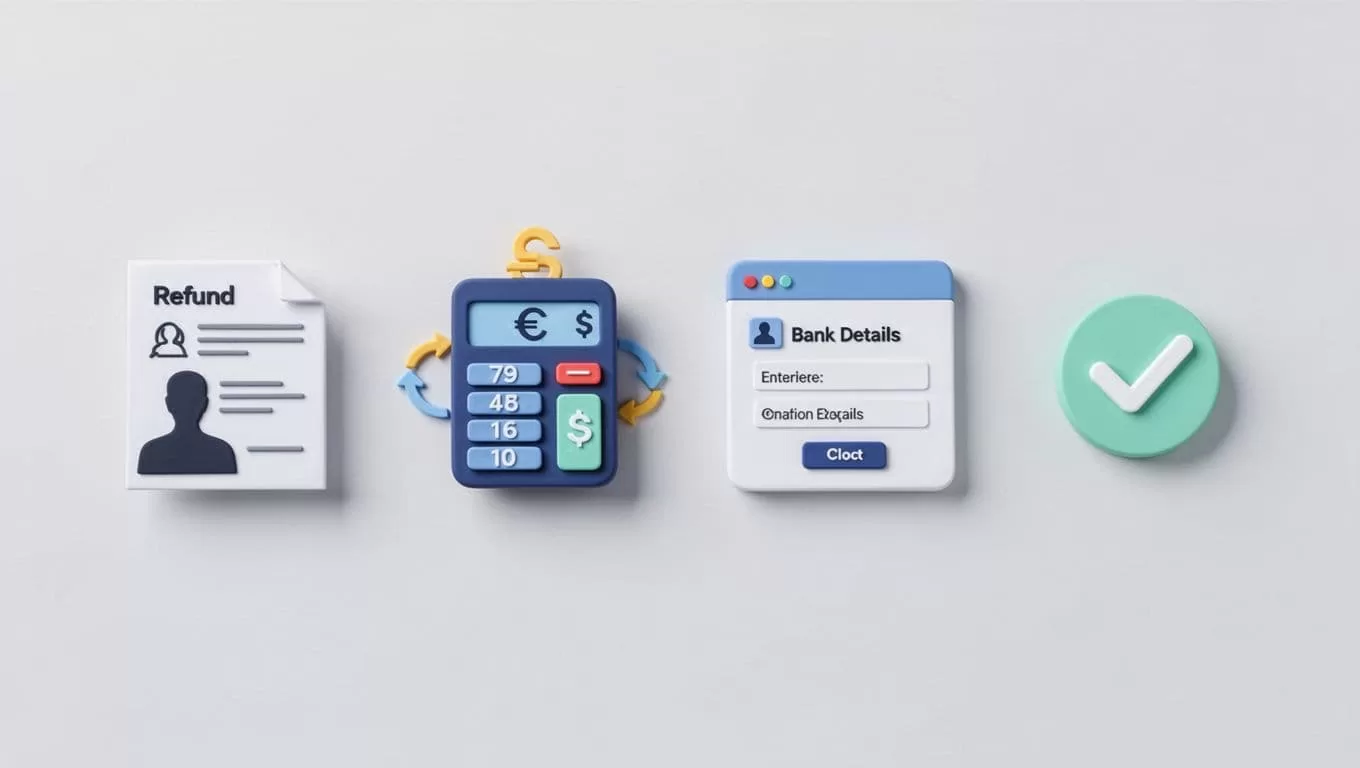
- I confirm the original payment, the amount, and the currency.
- I check whether the payment can still be reversed.
- I collect the recipient’s bank details and country.
- I compare the Wise quote with my refund amount.
- I send the transfer and save the reference number.
- I track the transfer until the customer confirms receipt.
That order keeps me from rushing the part that matters most, which is the amount and the destination.
When a Refund Gets Stuck, I Check These First
If a refund slows down, I look at three things first. Was the recipient bank detail correct, was verification requested, and was the transfer sent on a weekend or holiday?
If the customer says the amount looks off, I re-check the currency conversion and the fee route. If Wise asks for more information, I reply quickly and keep the customer updated. If the destination country or transfer method isn’t supported the way I expected, I stop and confirm the current Wise rules before I try again.
The Habit That Saves Me the Most Time
The smoothest refunds happen when I check the details before I send a cent. Wise gives me a clear path, but I still verify the current fee, transfer option, and timing for each route.
That matters even more when I refund overseas customers. A careful refund feels small to me, but to the customer it’s trust in motion.

