How to check the Remitly exchange rate for France
Checking the Remitly exchange rate for France takes less than a minute, but the headline number isn’t the full transfer cost. France uses the euro, so a transfer to France normally converts your sending currency into EUR. The rate, fe...

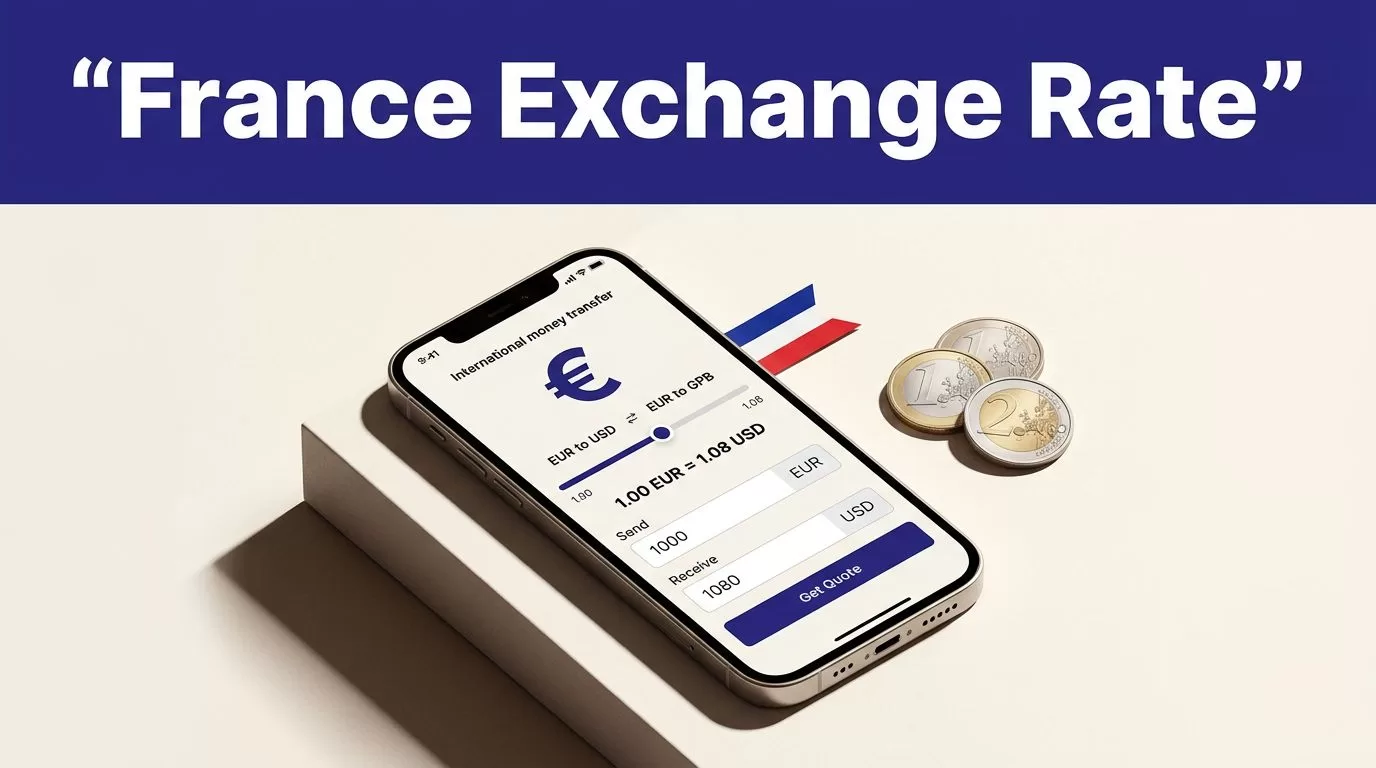
Checking the Remitly exchange rate for France takes less than a minute, but the headline number isn’t the full transfer cost. France uses the euro, so a transfer to France normally converts your sending currency into EUR. The rate, fee, delivery method, and recipient payout can change after you enter the transfer details. Use the live quote in Remitly as the controlling figure.
The process is direct. Choose France, enter the amount, select the delivery method, and review the final EUR amount before paying. These steps prevent old rates, wrong currency assumptions, and ineligible promotions.
Check the Remitly exchange rate for France
Remitly builds the quote around your route. Your country, currency, amount, payment method, delivery speed, and payout option affect the result. A U.S. sender normally checks USD to EUR. A sender in the United Kingdom needs a separate GBP to EUR quote.
- Open Remitly’s app or website and sign in. The official France pricing page starts a U.S.-to-France quote.
- Select France as the destination and confirm the sending currency shown on screen.
- Enter the amount you want to pay. If Remitly lets you enter the recipient’s target amount, use that option when they need a fixed euro amount.
- Choose the available delivery speed and payout method.
- Continue to the review screen. Remitly should show the rate, fee, total charged, EUR received, and delivery estimate.
Confirm the currency direction
Check both currency codes before continuing. The screen should show whether you are sending USD and delivering EUR, or using another sending currency. Don’t use a rate copied from a search result, previous transfer, or different Remitly country page.
The displayed Remitly exchange rate is tied to the details you entered. If you change the amount, payment method, or delivery option, read the quote again.
Read the complete quote before paying
A rate alone doesn’t tell you what the transfer costs. The fee is one line item, while the exchange rate controls how much reaches the recipient. Compare the amount debited from your account with the amount delivered in euros.
| Item | What to check |
|---|---|
| Amount sent | Currency and total leaving your account |
| Transfer fee | Charge for this route and method |
| Exchange rate | Conversion applied to your amount |
| Amount received | Exact EUR payout |
| Delivery estimate | Expected arrival window |
The recipient amount is your main comparison figure. A lower fee can still produce less money if the rate is weaker. Payment methods can also add charges outside Remitly. Check your card issuer’s rules before using a credit card.
Separate live pricing from promotions
As of August 2026, Remitly’s U.S.-to-France page displays a promotional first-transfer example of 0.8589 EUR for 1 USD. It also shows route examples of a $2.99 cash-pickup fee and a $0 bank-deposit fee. These figures aren’t a universal price list or a guaranteed live quote.
A welcome rate may apply only to new customers, a specific amount, or an eligible payment method. Read the conditions beside the offer, then use the final transaction screen as the price controlling your decision.
A promotional rate is a transfer condition, not a permanent USD-to-EUR rate.
Match the delivery method to the recipient
The cheapest option isn’t always the practical option. Remitly may show bank deposit or cash pickup for France, but available choices depend on the recipient’s location and payout provider.
Bank deposit or cash pickup?
Bank deposit fits a recipient with an eligible euro account and accurate bank details. Confirm the recipient’s legal name and account information before payment. A wrong account number can create a correction problem.
Cash pickup fits someone who needs physical access to the funds or doesn’t use a suitable bank account. Check the available provider and location. The recipient may need government-issued identification and the transfer reference. The name on the transfer should match their identification.
Ask the recipient which method they can use before building the final quote. Don’t select a delivery option based only on the displayed fee.
Check speed as part of the price
Remitly may offer different delivery speeds. A faster option can have a different fee, exchange rate, or eligibility rule. The estimate shown after you enter the route is more useful than a general delivery claim.
Weekends, bank hours, payment clearing, provider availability, and transaction reviews can delay delivery. Don’t promise a fixed arrival time until Remitly displays the estimate for your transfer.
Avoid common rate and transfer mistakes
Most avoidable problems happen on the review screen. Use these controls before authorizing payment:
- Reopen the quote when you’re ready to send. An earlier rate may no longer apply.
- Compare the EUR payout, not only the advertised fee or conversion figure.
- Check that the promotion applies to your account, amount, and payment method.
- Confirm the recipient’s full legal name, phone number, location, and bank or pickup details.
- Check the total charged in your sending currency. This is the amount your bank or card will process.
- Don’t send until the destination shows France and the receiving currency shows EUR.
Save the final transfer record
After payment, save the confirmation or receipt where permitted. Record the date, amount sent, fee, exchange rate, recipient amount, delivery method, and reference number in a secure place. Share the reference only with the intended recipient.
If a name or delivery detail is wrong, correction may require support and delay the transfer. Check the transaction status in Remitly before attempting a second transfer. A duplicate payment creates a larger problem than a delayed status screen.
Use one quote for one decision
Don’t compare an old screenshot with a new quote and assume the difference is an error. Rates, fees, promotions, and delivery choices can change. If you send money regularly, record each completed quote so you can compare the total paid with the EUR delivered.
Conclusion: Verify the EUR payout before sending
Checking the Remitly exchange rate for France means checking the complete quote, not only a headline conversion number. France uses EUR, and the final result depends on your sending currency, amount, payment method, delivery option, and any eligible promotion.
Open Remitly through its app or France international services page, enter the real transfer details, and review the fee, rate, total charged, EUR payout, recipient information, and delivery estimate. Verify those fields immediately before payment. The safest rate is the one attached to the transfer you are actually about to send.

