Remitly Nepal: Send Money Securely
Sending money home should not require guessing which app is real. Remitly Nepal gives people abroad a practical way to send funds to family through bank deposits, mobile wallets, or cash pickup. The secure result depends on your account set...
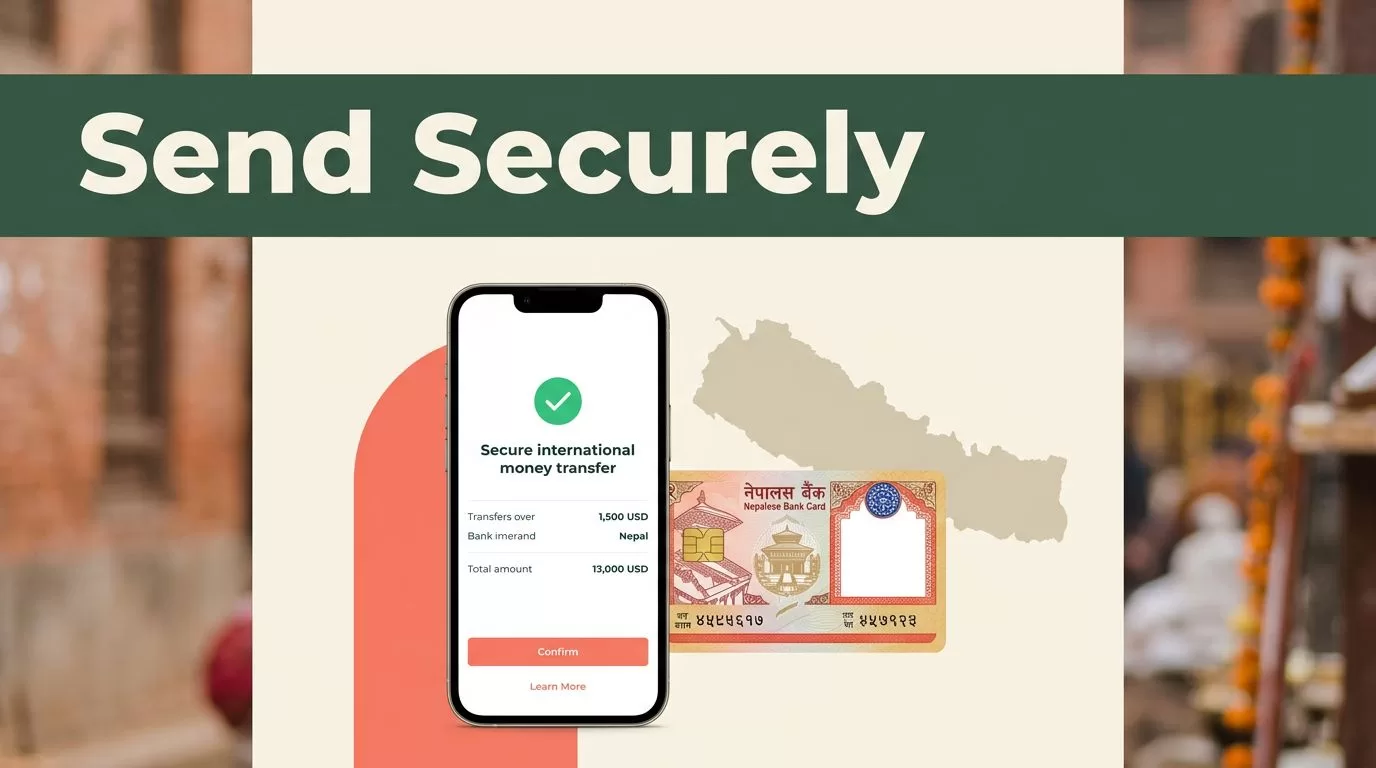
Sending money home should not require guessing which app is real. Remitly Nepal gives people abroad a practical way to send funds to family through bank deposits, mobile wallets, or cash pickup. The secure result depends on your account setup, recipient details, and final review before you pay.
A Remitly Nepal transfer can be quick to arrange, but no delivery estimate, exchange rate, or fee applies to every sender. Your origin country, payment method, amount, delivery option, promotions, and verification status all affect the quote. Use the official app or website, compare the final numbers, and check each detail before sending.
How Remitly Nepal Transfers Work
Remitly connects a sender in another country with a recipient in Nepal. You choose how to fund the transfer and how the recipient should receive it. For U.S. senders, Remitly’s Nepal page lists cash pickup, bank deposit, and mobile wallet options. Availability can change by sender country, recipient location, and local provider.
Bank deposit sends Nepalese rupees to the recipient’s supported account. It works well when your family member already uses a participating bank and wants to avoid a collection trip. Mobile wallet delivery fits recipients who manage daily payments through a supported Nepal wallet. Cash pickup helps when the recipient needs physical currency or doesn’t have a suitable bank account.
| Delivery method | Information to verify | Practical issue |
|---|---|---|
| Bank deposit | Legal name, bank, account number | Account details must match |
| Mobile wallet | Legal name, mobile number, wallet provider | Wallet must be supported and active |
| Cash pickup | Legal name and phone number | Recipient may need valid ID |
Check the available providers and delivery methods on the official Remitly Nepal transfer page. Treat the options shown in your account as the current source for your transaction.
How to Send Funds Through Remitly Nepal
Set up the transfer on a private device using the official Remitly app or website. If you download the app, use your phone’s official app store. Do not install a file sent through a message or social media account.
Remitly may ask you to verify your identity with government-issued identification. Enter your own information exactly as requested. Verification supports compliance checks and can delay a transfer if your information is incomplete or inconsistent.
Use this sending checklist
- Sign in through the official app or website, then confirm you are in your own account.
- Select Nepal as the destination and enter the amount you want to send or the amount the recipient should receive.
- Choose the available delivery method, such as bank deposit, mobile wallet, or cash pickup.
- Add the recipient’s legal name, phone number, bank information, or wallet details. Copy the information from a trusted source.
- Select a supported payment method. The choice may include a bank account or debit card, but available methods vary by country.
- Review the exchange rate, transfer fee, payment total, recipient amount, delivery estimate, and promotional conditions.
- Submit the transfer only after the recipient details and final quote match your plan.
- Save the confirmation and transaction reference number. Share status information with the recipient, but never share your password or verification code.
A small spelling error can create a large operational problem. A bank or wallet may reject mismatched information, while a cash pickup location may refuse collection if the name doesn’t match the recipient’s identification. Ask the recipient to confirm the details before you press send, not after.
Compare Fees, Rates, and Delivery Estimates
Remitly pricing is quote-based. The amount you pay is not determined by the exchange rate alone. The checkout screen should show the fee, the rate used for the transaction, the total charged to you, and the amount scheduled for delivery in NPR.
Promotional rates and first-transfer offers can change the calculation. A welcome rate may apply only to a defined amount or eligible new customer. It may also have different terms from later transfers. Some published Remitly information has shown example U.S.-origin fees of $3.99 for Express and $1.99 for Economy when the recipient receives NPR. Treat those figures as examples, not a standing price list.
Use Remitly’s USD to NPR exchange-rate page as a reference, then check the live quote after entering your amount and delivery method. If you send from another country, use the correct origin-country account page. For example, UAE senders should review the UAE to Nepal transfer page. Rates and fees can differ by route.
Compare these four figures before confirming:
| Check | Why it matters |
|---|---|
| Exchange rate | Determines how much NPR the recipient receives |
| Transfer fee | Adds to your cost and may vary by delivery option |
| Total payment | Shows the actual amount charged to your funding method |
| Recipient amount | Confirms the money expected in Nepal |
Express and Economy choices can have different pricing and estimated delivery windows. A faster option may cost more, while a lower fee may come with a longer estimate. Neither estimate is a promise. Payment processing, weekends, holidays, identity checks, and local provider hours can affect delivery.

Photo by Suresh tamang
Protect Your Remitly Account and Recipient Details
Security starts before you enter the transfer amount. Use a unique password for Remitly and turn on the account security features available in the app. If your device supports a screen lock or biometric login, use it. Keep the app and operating system updated.

Check the web address before signing in. Use a saved official bookmark or open the app directly. Impersonation scams often begin with a message that looks like customer support, a fake promotion, or an urgent request to release a transfer. Do not open unknown login links.
A verification code proves access to your account. Support staff, relatives, and supposed agents should never need you to forward it.
Never share your password, PIN, one-time code, recovery code, or full payment details. If someone asks you to send money to a different recipient, stop and verify the request through a separate trusted channel.
Recipient verification needs the same discipline. Call your family member using a known number before changing bank, wallet, or pickup information. If the request arrives through a new social account or an unexpected message, assume the account may be compromised until confirmed.
If the Transfer Is Delayed or Details Are Wrong
Start with the transaction status inside the official app or website. Confirm the payment method was accepted and check whether the transfer is pending, under review, available for pickup, deposited, or canceled. Do not send a second transfer until you know what happened to the first one.
If the transfer stays delayed, contact Remitly through its official support channel. Provide the transaction reference number and answer verification questions through the secure support flow. The recipient can also check with the named bank, wallet provider, or pickup location if the status shows delivery but the money isn’t visible.
If you entered an incorrect name, account number, or wallet number, contact Remitly immediately. A correction or cancellation may be possible before delivery, but it depends on the transaction status. Once funds are deposited or collected, recovery may require cooperation from the receiving provider and isn’t guaranteed.
Avoid anyone who asks for your password or verification code to fix the transfer. Use only the support path inside the app or the official website. Keep screenshots of the quote, confirmation, and messages related to the problem.
Final Pre-Send Checklist
Run this short check every time, even when you send to the same person.
- You opened the official Remitly app or website.
- You confirmed Nepal and the correct delivery method.
- The recipient’s legal name matches their bank, wallet, or ID record.
- The phone number and account or wallet details came from a trusted source.
- The fee, exchange rate, total payment, and NPR amount are clear.
- You reviewed the delivery estimate without treating it as guaranteed.
- You saved the transaction reference after sending.
- You did not share a password, PIN, or verification code.
This list addresses the most common preventable failures: wrong recipient data, misunderstood pricing, unsafe login activity, and missing transfer records. Keep it in your notes if you send money on a regular schedule.
Send Money With Control, Not Guesswork
A secure Remitly Nepal transfer follows a repeatable process. Use the official channel, select the right delivery method, verify the recipient, and review the complete quote before payment. The fastest option isn’t always the right option, and a low fee isn’t useful if the recipient details are wrong.
Keep the reference number and monitor the status after sending. If a delay or mistake appears, contact official support quickly and never hand over account credentials to an impersonator. That process gives your family a safer way to receive the money you intended to send.
