How to Send Money to Nepal With Remitly
A transfer can look cheap until the recipient receives less than expected. The fee, exchange rate, delivery method, and payment source all affect the final amount. If you need to send money to Nepal, Remitly gives you a practical way to com...
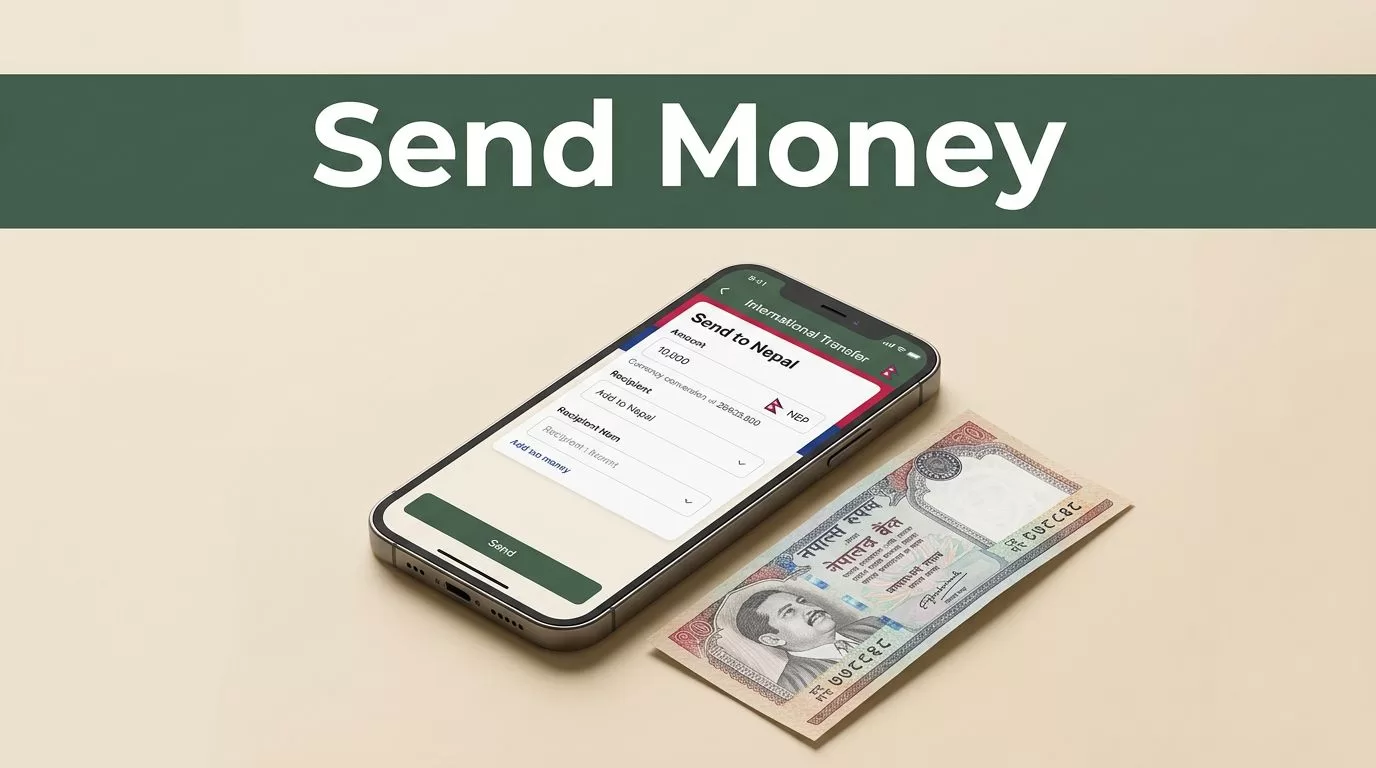
A transfer can look cheap until the recipient receives less than expected. The fee, exchange rate, delivery method, and payment source all affect the final amount. If you need to send money to Nepal, Remitly gives you a practical way to compare these details before you authorize the payment.
The right option depends on where you live, how your recipient wants to collect the money, and how quickly they need it. Remitly supports bank deposits, mobile wallets, and cash pickup for Nepal transfers, but availability can vary by sending country and recipient location.
Why Remitly Works Well for Nepal Transfers
Remitly is built for international transfers rather than general banking. You select Nepal as the destination, enter the amount, choose a delivery method, and review the recipient’s payout before sending.
The official Remitly Nepal transfer page is designed for transfers from the United States. If you’re sending from Australia, Canada, the United Kingdom, or another country, use the Remitly website or app for that market. Pricing and available payout methods may change by origin country.
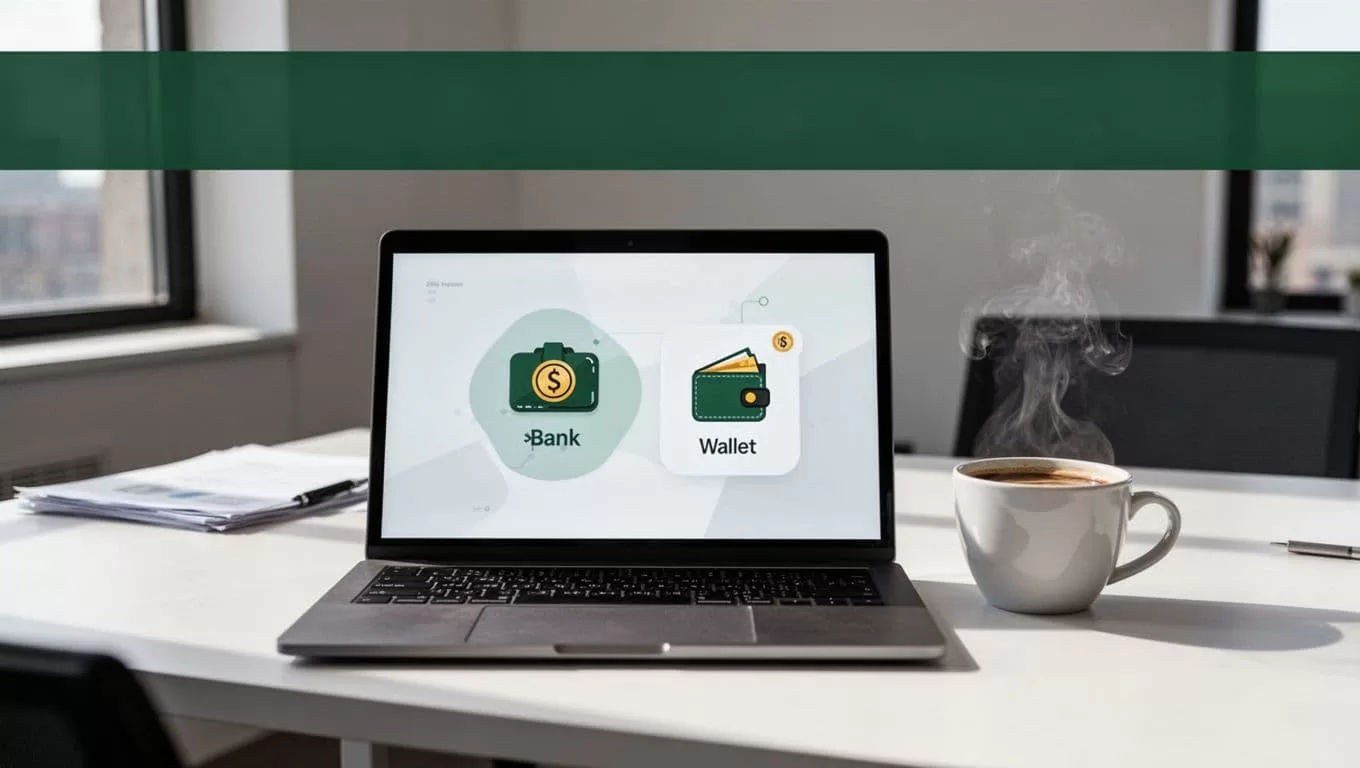
Remitly’s Nepal network includes three main delivery choices:
- Bank deposit, where the money goes directly to the recipient’s Nepali bank account.
- Mobile wallet, where supported wallets receive the funds electronically.
- Cash pickup, where the recipient collects money from a participating local provider.
This range matters. A recipient in Kathmandu with an active bank account doesn’t need to travel to collect cash. Someone in a rural area without reliable banking access may prefer a nearby cash pickup location.
Remitly also provides a tracking number after the transfer is submitted. Keep it until the recipient confirms receipt. The tracking number helps you check the status and gives support staff a reference if a problem occurs.
Compare Remitly Delivery Options Before Sending
Don’t choose the first payout method shown. Compare the delivery speed, recipient convenience, and total cost.
Bank deposit
Bank deposit is usually the simplest choice when your recipient has a supported Nepali bank account. The funds go to the account details you provide, so your recipient doesn’t need to visit an agent.
This option is useful for rent, school fees, household expenses, and recurring family support. It also reduces the risk of carrying cash after collection.
You need accurate banking information. Depending on the transfer, Remitly may request the recipient’s legal name, bank name, account number, account type, and other local details. A single wrong digit can delay the payment or require correction.
Mobile wallet
A mobile wallet can work well for smaller, frequent transfers. The recipient can access the funds through a supported wallet instead of visiting a bank or cash agent.
Wallet availability depends on the specific Remitly route and the recipient’s location. Nepali digital wallets commonly discussed in remittance services include eSewa, Khalti, and IME Pay, but don’t assume every wallet is available for your account. Select Nepal inside Remitly and check the available providers before you promise a payment method to your recipient.
Cash pickup
Cash pickup is useful when the recipient doesn’t have a supported bank account or wallet. Remitly lists local providers and pickup locations available for the recipient’s area. City Express is one example of a Nepal payout provider shown in Remitly’s network.
The recipient generally needs the correct legal name and valid identification. The name on the transfer should match the identification used at collection. Ask your recipient to confirm the pickup provider, location, opening hours, and required documents before you send.
Here’s the practical comparison:
| Delivery method | Best for | Main requirement |
|---|---|---|
| Bank deposit | Regular household payments and larger transfers | Correct bank and account details |
| Mobile wallet | Fast access and smaller digital payments | Supported wallet and matching account details |
| Cash pickup | Recipients without bank or wallet access | Matching legal name and valid identification |
The cheapest option isn’t always the most useful one. A low-fee bank deposit may be better than cash pickup if the recipient would otherwise spend time and money traveling to an agent.
Review Fees and the USD to NPR Exchange Rate
The transfer fee is only one part of the cost. Remitly converts your sending currency into Nepalese rupees, or NPR, using the rate displayed for your transfer. The difference between that rate and the mid-market rate can affect the recipient’s final payout.
Enter the amount you plan to send, then review these figures together:
- The amount charged to your payment method.
- The transfer fee.
- The exchange rate applied to the conversion.
- The amount the recipient will receive in NPR.
- The estimated delivery time.
Remitly states that cost can vary by transfer amount, payment method, and delivery option. A debit card, credit card, or bank account may produce different pricing. Express delivery can also cost more than a slower option, depending on the sending route.
U.S. senders may see a promotional special rate and no fee on a first transfer. The promotion has conditions, and it shouldn’t be used as a permanent price estimate. Later transfers may use standard pricing. Other sending countries can have different introductory offers or no promotion at all.
Exchange rates change during the day. Don’t rely on an old screenshot, a third-party calculator, or a quote from a previous transfer. The live Remitly quote is the figure to check before confirmation. You can also use the Remitly currency tools to access the service and review the current route available for your account.
A useful cost test is to compare the amount your recipient receives, not only the fee shown at checkout. Provider A may show a lower fee but a weaker exchange rate. Provider B may show a higher fee and deliver more NPR. The recipient’s final amount is the number that matters.
How to Send Money to Nepal With Remitly
The setup process is straightforward, but you need the recipient’s details before you begin. Prepare the information first so you don’t rush through the final review.
1. Create and verify your account
Open Remitly through its website or the official mobile app. The Remitly Android app is one available download option. Use the correct app store for your device and region.
Create an account with your email address and personal information. Remitly may ask for government-issued identification or additional documents. This verification supports financial compliance and can affect the amount you’re allowed to send.
Use your own information. Don’t create an account with someone else’s identity or payment details.
2. Select Nepal and enter the amount
Choose Nepal as the destination country. Enter the amount you want to send in your local currency or the amount you want the recipient to receive in NPR.
The quote screen should show the conversion, fee, delivery option, and estimated arrival time. Review the quote each time you send because rates and pricing can change.
3. Choose the delivery method
Select bank deposit, mobile wallet, or cash pickup. The available choices depend on your sending country, recipient location, transfer amount, and current provider coverage.
Ask the recipient which method works for them. A bank deposit is not useful if the account is inactive. A cash pickup is not convenient if the nearest agent is several hours away.
4. Add the recipient carefully
Enter the recipient’s full legal name exactly as it appears on their identification or financial account. For bank deposits, check the bank name, account type, and account number. For mobile wallets, confirm the registered phone number and wallet name.
Don’t guess at missing details. Send the recipient a message and verify the information before you continue.
Confirm the recipient’s legal name, phone number, bank details, and payout method before pressing send.
5. Add your payment method
Depending on your sending country, Remitly may accept a bank account, debit card, or credit card. Some routes may show additional options. The payment method can change the fee and delivery estimate.
Check that the name on the payment account matches your Remitly profile. Your bank or card provider may also apply its own rules or charges.
6. Review and submit
Read the final summary line by line. Check the recipient name, payout method, NPR amount, fee, exchange rate, and estimated delivery.
Submit the transfer only after the details match your instructions. Save the confirmation and tracking number. Tell the recipient when the transfer is processing and share the reference information through a private channel.
Avoid Delays and Common Transfer Errors
Most preventable problems come from incorrect recipient information. A misspelled name can affect cash collection. An incorrect account number can delay a bank deposit. An old phone number can block wallet delivery.
Use these controls before every transfer:
- Copy bank details directly from a trusted message or document.
- Ask the recipient to confirm the information twice for a first transfer.
- Check whether their identification is current for cash pickup.
- Confirm the selected city or payout location.
- Review the amount in NPR, not only the amount in your sending currency.
- Keep your receipt and tracking number.
Delivery times aren’t fixed. They can vary by sending country, payment method, verification status, delivery option, holidays, banking systems, and the recipient’s location. A transfer that appears fast in one route may take longer in another.
If a transfer is delayed, check its status first. If the recipient’s details are wrong, contact Remitly support as soon as possible. Don’t send a second transfer until you understand what happened to the first one.
Protect your account as well. Use a unique password, keep your phone and email secure, and avoid sharing login codes. Remitly support won’t need your full password or a one-time code sent to your device.
Choosing the Right Remitly Route
The best route depends on the payment’s purpose.
Choose bank deposit for recurring support, bills, and recipients who already manage their money through a Nepali bank. Choose mobile wallet when the recipient needs digital access and has a supported wallet account. Choose cash pickup when bank or wallet delivery isn’t practical.
Then compare the live quote. Look at the final NPR payout, total amount charged, delivery estimate, and any promotion conditions. Use the slower option when timing allows and the quote gives your recipient a better result.
Your sending country controls much of the experience. Fees, exchange rates, transfer limits, payment methods, verification requirements, and payout providers can differ across the United States, Australia, the United Kingdom, Canada, and other markets. Recipient location can change the available cash agents and delivery timing.
Conclusion
Remitly gives you a clear process to send money to Nepal through bank deposit, mobile wallet, or cash pickup. The correct choice depends on recipient access, delivery timing, and the final NPR amount after fees and exchange-rate differences.
Check the live quote instead of relying on old pricing. Confirm every recipient detail before sending, then keep the tracking number until the money arrives. A careful two-minute review prevents the delays that turn a simple family transfer into a support case.
