How to Send Money to Panama Using Remitly
If you need to send money to Panama from the United States, Remitly gives you a quote before you approve the transfer. You choose the amount, delivery method, and speed, then review the fee, exchange rate, and recipient amount. The process...
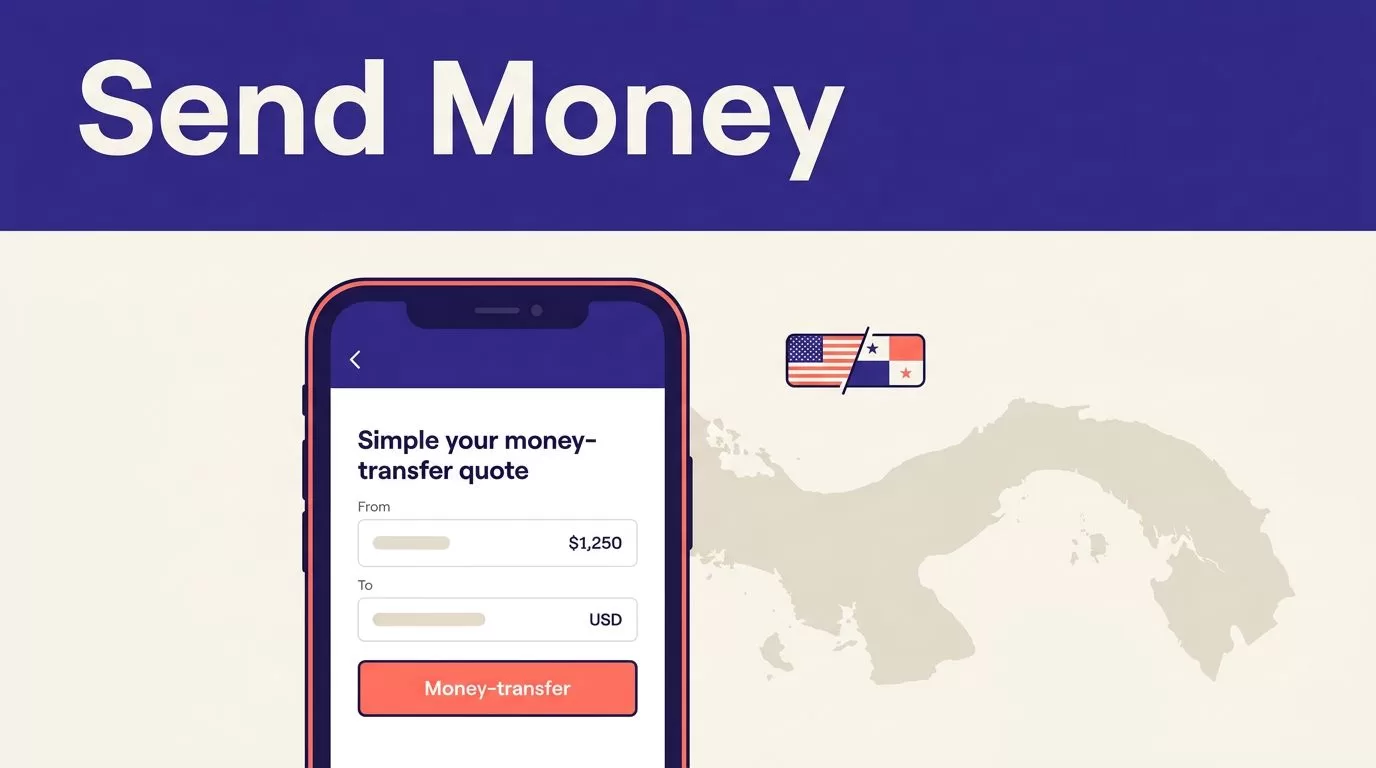
If you need to send money to Panama from the United States, Remitly gives you a quote before you approve the transfer. You choose the amount, delivery method, and speed, then review the fee, exchange rate, and recipient amount.
The process is simple, but the details matter. A wrong account number, a mismatched name, or an assumed delivery time can create delays. Use the quote as your source of truth and verify the recipient data before you pay.
How to Send Money to Panama Using Remitly
Remitly uses a quote-first transfer process. You can set up the transaction through its website or mobile app. The available options may change based on the recipient’s location, payout provider, payment method, and transfer amount.
Start with Remitly’s official U.S. to Panama transfer page, then follow these steps:
- Create an account or sign in. Enter the sender information Remitly requests. New customers may need to complete identity verification before sending.
- Select Panama as the destination. Enter the amount you want to send and confirm the payout currency shown in the transfer flow.
- Choose a delivery method and speed. Remitly will show the options available for that recipient and location. You may see bank deposit, cash pickup, or another supported method.
- Add the recipient. Enter the recipient’s legal name, contact details, and the bank or pickup information required for the selected method.
- Review the quote. Check the transfer fee, exchange rate, total payment, expected delivery time, and amount the recipient should receive.
- Pay and track the transfer. Select an available payment method, authorize the transaction, and save the confirmation details. Remitly provides tracking information after the transfer is submitted.
The recipient’s name should match the identification or account information used at pickup or deposit. Don’t use a nickname because it sounds familiar. Ask the recipient to send the exact information before you start the transfer.
Remitly Fees, Exchange Rates, and the Final Cost
Remitly doesn’t use one universal fee for every transfer to Panama. The cost can depend on the amount sent, payment method, delivery option, transfer speed, and current pricing rules.
The Remitly pricing page for Panama shows the current quote information for the United States corridor. Check it during setup instead of relying on an old screenshot, a previous transfer, or a third-party calculator.
Review these values before you confirm:
| Quote detail | What it tells you |
|---|---|
| Amount sent | The amount you authorize Remitly to transfer |
| Transfer fee | The separate charge shown for the transaction |
| Exchange rate | How the sender’s currency converts into the payout currency |
| Amount received | The amount scheduled for the recipient |
The exchange rate matters as much as the transfer fee. A low advertised fee doesn’t automatically mean the recipient gets the highest possible amount. Depending on the corridor and payout currency, the exchange rate can include a markup or other cost reflected in the final quote.
You can compare Remitly’s displayed rate with an independent mid-market rate to understand the conversion difference. That comparison is useful for budgeting, but the Remitly quote controls the transaction. The recipient receives the amount shown in the approved order, subject to the provider’s terms and any applicable changes before completion.
Promotions can also change the price. A new-customer offer may have eligibility rules, a limited transfer period, a maximum amount, or restrictions on payment and delivery methods. Read the conditions shown in the offer. Don’t assume a promotion applies because you saw it in an advertisement.
The practical test is simple: compare the total amount you pay with the amount the recipient receives. A fee by itself doesn’t show the full cost.
Delivery Options and Transfer Times in Panama
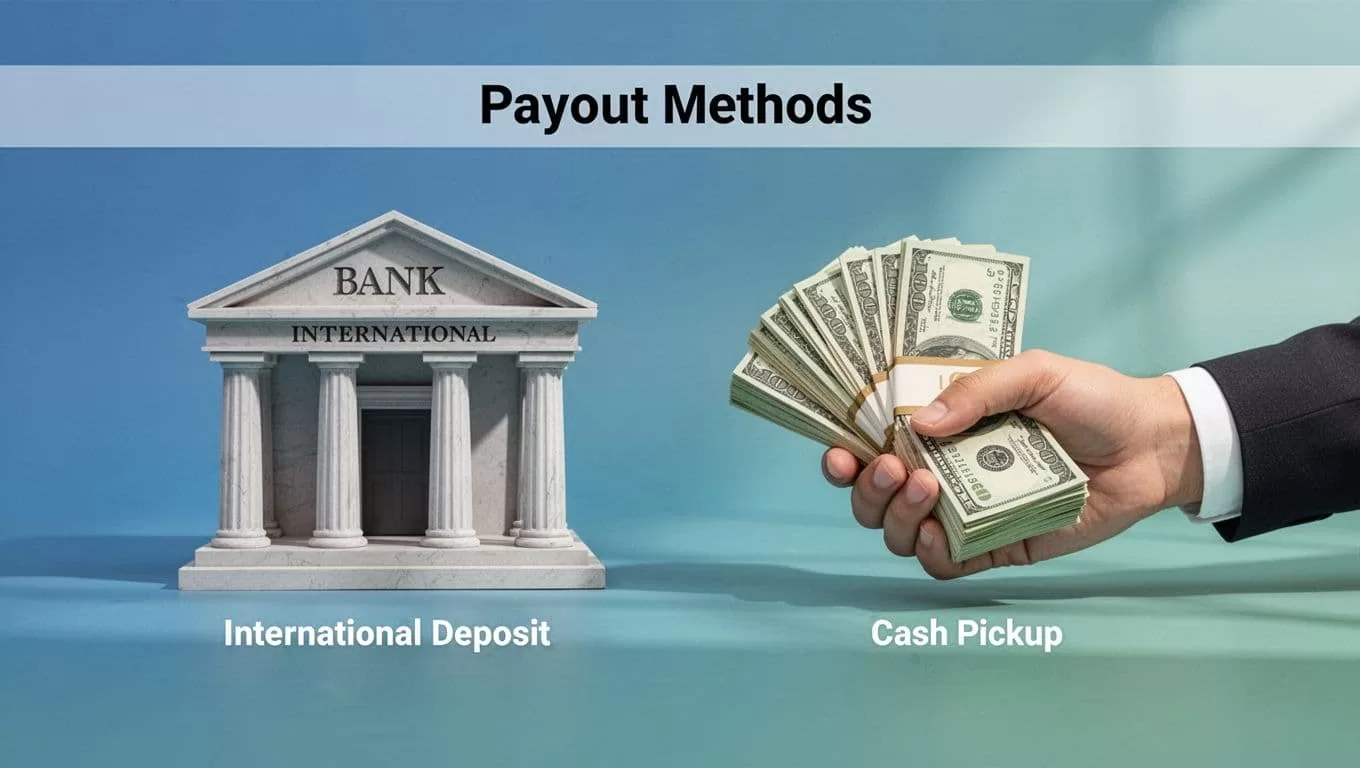
Remitly lists bank deposit and cash pickup for transfers from the United States to Panama. Its recipient network can also show other options, such as debit card deposit, when the selected provider and location support them.
Your recipient’s address or city can affect the choices available. The transfer screen is the final authority. If a method doesn’t appear there, you shouldn’t assume it’s available elsewhere in Panama.
Bank deposit
Bank deposit works when the recipient has an eligible account and can provide accurate account information. You may need the recipient’s full name, bank details, account number, and other information requested by Remitly.
This option avoids a trip to a cash pickup location. It also creates more room for errors if the account details are incomplete. Have the recipient confirm every field before you submit the payment.
Cash pickup
Cash pickup can help recipients who don’t want or can’t use a bank account. The recipient goes to an available pickup provider after the transfer is ready.
The recipient may need identification and the transaction information shown in the transfer confirmation. Requirements depend on the payout provider. The name on the transfer must match the recipient’s identification.
Debit card or other deposit methods
A debit card deposit or another payout method may appear for some recipients. Availability depends on the location, provider, currency, and current Remitly rules.
Delivery time also varies. Remitly asks you to choose a delivery speed and displays an estimated arrival time during the quote process. The estimate isn’t a universal promise for every transfer. Payment review, incorrect information, weekends, holidays, provider hours, and local restrictions can affect completion.
Information You Need Before Starting
Prepare the details before opening the transfer form. This reduces errors and prevents you from guessing while entering the order.
For the recipient, confirm:
- Their full legal name exactly as it appears on identification or bank records.
- Their current phone number and contact information.
- Their bank name and account details if you are using a deposit.
- Their preferred pickup location if cash pickup is available.
- The delivery method they can access in their city.
For your own account, use accurate personal information. Remitly may request identity documents or additional details before approving a transfer. These requests can depend on the transaction, applicable regulations, account history, and the information entered.
Don’t place sensitive details in a public message or send them through an unverified link. Contact the recipient through a channel you already trust. Confirm the information in a separate conversation before authorizing payment.
Keep the purpose of the transfer clear. If Remitly asks for more information, answer accurately. Don’t enter a lower amount or choose a different purpose to avoid a review.
A first transfer may take longer if Remitly needs to verify your identity or transaction. That doesn’t mean every later transfer will follow the same timeline. Each order is evaluated under the current account and transaction requirements.
Check the Quote Before You Confirm
Treat the final review screen like a transaction approval page. Don’t rush through it because the recipient is waiting.
Confirm the sender payment amount first. Then check the transfer fee and the exchange rate. Review the recipient’s name letter by letter. Verify the destination country, payout method, bank details, and estimated delivery time.
Pay attention to the difference between delivery speed and transfer status. A fast option may describe the expected delivery method or timing, but Remitly may still need to complete payment and compliance checks.
After payment, save the confirmation number and tracking information. Send the recipient only the information needed to identify the transfer. Don’t share your Remitly password, security answers, or one-time verification codes.
If the recipient says the money hasn’t arrived, check the transfer status before sending a second transaction. A duplicate payment can create a second charge and make reconciliation harder.
If the quote changes before you approve it, stop and review the new values. Fees, rates, limits, promotions, and delivery options can change. Never approve a transfer based on an earlier quote.
Safety Checklist for Remitly Transfers
Remitly provides a transfer service, but you still control the account, recipient information, and payment decision. Use this short safety process:
- Use the official Remitly website or mobile app. Avoid links sent by unknown people.
- Confirm the recipient’s identity through a trusted contact method before sending.
- Check the name, amount, bank details, payout method, fee, exchange rate, and delivery estimate.
- Protect your password, payment information, identity documents, and one-time codes.
- Stop if someone pressures you to send money immediately or asks you to hide the reason for the transfer.
- Save the receipt and track the transfer until the recipient confirms delivery.
Be careful with impersonation scams. A person may claim to be a relative, employer, government official, or customer support agent. If the request is unexpected, contact the person using a phone number or channel you already have. Don’t use the contact details included in the suspicious message.
Verify the recipient before you verify the rate. A favorable quote doesn’t help if the money goes to the wrong person.
Remitly’s displayed quote and current terms control the transaction. Fees, exchange rates, limits, delivery choices, promotions, and verification requirements can change. Review the information shown at the time you send.
Is Remitly a Good Option for Sending Money to Panama?
Remitly can fit a routine family or personal transfer when the recipient’s preferred payout method is available and the quote meets your needs. Its main advantage is the ability to review delivery options, pricing, and estimated timing before payment.
It isn’t automatically the cheapest choice for every transfer. Compare the final recipient amount, not only the advertised fee. A different provider may show a different rate, fee structure, or delivery method for the same amount.
Remitly is also not the right tool for an unverified recipient or an urgent request that you haven’t confirmed. The safest transfer is one with accurate details, a clear purpose, and a saved record.
Conclusion
To send money to Panama with Remitly, create your account, select Panama, add the recipient, choose an available payout method, and review the complete quote before paying. Bank deposit and cash pickup are common options, but the exact choices depend on the recipient’s location and provider.
Check the exchange rate, fee, recipient amount, and delivery estimate every time. Verify the recipient details before sending, then keep the confirmation and track the order until delivery is complete.
