Enable Rewardful Cookie Tracking Without Losing Referrals
A referral link can receive real clicks and still produce no usable commission record. The break usually happens between the landing page, the browser cookie, and your checkout flow. Rewardful cookie tracking stores an affiliate referral af...
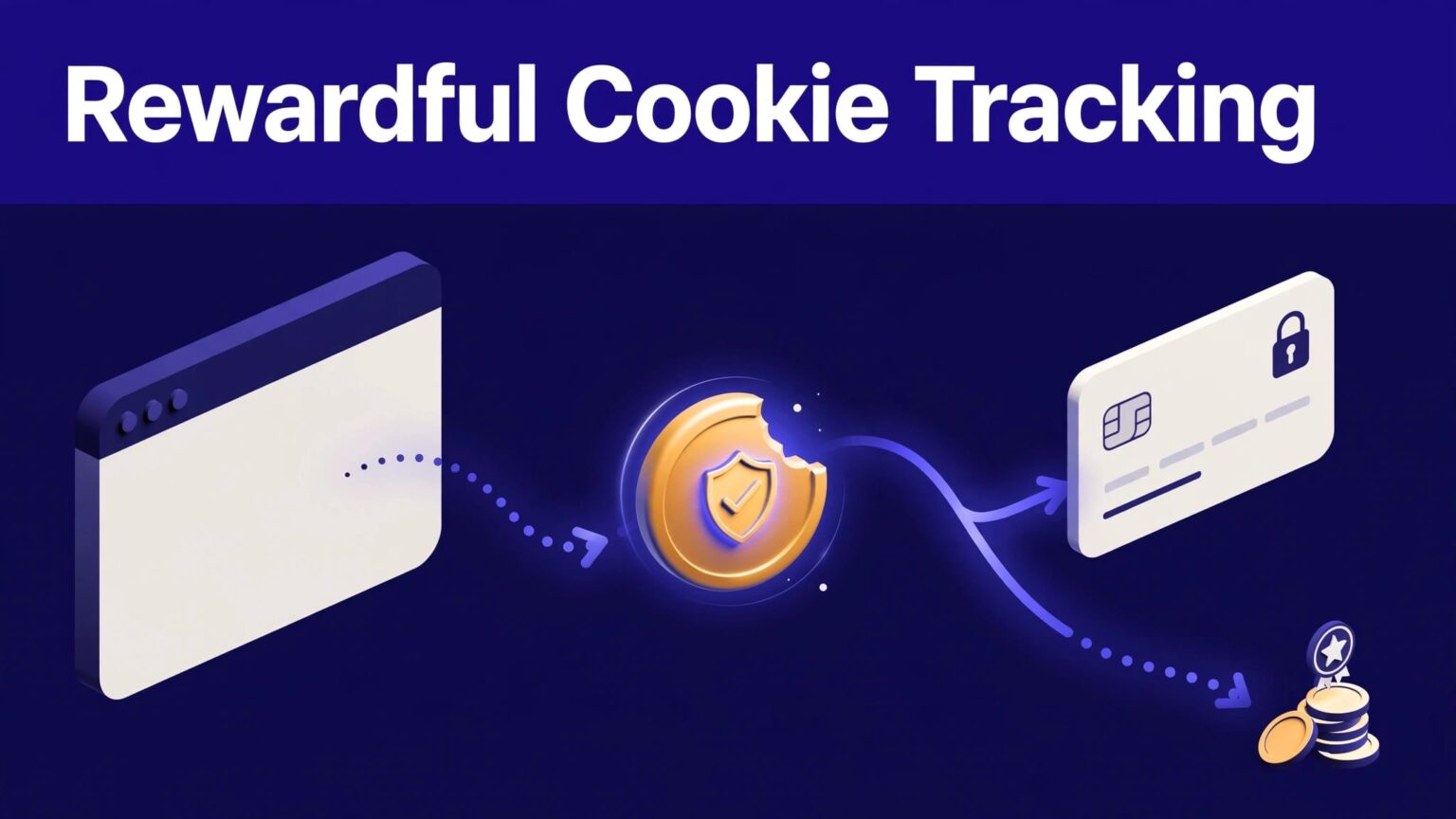
A referral link can receive real clicks and still produce no usable commission record. The break usually happens between the landing page, the browser cookie, and your checkout flow.
Rewardful cookie tracking stores an affiliate referral after a visitor arrives through a tracked link. If that visitor signs up within your campaign window, Rewardful can connect the customer to the right affiliate. Configure the path once, then test the full path before you recruit partners.
HOW REWARDFUL COOKIE TRACKING WORKS
An affiliate link starts the process. Rewardful’s browser script detects the referral parameter and writes a first-party cookie for your site.
That cookie is not a payment record. It is not proof that a customer converted. It is the browser-side record that carries the referral through the visitor’s journey.
THE COOKIE HOLDS THE REFERRAL ID
In plain language, the cookie tells your site which affiliate referred a visitor. It lets the referral remain available if the visitor reads your pricing page, leaves, and returns later.
Rewardful uses first-party cookies, not third-party cookies. The cookie is placed on your own domain, which avoids common third-party cookie restrictions.
The billing event still matters. Your checkout or subscription flow must send the referral data to Rewardful. A working cookie proves that Rewardful captured a visit. It doesn’t prove that Rewardful received a customer or subscription.
A visible click is a traffic event. A tracked customer is an attribution result.
CONFIGURE REWARDFUL COOKIE TRACKING AT THE CAMPAIGN LEVEL
Start with the campaign rules. The campaign controls how long a referral remains eligible for credit.
Open Campaigns, choose the campaign you want to update, and edit the Cookie window setting. Rewardful’s default referral cookie window is 60 days, but you can set a different duration for each campaign. Review Rewardful’s campaign settings overview before changing live terms.
SET A COOKIE WINDOW YOUR AFFILIATES CAN USE
Match the window to your buying cycle.
A 14-day window can work for a low-cost self-serve tool. A 60-day or longer window often fits B2B SaaS, where a buyer may compare vendors, involve a manager, and return later.
Put the window in your affiliate terms. Affiliates need to know when a click can become a commission. If you change the setting, record the date and tell active partners before the change affects their links.
Don’t use an extended window to cover a broken checkout flow. Fix attribution first.
INSTALL THE BROWSER SCRIPT SITE-WIDE
Copy the tracking script from your Rewardful integration area. Add it to every page where an affiliate visitor can first land, including homepage, pricing, product, blog, and campaign pages.
Rewardful’s JavaScript browser integration guide uses a script with your account’s data-rewardful value. Keep that value intact. A typo, removed script, or tag manager rule that only fires on selected pages can stop referral capture.
Do not assume a website platform. Add the script through your site’s global template, tag manager, or deployment process. Then publish the change and test a live public page.
CONNECT THE REFERRAL TO CHECKOUT
The browser script captures the referral. Your checkout configuration connects that referral to the customer record and later commission.
PASS THE REFERRAL ID TO STRIPE CHECKOUT
For Stripe Checkout built on the client side, Rewardful instructs you to read window.Rewardful.referral and send that value to Stripe as clientReferenceId. The full Stripe Checkout client-side setup also calls for the custom tracking code in Footer Tracking.
This handoff matters. A visitor can have a valid affiliate cookie, then lose attribution if the checkout session starts without the referral ID.
If you use server-side checkout, custom billing logic, or another provider, use the Rewardful integration method that matches your flow. Confirm where the referral ID is collected, stored, and sent. Do not treat a generic script installation as complete checkout integration.
HANDLE MULTIPLE DOMAINS BEFORE YOU LAUNCH
Many SaaS teams use separate domains for marketing, app access, and checkout. That setup needs extra work.
Install the Rewardful script on every domain and subdomain involved in the journey. Configure the approved domains in the script configuration so Rewardful can pass the referral between them. Rewardful can add a referral parameter to links between configured domains.
Test the exact production route. A link that works on www.example.com can still fail when the visitor moves to app.example.com or a hosted checkout domain.
VERIFY THE FULL REFERRAL PATH
Test with a new browser session. Rewardful recommends an incognito window because old cookies can hide a configuration problem.
RUN THIS VERIFICATION CHECKLIST
- Open an incognito window and paste a real affiliate link, usually one with the
?via=referral parameter. - Confirm that the landing page loads and the Rewardful script appears in the page source or tag manager debug view.
- Visit a second page on the same domain. The referral should remain available after navigation.
- If you use multiple domains, move through the real link path and confirm the referral survives each handoff.
- Start a test checkout and confirm the referral ID reaches your checkout integration.
- Complete a test customer or subscription using your approved billing test process.
- Check the Rewardful dashboard for the referred visitor, customer, and expected commission status.
- Record the affiliate link, test date, campaign name, customer email used for testing, and result.
Keep the original test record. If attribution fails later, you need a known-good result for comparison.
A completed browser action is not enough. Track accepted referral outcomes: captured visits, referred customers, approved commissions, reversals, and support issues. If clicks appear but customers do not, inspect the checkout handoff before changing affiliate terms or buying more traffic.
FINAL CHECK BEFORE INVITING AFFILIATES
Rewardful cookie tracking works when the campaign window, browser script, domain path, and checkout handoff all use the same referral record.
Test with a clean browser. Save the result. Then invite affiliates with terms that state the cookie window and commission conditions.
A referral program is only as reliable as its verified customer attribution.
