Rewardful Cookie Tracking for SaaS Affiliate Programs
Affiliate tracking fails at the handoff points. The click lands on your marketing site, the user signs up in your app, then checkout happens somewhere else. One missing script or lost referral ID can turn a qualified partner sale into an un...
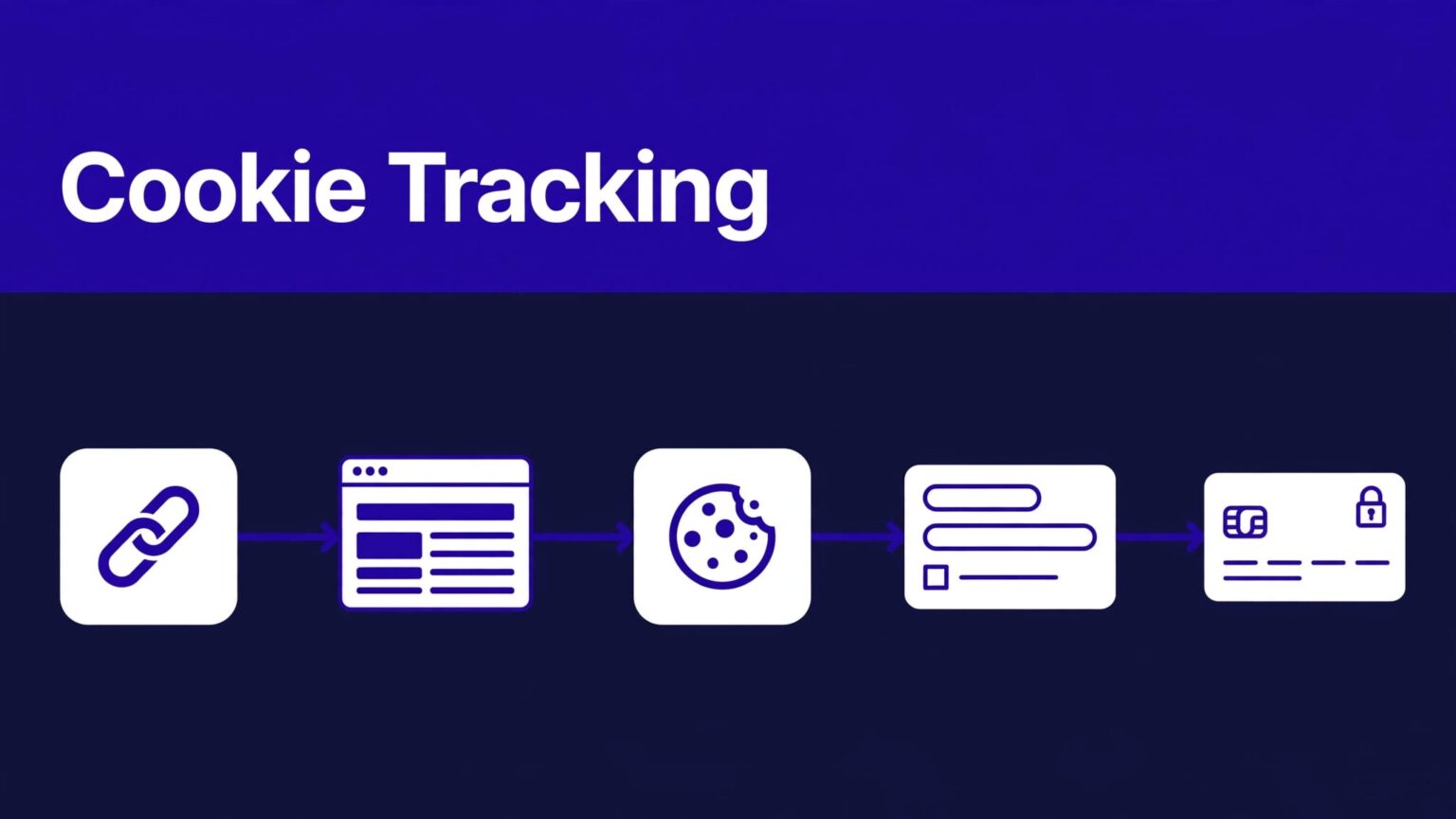
Affiliate tracking fails at the handoff points. The click lands on your marketing site, the user signs up in your app, then checkout happens somewhere else. One missing script or lost referral ID can turn a qualified partner sale into an unattributed customer.
Rewardful cookie tracking gives you a practical way to keep that referral data attached to the journey. You still need to install it across the right pages, pass data into checkout, and test the path before affiliates promote it.
Start with the full customer path, not the checkout page alone.
Deploy Rewardful cookie tracking across your funnel
Rewardful uses a first-party cookie on your domain to store referral attribution. A visitor arrives through a valid affiliate link, usually with a via parameter. The tracking script records the referral. Rewardful can then connect the visitor to a later conversion.
Set your campaign rules before you publish affiliate links. Decide the commission type, attribution terms, and cookie window. Rewardful’s default cookie window is 60 days, but each campaign can use a different duration.
Match the window to your sales cycle. A self-serve tool with a same-day conversion may need less time. A B2B SaaS product with trials, procurement, and demos may need longer.
Do not treat a browser event as proof of revenue. Rewardful separates the funnel into visitors, leads, and conversions. A visitor clicked an affiliate link. A conversion is a customer who completed the required purchase event. Review Rewardful’s explanation of visitors, leads, and conversions before you build partner reports.
Keep an internal attribution record for disputed or high-value sales. Store:
- The affiliate ID, campaign, referral ID, and landing URL.
- The first visit time, signup email, customer ID, and checkout session ID.
- The conversion date, payment status, refund status, and reviewer decision.
Don’t overwrite a record when a refund or reversal happens. Add an adjustment entry. Your finance team and affiliate manager need the original event and the later change.
Install the Rewardful script where visitors first arrive
Rewardful cookie tracking starts in the browser. The script must load before a visitor enters your signup, billing, or checkout flow.
Put the tracking snippet in the global head
Install Rewardful’s tracking script in the global <head> on every public marketing page and every logged-in app page involved in the purchase route. That usually includes your homepage, pricing page, blog, signup page, login page, app shell, and upgrade pages.
Use the current snippet from your Rewardful setup area. The browser integration follows this structure:
<script>(function(w,r){w._rwq=r;w[r]=w[r]||function(){(w[r].q=w[r].q||[]).push(arguments)}})(window,'rewardful');</script>
<script async src='https://r.wdfl.co/rw.js' data-rewardful='YOUR-API-KEY'></script>
Replace YOUR-API-KEY with the key assigned to your account. Do not place that key in a public repository, sample documentation, or support ticket.
The tracking script must appear before any call to the Rewardful client. Rewardful’s website installation guide is the source of truth when its script format or supported platforms change.
Track the first usable landing page
A valid affiliate URL needs to reach a page where the script can run. If a partner sends traffic to www.example.com/pricing, but your script only exists inside app.example.com, the referral may never enter the cookie.
Check redirects too. A redirect that removes ?via=partnername before the tracking script loads breaks attribution.
A completed signup does not repair a missing referral cookie. The referral has to exist before the signup or checkout handoff.
Use a clean test link for every new campaign. Open it in a private browser window. Confirm that the landing page loads without a redirect that strips the referral parameter.
Pass referral data into Stripe and hosted checkout
The cookie lives in the browser. Your billing provider may run on a different page, a different subdomain, or a completely different root domain. That is where many Rewardful setups fail.
Send the referral ID to a server-side Stripe Checkout flow
For a custom Stripe Checkout Session, read the referral ID in the browser and send it to your server when the user starts checkout. Rewardful exposes the current value as Rewardful.referral after its client has loaded.
Your browser code can pass the value with the checkout request:
const referralId = Rewardful.referral;
fetch('/api/checkout-session', { method: 'POST', headers: { 'Content-Type': 'application/json' }, body: JSON.stringify({ priceId, referralId }) });
Your server then creates the Stripe Checkout Session and passes the received referral ID as Stripe’s client_reference_id. Keep your server validation in place. The browser value is attribution data, not authorization to apply a discount or change an order total.
Rewardful documents this handoff in its guide for Stripe server-side Checkout. Read it before changing an existing billing endpoint.
If you use client-side Stripe conversion tracking, note the documented constraint: the Stripe customer must have been created within the previous 24 hours. For longer sales flows, confirm the server-side path fits your implementation.
Configure every domain in the purchase path
Subdomains are easier. Rewardful tracks across subdomains when the script is present on each one. A site at www.example.com and an app at app.example.com still both need the script.
Different root domains need extra configuration. For example, example.com and example-checkout.com need the data-domains attribute on the tracking script:
<script async src='https://r.wdfl.co/rw.js' data-rewardful='YOUR-API-KEY' data-domains="example.com,example-checkout.com"></script>
Rewardful uses the configured domains to preserve referral data through its cross-domain mechanism. Install the tag on both domains, not only the source site. Check Rewardful’s cross-domain tracking requirements before launch, since plan access and setup details can change.
For Checkout Page deployments, use the tracking-pixel instructions in Rewardful’s Checkout Page integration guide.
If your team needs to map a custom application, billing provider, and partner workflow, Book A Call before sending live affiliate traffic.
Handle cookie consent and customer data carefully
Rewardful cookie tracking uses a first-party cookie. That does not remove your privacy obligations. Your business still decides how cookies load under the rules that apply to your visitors.
Put tracking behind the right consent rule
Review your consent platform, privacy notice, target countries, and legal basis with the person responsible for privacy compliance. If your policy requires affiliate or analytics cookies to wait for opt-in, do not load the Rewardful script until the visitor grants that category.
Document the behavior in plain language. State that affiliate links may create a first-party referral cookie, explain the purpose, and state its retention period.
Do not send extra personal data to the browser tracking layer. A referral ID is enough for the attribution handoff. Your backend should keep Stripe customer IDs, internal account IDs, and billing records under your normal access controls.
Keep ownership and recovery clear
Name one owner for affiliate tracking. That person should approve campaign changes, cookie-window changes, tracking-script edits, and billing-flow releases.
Keep a small change record with the release date, code version, campaign, affected domains, and test result. If a deployment removes attribution, you need the last trusted configuration. A vague Slack thread is not a recovery plan.
Test the referral path before affiliates promote it
Do not approve Rewardful cookie tracking because the tag appears in page source. Approve it when a controlled referral produces the correct partner attribution through a real purchase path.
Run controlled test cases
Use a test affiliate or an internal partner account. Open each test in a fresh browser profile so an old cookie does not hide a setup error.
Run these cases before launch:
- Click a valid affiliate link and confirm the visitor appears in Rewardful.
- Sign up on the same domain and check that the referral remains attached.
- Move from marketing site to app and then checkout.
- Complete a sandbox or low-risk internal purchase where your payment stack permits it.
- Test an expired cookie window, a direct visit, a second affiliate click, and a refund or cancellation.
Use a fixed test log for every result.
| Test field | Record |
|---|---|
| Link and campaign | Full affiliate URL, affiliate ID, and campaign name |
| Customer path | Landing page, signup route, app route, and checkout domain |
| Payment reference | Test email, internal customer ID, Stripe customer, and session ID |
| Expected result | Affiliate attribution, conversion status, and commission rule |
| Review status | Draft, Needs Review, Approved, or Corrected |
Track accepted attribution, not completed browser actions. A test can finish without an error and still credit the wrong partner.
Inspect the browser before blaming checkout
Rewardful’s JavaScript client can help isolate the problem. Check Rewardful.referral after the script has loaded. It should return the current referral ID for a referred visitor.
When debugging a JavaScript integration, inspect Rewardful._cookie as well. This shows what Rewardful stored in the browser cookie. The Rewardful JavaScript API reference lists the current client attributes and methods.
Capture a screenshot of the landing URL, browser console, cookie value, customer record, checkout session, and Rewardful report. Include dates and test IDs. Support can investigate a reproducible record. It cannot diagnose “tracking seems broken.”
Fix the Rewardful tracking failures that repeat
Most attribution failures come from a short list of setup gaps. Check those first.
Missing scripts and broken domain handoffs
Start with the full route. Verify the tracking script exists on every domain and subdomain. Check the first landing page, not only the final checkout page.
Then inspect redirects. Referral parameters often disappear when teams add localization redirects, login redirects, URL cleaners, or A/B testing tools.
Cross-domain tracking also fails when data-domains is absent, misspelled, or limited to one domain. A script on the marketing site cannot track a checkout host that never loads Rewardful.
Ad blockers can prevent browser tracking for some visitors. Rewardful offers guidance on bypassing ad blockers through a custom tracking domain. Test this option before you promise complete coverage.
Expired cookies, overwritten referrals, and report gaps
A conversion after the campaign cookie window expires is not an attribution bug. It is outside the campaign rule.
Direct-page tracking can also overwrite an existing referral. Check for competing scripts, custom referral capture logic, or pages that preload another referral ID. Decide which touch should win, then document that rule for affiliates.
Finally, separate missing clicks from missing conversions. A visitor may click, abandon checkout, fail payment, use another partner’s link later, or receive a refund. Check the referral record, payment status, campaign terms, and reporting period before you change code.
Build an Attribution System Your Team Can Defend
Rewardful cookie tracking works when the browser script, signup flow, checkout handoff, and campaign rules all use the same referral record. One working page is not enough.
Install the tag across the full journey. Test with controlled referrals. Preserve the evidence when a result changes. Accepted conversions matter more than successful page loads.
A partner program earns trust when affiliates can see that valid work receives accurate credit.
