Rewardful Stripe Integration: Set Up Affiliate Tracking
Affiliate tracking can look perfect on the landing page and still fail at checkout. If Stripe never receives the referral value, the sale has no affiliate attached to it. A Rewardful Stripe integration closes that gap. It captures the refer...
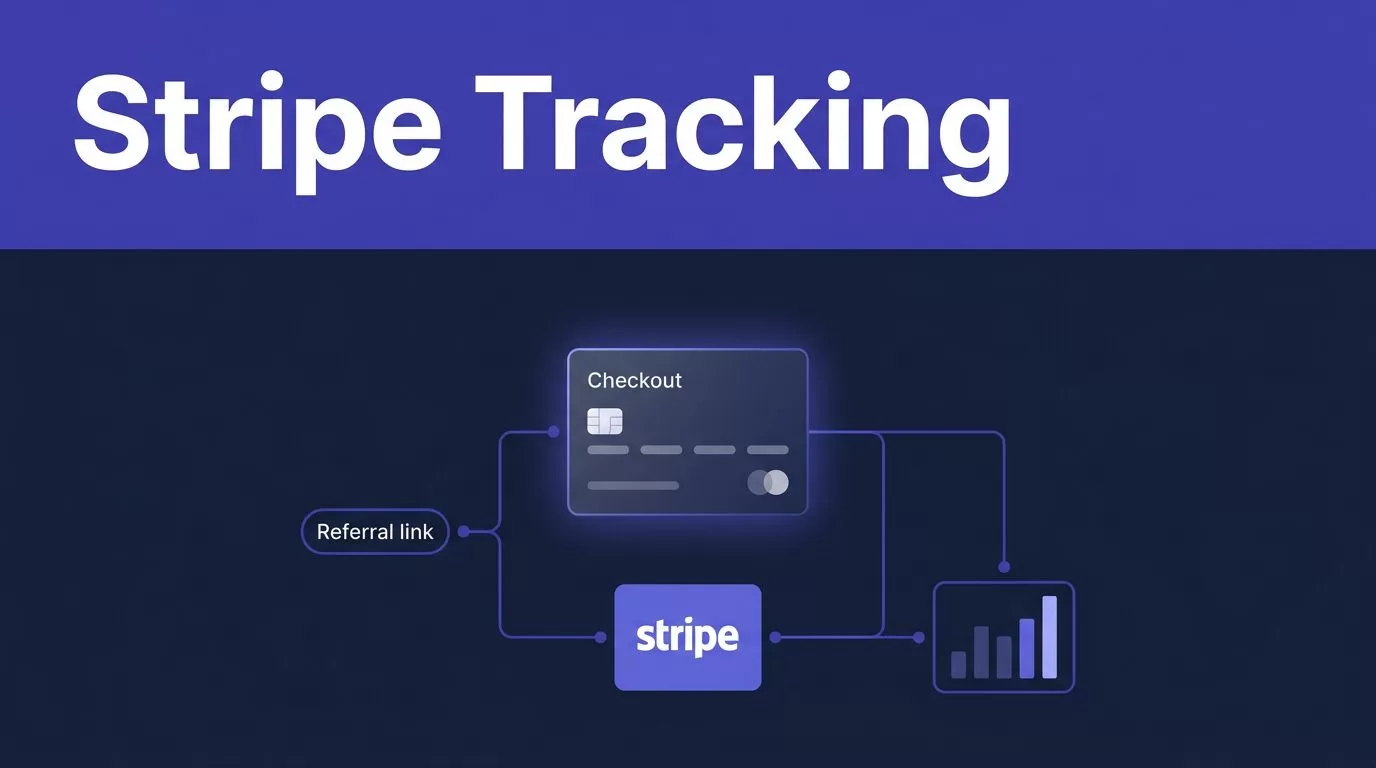
Affiliate tracking can look perfect on the landing page and still fail at checkout. If Stripe never receives the referral value, the sale has no affiliate attached to it.
A Rewardful Stripe integration closes that gap. It captures the referral click, passes it into Stripe, and uses billing events to calculate commission.
Set up the data path before you invite affiliates. One controlled test catches most launch failures.
START WITH THE RIGHT ACCOUNTS AND ACCESS
CHECK THE PREREQUISITES FIRST
You need an active Rewardful account, the Stripe account that collects your payments, and a working checkout flow. You also need a public site where you can install Rewardful’s tracking script.
If your company uses several Stripe accounts, document the correct one first. Record the business name, products, currencies, and Stripe account owner. Connecting the wrong account creates a tracking problem that looks like a campaign problem.
Use a Stripe user who can approve third-party app access. That person should also know how to inspect Checkout Sessions, Customers, invoices, and refunds.
Your developer needs access to the site <head> or your tag manager. They also need access to the code that creates Stripe Checkout Sessions or Stripe Customers.
WRITE THE ATTRIBUTION POLICY BEFORE SETUP
Define what counts as a qualified referral before you create links. State which products qualify, which plans pay recurring commission, and what happens after a refund.
Also decide how you handle self-referrals, discount codes, free trials, duplicate accounts, and manual sales. A vague affiliate policy creates payout disputes later.
Keep this policy in the campaign terms and your internal operating notes. Your support and finance teams should use the same rules.
CONNECT THE REWARDFUL STRIPE INTEGRATION
AUTHORIZE THE CORRECT STRIPE ACCOUNT
In Rewardful, start the Stripe connection flow and select the account that receives the payments you want to track. Rewardful’s Stripe connection instructions describe the OAuth authorization process.
Stripe will show the account name before you approve access. Check it carefully, especially if you manage a sandbox account, an old business account, or separate Stripe accounts for different products.
The consent screen may show “Modify” permissions for selected objects. That wording can look broader than expected. Rewardful’s published permission details say the connection uses access needed for referral creation and commission calculations, including attribution metadata.
Rewardful states that it cannot move funds, change bank details, issue Stripe refunds, edit subscription prices, or access full card data. Record the approval date and the Stripe user who approved it.
A Stripe connection proves that Rewardful can receive billing data. It does not prove that your checkout passes a valid referral ID.
INSTALL REFERRAL CAPTURE BEFORE CHECKOUT
ADD THE REWARDFUL SCRIPT TO YOUR SITE
Copy the Rewardful tracking script from your workspace and place it in the <head> of pages where an affiliate visitor can arrive. This usually includes the homepage, pricing page, product pages, signup flow, and any campaign landing page.
Do not load the script only on the thank-you page. By then, the referral click has already happened.
If you use Google Tag Manager or another tag manager, publish the tag and test it on a real browser. Confirm that your cookie consent setup does not block the script without a plan to retain allowed attribution data.
A visitor may click an affiliate link, read your site, return later, and then start checkout. The tracking setup must preserve the referral through that journey.
PROTECT THE REFERRAL VALUE
Landing-page redirects can remove query parameters. Signup flows can also lose the referral when they redirect between your marketing site, app, and checkout domain.
Check every redirect. Check subdomains. Check account creation. Check coupon pages and pricing tables.
Keep the referral value separate from customer email, card details, and other sensitive data. The value passed to Stripe should be an opaque referral identifier, not personal information.
PASS THE REFERRAL ID THROUGH STRIPE CHECKOUT
USE client_reference_id FOR SERVER-SIDE CHECKOUT
A server-side Checkout flow creates the Stripe Checkout Session from your backend. Your backend must receive the referral ID captured in the browser, then pass it into the session as client_reference_id.
Stripe describes client_reference_id as a field for your own reconciliation value in its Checkout Session reference. Rewardful’s server-side Checkout guide uses that field for the referral click ID.
Only send client_reference_id when a referral value exists. Rewardful warns that Stripe Checkout can reject a blank value.
Do not insert a placeholder like "none" or "unknown". That can create false attribution records and make testing harder.
MATCH THE METHOD TO YOUR CHECKOUT FLOW
Client-side Stripe Checkout uses a different field name. Retrieve Rewardful.referral in the browser and pass it as clientReferenceId when you create or redirect to Checkout.
A direct Stripe API integration can store the referral in Stripe Customer metadata under the referral key. Keep that metadata key consistent across every signup path.
Stripe Pricing Tables use the client-reference-id attribute. Stripe Payment Links can also use a client reference value, as covered in Stripe’s Payment Link tracking documentation.
Rewardful’s Payment Links method also depends on Stripe Customer records. Check the current Payment Link settings in your account before launch, including any option to save payment details for later use.
TEST MODE AND LIVE MODE NEED SEPARATE CHECKS
RUN ONE COMPLETE TEST TRANSACTION
Treat Stripe test mode as a controlled mechanics test. It lets your team verify that the click, checkout field, customer record, and payment event follow the expected path.
Public Rewardful setup material does not promise one universal test-mode reporting behavior for every account and campaign. Check your Rewardful workspace to see whether test events appear separately, appear in the normal view, or need a different validation method.
Use this sequence:
- Open a fresh browser profile and visit an internal affiliate link.
- Start checkout and complete a Stripe test payment.
- Inspect the Checkout Session for the referral value or inspect Customer metadata.
- Check Rewardful for the referred customer and the related commission record.
- Save the Stripe Session ID and the Rewardful referral record in your launch log.
A completed test payment only proves that Stripe accepted the payment. The attribution field still needs inspection.
REPEAT THE CHECK IN LIVE MODE
Before public launch, repeat the process with a controlled live checkout approved by your team. Use an internal affiliate account. Do not use public affiliate traffic as a test case.
Confirm that the correct live Stripe account, campaign, and checkout route are active. Test mode data is not proof that your production route has the same configuration.
The Rewardful Stripe integration is ready only after you can trace one live referral from click to paid invoice.
SET COMMISSION RULES YOUR TEAM CAN OPERATE
DEFINE WHAT A COMMISSION MEANS
Create the campaign after the technical connection works. Rewardful campaign labels and available settings can change, so use the current workspace prompts and check the campaign summary before you publish.
Your written policy should answer these questions:
- Which products, plans, and currencies qualify for a commission?
- Is the reward a fixed amount, a percentage, or a recurring percentage?
- How long can an affiliate earn on subscription renewals?
- What happens to a commission after a refund, dispute, failed invoice, or cancellation?
- Which cases require manual review, such as self-referrals or duplicate customer accounts?
Do not promise lifetime recurring rewards unless your campaign settings and finance process support them. A simple fixed reward can be easier to review during an early launch.
REVIEW PAYOUTS BEFORE MONEY LEAVES
Stripe sends Rewardful relevant events such as new customers, paid invoices, and refunds. Rewardful explains this event flow in its guide to how it uses your Stripe account.
A paid invoice is not the same as an approved affiliate payout. Review the affiliate identity, qualifying product, commission status, refund risk, payout method, and payment reference before you release money.
Verify how your current Rewardful plan handles payout workflows, thresholds, and approval states. Do not assume every refund automatically reverses every commission. Test your own campaign rules before you scale.
Store payout approvals and payment references with your finance records. Review data retention, consent, and reporting requirements with the people responsible for those controls.
TROUBLESHOOT MISSING REFERRALS AND EVENT GAPS
TRACE ONE SALE THROUGH THE FULL RECORD CHAIN
When a referral is missing, start with one real or test transaction. Do not guess from a dashboard total.
Check the chain in order:
- Confirm the affiliate link opened with a referral value.
- Confirm the Rewardful script loaded on the landing page.
- Confirm the browser passed the value into your checkout request.
- Confirm the Stripe Checkout Session or Customer contains the expected value.
- Confirm the paid invoice belongs to that customer and appears in Rewardful.
Keep the referral ID, Stripe Customer ID, Checkout Session ID, invoice ID, and campaign name together. This creates an audit trail your team can use when support asks why a commission did or did not appear.
FIX THE CAUSE, NOT THE SYMPTOM
You normally do not need to create a separate manual Stripe webhook for Rewardful. The authorized connection receives relevant Stripe events from the connected account.
If an invoice appears in Stripe but not in Rewardful, check the account, environment, customer attribution field, campaign status, and referral value. Resolve permission failures and payload mismatches before you retry.
Measure approved affiliate records, not script loads or completed checkouts. A checkout can complete without valid attribution.
If several Stripe accounts, checkout methods, or product teams need one tracking standard, Book A Call to map the data path and exception process.
PROTECT STRIPE ACCESS AND AFFILIATE DATA
Use multi-factor authentication for Stripe and Rewardful users. Give access only to people who need to manage campaigns, payouts, or technical setup.
Keep API keys and private credentials in approved secrets storage. Do not put them in affiliate links, browser code, spreadsheets, or support tickets.
Review connected apps in Stripe after staff changes. Remove access when a contractor, agency, or employee no longer needs it.
Rewardful says it does not store full card data or control your Stripe funds. Your team still owns access control, customer data practices, affiliate terms, and internal payout approvals.
FINAL CHECK BEFORE YOU INVITE AFFILIATES
A working affiliate program needs more than a connected Stripe account. It needs a valid referral value, a checkout field that preserves it, and a commission rule your team can explain.
Test the full route in both environments. Then keep a record of every approved referral, payout decision, and exception. That is how Rewardful Stripe integration stays reliable after launch.
