My Step-by-Step Guide to Baremetrics Stripe Integration
I remember staring at Stripe’s raw data feeds, numbers blurring into chaos. You know the feeling: payments roll in, but real insights hide. That’s when I turned to Baremetrics. It pulls Stripe data into clear dashboards. You spo...
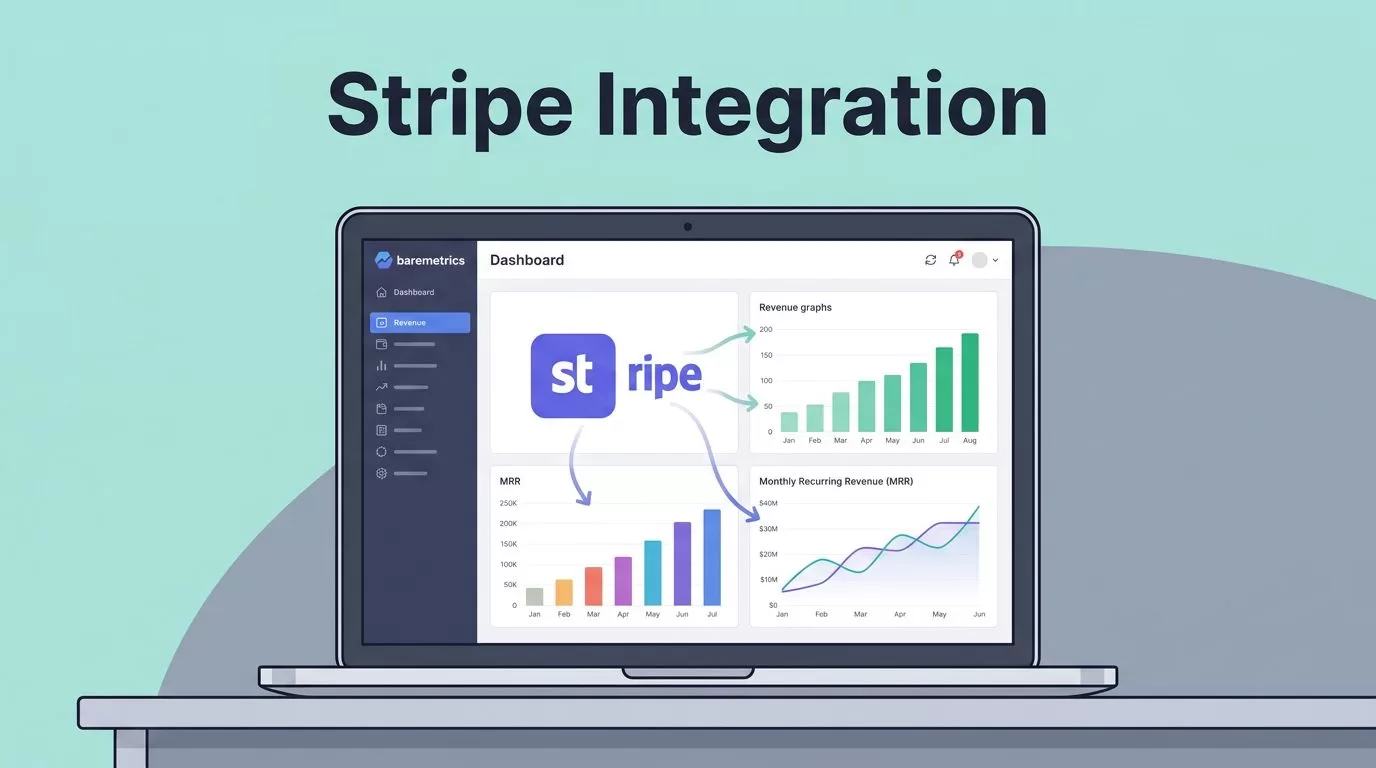
I remember staring at Stripe’s raw data feeds, numbers blurring into chaos. You know the feeling: payments roll in, but real insights hide. That’s when I turned to Baremetrics. It pulls Stripe data into clear dashboards. You spot churn fast. Revenue trends pop. In minutes, I transformed guesswork into facts.
This guide walks you through my exact process. I cover setup, data sync, and fixes for snags. Follow along, and you’ll have your Baremetrics Stripe integration live today. Let’s get your metrics flowing.
Why Baremetrics Fits My Stripe Workflow
Baremetrics shines for subscription businesses like mine. It grabs Stripe’s messy transaction logs and spits out MRR, churn rates, and customer lifetime value. No spreadsheets needed. I see exactly where revenue leaks.
First, it automates what I used to chase manually. Subscriptions change? Baremetrics updates live. Failed payments? Alerts hit my inbox. Plus, benchmarks compare my numbers to industry averages. That alone saved me weeks of research.
I started on the free trial. Paid plans unlock forecasts and API access. For Stripe users, it’s a no-brainer. Check Baremetrics’ Stripe integration blog for their take on benefits like real-time analysis.
One tip: pair it with clean Stripe plans. Messy pricing confuses the sync. I fixed mine first, then connected. Results sharpened overnight.
Prerequisites for Smooth Setup
Before you click connect, check these boxes. You need a Baremetrics account. Sign up at baremetrics.com; it’s free to start. Also, grab Stripe admin access. Only admins authorize integrations. No admin? Ask your team lead.
Verify your Stripe data looks solid. Active subscriptions? Recent payments? Baremetrics thrives on that. Test accounts confuse it. I skipped trials in my main sync.
Higher Baremetrics plans handle more sources. Stripe is core, but add Shopify later if needed. Budget time too. Initial import takes 5-15 minutes. Large accounts? Up to an hour.
Ready? Head to your dashboard. For deeper Baremetrics tips, see my post on integrating Baremetrics with Stripe.
Connecting Baremetrics to Stripe
I log into Baremetrics. The dashboard greets me with a big Connect with Stripe button. Click it. Stripe’s secure page opens. Enter your admin credentials. Authorize access. Done.
Baremetrics handles the rest. It imports history automatically. Watch progress in the Data Connections tab. First sync feels magic: charts fill with your real numbers.
Here’s my exact flow:
- Log in or sign up at baremetrics.com.
- Spot the Stripe connect prompt.
- Authorize via Stripe login.
- Wait for import.
- Explore MRR and churn dashboards.
Interfaces shift, so peek at Baremetrics’ Stripe Integration Guide for updates. I did this last week. Took under five minutes.

Post-connect, tweak filters. Exclude test payments. Your metrics crisp up.
Data That Syncs from Stripe
Baremetrics pulls gold from Stripe. Customers first: names, emails, addresses. Subscriptions follow: starts, upgrades, cancels, trials. Transactions round it out: payments, refunds, duds.
It focuses on paid reality. Valid invoices only. No free users clutter charts. MRR calculates spot-on because of this. Churn? Tied to real cancels. Revenue retention? Expansions and downgrades factor in.
Live sync keeps it fresh. Stripe updates? Baremetrics reflects them instantly via webhooks. I track daily shifts without refresh.

For specifics, dive into my guide on Baremetrics metrics for churn. That covers what I watch post-sync.
Customizing After Integration
Sync complete? Dive into settings. Data Connections holds Stripe options. Filter subscriptions by plan. Ignore one-offs.
Set alerts for failed charges. Email reports land weekly. I benchmark against SaaS averages. Forecasts predict MRR drops.
API pulls data to my tools. Custom segments slice customers: high-value ones first. Experiment. My retention jumped 12% after tweaks.
Need revenue planning? My Baremetrics financial forecasting post shows how.
Troubleshooting Connection Problems
Snags happen. Connect button vanishes? Confirm admin role. Try incognito. No data? Reauthorize in Stripe’s Apps section.
Here’s a quick fix table from my notes:
| Issue | Fix |
|---|---|
| Connect button missing | Verify admin; refresh or incognito. |
| Import too slow | Wait 1 hour for big data; email support. |
| No data appears | Check Stripe Apps > Baremetrics; reconnect. |
| Sync not real-time | Test webhook with new payment. |
| Permission denied | Use Stripe admin account. |
| Wrong data | Adjust filters in settings. |

Stuck? Baremetrics support responds fast. I fixed a webhook glitch that way.
Conclusion
Baremetrics Stripe integration turns Stripe’s firehose into focused insights. I connected in minutes, synced key data like customers and MRR, and fixed hiccups with simple checks. Now, my dashboards guide every decision.
Your setup waits. Connect today. Watch revenue truths emerge. What metric will surprise you first?
