Scrape Beauty Product Catalogs With Twin.so
Beauty teams lose time when product data sits across dozens of retailer and brand websites. Names, prices, sizes, ingredients, images, and stock messages rarely follow one format. If you need to scrape beauty product catalogs, Twin.so gives...

Beauty teams lose time when product data sits across dozens of retailer and brand websites. Names, prices, sizes, ingredients, images, and stock messages rarely follow one format.
If you need to scrape beauty product catalogs, Twin.so gives you a practical extraction layer for collecting this information into a structured dataset. You define the pages, fields, and output rules. Then you review the results instead of building a separate parser for every website.
The quality of the result depends on the setup. Start with a clear catalog schema, limit the source scope, validate a small sample, and operate within each website’s rules.
Why scrape beauty product catalogs with Twin.so?
Catalog scraping supports several daily e-commerce tasks. A retailer can compare competitor pricing. A marketplace seller can prepare product records for a new sales channel. A distributor can monitor assortment changes across brand websites.
Twin.so is useful when the work requires repeated page review and structured output. Instead of copying information into a spreadsheet one product at a time, you define the fields once and apply the same extraction instructions across an approved group of pages.
The goal isn’t to collect every visible word. The goal is to capture the fields your team will use.

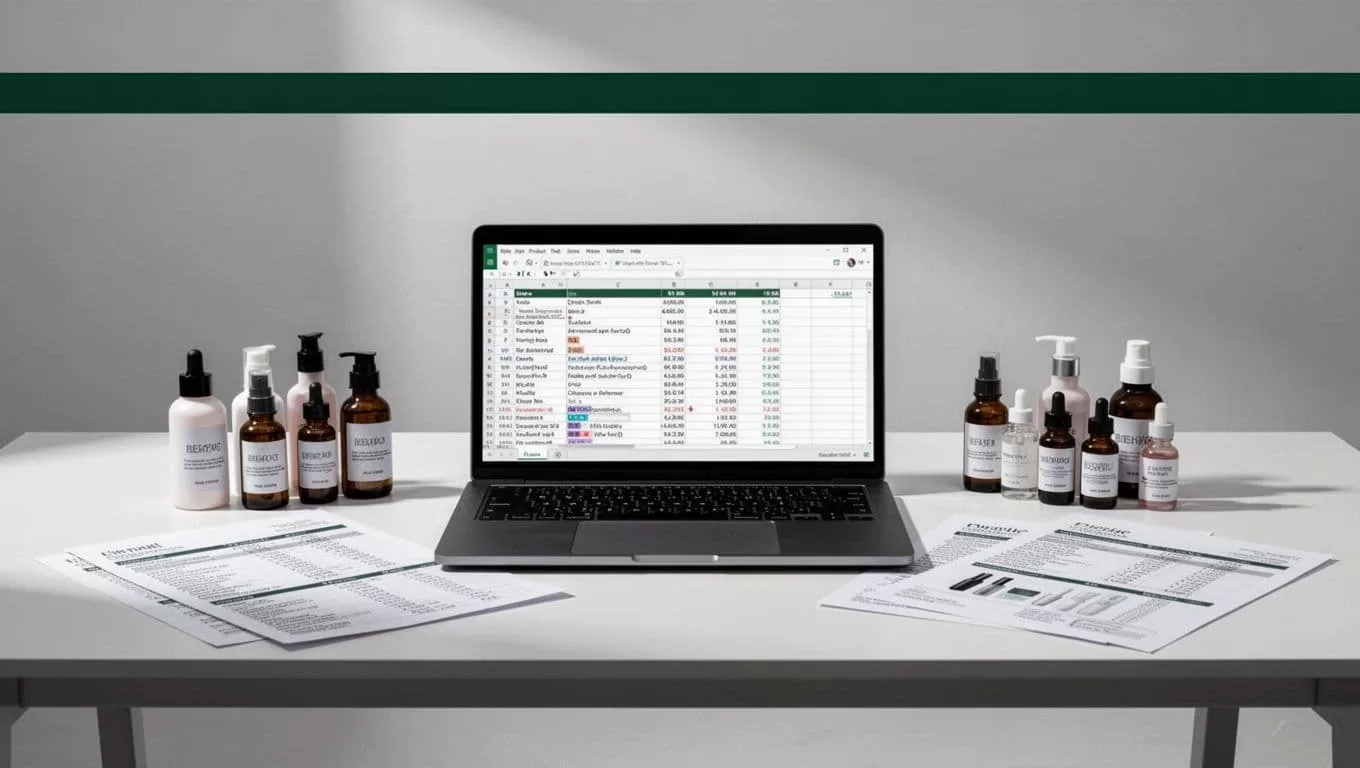
Common catalog projects include:
- Comparing prices for cleansers, serums, moisturizers, makeup, and hair-care products.
- Tracking whether specific sizes, shades, or bundles are available.
- Building a supplier or brand discovery database.
- Finding duplicate products across several storefronts.
- Monitoring changes to descriptions, ingredients, product claims, or packaging.
A scraped dataset can support pricing analysis, merchandising, product research, and internal reporting. It shouldn’t automatically become a public copy of another company’s catalog. Reuse rights and content ownership still matter.
Define the catalog before you extract it
Before opening Twin.so, decide what one product record should contain. This prevents inconsistent results and gives your team a clear way to judge extraction quality.
Separate required fields from optional fields. A product name, source URL, price, currency, and availability status may be required. A rating or review count may be optional because some pages don’t publish them.
Use controlled values where possible. For example, availability should return in_stock, out_of_stock, preorder, or unknown. Don’t allow every page to create its own wording.
Here is a practical beauty catalog schema:
| Field | Format | Extraction rule |
|---|---|---|
source_url | URL | Store the product page URL |
source_domain | Text | Capture the website domain |
product_name | Text | Use the main product title |
brand | Text | Capture the named brand |
sku | Text | Use the displayed SKU or product ID |
category | Text | Normalize into your category list |
product_type | Text | Serum, lipstick, shampoo, and similar |
size_value | Number | Store the amount separately |
size_unit | Text | Use ml, oz, g, or count |
price | Number | Store the numeric current price |
currency | Text | Keep USD, GBP, EUR, or another code |
availability | Controlled text | Map the page status to approved values |
shade_or_variant | Text | Capture the selected or listed variant |
ingredients_url | URL | Link to the ingredient section if separate |
image_url | URL | Capture the primary product image |
captured_at | Date and time | Record when the page was checked |
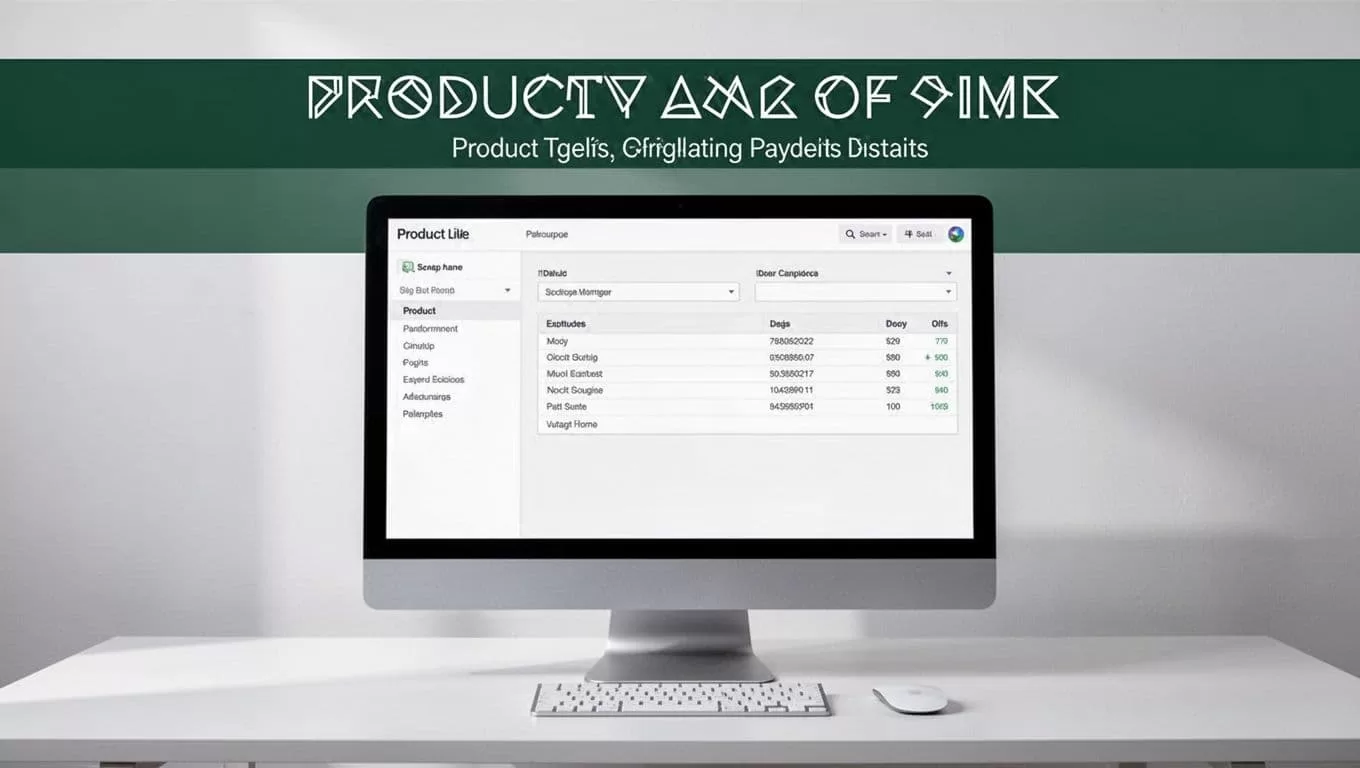
Keep the raw value and normalized value when accuracy matters. For example, store the original price text in one field and the numeric price in another. This helps your team audit a transformation later.
Use brand + sku as the preferred duplicate key. If no SKU exists, combine the canonical product URL, normalized product name, and size. Don’t use the product name alone. Beauty brands often sell the same item in multiple sizes or shades.
How to set up a Twin.so catalog workflow
A reliable workflow starts small. Don’t send hundreds of mixed URLs into the first run. Test the instructions against a limited group of representative pages.
1. Select approved source pages
Choose the exact websites and page types you want to scan. Start with category pages, collection pages, search results, or known product URLs.
Record the source domain and page type in your project notes. A brand’s product page may use different fields than its collection page. Keep those patterns separate until the results are consistent.
Exclude login pages, checkout pages, customer account areas, and pages that contain private data.
2. Write a precise extraction instruction
Tell Twin.so what to collect and what to ignore. A useful instruction should include:
- One row for each individual product.
- The product title exactly as displayed.
- Price as a number, with currency in a separate field.
- Size and unit in separate fields.
- A controlled availability value.
- Blank values for missing fields.
- No guessed ingredients, prices, or stock status.
You can also state how to handle variants. If a page lists five lipstick shades with separate prices, decide whether you want one parent product or five variant records. Make the rule explicit before the run.
3. Define the output structure
Map the workflow to the schema before extraction begins. Use consistent field names such as product_name, price, and availability.
If Twin.so supports multiple output destinations in your workspace, select the one your team already uses. A spreadsheet works for a small review. A database or structured file works better for recurring catalog updates.
Keep one field for the source URL. Without it, your team can’t check an unusual price or confirm whether a product page changed.
4. Handle page loading and navigation
Some storefronts load prices, images, or stock messages after the initial page appears. Your workflow needs to wait for the product content before reading the fields.
Set clear navigation boundaries. Tell Twin.so whether it may follow pagination, open product detail pages, inspect variant selectors, or stop at the starting page. Unrestricted navigation creates duplicate records and unnecessary requests.
For large catalogs, divide the work by category or page range. Smaller jobs are easier to restart and audit.
5. Run a controlled test
Run the workflow on a small sample that includes different page conditions. Include an in-stock item, an out-of-stock item, a product with variants, a discounted product, and a product with missing fields.
Compare every extracted record with the source page. Check field accuracy, row count, duplicate handling, and URL quality. Fix the instructions before expanding the run.
6. Schedule only after validation
Recurring extraction makes sense for prices, availability, and assortment monitoring. Set a frequency that matches the business need and the source website’s capacity.
A daily scan may be unnecessary for a catalog that changes once a week. More frequent requests also increase compliance and operational risk. Use the lowest frequency that answers the business question.
Clean and validate the catalog output
Raw extraction is not the final dataset. Treat it as an intake layer that needs review before it reaches pricing dashboards, marketplaces, or inventory systems.
Start by separating values that belong together on the page but need separate fields in your database. Store 29.99 in price, USD in currency, and 30 plus ml in the size fields.
Use these validation checks:
- Confirm every row has a source URL and product name.
- Check that prices are numeric and currencies use standard codes.
- Convert availability wording into your approved status values.
- Remove tracking parameters from URLs where appropriate.
- Detect duplicate records by SKU, URL, or normalized product details.
- Flag missing values instead of filling them with assumptions.
- Compare a random sample against the live source page.
Keep the capture timestamp. A price without a date has limited value because it cannot explain when the page was checked.
Store raw and cleaned data separately when the catalog supports business decisions. The raw record provides an audit trail. The cleaned record supports reporting and imports.
Respect website terms, robots.txt, and privacy rules
Responsible scraping starts before the first request. Read the website’s terms of service and identify whether automated collection is restricted. Don’t bypass a login, paywall, CAPTCHA, access control, or technical block.
Check the site’s robots.txt file for instructions relevant to automated crawlers. The robots.txt scraping guide explains how directives and crawl delays can affect an extraction plan. A robots file isn’t a complete legal decision, but ignoring it creates an avoidable operational problem.
Use a low request rate, add delays where needed, and avoid repeated requests for unchanged pages. Caching source results reduces load and prevents your workflow from requesting the same content without a business reason. This discussion of robots.txt compliance also covers performance and access concerns.
Publicly visible data isn’t automatically free to collect, reuse, or republish.
Beauty catalogs can contain personal information in reviews, wish lists, account pages, or customer questions. Exclude names, email addresses, phone numbers, shipping details, account IDs, and any other unnecessary personal data. Collect the minimum information required for the business task.
Applicable requirements depend on your location, the source website, and how you use the data. Privacy laws, contract rules, copyright, database rights, and sector-specific requirements may all matter. Ask legal counsel to review a recurring or commercial scraping program, especially when you plan to republish descriptions, ingredients, reviews, or product images.
Avoid common catalog scraping failures
The most common mistake is starting with a vague request such as “collect all product information.” That instruction produces uneven fields because different pages display different content.
Use explicit rules for missing values, variants, prices, and availability. Tell Twin.so not to infer data. A blank field is safer than an invented ingredient or incorrect stock message.
Don’t mix unrelated websites in the first run. Test one domain and one page pattern. After the output passes review, add another source with its own instructions.
Build a change process as well. Store the extraction instructions, source list, schema version, and last validation date. When a website changes its layout, pause the workflow, review the output, and update the task before collecting another batch.
Conclusion
When you scrape beauty product catalogs with Twin.so, the extraction task becomes manageable when the input and output rules are clear. Define the fields, restrict navigation, test representative pages, and preserve the source URL and capture time.
The strongest workflow treats automation as data collection, not automatic truth. Validate the records, protect personal information, respect website restrictions, and confirm that your intended reuse is allowed before the catalog enters a commercial system.

