How I Scrape Flight Prices Continuously with Twin.so
Flight fares don’t sit still. A route can look cheap at breakfast, then jump before lunch, and disappear by dinner. That’s why I don’t rely on a single scrape. I use Twin.so to take repeated snapshots, compare them over ti...

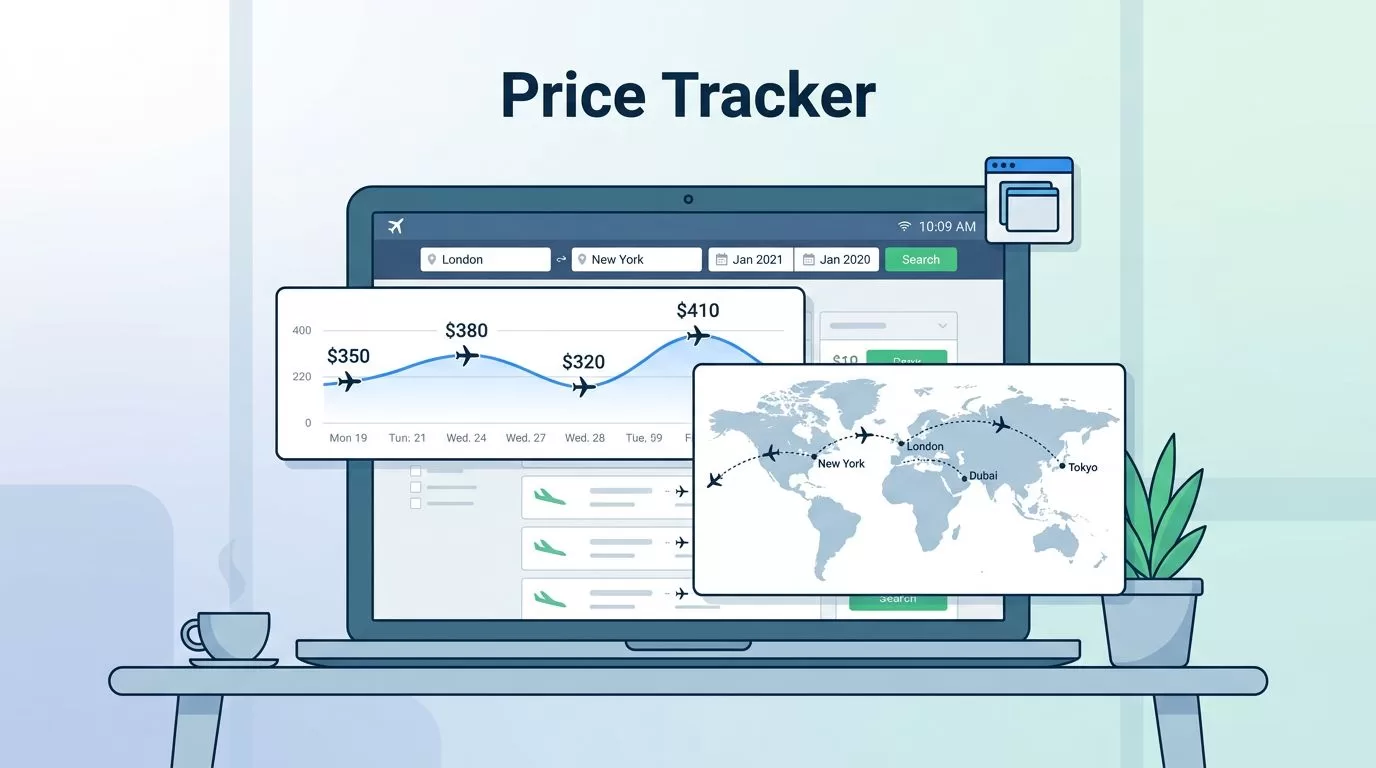
Flight fares don’t sit still. A route can look cheap at breakfast, then jump before lunch, and disappear by dinner.
That’s why I don’t rely on a single scrape. I use Twin.so to take repeated snapshots, compare them over time, and catch price changes while they still matter. The goal is simple, I want a clean stream of fare data that I can trust.
Why Twin.so works well for flight price monitoring
I pick Twin.so when I need a browser-first workflow instead of a fragile page fetch. Flight sites often rely on dynamic pricing, CAPTCHA walls, and bot checks, which this flight data scraping overview explains clearly. A real browser can handle more of that page logic than a basic HTML scraper.
Twin.so is also a good fit when the search flow depends on clicks, form fills, or login state. That matters because airline sites and travel portals don’t always expose the same data in the same way. Sometimes the price lives in the page. Sometimes it only appears after the results load. Sometimes the fare changes after you touch one field.
I treat each run as a snapshot. That mindset keeps the workflow clean. I’m not trying to “watch the internet.” I’m recording the same search, again and again, under the same conditions.
A practical Twin.so setup for one route or many
I start with one route, one date range, and one clear output. If that works, I expand to multiple routes or markets. The prompt I give Twin.so stays plain and specific, because vague instructions create messy results.


A simple task usually looks like this in practice:
- Open the target flight search page.
- Enter origin, destination, dates, passengers, and cabin.
- Wait for the results to fully load.
- Capture the top itineraries with total fare, airline, stops, and baggage rules.
- Save the snapshot with a timestamp and run ID.
- Repeat on the schedule I set.
That sequence sounds basic, but it prevents a lot of bad data. I never want a result captured before the page finishes loading. I also don’t want one run to search for economy and the next run to search for business by accident.
If the site needs a login, I set that up once and keep the session handling separate from the search task. When I handle credentials or session data, I keep that path separate, using the same discipline I apply in secure methods for automated data retrieval. That makes the workflow easier to debug and safer to maintain.
For multi-route monitoring, I keep each route definition in its own record. The route, dates, cabin, passenger count, and currency should all be fixed in advance. That way I can compare apples to apples later.
How I capture fares on a schedule without losing context
Continuous monitoring only works when the schedule matches the use case. I don’t scrape every route at the same pace. A route with high demand gets checked more often. A lower-priority route can run less frequently.
For each run, I store both the search settings and the result. That means I keep:
- origin and destination
- departure and return dates
- cabin class
- passenger count
- currency
- search timestamp
- run status
- result count
I also version the search definition. If I change the dates or cabin, I want a new series, not a mixed bag inside one series. That small rule saves me from a lot of confusion later.
The cheapest fare is useless if I can’t trace it back to the exact search that produced it.
I also separate the schedule from the search logic. That way I can change cadence without rewriting the prompt. For example, I might run a route every 30 minutes during an active sales window, then slow it down after the market settles. The important thing is consistency within each series.
Normalizing flight price data so comparisons stay clean
Raw flight results are noisy. One page may show taxes inline, another may hide them until checkout. One airline may show a fare in USD, another in EUR. If I don’t normalize the data, my comparisons turn into guesswork.
Here’s the field set I try to keep consistent:
| Field | Example | Why I keep it |
|---|---|---|
| Route | SFO to JFK | Groups the search series |
| Search date and time | 2026-05-25 14:30 UTC | Lets me compare snapshots |
| Departure and return dates | 2026-07-10 to 2026-07-17 | Ties the fare to one trip |
| Airline or carrier | DL | Helps dedupe itineraries |
| Total fare | 289.40 USD | The number I compare first |
| Taxes and fees | 56.20 USD | Explains price shifts |
| Cabin class | Economy | Prevents mismatched comparisons |
| Baggage rules | Carry-on included | Keeps fares comparable |
| Source URL or run ID | run_14892 | Gives me an audit trail |
I normalize currency into one standard unit when I can, and I keep the original value too. I also store timestamps in UTC. Local time can be useful for reporting, but UTC is cleaner for comparisons across regions.
When the fare result includes multiple options, I assign a stable key to each itinerary. Airline, flight number, departure time, arrival time, and layover count usually do the job. If those details change, I treat it as a new record rather than a duplicate.
Detecting real price changes and sending useful alerts
I don’t alert on every tiny move. Flight prices can flicker as pages reload or inventory shifts. If I alert on noise, people stop paying attention.
Instead, I compare each new snapshot to the previous one under the same search rules. I look for changes in the total fare, but I also watch for shifts in baggage rules, cabin class, or fare family. A lower sticker price with fewer benefits is not always a better deal.
My alert payload is short and useful. It includes the old fare, the new fare, the delta, the route, and the search timestamp. I also attach the latest result link or reference ID so the team can verify it fast. Slack works well for quick attention. Email works better for records. Webhooks are useful when I want the alert to trigger another workflow.
A simple rule helps a lot here. I usually wait for a change to show up in more than one run before I alert, unless the drop is large. That filters out random page noise and keeps the signals cleaner.
If I’m tracking a route for competitive intelligence, I also compare the result against the broader market. Vercara’s note on fare scraping attacks on airline APIs is a useful reminder to keep polling modest and stay within the rules of the site. Aggressive probing can get a workflow blocked fast.
Scheduling, proxies, and anti-bot handling
Flight sites protect inventory for a reason, so I keep my monitoring respectful. I use modest schedules, stable sessions, and as little churn as possible. The goal is reliability, not a noisy race against the site.
I only use proxies when the job needs them, such as region-sensitive pricing or a consistent network location. I don’t rotate too aggressively, because that can make the session look unstable. A clean, predictable setup usually lasts longer than a flashy one.
I also slow down when the page starts showing friction. CAPTCHA, partial loads, and empty result sets usually mean I should back off. If I keep pushing through those signs, I waste credits and pollute the dataset.
The safest pattern is simple:
- keep the cadence low enough for the target site
- reuse the same browser behavior where possible
- store credentials and logs separately
- retry failed runs with a delay, not a burst
- stop and inspect when the page behavior changes
That last point matters more than people think. A site update can break result parsing without breaking the visible page. I check the extracted fields after any sudden drop in result quality.
Common pitfalls that break flight scraping workflows
The mistakes here are usually small, but they add up fast. I see the same ones again and again.
- I’ve seen teams compare fares without matching the exact dates. That creates false deltas.
- I’ve seen bags and seat rules ignored. Then the “cheaper” fare turns out to cost more.
- I’ve seen duplicate itineraries flood the sheet because the dedupe key was too weak.
- I’ve seen local timestamps mixed with UTC, which makes trend lines messy.
- I’ve seen scripts read the first visible fare before the page finishes loading.
- I’ve seen one-way and round-trip results stored in the same bucket.
I also watch for hidden price changes. Some pages show a low base fare up front, then add fees later. Others change currency or default passenger count based on browser state. If I don’t capture the full search context, the data becomes hard to trust.
The fix is usually boring, and that’s a good thing. I store every input that shaped the result, then I compare only like with like.
Conclusion
Continuous fare monitoring works best when I treat every search as a snapshot. Twin.so helps me repeat the same browser action, capture the result, and keep that record over time.
Once the schedule, normalization rules, and alert thresholds are stable, the workflow becomes easy to read. I can spot a real fare drop, ignore noise, and act before the price moves again.

