How to Scrape Medium Articles Fast With Twin.so
Manual copying is a poor way to build a Medium research database. You open one article, copy a few fields, switch tabs, and repeat the process until the queue becomes unmanageable. With Twin.so, you can scrape Medium articles from public pa...
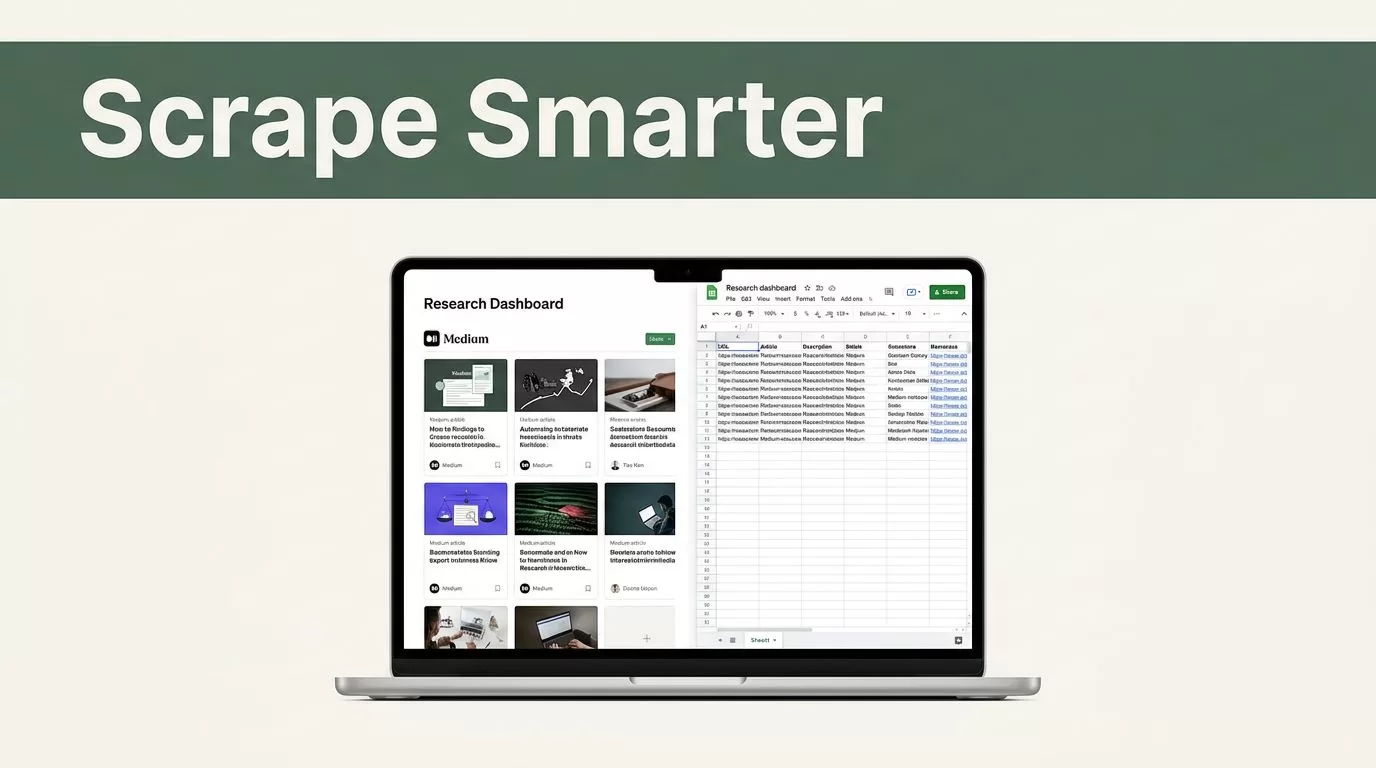
Manual copying is a poor way to build a Medium research database. You open one article, copy a few fields, switch tabs, and repeat the process until the queue becomes unmanageable. With Twin.so, you can scrape Medium articles from public pages, return structured fields, and send the results to a spreadsheet or database.
The workflow is simple when you define the source, fields, limits, and destination before running the agent. You also need to respect Medium’s terms, copyright rules, and applicable privacy laws. Twin can automate access to public pages, but it shouldn’t be used to bypass a login, paywall, robots restriction, or other access control.
Why Scrape Medium Articles With Twin.so?
Medium contains useful signals for content research. You can collect article titles, authors, publication dates, topics, canonical URLs, subtitles, and visible engagement details when those fields are publicly displayed. A growth team can use this data to study content patterns. A researcher can build a reading queue. A content marketer can compare coverage across publications and identify gaps.
The problem is not finding articles. The problem is collecting them in a consistent format.
A manual workflow usually creates several issues:
- Article fields are copied into different formats.
- URLs are duplicated or lost.
- Notes remain in browser tabs instead of a shared workspace.
- Teams spend time cleaning data instead of analyzing it.
- Repeating the process makes updates difficult.
Twin.so is built for browser-based automation. Its Web Agent can visit pages, move through multi-step browser flows, read dynamic content, and return extracted data. This matters because many websites don’t expose every useful action through an API.
You can learn more about browser automation for data extraction before building the workflow. The main distinction is practical: a scraper only returns data, while a browser agent can also navigate pages, apply filters, and send results to another system.
Twin also supports connections to spreadsheets, CRMs, databases, and messaging tools. When an API or direct integration exists, use it first. Browser execution is a fallback for public pages and web apps that need browser interaction.
Use the Web Agent for the pages you need to read. Use direct integrations for the systems where you store and process the results.

How to Scrape Medium Articles in Twin.so
Start with a narrow collection task. Don’t ask the agent to “scrape Medium.” That instruction is too broad. Define the exact public source and the fields you need.
A useful task might be:
Open the supplied public Medium article pages. Extract the title, author name, publication date, subtitle, canonical URL, visible tags, and the first 300 characters of the article. Return one record per URL in a structured format.
This instruction gives Twin a clear target. It also prevents unnecessary navigation.
1. Choose the public source
You can provide a list of public Medium URLs, a public publication page, or a public search result page that exposes the articles you want to review. Keep the first test small. Five to ten URLs are enough to confirm that the agent reads the pages correctly.
Avoid sources that require an account or subscription. Don’t ask Twin to defeat a paywall, solve a CAPTCHA, imitate a logged-in user, or access private content. Public visibility doesn’t remove every legal or contractual restriction, so review the source’s terms before running a large collection job.
2. Define the output fields
A structured schema makes the results useful after extraction. Your fields should match the decision you need to make.
For a content research workflow, use:
| Field | Use |
|---|---|
| Title | Search and topic analysis |
| Author | Attribution and creator research |
| Publication | Grouping articles by Medium publication |
| Published date | Trend and freshness analysis |
| Subtitle | Fast topic classification |
| Canonical URL | Deduplication and source tracking |
| Tags | Topic clustering |
| Visible reading time | Content length comparison |
| Article excerpt | Quick review before reading |
| Collection date | Monitoring changes over time |
Don’t request fields that aren’t visible on the page. For example, a private email address or unpublished performance metric isn’t valid simply because it would be useful.
3. Ask for one record per article
Tell Twin to return a consistent record for every page. Ask it to leave a field blank when the value isn’t visible instead of guessing.
That instruction matters. Web pages change layout. Some articles may show a subtitle while others don’t. Some publications may display tags differently. A blank value is safer than an invented value.
Use a stable identifier as well. The canonical URL is usually the best choice for deduplication. If the same article appears in multiple collections, match the records by URL before sending them to your database.
Configure the Agent and Destination
Once the task is defined, create the Twin agent and select the Web Agent when browser access is required. Give it the public URLs and the extraction instructions. Keep the first run limited to a small batch.
Twin’s agent workflow can return structured data and pass it to connected business tools. You can send the results to Google Sheets, a database, a CRM, or another supported destination. Select the destination based on how your team will use the data.
A spreadsheet works well for a first review. A database is better for recurring collection, deduplication, and historical tracking. A messaging destination can notify a team when a new article matches a topic or publication filter.
Create a simple destination structure before running the agent:
- Store raw article fields in one table or sheet.
- Keep human notes in separate columns.
- Add a collection date to each record.
- Store the source URL exactly as returned.
- Add a review status such as New, Reviewed, or Excluded.
This separation keeps automation output clean. It also prevents manual edits from being overwritten during the next run.

Test the first result before scaling
Read the first few records closely. Check whether Twin captured the main title instead of a page heading. Confirm that the author name is correct. Compare the canonical URL with the browser address. Look for repeated text caused by navigation menus, recommendations, or footer content.
If the results contain layout noise, revise the instructions. Tell the agent to ignore navigation, recommendation cards, comments, cookie notices, and footer links. Ask it to extract the article body only from the main content area.
Don’t increase the batch size until the small test passes. A bad schema creates a larger cleanup task when you scale it.
Build a Repeatable Medium Research Workflow
One successful run is useful. A repeatable workflow is better.
Twin supports scheduled and API-triggered agents. Use a schedule when you want to check a public publication or source at regular intervals. Use a REST API trigger when another system should start the extraction after a form submission, database event, or internal process.
Set the frequency based on the source and the purpose. A daily run may work for active publication monitoring. A weekly run may be enough for broad content research. Start with a slower schedule and review the output before increasing the frequency.
Your workflow can follow this sequence:
- Twin opens the approved public source.
- The agent identifies new or changed article URLs.
- Twin extracts the defined fields.
- The workflow checks the canonical URL against existing records.
- New records are written to the destination.
- A notification is sent when review is needed.
Use project folders or separate sheets for different research goals. For example, keep competitor analysis separate from industry news and academic research. A clear structure reduces context switching and makes later analysis faster.
Add a human review step for important decisions. Automation can collect and organize information, but it may misread unusual layouts, ambiguous dates, or article updates. Treat extracted data as a research input, not an unquestioned source of truth.
Keep Collection Compliant and Respectful
Publicly accessible information still requires careful handling. Before you scrape Medium articles, confirm that the pages are available without login credentials and that your planned use follows Medium’s terms and your local laws.
The legal answer depends on the source, the data, your location, and how you use the results. Review ethical web scraping practices for guidance on access limits, data minimization, and responsible collection. A recent research review on web scraping also covers legal, ethical, and institutional concerns.
Follow these operating rules:
- Collect only fields you need for a defined purpose.
- Avoid personal data that isn’t necessary.
- Don’t copy full articles into a public database.
- Store links and short excerpts when that supports your research.
- Respect terms of service and stated access restrictions.
- Keep request volume reasonable.
- Delete records when you no longer have a valid use for them.
- Attribute authors and publications when you publish analysis.
Copyright is another separate concern. Extracting metadata for internal research is different from republishing an author’s work. Don’t use Twin to reproduce complete articles, create unauthorized copies, or distribute scraped text as your own material.
If you plan to use the data commercially, ask your legal team to review the workflow. Web scraping legal guidance can provide background, but it isn’t a substitute for advice about your specific project.
Fix Common Extraction Problems
Twin may return incomplete or inconsistent results when a page has unusual formatting. The first fix is usually a narrower instruction.
If titles are wrong, tell the agent to read the primary article heading and ignore navigation headings. If dates are inconsistent, request the visible publication date and specify the expected format. If article text includes unrelated content, limit extraction to the main article container.
Dynamic pages can also create timing problems. Ask the agent to wait for the main content to load before extracting fields. Keep the workflow focused on one page type where possible. A publication page and an individual article page may require different instructions.
The Web Agent is also more expensive and less reliable than direct API or tool-based execution. Use browser automation when it adds access or navigation value. Don’t use it for a system that already offers a stable integration.
Finally, export useful results into the workspace where your team already works. Add notes, review status, and citations after the automated run. Structured output gives you a clean starting point, but human review turns collected pages into usable research.
Conclusion
You can scrape Medium articles quickly with Twin.so when the workflow has a narrow source, a defined schema, and a tested destination. Start with public URLs, collect metadata and short excerpts, verify the first results, and scale only after the output is accurate.
Use schedules or API triggers for recurring research. Keep records organized by project. Respect Medium’s terms, copyright restrictions, privacy requirements, and access controls. The fastest workflow is not the one that collects the most pages. It’s the one that returns clean, usable data without creating a larger compliance or cleanup problem.
