Secure Video Hosting on Skool Without Easy Leaks
A copied lesson link can turn a paid course into a free handout. Secure video hosting for Skool starts with one clear fact. Skool controls who joins your community. A video host controls how hard a lesson is to copy, download, or restream....


A copied lesson link can turn a paid course into a free handout. Secure video hosting for Skool starts with one clear fact. Skool controls who joins your community. A video host controls how hard a lesson is to copy, download, or restream.
This guide shows where Skool protection ends, which controls matter most, and which hosts fit each course price. Every price or feature claim below points to an official page. Confirm current terms there before you buy.
What Skool protects and what Skool leaves open
The official Skool pricing page lists unlimited videos on both paid plans. You upload lessons into the Classroom and members watch inside the community. Setup stays light. For free lessons, low-ticket memberships, and internal training, native video often works well.
Skool does not list advanced anti-piracy tools for native video. The pricing page and the Skool help center do not describe domain restriction, signed playback links, dynamic watermarks, or DRM. Treat these controls as absent until Skool documents them.
Picture a theater. Skool is the ticket booth and the usher. Skool admits members, removes access, and keeps lessons inside the right course. The video host is the lock on the projection room. The host sets the playback rules.
Two layers with two jobs
- Skool layer: membership, payments, refunds, Classroom order, and member removal.
- Video host layer: embed privacy, download controls, watermarks, tokens, and DRM.
No setup stops every pirate. A phone pointed at a screen defeats most tools. Your goal is smaller. Stop casual sharing, slow determined copiers, and make leaks easier to trace.
Common leak paths for course videos
Plan around real behavior instead of movie-style hackers. Most leaks come from five simple paths.
- Link sharing: a member pastes a lesson or video link into a group chat.
- Embed copying: someone copies the embed code and plays the video on another site.
- File downloading: a member saves the video file through a download button or a browser tool.
- Screen recording: a member records the lesson during playback.
- Account sharing: one paid login serves several people.
Host settings handle the first three paths well. Watermarks discourage the fourth. Community rules and monitoring address the fifth. No single tool covers all five, so you need layers.
Link sharing and embed copying take no skill, so host settings pay off first. DRM matters most when the content has resale value, such as templates or licensed training.
Security controls ranked by value
Rank controls by cost and effect. Start at the top of the table and stop when the remaining risk matches the course price.
| Control | What the control stops | Limit to expect |
|---|---|---|
| Domain restriction | Embed code pasted on other sites | Does not stop a member who shares a login |
| Download blocking | Saving the file from the player | Does not stop screen recording |
| Expiring or signed links | Old links shared in chats | Needs support from the host |
| Dynamic watermark | Casual leaks and adds traceability | Does not prevent recording |
| DRM | Direct file capture and many downloader tools | Higher cost and more setup |

The table shows why layers beat a single lock. Domain restriction costs little and blocks lazy copying. DRM costs more and blocks more advanced capture. Most paid courses sit between the two.
Host options for a Skool course
Skool native video, SproutVideo, VdoCipher, Bunny Stream, and Vimeo cover most budgets. The table lists only features each vendor publishes on its own pages.
| Host | Best fit | Published security tools | Main tradeoff |
|---|---|---|---|
| Skool native | Free or low-risk communities | Member gating inside Skool | No documented advanced anti-piracy controls |
| SproutVideo | Paid courses with low technical effort | Domain whitelist, password, dynamic watermark, download control, signed embed codes | Added monthly cost |
| VdoCipher | High-ticket training | Widevine and FairPlay DRM, dynamic watermark, domain lock | Prices not listed on the home page |
| Bunny Stream | Tight budgets with technical help | Token authentication, hotlinking protection, Media Cage, watermarking | More hands-on setup |
| Vimeo | Brand-first courses with lower risk | Domain-level embed privacy and passwords on paid plans | No DRM described on the privacy page |
Wistia, Gumlet, Mux, and other hosts also serve course creators. Review each vendor page for current plan limits before you compare. Feature names and plan tiers change often.
SproutVideo
The SproutVideo features page lists a domain whitelist, password protection, and dynamic watermarking with viewer email, IP address, and session ID. The page also lists account-wide download control and signed embed codes. The page does not mention DRM. SproutVideo offers a 30-day free trial.
VdoCipher
The VdoCipher site advertises Google Widevine and Apple FairPlay DRM. The site also lists dynamic watermarks with user ID or email, domain restrictions, and protection against downloader tools. The home page shows no dollar prices. New accounts get a 30-day free trial without a credit card. Check the pricing pages for exact plans.
Bunny Stream
Bunny Stream lists token authentication, hotlinking protection, Media Cage content protection, and watermarking. Encoding is free. Storage starts at $0.01 per GB and delivery starts at $0.005 per GB. Enterprise Multi-DRM is a separate product with no listed price. Expect more hands-on setup than with managed course hosts.
Vimeo
The Vimeo video privacy page lists domain-level embed privacy and password protection on paid plans. The free plan offers public and private levels only. The page does not describe DRM. Vimeo suits brand-first courses with lower leak risk.
Settings to apply before you embed a lesson
A private link alone is thin ice. Apply these settings in your host before you paste anything into Skool.
- Restrict playback to approved domains when the host supports this option.
- Turn off downloads for every lesson video.
- Use expiring links, signed embeds, or tokens for paid lessons.
- Add a dynamic watermark with the viewer email or ID.
- Choose DRM for flagship programs when the budget allows.
- Publish the video as private in the host. Then paste the supported share or embed link into the Skool lesson.
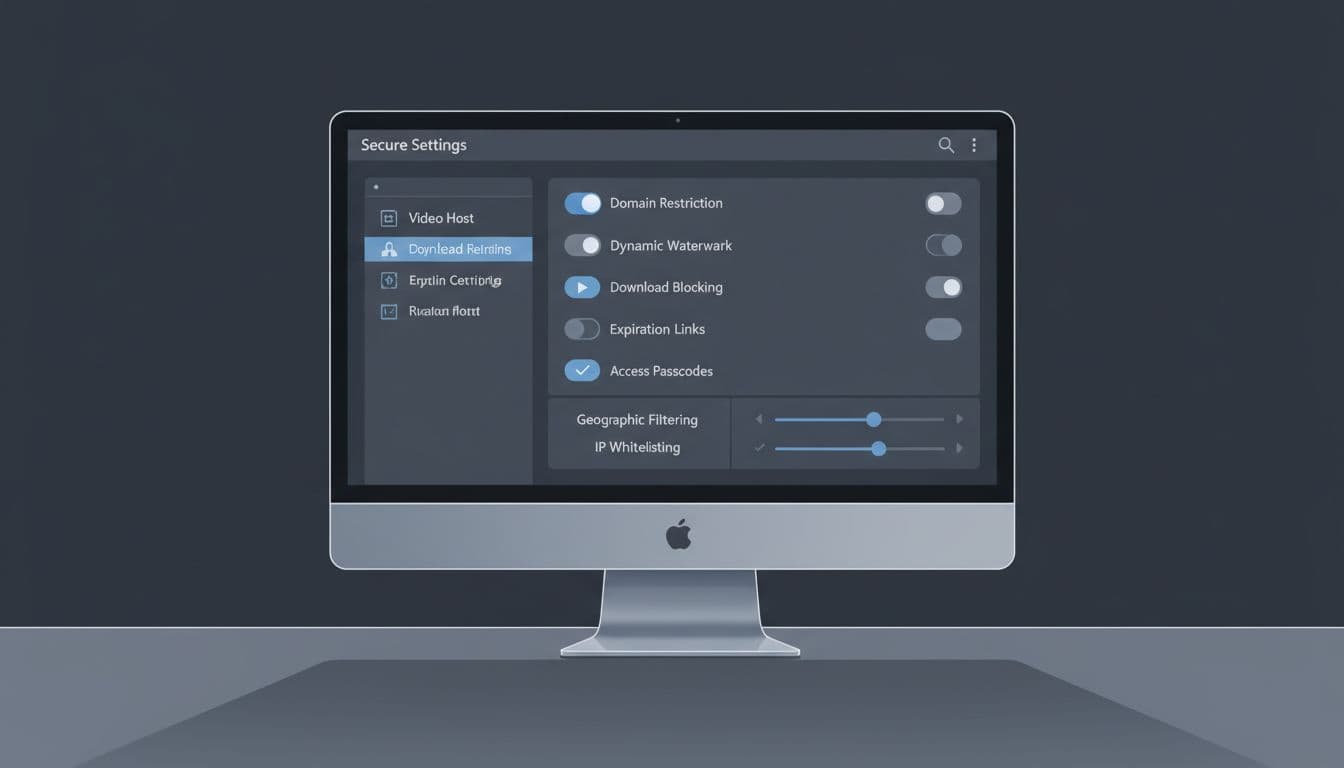
A watermark with an email address will not stop screen recording. Watermarks change behavior. People act differently when their name rides across the video.
Test every lesson before launch
Skool decides which link types display inside a lesson. Confirm supported formats in the Skool help center before you convert a whole library. Then run a short test plan.
- Open the lesson from a real student account.
- Play the video on a phone and on a laptop.
- Paste the embed code on a blank page and confirm the video refuses to play.
- Remove the test student and confirm the lesson no longer opens.
Harsh locks which break playback flood your support inbox. Smooth viewing matters as much as security.
Match security to course price
The higher the price, the stronger the controls should be. A $29 workshop does not need the protection of a flagship certification.
Free communities and low-ticket offers
Use native Skool video with member approval questions and active moderation. The cost of a leak stays low.
Mid-priced programs
Add a managed host such as SproutVideo or Vimeo on a paid plan. Domain locks, passwords, and watermarks give strong value without a developer.
Flagship training and licensing programs
Pay for DRM. VdoCipher advertises Widevine and FairPlay. Bunny offers a separate enterprise DRM product. Request current quotes from both and compare support terms.
Technical teams on tight budgets
Bunny Stream publishes low per-GB pricing and lists security tools at no extra fee. Budget developer time for setup and testing.
Keep both layers in sync
Access control needs two hands on the wheel. When you remove a member, refund a student, or spot account sharing, update Skool and the host. Rotate embed links or signed keys after a serious leak.
Review leak reports monthly. Search for your course title on public sites and look for pasted lesson links in public groups. Act fast with takedown requests and member removal.
Worksheets and templates need the same care. Apply the habits from secure Google Workspace document sharing to every bonus file. Keep raw video files, captions, and PDFs out of personal folders. Good storage planning for video teams stops source files from leaking before launch.
Add a short rule to the Skool About page. State in plain words how sharing lessons breaks community rules. Rules plus watermarks give you a clear basis to remove offenders.
Frequently asked questions
Does Skool offer DRM for native video?
Skool does not list DRM on its pricing page or help center categories. Assume native video has no DRM until Skool documents otherwise.
Can members download Skool videos?
Skool publishes no download controls for native video. A determined member may save a copy through browser tools. Use a host with download blocking for paid lessons.
Do I need a separate host for a low-priced course?
Not always. Native video fits low-risk content. Add a host when the course price or content value makes leaks costly.
Does a watermark stop piracy?
No. A watermark discourages sharing and helps you trace the source of a leak.
Can I stop screen recording?
You cannot fully stop recording. DRM blocks recording on some devices, and watermarks deter the rest. The VdoCipher site states screen capture is blocked in mobile apps and Safari.
What stops members from sharing logins?
Video tools cannot solve this problem alone. Watch for odd activity, use watermarks to trace leaks, and remove accounts which break your rules.
Where can I confirm current prices and features?
Use the official pages linked in this guide: Skool pricing, SproutVideo features, VdoCipher, Bunny Stream, and Vimeo privacy. Vendors change plans often.
Conclusion
Skool is a gate, not a vault. Use Skool for membership, payments, and community. Add a host sized to the value of the course.
Start with one audit. Open your top lesson, lock the domain, block downloads, add a watermark where possible, and test access after you remove a user. Small locks stop many easy thieves.

