How I Send Money to Mexico with Remitly
I remember the first time I needed to send $500 to my cousin in Mexico City. Banks quoted high fees and took days. Family waited on rent money. That’s when I found Remitly. It cut my costs and delivered funds in hours. Now, I use it o...


I remember the first time I needed to send $500 to my cousin in Mexico City. Banks quoted high fees and took days. Family waited on rent money. That’s when I found Remitly. It cut my costs and delivered funds in hours. Now, I use it often for business payments south of the border.
You face similar issues with cross-border needs. Exchange rates eat profits. Delays hurt cash flow. Remitly solves this with low fees and quick options. Let’s walk through how I handle it today.
Why Remitly Fits My Mexico Transfers
Remitly stands out for US-to-Mexico sends. I pick it because fees stay low, often $1.99 for bank deposits. New users get $0 on the first $1,000 transfer. That promo rate beats banks every time.
Business tools like this matter when I pay freelancers or suppliers. Remitly supports bank deposits, debit cards, mobile wallets, and cash pickup. Recipients grab funds at OXXO stores or via SPEI. No hidden taxes apply on these transfers.
I compare it to others. For example, Remitly’s official Mexico page shows live quotes. Sites like SendMoneyCompare’s Remitly review confirm it ranks high for speed and cost. When I need mid-market rates elsewhere, I check my notes on Wise business fees.
Rates fluctuate, so I always preview the total MXN before confirming. This keeps surprises out.
Fees and What Affects My Total Cost
Fees depend on payout method and payment type. I stick to debit or bank for lowest charges. Here’s what I see now:
| Delivery Method | Fee for Repeat Users |
|---|---|
| Bank Deposit | $1.99 |
| Debit Card Deposit | $1.99 |
| Mobile Wallet | $1.99 |
| Cash Pickup | $3.99 |
Credit cards add 3%. New customer deals waive the first fee up to $1,000. Exchange markup varies by Express or Economy. Express costs more but arrives fast.
I enter the amount in the app. It shows fee, rate, and MXN instantly. For $500, I might pay $1.99 plus a small markup. Total lands better than wires. Check Remitly’s cost details for updates, since numbers shift.
Factors like amount and speed choice change the bill. Bigger sends dilute fees. I avoid credit to skip that 3%.
How to Send Money with Remitly Step by Step
I start on the app or site. Download if needed; it’s free. Sign up with email and phone.
First, pick Mexico as destination. Enter USD amount. Choose payout: bank needs CLABE, cash needs agent spot.
Select speed: Express for minutes, Economy for days. Pay via debit, bank, or card. Upload ID if limits hit.
Review quote. Hit send. Funds lock in.

This process took me five minutes last week. Recipient got a code or deposit alert. Track it live in the app.
Tips for first-timers: Match recipient name to ID exactly. Test small amounts. Verify account early for higher limits.
Transfer Speeds and Delivery Options
Speed hinges on choice. Express hits bank or debit in minutes via SPEI. Cash pickup works same-day at partners.
Economy takes 3-5 days. Cheaper overall. I use Express for urgent business pays, Economy for planned ones.
Options suit most:
- Bank deposit to any Mexican account.
- Debit card instant load.
- Mobile wallets like those from Banorte.
- 20,000+ OXXO spots for cash.
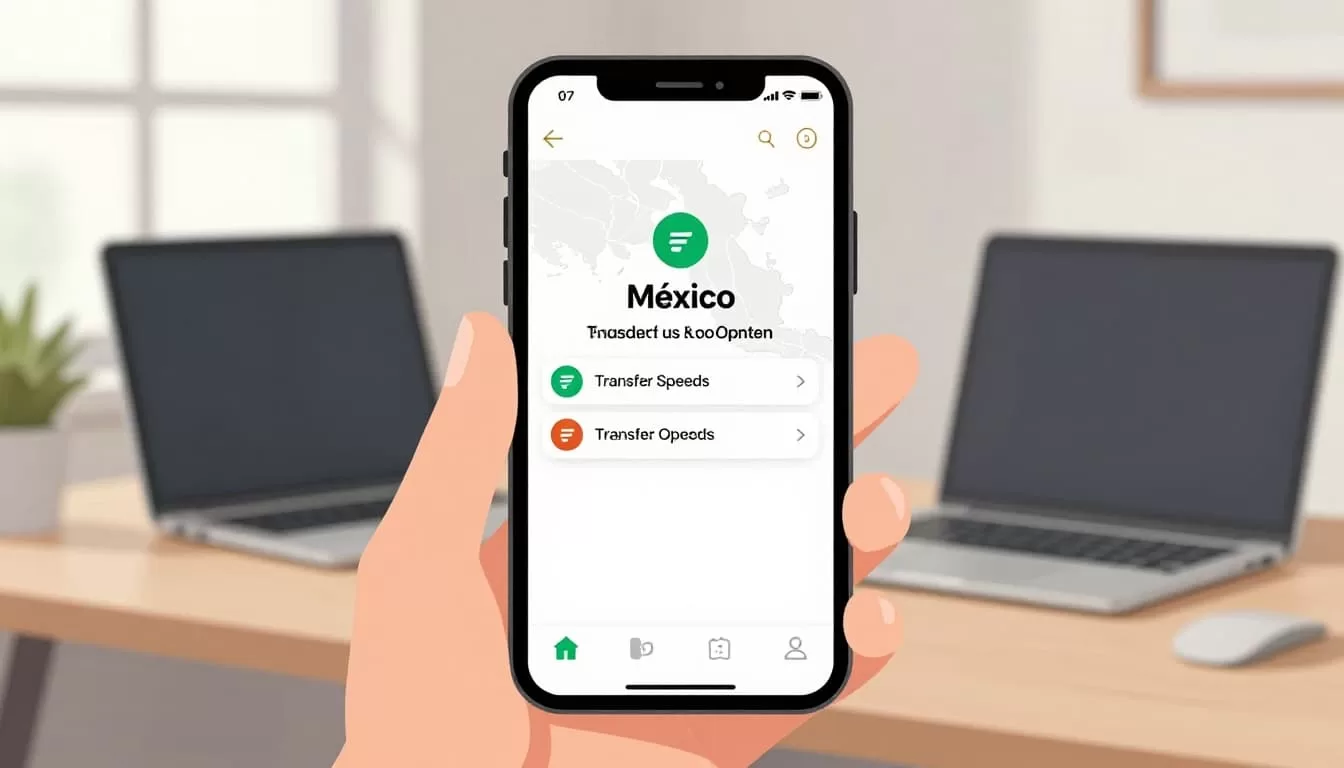
Last month, my $300 Express to a supplier’s bank cleared in 20 minutes. Delays happen if details mismatch. Always double-check.
Limits, Verification, and My Best Practices
Daily limits start low, around $900 unverified. Upload driver’s license and address proof. Then send up to $100,000 per transfer.
I verify upfront. It unlocks volume for team pays. Promo caps at $1,000 first send.
Common pitfalls: Wrong CLABE delays funds. Peak times slow Economy. Fees rise on cards.
I track via app notifications. For alternatives, this 2026 Mexico guide lists options like Wise for big volumes. Still, Remitly wins my small, fast needs.
Business users, pair it with tools like Wise for international invoicing.
Final Thoughts
Remitly makes sending money to Mexico simple and cheap for me. Low fees, quick Express, and easy payouts keep it in rotation. Verify details, preview quotes, and start small.
Next time family or freelancers need funds, I know the steps. It saves time and cash. Try the app quote yourself.
(Word count: 982)

