Send Money Thailand With Remitly: Bank Transfer Guide
Sending money across borders becomes difficult when fees, exchange rates, delivery times, and recipient details all change at checkout. If you search for “send money Thailand”, Remitly is one option for transferring funds to a T...

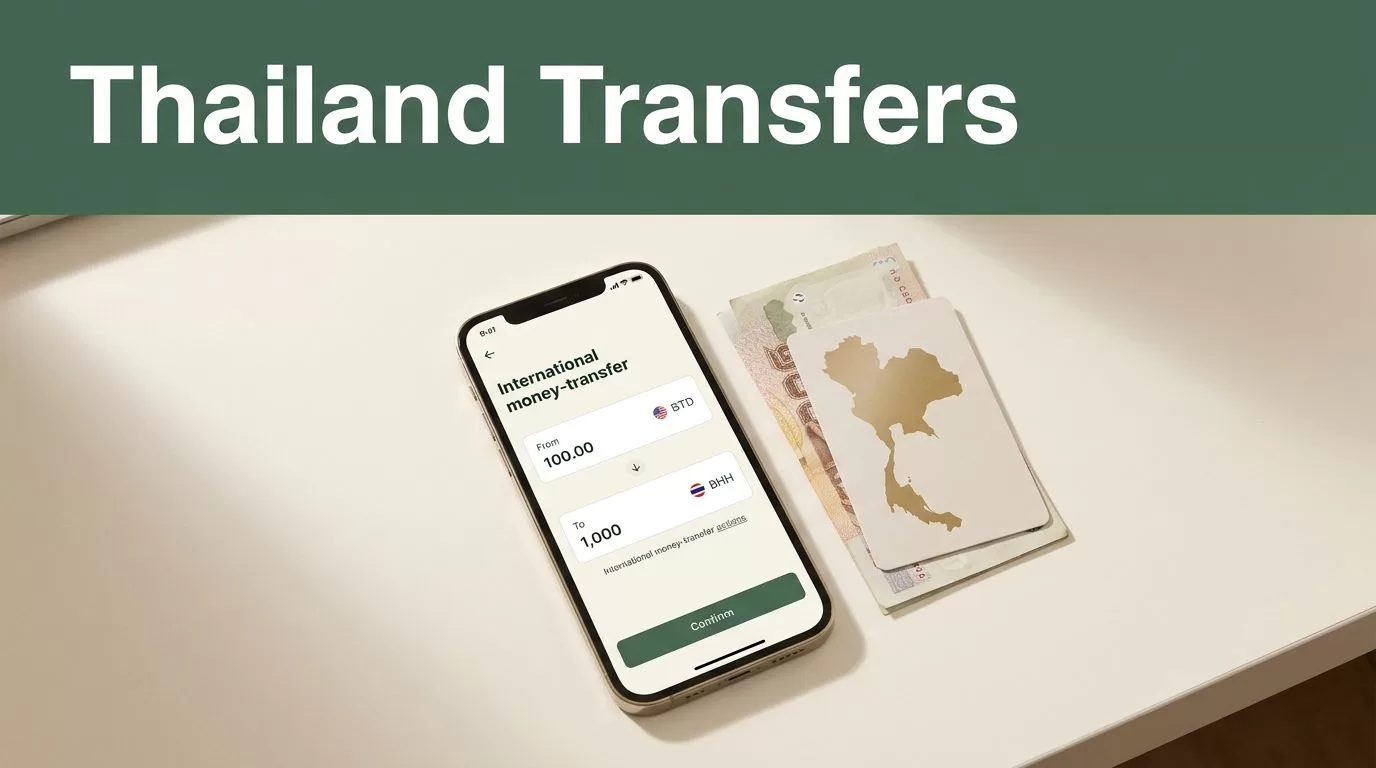
Sending money across borders becomes difficult when fees, exchange rates, delivery times, and recipient details all change at checkout. If you search for “send money Thailand”, Remitly is one option for transferring funds to a Thai bank account, digital wallet, or cash pickup location.
The process is simple once your account is verified. You select Thailand, enter the amount, add the recipient’s banking information, choose a delivery method, and review the final payout before sending. The current Remitly app or website should always be your source for pricing, supported banks, and country-specific requirements.
Why Use Remitly to Transfer Money to Thailand?
Remitly is built for international transfers rather than regular domestic banking. You can send funds to people who may not have access to your bank’s international wire system or who need a local payout option in Thailand.
For bank deposits, the recipient receives Thai baht directly in an eligible Thai account. Depending on your sending country and the available payout network, Remitly may also offer cash pickup or wallet delivery. The options shown in your account depend on your location, payment method, amount, and recipient details.
The main advantage is a guided transfer workflow. You don’t need to calculate every part of the transaction manually. Remitly displays the exchange rate, transfer fee, delivery method, and expected recipient amount before you approve the payment.
The official Remitly Thailand transfer page shows the options available for transfers from the United States. Senders in other countries should use the version of Remitly connected to their location because pricing and available payment methods can differ.
Remitly can be useful when you need to:
- Send regular household support to family in Thailand.
- Pay a Thai bank account for rent, tuition, medical expenses, or other bills.
- Transfer money to a spouse or dependent living in Thailand.
- Send funds without asking the recipient to open an account with an international provider.
- Compare a bank-funded transfer with a card-funded transfer before choosing one.
The recipient doesn’t usually need a Remitly account to receive a bank deposit. They do need an eligible Thai bank account and accurate account information.


How to “send money Thailand” With Remitly
You can set up the transfer through the Remitly app or website. Keep your identification and the recipient’s bank details available before you begin.
1. Create and verify your Remitly account
Sign up with your email address and provide the personal information Remitly requests. New users may need to submit government-issued identification before sending money.
Identity verification supports financial compliance and can affect your sending limits. Remitly may request additional documents if the transfer amount, account history, or sending pattern requires further review.
Use your legal name and current information. Differences between your account profile, payment method, and identity document can delay approval.
2. Select Thailand as the destination
Choose Thailand as the receiving country. Enter the amount you want to send, or enter the amount the recipient needs to receive. Remitly will calculate the other figure using the current exchange rate shown in the transfer flow.
Check the currency direction carefully. Sending 500 USD and delivering 500 USD are different instructions. For a Thai bank deposit, the recipient normally receives Thai baht.
3. Choose bank deposit
Select bank deposit as the delivery method if the money should go directly to a Thai account. Remitly will display the banks and payout options currently available for your route.
Supported providers can vary by sending country. Remitly’s Thailand network has included major institutions such as Bangkok Bank, Kasikornbank, Siam Commercial Bank, Krungthai Bank, Krungsri, TTB, BAAC, and CIMB Thai, but you should confirm the current list inside your transfer before entering the recipient details.
4. Add the recipient
Enter the recipient’s information exactly as it appears on the Thai bank account. You may need the person’s full legal name, phone number, bank name, account number, and account type.
Don’t copy account details from an old message without checking them. A single incorrect digit can send the transfer to the wrong account or cause the receiving bank to reject it.
5. Select a payment method
Available funding methods depend on your sending country. Remitly may show bank account, debit card, credit card, or another supported option.
The payment method can change both the fee and delivery estimate. Review the quote after selecting your funding source, not before.
6. Review and authorize the transfer
Before confirming, inspect:
- The amount charged in your sending currency.
- The transfer fee.
- The exchange rate.
- The amount scheduled for delivery in Thai baht.
- The selected recipient and Thai bank account.
- The estimated arrival window.
- Any promotional terms or limitations.
Authorize the transfer only after these details match your instructions.
Check the Total Cost, Not Only the Fee
A low visible fee doesn’t always produce the highest payout. The exchange rate also affects how many baht arrive in Thailand.
Remitly may display promotions for new customers or certain currency pairs. A promotional rate or reduced fee may apply only to a first transfer, a particular payment method, or a limited period. Existing customers may see a different quote.
Exchange rates can change during the day. A rate mentioned in an older article, comparison page, or social media post won’t confirm the rate available for your transaction.
The number that matters is the final recipient amount after the fee and exchange rate are applied.
Compare the complete quote inside Remitly. If another provider is part of your evaluation, compare the recipient payout for the same sending amount and delivery method. The independent Remitly fee guide from Wise can help explain how transfer fees and exchange-rate margins may affect the total cost, but the live Remitly quote controls your actual transaction.
Your total cost may change based on:
- The country you send from.
- The sending and receiving currencies.
- Your transfer amount.
- Bank account, debit card, or credit card funding.
- Express or Economy delivery.
- The recipient’s payout method.
- New-user promotions.
- Local taxes, limits, or payment-processing conditions.
Don’t assume that a card-funded Express transfer costs the same as a bank-funded Economy transfer. Build the quote using the exact method you plan to use.
Delivery Times and Transfer Status
Remitly commonly presents two speed choices for eligible routes. Express transfers are often shown with delivery estimates of minutes. Economy transfers may show an estimate of one to three business days.
These are estimates, not guarantees. Actual delivery can depend on payment confirmation, identity checks, weekends, Thai bank processing, partner-bank availability, system maintenance, and transaction review.
A transfer can also move through different stages. Your payment may need to clear before Remitly sends the funds to the payout partner. The Thai bank may then apply its own processing schedule.
Use the tracking information in your Remitly account to check the current status. If the status doesn’t change within the displayed window, review the transaction details and contact Remitly support through the official channel connected to your account.
Send earlier when the payment supports an important deadline. A transfer for rent, school, or medical care shouldn’t depend on the shortest advertised estimate.
Set Up the Recipient Details Correctly
Most failed bank transfers come from incorrect recipient information rather than a complex technical issue. Ask the recipient to send their details directly from their Thai banking records.
Confirm the following before submission:
- The recipient’s full name matches the Thai bank account.
- The selected bank name is correct.
- The account number has been checked twice.
- The account type is accurate when Remitly requests it.
- The recipient’s phone number is current.
- The recipient knows the expected amount and delivery method.
Don’t use nicknames, shortened names, or English spellings that differ from the bank’s records. If the recipient recently changed banks, update the saved contact instead of assuming the previous information still works.
Sending Limits, Verification, and Account Security
Remitly can apply sending limits based on your verification level, transaction history, sending country, and transfer activity. Your initial limit may be lower than the amount you expect to send.
Additional identity documents can increase the information available for account review, but they don’t guarantee approval or a higher limit. Local regulations and Remitly’s internal controls still apply.
Keep your Remitly account protected. Use a unique password and avoid sharing verification codes. Only use the official app or website. Don’t authorize a transfer because someone contacted you by email, text, or social media and claimed to represent Remitly.
Review the recipient before every repeat transfer. Saved recipients reduce typing, but they also make it easy to send money to an outdated account if the beneficiary’s banking information has changed.
If Remitly asks for more information, respond through the secure account workflow. Don’t send identity documents to an unverified contact.
Common Problems When Sending Money to Thailand
A transfer may take longer when the payment method hasn’t cleared, the account needs verification, or the recipient’s details don’t match the bank records. Public holidays and local bank schedules can also affect processing.
If the recipient hasn’t received the funds, check the transfer status first. Confirm that the account number and bank name match the information submitted. Ask the recipient to check with their bank before sending a second transfer.
Never create a duplicate transfer while the first transaction is still pending. You could pay twice or make reconciliation harder.
When a quote changes before authorization, stop and review it again. The sending amount, recipient payout, fee, or exchange rate may have changed. You control the transaction only after checking the final screen.
For senders in the United Kingdom, Remitly provides a separate Thailand transfer page for UK customers. Other sending countries should use their local Remitly site or app to view the correct route.
Conclusion
Remitly gives people living abroad a practical way to transfer money to eligible Thai bank accounts. The workflow is direct, but the details matter: verify your identity, enter the recipient’s bank information carefully, choose the right funding method, and inspect the complete quote.
If your search started with “send money Thailand”, don’t rely on a fixed fee or delivery promise from an old page. Open the current Remitly app or website, review the live exchange rate and recipient payout, then send only after the details match your plan.

