How to Send Money to UAE With Remitly
Remitly can make a UAE transfer quick, but the lowest advertised fee isn’t always the lowest total cost. If you need to send money to UAE, compare the complete quote, AED amount received, delivery method, and timing before paying. You...

Remitly can make a UAE transfer quick, but the lowest advertised fee isn’t always the lowest total cost. If you need to send money to UAE, compare the complete quote, AED amount received, delivery method, and timing before paying.
Your sending country controls much of the setup. Fees, exchange rates, payment methods, limits, promotions, and delivery estimates can change by route. Use the official Remitly app or website, verify the recipient, and treat the final quote as the price that matters.
Start with the corridor and recipient details. Then choose the payout option that fits the person receiving the money.
BEFORE YOU SEND MONEY TO THE UAE WITH REMITLY
Start with the transfer corridor, not the amount. The corridor includes your sending country, payment currency, UAE destination, and payout method. A quote for a U.S. sender can differ from one for a sender in Canada, the United Kingdom, or another supported location.
Set the sending country and currency
Open the Remitly app or website and select your actual sending country. Then set the UAE as the destination and confirm that the receiving currency is United Arab Emirates dirham, shown as AED.
Don’t copy a saved transfer without checking these fields. If you’re sending while living in the UAE, confirm whether you are creating a UAE-origin transfer instead. The direction changes the available destination, pricing, and payment setup.
For a U.S. route, Remitly’s UAE transfer page is a useful starting point. The quote in your account controls.
Prepare the recipient record
Use the recipient’s full legal name. Match the spelling on their government ID or bank record. Add the phone number, address, bank information, or pickup details Remitly requests.
If you’re sending money to yourself, use your legal details in both records. Don’t use a nickname to speed up setup. A mismatch can delay a bank deposit or cash release.
Ask the recipient which method they can use before creating the transfer. This prevents you from choosing a provider or pickup location they can’t access.
HOW TO SEND MONEY TO UAE WITH REMITLY
The workflow has five decisions: destination, amount, payout, payment, and delivery speed. Complete them in that order. A missing detail at the end can force a correction after payment.
Open the official Remitly flow
Use Remitly.com or the official mobile app. Remitly’s first-time international transfer guide covers basic account setup and common checks.
Don’t install an APK from a random page or sign in through an unexpected message. Use the app store route linked from Remitly’s own website. Keep passwords, card data, and identity documents inside approved account screens.
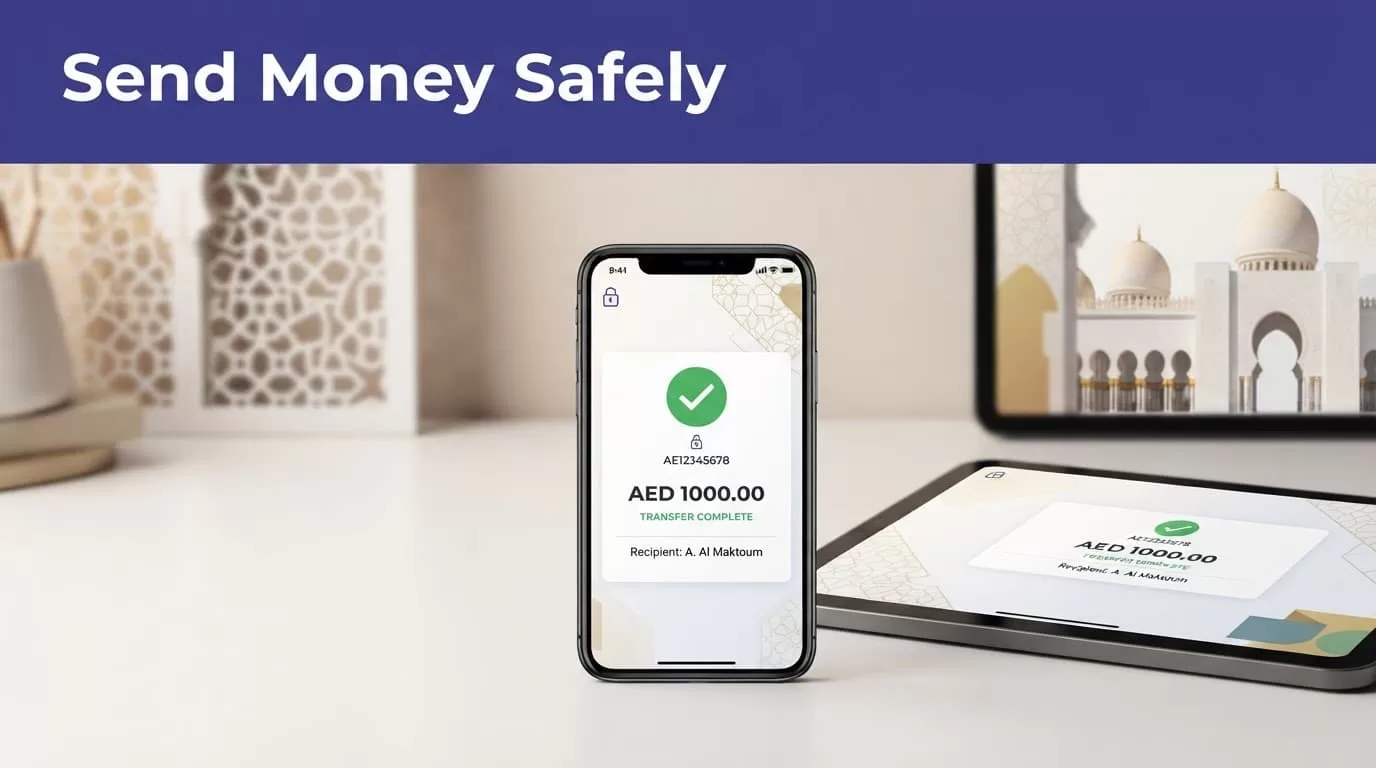
Enter the amount and recipient
Enter the amount you will pay or the amount the recipient should receive, depending on the screen. Check both currencies. The recipient amount should be AED for a UAE payout.
Select the delivery method, speed, and payment method shown for your route. Add the recipient’s details exactly as requested. Review the name and bank or pickup information before moving to payment.
Complete verification and submit
Remitly may ask for identity or compliance information based on your sending country, transfer amount, payment method, or account review. Complete requests through the verified app or website. These checks support applicable financial regulations.
Before confirming, read the final screen line by line. Check the fee, rate, total charged, AED amount, delivery estimate, and recipient details. Save the receipt and transaction reference immediately after sending.
CHOOSE THE RIGHT UAE PAYOUT METHOD
The best option depends on the recipient’s access, not the label attached to the transfer. Remitly’s UAE-related pages may show bank deposit, cash pickup, mobile money, home delivery, or other methods. The actual list depends on the corridor and recipient location.

Photo by Monstera Production
| Method | Works when | Review first |
|---|---|---|
| Bank deposit | The recipient has an eligible UAE account | Legal name, bank details, deposit timing |
| Cash pickup | The recipient needs physical cash | ID, provider, location, opening hours |
| Mobile money, debit card deposit, or home delivery | The route displays the option | Provider eligibility, limits, delivery conditions |
Don’t assume every method appears on every UAE transfer. Select only an option shown for your recipient and route.
Bank deposit suits an active account
Bank deposit removes a trip to a payout counter. It only works when the recipient’s account and details are supported. Ask the recipient to confirm the account information before you pay.
The wrong number or name can turn a routine transfer into a support case. Review every bank field against the recipient’s current records.
Cash pickup needs exact identity details
Cash pickup can help when the recipient doesn’t have an eligible bank account. The recipient may need government-issued ID, the transfer reference, and access to the selected provider location.
Check location hours and local payout rules. A fast estimate doesn’t help if the recipient can’t collect the funds.
COMPARE THE FULL COST BEFORE YOU PAY
Remitly isn’t automatically the cheapest choice for every route. Compare the amount you pay with the amount the recipient receives. A low fee can hide a less favorable customer exchange rate.

Read the quote as one package
Check the sending amount, transfer fee, exchange rate, total amount charged, AED amount received, delivery method, and estimated arrival time. Review the payment method because it can change the price or speed.
The recipient amount is the strongest comparison figure. If you compare Remitly with another provider, use the same sending amount, payout method, and delivery speed. Don’t compare a cash pickup quote with a bank deposit quote and call the difference a fee.
Remitly’s USD-to-AED rate page can help you inspect the currency route. Reopen the quote when you’re ready to send. An earlier rate isn’t a promise for a later transfer.
The recipient amount is the comparison number. A lower fee can still produce fewer dirhams.
Separate promotional pricing from standard rates
A first-transfer rate or fee waiver is promotional pricing. It may apply only to new customers, a capped amount, a selected payment method, or a limited period.
Check the offer conditions beside the final quote. Record the standard fee and rate if the screen shows them. Don’t build a recurring family payment around an introductory offer. Your next transfer may use different pricing.
Don’t assume a universal first-transfer offer exists for the UAE route. If the app shows one, follow the exact eligibility terms. If it doesn’t, use the normal quote.
REVIEW SPEED, PAYMENT METHOD, AND LIMITS
Price is only one control. The recipient may need money by a certain date, and your funding method may affect when Remitly can release it.
Treat delivery estimates as route-specific
Remitly lets you choose from the delivery speeds available for your transaction. The estimate can depend on the recipient’s bank or payout provider, payment clearing, weekends, holidays, local hours, and compliance review.
Economy may cost less than a faster option, but don’t select a speed based only on its name. Read the estimated arrival time shown after you enter the amount, payout method, and payment source. That estimate helps with planning, but it isn’t a guarantee.
If the money is for rent, tuition, medical costs, or a scheduled bill, leave time for delays. Don’t promise the recipient a date until the transfer screen gives you the current estimate.
Check funding options and account limits
Depending on your sending country, Remitly may allow payment by bank account, debit card, or credit card. The available options can change the fee, exchange rate, processing time, or promotional eligibility.
Transfer limits also vary. They may depend on your sending country, verification status, payment method, amount, recipient route, and regulatory checks. A limit shown for one country or currency doesn’t automatically apply to your account.
If the app asks for more information, complete the request through the official flow. Don’t open another account or change the transfer details to avoid a review. That can create more delays and compliance problems.
TRACK THE TRANSFER AND HANDLE ERRORS
Your work isn’t finished when you tap Send. Keep the record, monitor the status, and use the official correction process if something changes.
Save the reference and check status
Save the receipt or transaction reference in a secure location. Record the date, amount paid, fee, exchange rate, AED amount, delivery method, payment method, and expected arrival time.
Remove unnecessary financial details before sharing a screenshot. Don’t place receipts containing personal information in a public folder or open team chat.
Check the transaction status inside the Remitly app or website. If the recipient says the money hasn’t arrived, compare their report with the status before starting another transfer. A pending transfer and a failed transfer need different next steps.
A failed message doesn’t prove the money has returned. Confirm whether the payment was refunded, remains pending, or requires support. Keep receipts and support messages together.
Correct wrong details through official support
Contact Remitly immediately if the recipient name, bank details, or payout method is wrong. Whether a transfer can be cancelled or corrected depends on its status. A transfer already deposited, delivered, or picked up may not be recoverable.
Remitly’s applicable legal terms say cancellation and a refund of funds paid, including service fees, may be available when the request arrives before those events, subject to conditions. The stated refund target is within three business days when the funds haven’t already been deposited or picked up. Check the terms that apply to your account.
Don’t edit payment details through an email reply or unofficial message. Use Remitly’s support channel and provide the transaction reference. Never send a second transfer until you understand what happened to the first.
A delayed transfer and a failed transfer are different problems. Check the status before paying again.
CONCLUSION
The best way to send money to UAE with Remitly is a controlled review process. Select the actual corridor, enter accurate recipient information, choose a usable payout method, and compare the total paid with the AED amount received.
Fees, rates, promotions, limits, payment options, and delivery times can change. Review the final quote in the Remitly app or website every time. Complete identity checks through official channels, save the reference, and track the transfer before sending another payment.
The lowest fee isn’t the goal by itself. The right transfer reaches the correct person through a method they can use, at a cost and time you have verified.
