Shipping Container Monitoring With Twin.so
A late container can create hours of manual work before anyone knows there is a problem. Shipping container monitoring gives your team a live view of milestones, ETA changes, port holds, and delivery risk. Twin.so can help automate the work...

A late container can create hours of manual work before anyone knows there is a problem. Shipping container monitoring gives your team a live view of milestones, ETA changes, port holds, and delivery risk.
Twin.so can help automate the work around that visibility. It can connect workflows across browser portals, APIs, dashboards, and internal systems. Treat it as an automation layer around your tracking data, not as a guaranteed container-data provider. Confirm Twin.so’s available integrations, carrier coverage, and feature support before deployment.
How Twin.so Fits Into Shipping Container Monitoring
Most logistics teams already have tracking data. The problem is where that data lives.
One carrier sends an email. Another updates a portal. A third exposes an API. Terminal information may appear in a separate system. Your TMS might store the shipment record but miss a new exception until someone checks it manually.
Twin.so can coordinate these disconnected steps. Depending on the setup you choose, an agent may:
- Open a carrier or forwarder portal on a schedule.
- Read the latest container milestone or ETA.
- Compare the update with the shipment record in your TMS or ERP.
- Detect a change that meets your alert rules.
- Write the new status into an internal system.
- Notify the right stakeholder through your approved channel.
Twin.so’s browser automation is relevant when a provider has no usable API or requires a login. Its API connections are useful when structured tracking data is available. A webhook or scheduled run can start the workflow.
This approach reduces repetitive portal checking. It also creates a consistent process for exceptions that would otherwise depend on individual operators.
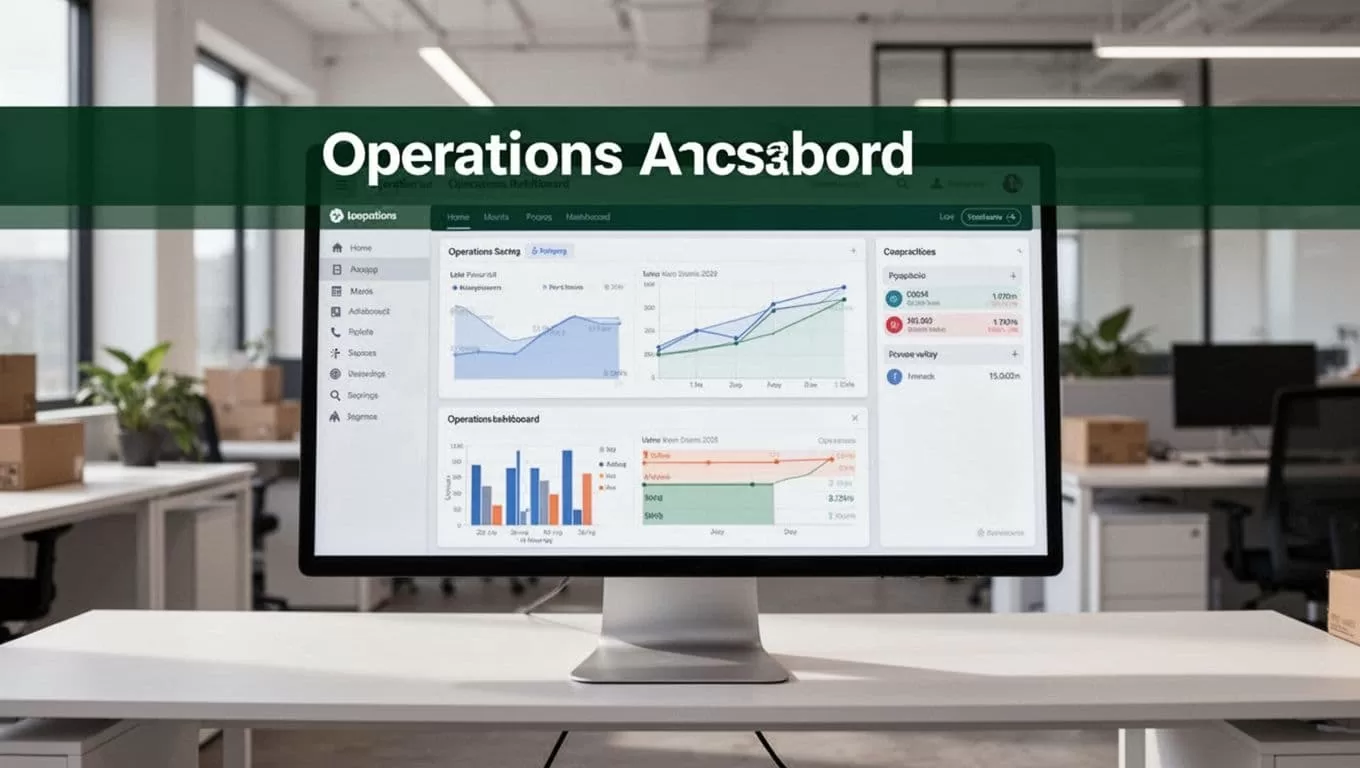
The tracking source still matters. Platforms such as Shipsgo’s container tracking API, Vizion’s tracking API, and Gnosis Freight’s container data service provide different approaches to carrier and milestone data. Compare their coverage with your trade lanes before connecting one to an automated workflow.
Build the Data Flow Before You Automate
Automation fails when the input records are incomplete. Start with a clean shipment structure.
At minimum, each record should include the container number, booking number, bill of lading, carrier, voyage, origin, destination, planned arrival, free-time expiration, and internal owner. Add terminal codes when your team manages port operations.
Use one identifier as the primary key. The container number is usually practical, but your process may need the booking or bill of lading for earlier milestones. Define the matching rule before building the agent.
A useful data flow looks like this:
| Stage | Operational requirement |
|---|---|
| Source | Carrier portal, tracking API, terminal system, or forwarder feed |
| Match | Container number, booking, or bill of lading |
| Compare | Latest event against the previous stored event |
| Decide | Apply ETA, delay, hold, and demurrage rules |
| Act | Update records and notify assigned stakeholders |
| Record | Save the event, timestamp, source, and action taken |
Store the original event timestamp. Store the time your system received it. These values are different, and the difference helps explain late updates.
Also define what happens when data is missing. A failed login, changed portal layout, expired credential, or unavailable carrier feed shouldn’t produce a false “on time” status. The workflow should flag the record for review.
A missing update is an exception. It isn’t proof that the container has no change.
Before production use, test several real shipment patterns. Include a normal movement, an ETA revision, a port hold, a rolled booking, and a container with no recent event.
Automate the Exceptions That Consume Team Time
The strongest use case is not sending every milestone to every person. It is routing meaningful changes to the right owner.
ETA changes and delays
Set an alert threshold that matches the shipment’s service requirements. A one-day change may matter for a just-in-time production load. It may not matter for low-priority inventory with several days of buffer.
A Twin.so workflow can compare the latest ETA with the previous ETA and the required delivery date. Create different actions for different levels of impact:
- A small ETA change updates the TMS record without sending a broad notification.
- A delay beyond the agreed threshold creates a task for the forwarder or carrier team.
- A delay that crosses the customer promise date sends an alert to customer operations.
- A missing arrival milestone after the expected event time escalates to a supervisor.
Include the old ETA, new ETA, container number, affected order, and source timestamp in the alert. Avoid a message that says only “shipment delayed.” Operators need enough context to act without opening three systems.
The workflow should also avoid duplicate alerts. Save the last alert condition and send a new notification only when the status changes or the delay crosses a new threshold.
Port holds and missed milestones
Port holds require faster routing than ordinary delays. The cause may involve customs, documentation, inspection, payment, or terminal restrictions. The correct owner depends on the hold type.
Configure the workflow to detect phrases, event codes, or milestone combinations that indicate a hold. Then route the case to the assigned team. For example, a customs-related status can go to the customs desk, while a terminal availability issue goes to the drayage coordinator.
The workflow should create a case with:
- Container and booking identifiers.
- Last confirmed location.
- Hold status and source.
- Date and time of the event.
- Required follow-up owner.
- Next review time.
If Twin.so retrieves a PDF, email, or portal document, store the source document or its approved reference. Don’t rely on an extracted summary alone when a compliance decision depends on the original record.
Demurrage-risk notifications
Demurrage risk depends on free time, discharge status, terminal availability, and pickup progress. Your workflow needs those inputs before it can produce a useful warning.
Set a review trigger for containers that are discharged but not picked up. Compare the current date with the recorded free-time expiration. Use separate thresholds for early warning, urgent action, and missed free time.
A practical notification sequence could work like this:
- Send an internal warning three days before free time ends.
- Create a task for the drayage or delivery team.
- Escalate the case one day before expiration if no pickup milestone exists.
- Notify the account owner after free time expires.
- Record the resolution and any demurrage amount in the shipment record.
Confirm that Twin.so can access the free-time and terminal data your rule requires. If those fields are unavailable, the agent should report the missing input instead of estimating exposure.
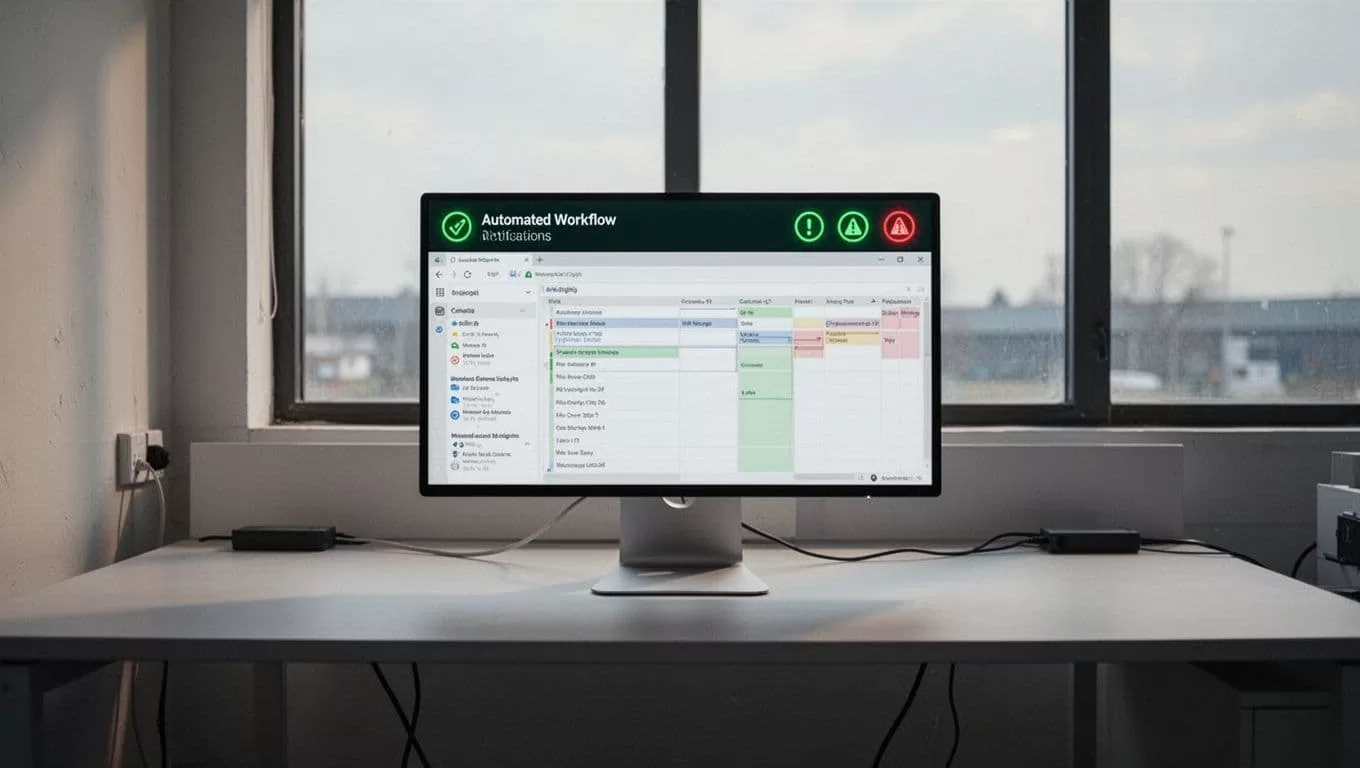
Stakeholder updates
Stakeholder communication needs structure. Use a different message for internal teams, customers, suppliers, and carriers.
Internal updates can include operational details and task ownership. Customer updates should focus on the revised delivery expectation and the next confirmed action. Supplier messages may need a request for documents or a revised production plan.
Keep the update tied to a verified event. The workflow should identify the source and timestamp internally. It should not convert an uncertain estimate into a firm promise.
Configure Twin.so for Operational Control
Start with one trade lane and one exception type. A narrow pilot makes failures easier to isolate.
Use this deployment sequence:
- Select a shipment source with stable access and clear status fields.
- Connect a test workspace, API endpoint, or browser account.
- Map container records to the correct TMS or ERP fields.
- Define thresholds for ETA changes, holds, and demurrage risk.
- Create a human-review step for uncertain or conflicting data.
- Test duplicate events and repeated portal results.
- Log every read, comparison, update, and notification.
- Measure the workflow before expanding to more carriers.
Restrict credentials to the systems the workflow needs. Use separate accounts for testing and production. Review whether Twin.so supports your required authentication method, session handling, and audit controls.
Browser automation also needs maintenance. Portals change layouts. Multi-factor authentication can interrupt a scheduled run. A carrier may rename a status or move a document. Configure failure alerts for login errors, missing fields, blocked pages, and unexpected content.
Do not allow an agent to overwrite a verified milestone without preserving the previous value. Keep a change history that shows who or what updated the record.
Measure the Results and Data Quality
Track operational results, not agent activity. The number of completed runs doesn’t prove that container monitoring works.
Use measures such as:
- Time between a carrier update and internal notification.
- Percentage of shipments with current ETA data.
- Number of duplicate alerts per shipment.
- Number of missed or incorrectly routed exceptions.
- Manual portal checks avoided each week.
- Demurrage-risk cases identified before free time expired.
- Percentage of workflow failures resolved without data loss.
Review false positives every week during the pilot. If the team ignores alerts because too many are low-value, tighten the rules. If operators discover delays before the workflow does, investigate the source coverage and event-matching logic.
A good system makes the next action clear. It doesn’t create another dashboard that someone must watch all day.
Conclusion
Twin.so can support shipping container monitoring by automating the work between external tracking sources and internal logistics systems. Its value is strongest when teams need scheduled portal checks, API coordination, exception routing, document retrieval, and stakeholder updates.
Start with clean shipment identifiers and one operational workflow. Add ETA changes, port holds, and demurrage-risk rules only after the source data is reliable. Confirm Twin.so’s integrations and data coverage first, then use audit logs and human review to keep automated decisions accountable.
