How I Manage Skool Coaching Clients Without Tool Overload
You know that moment when a new coaching client joins, but your notes scatter across Google Docs, Zoom links, and email threads? It pulls you away from actual coaching. I faced this until I centralized everything in Skool. Now, I handle gro...
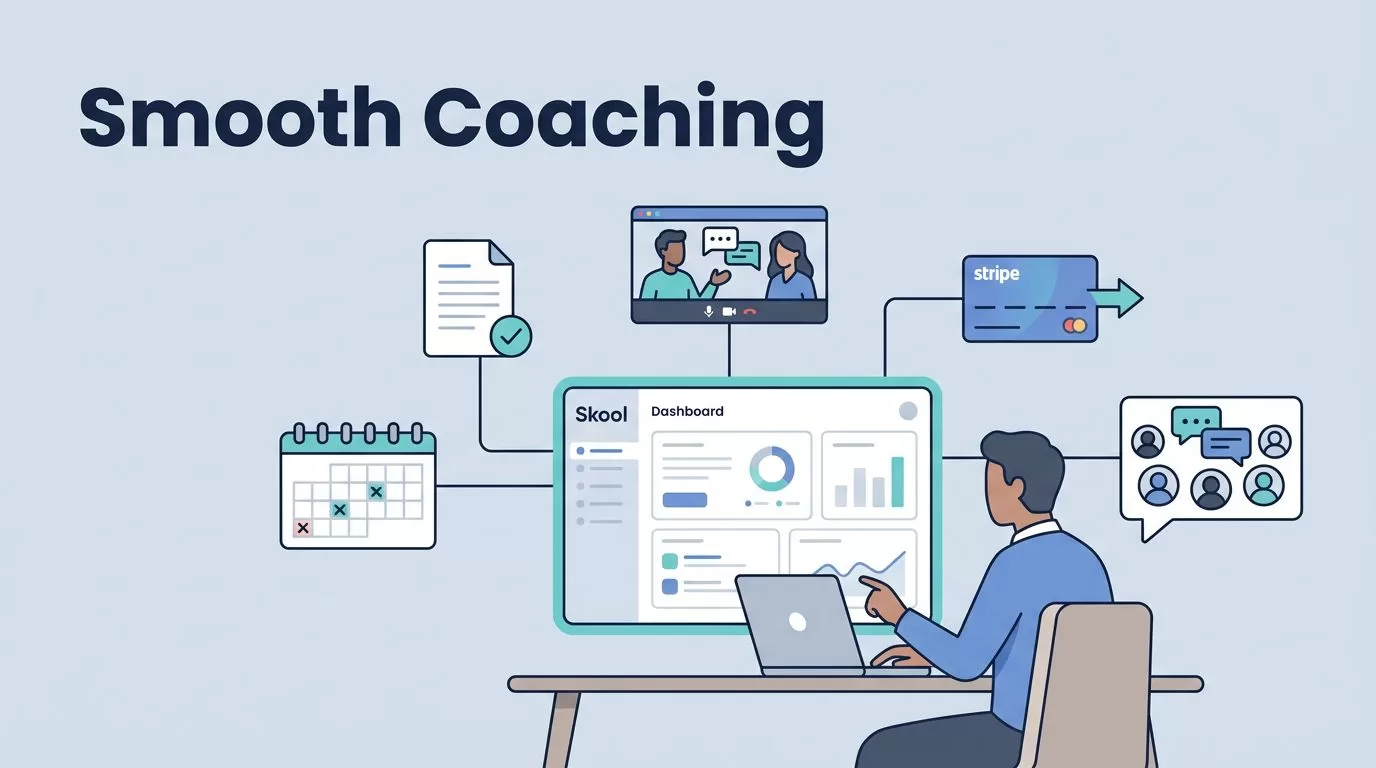
You know that moment when a new coaching client joins, but your notes scatter across Google Docs, Zoom links, and email threads? It pulls you away from actual coaching. I faced this until I centralized everything in Skool. Now, I handle groups, courses, and check-ins in one spot. This setup saves hours each week.
Skool costs a flat $99 a month. It fits coaches who run paid programs. You get communities, calendars, and progress tools built in. Clients stay engaged without app fatigue. Let me walk you through my exact process.
Setting Up Skool for Client Management
I start with a clean Skool group for each coaching program. Private access keeps it focused. No public noise distracts paying clients.
First, connect Stripe in settings. This handles payments right away. I set monthly fees at $49 or $99, depending on group size. Clients pay to join. Skool renews automatically.
Next, pin a welcome post on the feed. It links to the first course module and a quick icebreaker question. This gets replies flowing from day one.

The dashboard shows member activity at a glance. I spot quiet clients fast. Leaderboards award points for posts and comments. This turns passive members active.
Skool lacks native email reminders, so I post daily prompts in the feed. “Share your win from yesterday.” Simple. It builds habit.
For larger programs, I create sub-groups. One for beginners, another for advanced. Manual invites keep control tight.
This base setup took me 30 minutes once. Now, new clients onboard without my hand-holding. Check how to use Skool for group coaching for module ideas that match this flow.
Structuring Courses for Client Progress
Courses form the backbone of my Skool coaching clients work. I build them modular, like steps on a ladder. Week one covers basics. Week two dives into action plans.
Upload videos under five minutes each. Add PDFs for worksheets. Clients mark lessons complete. They see progress bars fill up.
I add tasks between modules. “Record your goal video and post in the feed.” Points rack up for completion. Leaderboards show top climbers.

Quizzes checkpoint knowledge. Skool grades them auto. Low scores trigger feed nudges from me.
For one-on-one touches, I use private channels. Invite high-potential clients there. Share custom feedback files.
Limitations hit here. No advanced analytics like drop-off heatmaps. I supplement with Skool review details on member management. It confirms basic tracking works fine for most.
I review course stats weekly. Who finished module three? Laggards get a direct message. This keeps 70% of clients on pace.
Structure stays simple. Ten modules max per course. Clients finish faster. Results follow.
Using Calendars and Community for Engagement
Live sessions glue everything together. Skool’s calendar lists events front and center. Clients RSVP with one click.
I schedule weekly hot seats. Thursday at 7 PM. Same slot builds rhythm. Host audio inside Skool or Zoom link. Post recaps after.
Community feed sparks daily talk. I post questions like “What’s blocking you today?” Clients reply. Others chime in.

Gamification shines. Points for event attendance. Leaderboards update live. Top members get shoutouts.
For deeper chats, pin resource threads. “Drop your metrics here.” I review and reply batch-style.
Skool beats Slack for this. No endless pings. Focus stays on value. See my take on Skool as a Slack alternative for communities.
Direct messages handle private check-ins. “How’s module four?” Quick wins build trust.
This mix lifts engagement. Clients log in daily. Retention climbs.
Onboarding New Clients Smoothly
First impressions stick. I auto-welcome with a pinned post. It says: “Reply with your top goal.” Everyone sees responses.
Link to course zero. A 10-minute video. Covers group norms and quick wins. Clients feel set up fast.
I approve members manually. Check their payment and intro post. No-fit cases exit early.
Progress check-ins start week one. Feed poll: “Rate your setup 1-10.” Low scores prompt DMs.
For cohorts, tag newbies. “Week one crew, post here.” Bonds form quick.
I tie this to launching Skool communities. Clear promises speed onboarding.
No native automation for drips. Post weekly myself. It works because clients stay in-app.
Drop-offs happen under 20% now. Smooth starts prevent them.
Handling Progress Check-Ins and Retention
Mid-program slumps kill momentum. I counter with bi-weekly reviews.
Calendar slots “Progress Share.” Clients post updates. I comment on three to five.
Dashboards flag inactive users. Under 10 points? Nudge them. “Missed you on Tuesday.”
Retention ties to value. Upsell via course pages. “Book 1:1 after module five.” Links to Calendly.
Gamify milestones. 100 points unlocks bonus module. Clients push harder.
Skool handles monthly fees auto-charge. Stripe renews seamless.
Limits show in video calls. No HD recording built-in. I use Zoom for that, link back.
Pair with Skool group coaching calls. Live recaps extend sessions.
Churn stays low. 60% renew past six months.
Running Group Discussions and Offboarding
Discussions fuel growth. I seed topics: “Best tool from last week?” Clients debate.
Moderate light. Pin wins. Hide off-topic.
For scaling, segment groups. Core for all, VIP for payers. Skool membership site retention tips match this.
Offboarding graceful. Exit survey in DM. “What to improve?” Wins inform next cohort.
Conclusion
Centralizing Skool coaching clients cuts chaos. Courses track progress. Calendars drive live value. Community keeps them talking.
I manage 50 clients this way. Time frees for coaching, not admin. Start with one group. Add features as you grow.
Your clients deserve focus. Skool delivers it.
