How I Host Live Webinars Right Inside Skool
You’ve juggled Zoom links, Calendly invites, and community posts one too many times. I know that hassle. It pulls focus from what matters: real connections with your audience. Skool changes that. I host live webinars directly on Skool...

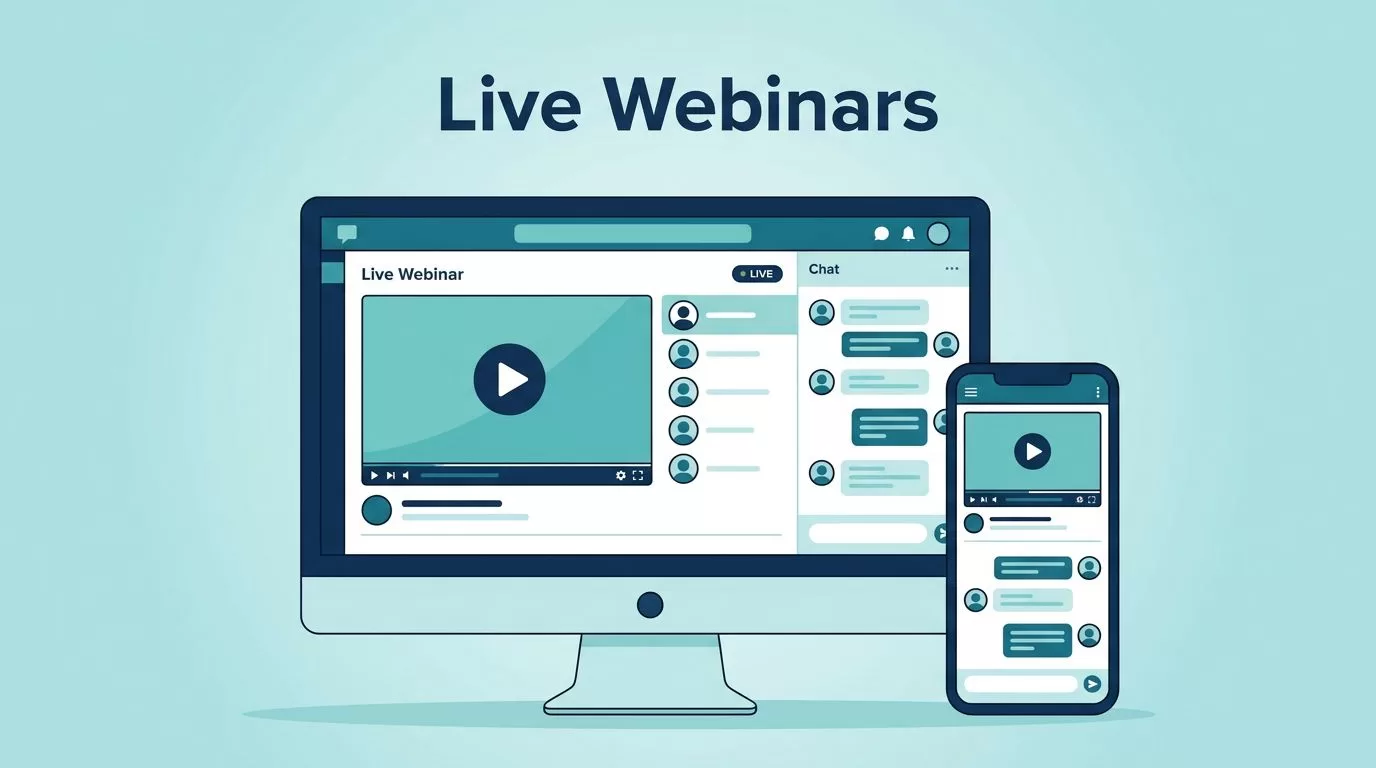
You’ve juggled Zoom links, Calendly invites, and community posts one too many times. I know that hassle. It pulls focus from what matters: real connections with your audience.
Skool changes that. I host live webinars directly on Skool now. No app switches. Members stay in one place for talks, chats, and replays. This keeps my communities tight and engaged.
Let me show you how I do it. You’ll see the setup, tips, and results that work in 2026.
Why Skool Live Webinars Fit My Workflow
I run coaching groups and membership sites. Before Skool, webinars meant extra tabs and forgotten links. Members dropped off. Now, everything lives in the community.
Skool webinars are one-to-many broadcasts. I speak. They watch and chat. It’s built for onboarding, trainings, or sales pitches. As a Pro plan feature, it scales without third-party costs.
Think of it as your community’s stage. Auto-notifications hit members’ feeds. They join from phone or desktop. No external streams needed. I cut tool fatigue and watch attendance climb.
In my groups, this boosts retention. A quick webinar recaps weekly wins. Members feel seen. Plus, recordings post straight to courses. Everyone catches up.
Skool handles up to 1,000 viewers on Pro. Perfect for growing communities. I tie it to Skool membership sites that keep members paying. One flow from chat to cash.
Gear Up for Skool Webinar Success
Start with the basics. You need a Skool Pro plan at $99 monthly. Hobby won’t cut it. Check your dashboard to confirm.
Good internet matters. Aim for 10 Mbps upload. Test your mic and camera first. I use a USB mic and ring light. Simple setup on any desk.
Members join via browser. No apps. But tell them to allow camera access if needed. I post a quick tech check list in advance.
Permissions count. Set events to all members or course-specific. Admins and mods host. Regulars watch only.
Verify features in your group. Skool evolves, so peek at their calendar help section. I do this before every launch.
Prep content too. Outline your talk. Plan chat prompts. Keep it 45 minutes max. Short bursts hold attention.
Setting Up Your First Skool Live Webinar
I schedule webinars like appointments. Quick and clean.
Log into your group as admin. Head to the Calendar tab. Click the blue plus icon top right. Choose “Skool Webinar” from the dropdown. Skip “Skool Call” for now. That’s for group talks.
Fill the details. Give it a punchy title like “Live Q&A: Scale Your Side Hustle.” Pick date and time. Set duration, say 60 minutes. Add repeats if weekly.
Visibility options shine here. Pick “All Members” for broad reach. Or lock to a paid course. Drop a description with agenda bullets. Upload a cover image. I grab free ones from Unsplash.
Hit Save. It pops on the calendar. Members see it instantly, time-zoned to them.


At go-time, return to Calendar. Click your event. Hit “JOIN WEBINAR.” Your room opens. Turn on mic and video. Viewers flood in.
For details, follow Skool’s webinar creation guide. It matches what I do.
Test solo first. Schedule a private one. Check audio levels. Invite a trusted member. Fix glitches early.
Run Your Webinar Without Hiccups
The room feels like a quiet theater. You control the spotlight.
Members enter as viewers. Chat opens below. Mute everyone but you. I start with “Hey team, drop your name and one win from last week.” Ice broken.
Share screen if needed. Pull up slides from your course. Or go face-to-cam for coaching.
Invite guests easy. Right-click a viewer. Promote to stage. They get mic access. Great for hot seats. Revoke when done.
Watch the clock. Announce time checks. “Ten minutes left for questions.” Energy stays high.
End clean. Click “End Webinar.” Recording saves auto. Post the link in your classroom module right away.
If issues hit, browser refresh often fixes. Pro tip: Close other tabs. Skool runs smooth then.
Boosting Engagement During Skool Webinars
Chat is your secret weapon. I read comments live. “Sarah asks about pricing. Great point.” Name-drop keeps them hooked.
Prompt interaction. “Type 1 if email lists work for you. 2 if not.” Quick polls without tools.
Spotlight questions. Pin top ones. Answer in order. This builds momentum.
Bring members on stage. Pick two or three. Coach them real-time. Others watch and learn.
Recurring webinars build habits. My Monday ones hit 80% attendance now. Members log in weekly.

Use posts to hype. “Join tomorrow’s webinar. We’ll cover sales scripts.” @all notifies. Pin the calendar link.
No native polls yet. Chat fills that gap. Works fine for my groups.
Analyzing Webinar Performance
Post-event, data tells the story. Open your Calendar event. Click details.
See peak viewers, total joins, average watch time. Chat volume shows engagement.
I track trends. Did questions spike at 20 minutes? Shorten intros next time.
Export chat logs if needed. Review top queries. Turn them into course updates.

Compare across events. My best ones hit 70% retention to end. Tie low ones to weak topics.
Share wins. Post “Last webinar: 150 joins, 2 hours of replays watched.” Builds FOMO.
Use Cases That Pay Off in My Communities
Onboarding shines. New members join a welcome webinar. I cover rules, wins, next steps. Dropout drops 40%.
Sales events convert. Demo your offer live. Answer objections. Close with a course link.
Coaching calls scale. Hot seat three clients. Rest lurk and learn.
Trainings stick. Break down tools step-by-step. Replay for absentees.
I blend with Skool community growth tactics. Webinars fuel discussions after.
For bigger groups, pair with StreamYard links. But native works 90% of time.
Key Takeaways on Skool Live Webinars
Skool webinars keep my communities alive. One platform handles talks, chats, and replays. Attendance rises. Engagement sticks.
You save time and money. No Zapier bridges or Zoom subs. Pro plan unlocks it all.
Start small. Schedule one today. Watch your group pull closer.
Test it in your setup. Results beat the old scattered tools every time.

