Skool Recurring Payments: How I Set Up Paid Access
A paid community can feel like a toll booth with no cashier if billing is shaky. When I set up skool recurring payments, I want one thing first, recurring revenue that runs without daily babysitting. The good news is simple. As of March 202...

A paid community can feel like a toll booth with no cashier if billing is shaky. When I set up skool recurring payments, I want one thing first, recurring revenue that runs without daily babysitting.
The good news is simple. As of March 2026, Skool supports recurring payments natively for paid groups and courses, and it powers payouts through Stripe Express, not a separate custom Stripe integration.
That distinction matters, because the setup is easier than many creators expect. Here’s how I handle it without tripping over the common billing mistakes.
How Skool recurring payments work in 2026
Skool now handles recurring billing inside the platform. I don’t need to bolt on a third-party checkout to charge monthly or yearly for a community. Instead, I connect payouts through Stripe Express, then turn on paid access inside my group settings.
If I want the official flow, I check Skool’s payout setup guide and the current Skool Payments FAQs. Both make one point clear, Stripe is under the hood, but Skool owns the payment experience.
Here’s the cleanest way I think about it:
| Method | What I get | Best fit |
|---|---|---|
| Native Skool payments | Built-in recurring billing, checkout, and billing self-service | Most creators, coaches, and course sellers |
| External workaround | Outside checkout plus manual or automated access control | Custom billing rules or needs Skool doesn’t support |
Skool handles the recurring charge flow natively, but your payouts still run through Stripe Express.
That means I can offer monthly plans, annual plans, lifetime access, and trials in one place. Members can usually manage their own card, receipts, renewal date, and cancellation from their billing area.

Still, Skool has guardrails. Payouts run weekly on Wednesdays, all groups share one payout bank account, and renewals follow the member’s signup date. I also can’t treat Stripe Express here like a normal standalone Stripe setup. If I need separate merchant control, custom billing dates, or a more complex subscription stack, I use an outside checkout as a workaround and then handle access outside the native billing flow.
The setup flow I use for recurring billing in Skool
When I’m ready to process recurring payments through Skool, I keep the setup plain and methodical.
First, I open the right group. Then I go to my profile picture, open group admin settings, and find the Pricing or Payments area. Skool’s layout can shift slightly, but the path leads to the same goal, paid access.
Next, I connect payouts. This part runs through Stripe Express, so I choose the correct country, verify my identity if asked, and attach the bank account where I want payouts sent. I double-check the bank country before I click through, because a mismatch can slow approval.
After that, I turn on paid membership and create the plan. I can add a monthly option, a yearly option, or both. If I want a lower-friction offer, I can also add a free trial. For some offers, I may use lifetime access or a payment plan beside the recurring subscription.
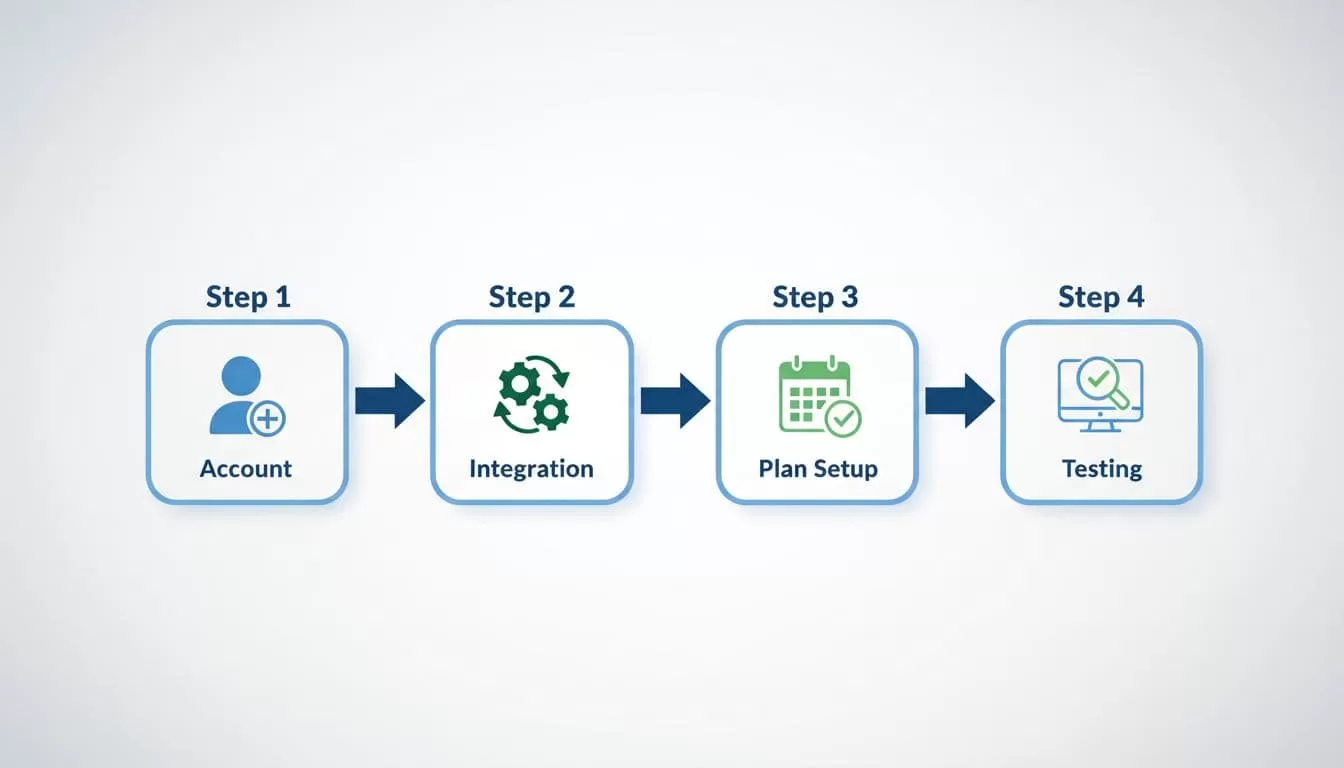
Before I share the checkout link, I test the full path. I preview pricing, make sure the offer name is clear, and confirm the renewal terms match what I promised on the sales page. A confused buyer cancels faster than a disappointed one.
The most common mistakes I see are small, but expensive:
- Setting prices before payout verification finishes.
- Picking the wrong bank country.
- Offering too many plans at launch.
- Forgetting to test the checkout link.
- Writing a vague refund policy.
I also price with failed cards in mind. If you want stronger reporting after launch, it helps to pair Skool with set up Baremetrics for recurring revenue metrics, especially if subscriptions become a real part of your business.
Billing management, failed payments, and refunds
Once billing is live, the quiet work begins. Members can manage much of their own billing from their profile settings, including payment method updates, receipts, and cancellation. If I offer more than one plan, they may also be able to switch between options.
Failed payments matter more than most creators think. Skool retries declined charges over several days, and members get nudged to fix the card. If they don’t, Skool can remove them from the paid group. That saves admin time, but it also means I watch churn closely. For that reason, I like to track subscription churn rates accurately once recurring revenue starts to grow.
Payout timing also deserves a note. Skool sends payouts weekly on Wednesday, and the first payout can take longer while checks finish. In the US, bank arrival is often faster than international payouts, so I don’t promise instant cash flow to myself.
Refunds are the gray area. Skool’s public help content explains billing and cancellation well, but it does not spell out a deep self-service refund system for members. So I handle refunds as an owner decision, keep a written refund policy on my sales page, and respond fast when a charge dispute looks likely.
Quick FAQ
Do I need my own Stripe integration for Skool?
No. Skool recurring payments are built in, and payouts connect through Stripe Express.
Can I charge monthly and yearly at the same time?
Yes. I can offer monthly, annual, or both, and I can also add trials or lifetime pricing when it fits the offer.
Can members cancel on their own?
Yes, self-service cancellation is part of the billing flow. Access usually continues until the current billing period ends.
What if I need custom billing rules?
That’s where I stop forcing native Skool payments. I move to an external checkout workflow and treat it as a workaround, not a Skool feature.
Recurring billing should feel like a metronome, not a fire alarm. For me, the best move is to use Skool’s native setup when it fits, then keep policies, pricing, and payment follow-up painfully clear.
If your group is ready to charge, start small. One solid plan, one tested checkout, and one clear refund rule beat a fancy setup every time.
