Speechify Video Narration: A Practical Deployment Guide
AI narration only saves time when it fits your production system. If scripts are inconsistent, voice settings change, and files lack clear version names, Speechify won’t fix the workflow. Speechify video narration works best as a cont...
AI narration only saves time when it fits your production system. If scripts are inconsistent, voice settings change, and files lack clear version names, Speechify won’t fix the workflow.
Speechify video narration works best as a controlled audio layer for explainer videos, training content, product demos, and multilingual campaigns. You can build that layer in Speechify Studio or connect voice generation to your application through the API.
The deployment decision starts with your content process, not the voice library.
Key Takeaways
- Speechify Studio supports AI voiceovers, voice cloning, prosody controls, and AI dubbing with lip-sync.
- Use Studio for hands-on production. Use the API for repeatable, application-based narration.
- Treat scripts, pronunciation, consent, file naming, and review as production controls.
- Confirm current voice access, language coverage, plan limits, and export options before rollout.
- Human review remains necessary for pronunciation, pacing, captions, and translated meaning.
WHAT SPEECHIFY VIDEO NARRATION DOES
Speechify’s current video narration capabilities center on Speechify Studio 5.0. The platform combines AI voice generation with tools for editing and adapting spoken audio.
You can create narration from a written script, select a voice, and adjust delivery. Current product information lists controls for pitch, pauses, breathing sounds, and emotional tone. Options such as whispering, shouting, or sarcasm give creators more control than a fixed text-to-speech output.
The platform also supports voice cloning through its API. A clean speech sample between 10 and 30 seconds can produce a voice ID. Later synthesis requests can use that ID until the cloned voice is deleted. Use this only with documented permission from the speaker.
Speechify also lists AI dubbing with lip-sync for translated video. The system replaces the original spoken audio and adjusts speaker lip movements to match the new language. This can help teams adapt existing training or marketing videos, but every translated version still needs a language review.
Current product information lists more than 200 natural-sounding voices across more than 60 languages. Other pages may show different totals. Voice availability can change by plan, region, and product surface, so check the voice selector inside your account before promising a specific language or voice to a client.
Speechify Studio is not a replacement for every video editor. Treat it as the narration production layer. Your existing editor can still handle footage, transitions, music, captions, color, and final publishing.
That separation keeps the workflow clear. Speechify creates and manages spoken audio. Your video system assembles the complete production.
BUILD THE NARRATION WORKFLOW BEFORE YOU GENERATE AUDIO
Start with the final video specification. Record the target duration, aspect ratio, audience, language, delivery channel, and required caption format. A 30-second social video needs different pacing from a 20-minute employee training module.
Prepare the script before opening the voice tool. Remove repeated phrases, long sentences, unclear abbreviations, and punctuation that could confuse the voice model. Write numbers, acronyms, product names, and technical terms in the way they should sound.
Use a pronunciation guide for terms that appear across multiple videos. Store the approved version in your team documentation. This prevents one video from saying “API” as letters while another says it as a word.

Then build a simple production sequence:
- Lock the script before generating the final take. Mark optional lines and pronunciation notes separately.
- Select the voice based on audience, subject, and brand requirements. Test the first paragraph before processing the full script.
- Set delivery controls for speed, pitch, pauses, breathing, and tone. Change one variable at a time.
- Generate a short sample and compare it with the video edit. Check whether pauses match scene changes.
- Export and label the file with the project, language, version, and date.
- Review the assembled video with captions, music, and on-screen visuals before publishing.
Generate a sample before you produce a long module. A voice that sounds suitable for two sentences may feel tiring over ten minutes.
The same process applies to technical training. A Speechify text-to-speech listing for Visual Studio describes uses such as programming courses and technical demonstrations. For those projects, pronunciation accuracy matters more than dramatic delivery.
Keep the source script beside the audio file. If someone changes a sentence later, you can identify the affected section without rebuilding the entire project.
CHOOSE BETWEEN SPEECHIFY STUDIO AND THE API
The correct deployment route depends on how often your team creates narration and how much automation it needs.
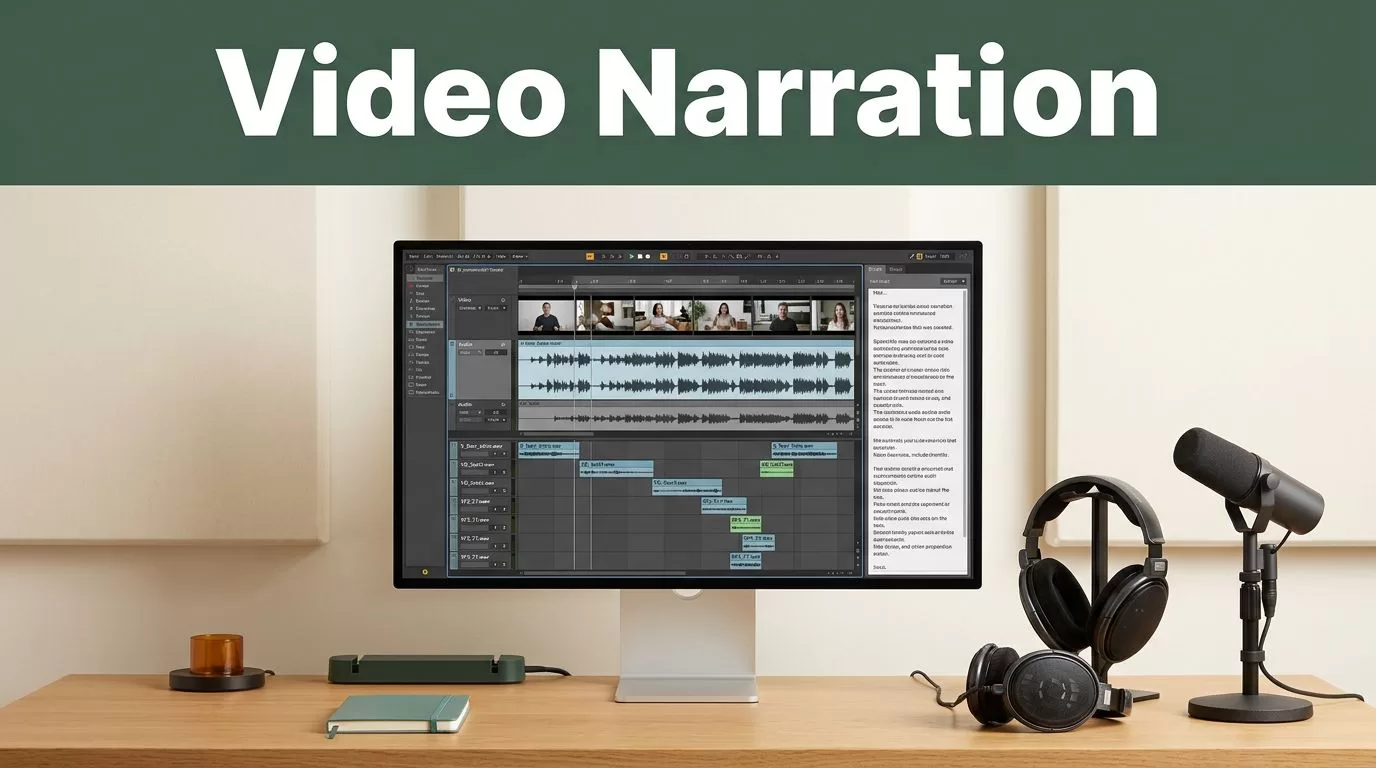
Studio is the practical choice for creators, editors, and instructional designers who want to review audio visually. Current Studio information describes a canvas-based timeline where scripts and audio can sit alongside video material. Partner video AI tools may also provide B-roll suggestions within that workflow.
The API fits teams that generate narration inside a product, learning platform, publishing system, or internal application. It removes repeated manual steps, but it also creates more responsibility for validation, storage, access control, and error handling.
| Requirement | Speechify Studio | Speechify API |
|---|---|---|
| Best fit | Manual video and training production | Automated or application-based workflows |
| Voice control | Studio voice and prosody controls | Voice IDs and synthesis requests |
| Voice cloning | Use available Studio features | Create and reuse a voice ID with consent |
| Caption support | Review audio against the edit | Word-level speech marks from speech endpoints |
| Real-time output | Manual generation and playback | Streaming endpoint for low time-to-first-byte playback |
| Team effort | Lower technical setup | Requires development and operational controls |
The API includes a non-streaming speech endpoint that can return word-level speech marks. Those timestamps can support caption generation and word highlighting. A separate streaming endpoint supports faster playback when an application needs spoken output with low delay.
Don’t build around an API feature until you test the response format in your own system. Confirm authentication, rate limits, storage behavior, failure responses, and the exact audio options available to your account.
Use Studio when a person must make creative decisions. Use the API when the same narration process must run repeatedly with predictable inputs.
A business tool comparison from TECHSY’s AI video and voice guide also places Speechify Studio in voiceover workflows for consistent brand narration and multilingual content. Treat third-party comparisons as starting points. Your own test project should decide whether the workflow meets production requirements.
CONTROL VOICE QUALITY, RIGHTS, AND TRANSLATION
Voice selection is not a one-time branding decision. The right voice depends on the content type.
A product tutorial needs clear pacing and stable pronunciation. A customer story may need a warmer tone. A compliance module may require restrained delivery with no theatrical emphasis.
Create a small voice test. Use the same 100 to 150 words with each candidate. Include a product name, a number, an acronym, a question, and a sentence with a deliberate pause. Compare the results inside the actual video timeline.
Review these areas before approval:
- Pronunciation of customer names, product names, and technical terms
- Pauses at scene changes and before important instructions
- Speed when captions appear on screen
- Emphasis on warnings, prices, dates, and calls to action
- Audio levels against music and recorded interview clips
- Translation accuracy and cultural fit in dubbed versions
Voice cloning requires an additional approval process. Store the speaker’s consent, the approved use case, the permitted channels, and the removal request process. Limit access to cloned voice IDs. Don’t place them in public code or shared spreadsheets.
Speechify’s current product information describes identity locking for cloned voices. That adds a control against unauthorized use, but it doesn’t replace internal access policies or legal review.
Check voice rights before using celebrity-inspired or recognizable voices in commercial campaigns. A voice being available in a product doesn’t automatically give your company permission to imitate a real person in every context.
Community discussions, such as an editor thread about temporary AI narration, can reveal practical workflow concerns. They don’t establish licensing terms, consent standards, or commercial usage rights. Use formal product and legal documentation for those decisions.
DEPLOY IT AS A TEAM PROCESS
A successful narration deployment needs ownership. Assign one person to approve scripts, one person to manage voice settings, and one reviewer to check the final video when the project justifies it.
Create a shared project structure. Store the script, pronunciation guide, generated audio, translated versions, captions, and final video together. Use file names that answer four questions:
Project_Language_Voice_Version_Date
For example:
Onboarding_EN_GuidedVoice_v03_2026-07-18
Don’t overwrite approved audio. Save new versions so the team can restore a previous take. This matters when a voice changes, a script is updated, or a client rejects a later revision.
Set a review threshold based on risk. A short internal draft may need one operator check. A public product video, regulated training course, or customer-facing translation needs a documented review.
Budget for more than generation time. Your cost includes script cleanup, pronunciation testing, audio replacement, caption review, translation review, and revisions. Public plan pricing and limits can change, so use the current Speechify account page when calculating spend.
Run a pilot with three real projects. Choose one short marketing video, one technical or instructional video, and one multilingual version. Track production time, revisions, pronunciation errors, caption corrections, and approval delays.
Those results give you a better buying decision than a feature list. If the tool creates audio quickly but adds review work, the workflow may not reduce total production effort.
Conclusion
Speechify video narration is most useful when you deploy it as a controlled production system, not a one-click replacement for editing. Studio supports hands-on voice creation and adjustment. The API supports repeatable narration inside software and automated workflows.
Start with a locked script, a tested voice, clear file management, and human review. Confirm current plan limits, voice availability, language support, export options, and usage rights before committing to a large rollout.
The first generated voiceover is only a draft. The dependable result comes from the process around it.
